Elementor image has no alt text: where Elementor reads it from
An Elementor Image widget can render with an empty alt even on a finished page. Where Elementor gets image alt text, the cases that leave it blank, and how to fix them.
75 articles
An Elementor Image widget can render with an empty alt even on a finished page. Where Elementor gets image alt text, the cases that leave it blank, and how to fix them.
Replace a WooCommerce product photo and the old alt text often stays behind, now describing a picture that is no longer there. Here's how to catch it.
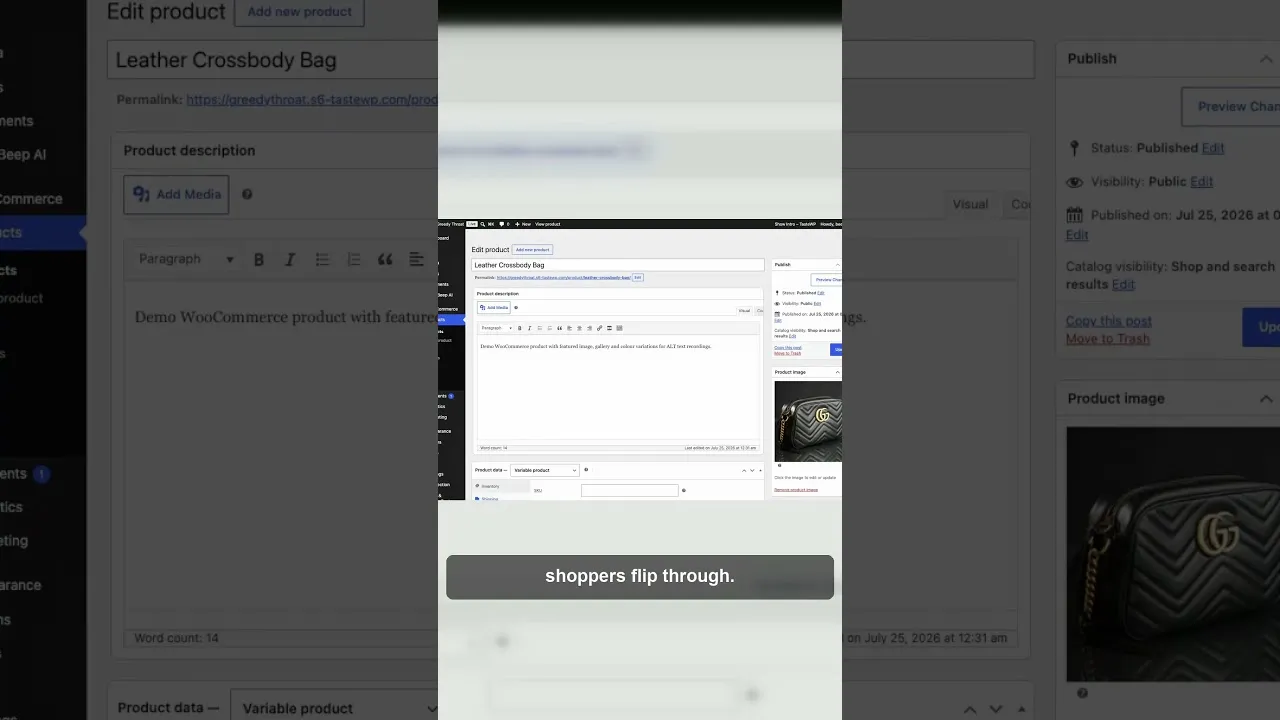
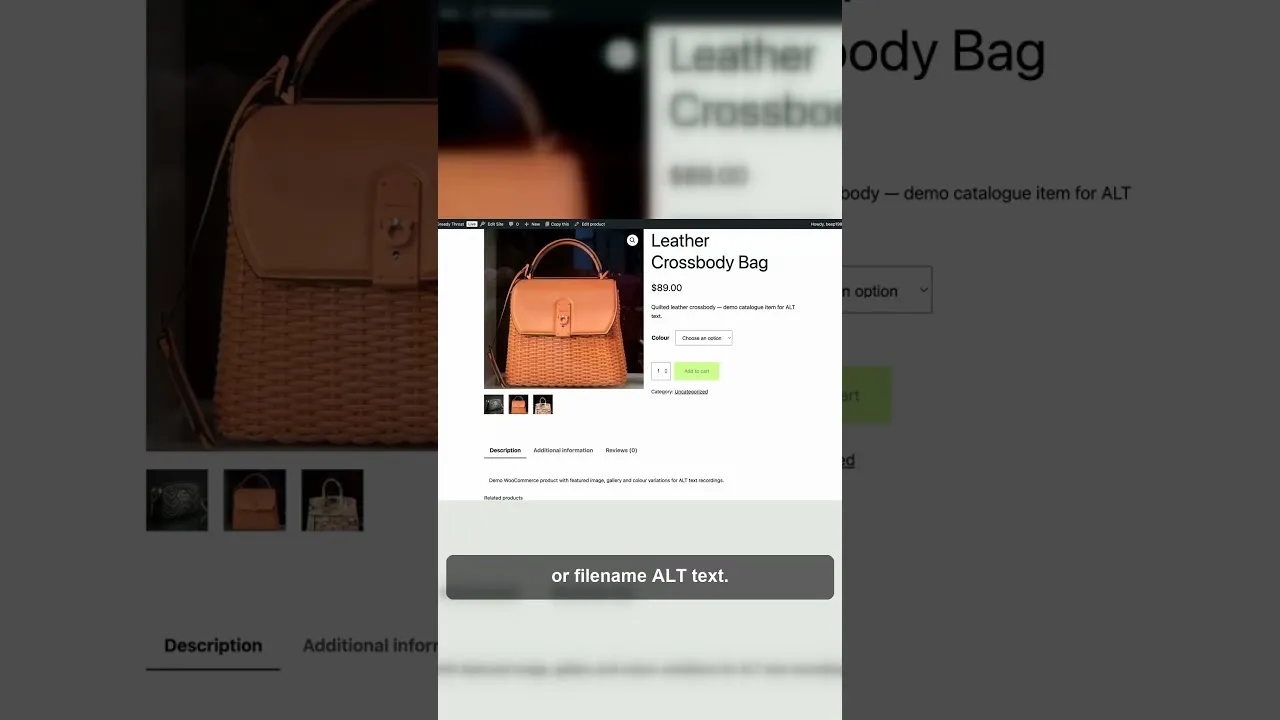
WooCommerce gallery images are separate Media Library attachments, so they often have no alt text. How to check them, what to write, and how to fix a whole catalogue.
WordPress multisite networks hide alt text gaps behind the network admin screen. Here's how to audit every subsite without logging into each one.
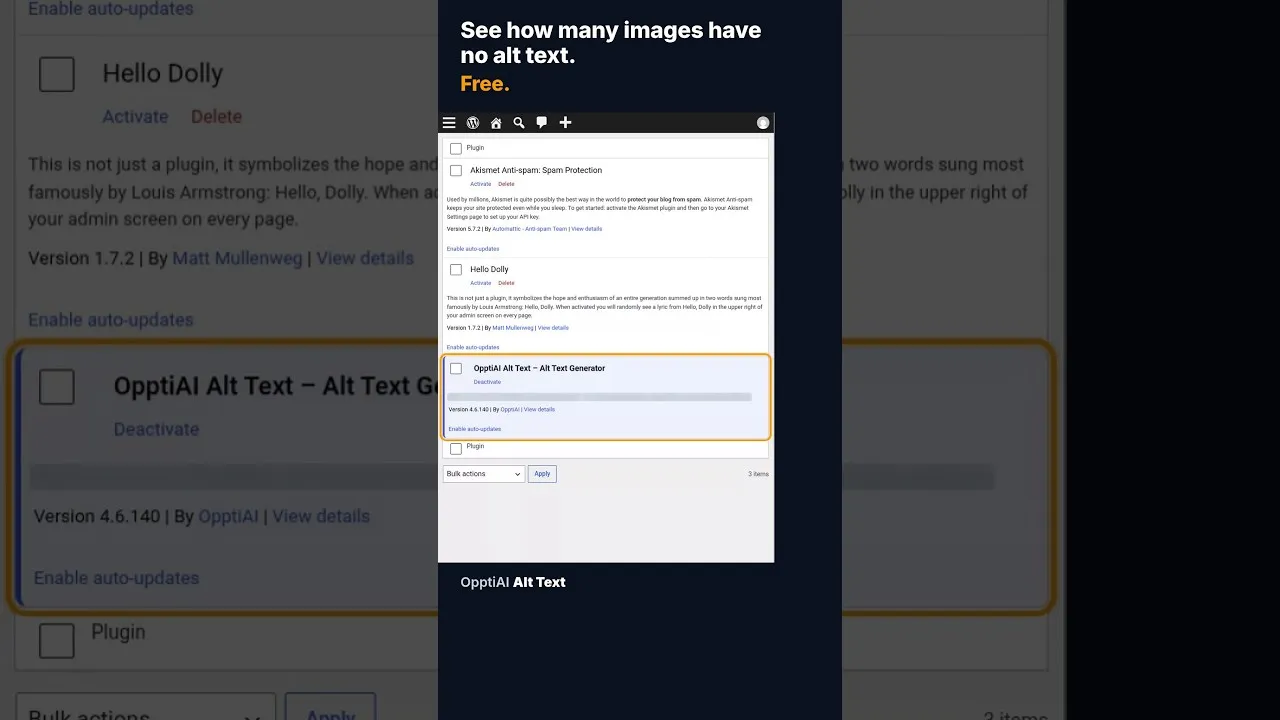
A free alt text audit counts exactly how many WordPress images are missing alt text, no account needed. Here's what the count actually means.
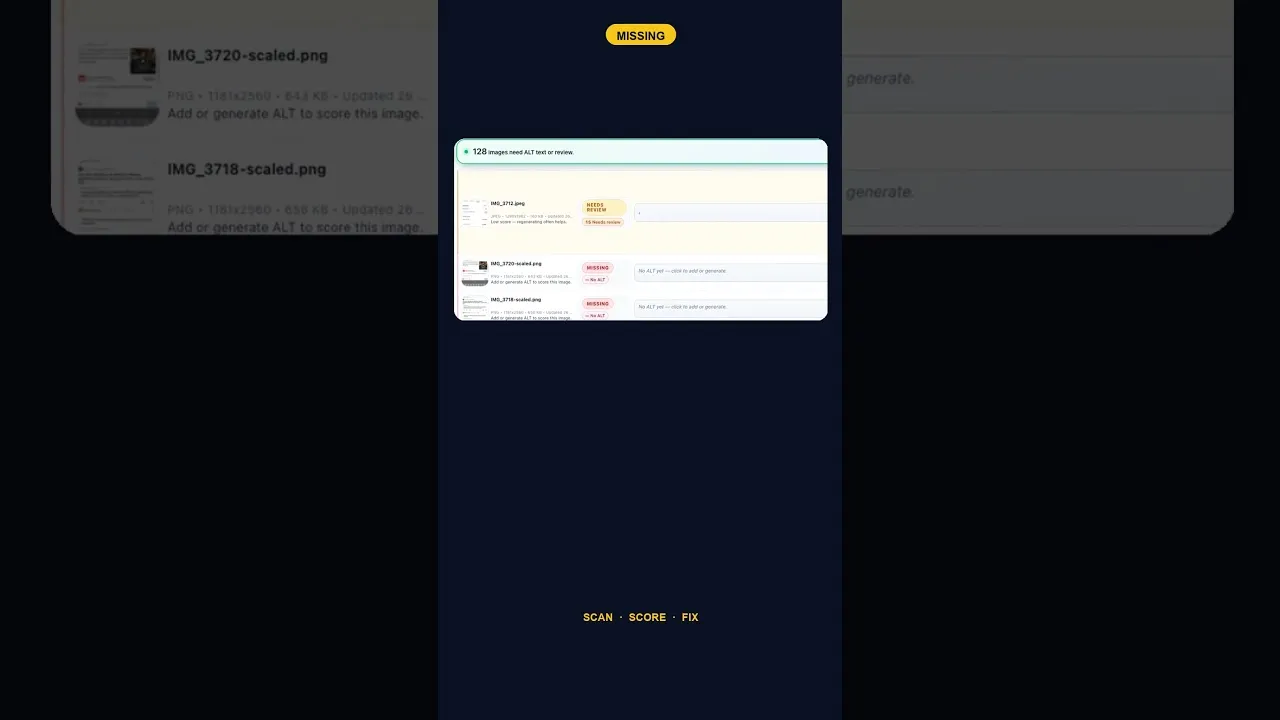
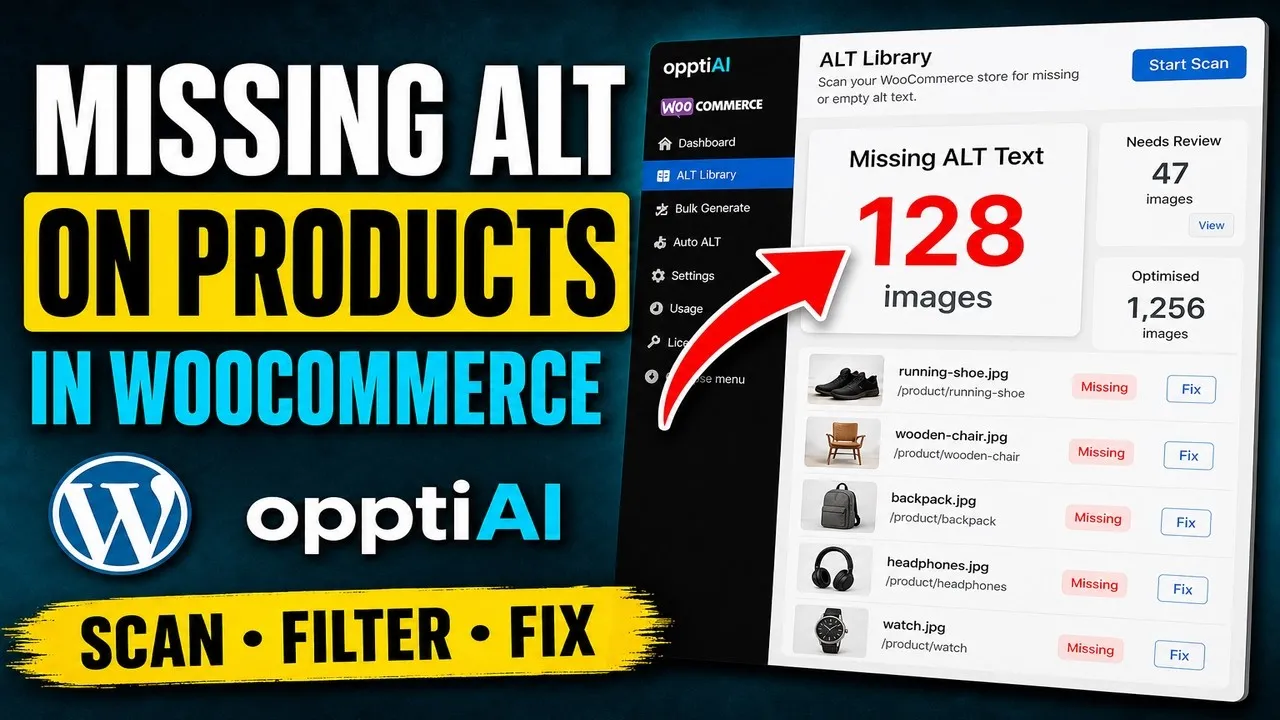
A 128-image alt text backlog sounds like a project. Split by what's actually wrong with each image, most of it is a much smaller job than the headline number.
WooCommerce cross-sell and upsell thumbnails often ship with no alt text, because a separate template or widget renders them, not the product gallery.
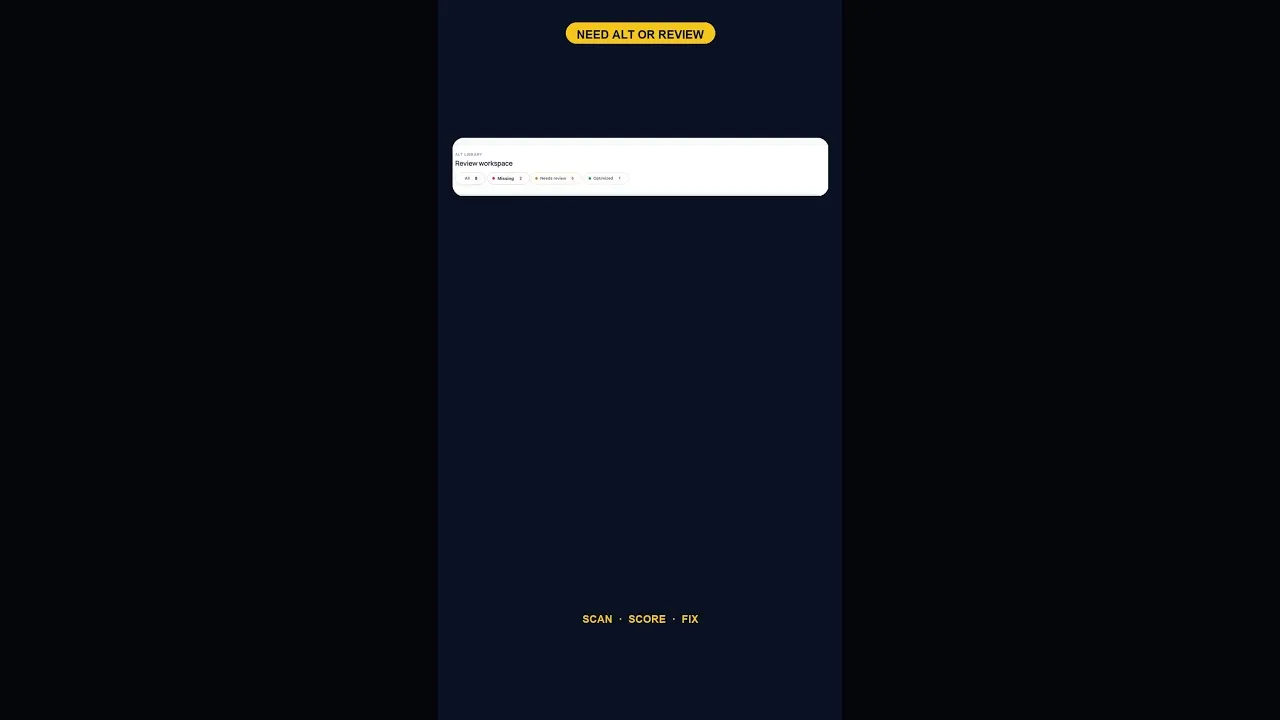
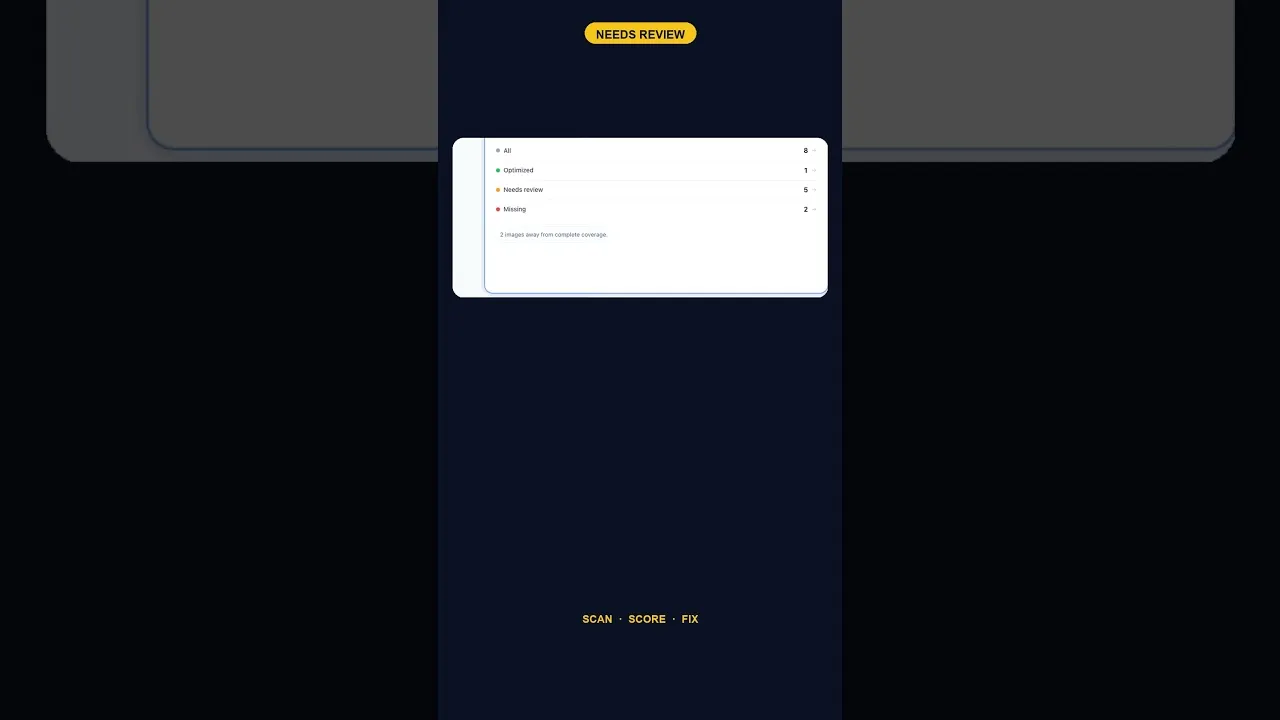
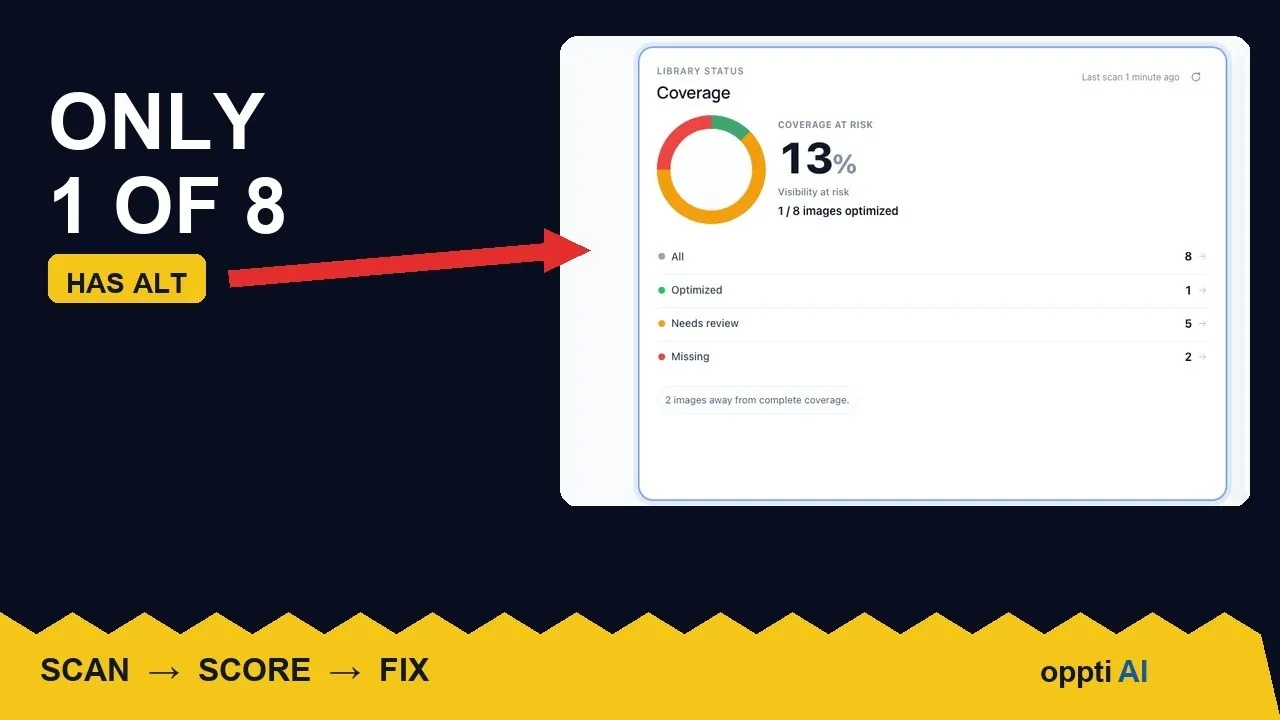
A scan that finds five images flagged for alt text review and none outright missing is telling you something different than a scan full of blanks.
Before you can prioritise alt text fixes, you need to classify images correctly. Here's a practical test for telling decorative images apart from content images.
A WordPress site with just two images missing alt text is easy to deprioritise. Here's why that small a gap is still worth closing the same day you find it.
An ALT text coverage audit shows exactly how many WordPress images are missing alt attributes, and which ones genuinely need fixing first.
A low alt text coverage score on WordPress looks alarming at first glance. Here's how to read the number properly before you panic or ignore it.
Screenshots and infographics need alt text that describes the data shown. Here's how to write it, and where a short alt attribute isn't enough.
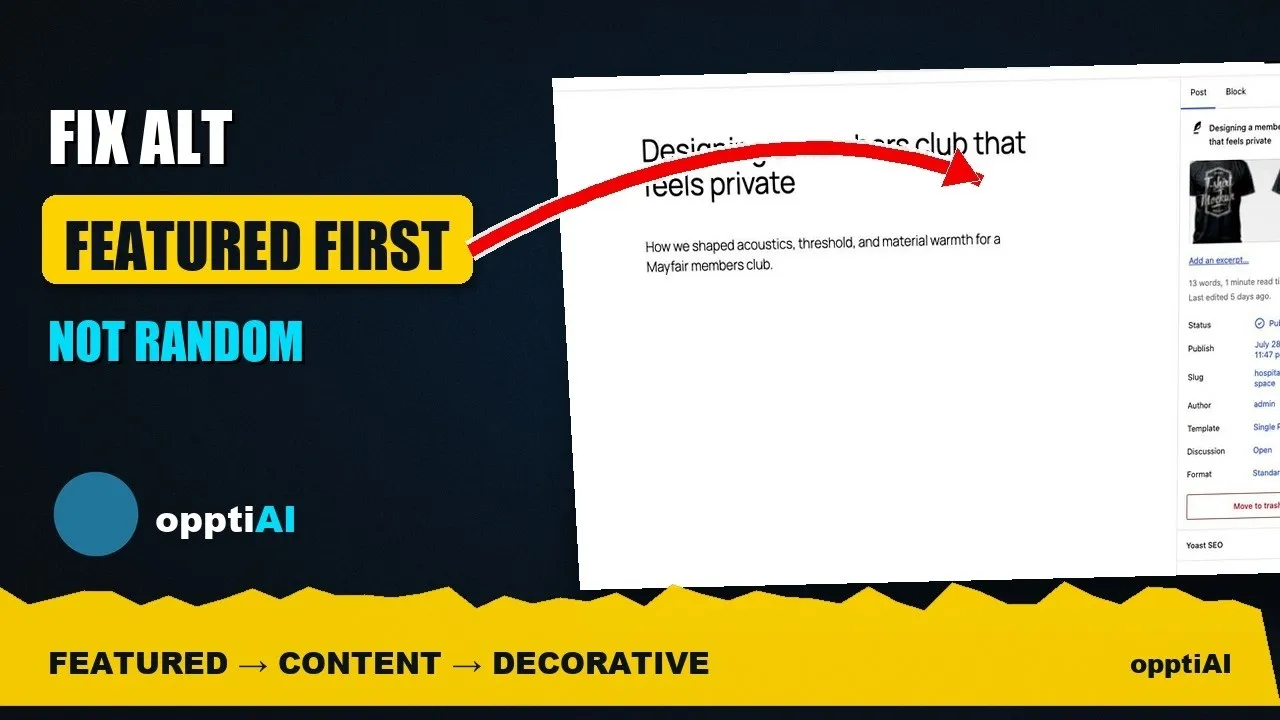
A featured image's alt text shows up in far more places than a normal content image. Here's why it deserves the first fix, not the last.
Working through missing alt text oldest-first feels productive but isn't. Prioritising by page traffic fixes the images that are actually seen.
Not every missing alt text field deserves the same urgency. Here's the priority order that actually moves image SEO: featured, products, content.
WooCommerce Product Bundles and Mix and Match products ship their own container images that most alt text tools never scan, leaving bundle thumbnails blank.
Autopilot and cleanups still miss uploads. Same-day alerts catch missing alt text on new WordPress uploads before it piles up unnoticed.
SVG images don't pick up alt text the way JPEGs and PNGs do. Here's why WordPress treats them differently, and how to make SVGs accessible.
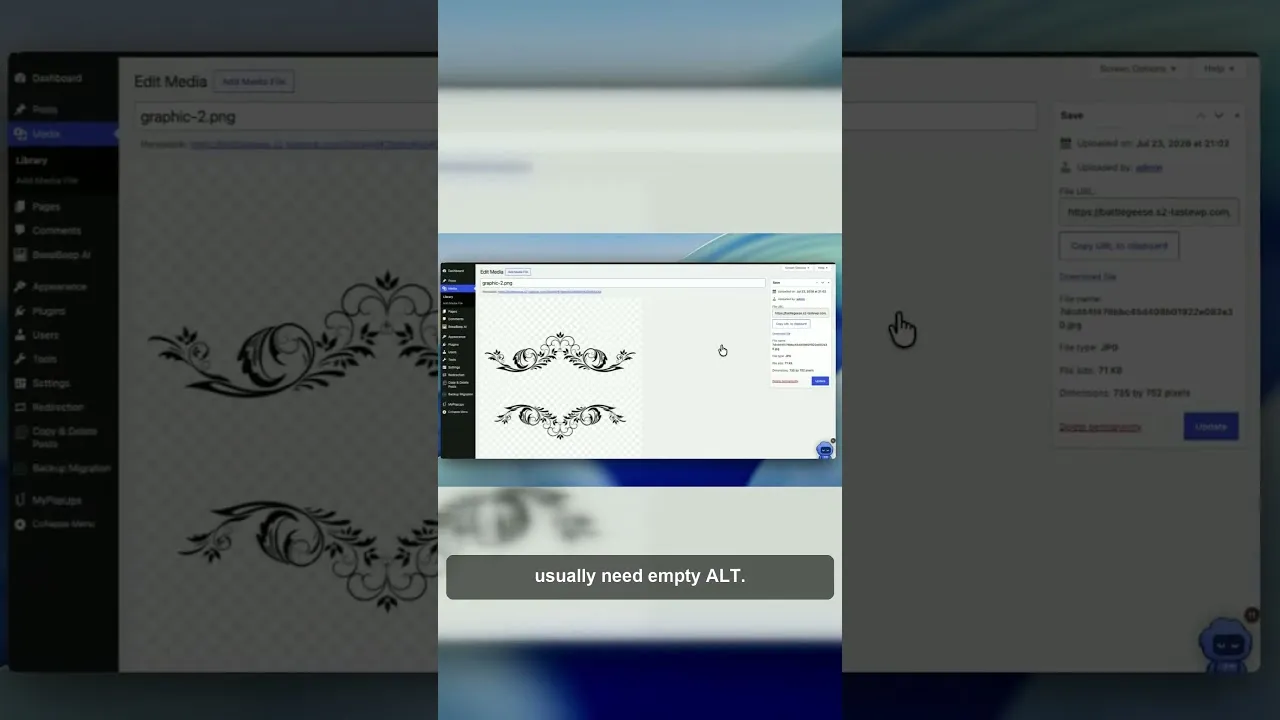
WooCommerce quick-view and lightbox images often load without the alt text on your product page, because most scanners never see them render.
WordPress stores alt text in more than one place. Here's why block editor and media library alt text can disagree, and where the real value lives.
Multi-vendor WooCommerce marketplaces lose alt text coverage because vendors upload outside your admin workflow. Here's how to close the gap.
Autopilot and cleanups still miss images. Here's the routine check that catches new uploads slipping through before missing alt text piles up again.
Manually writing alt text for every new upload doesn't survive contact with a busy site. Here's how to configure autopilot rules that generate it for you.
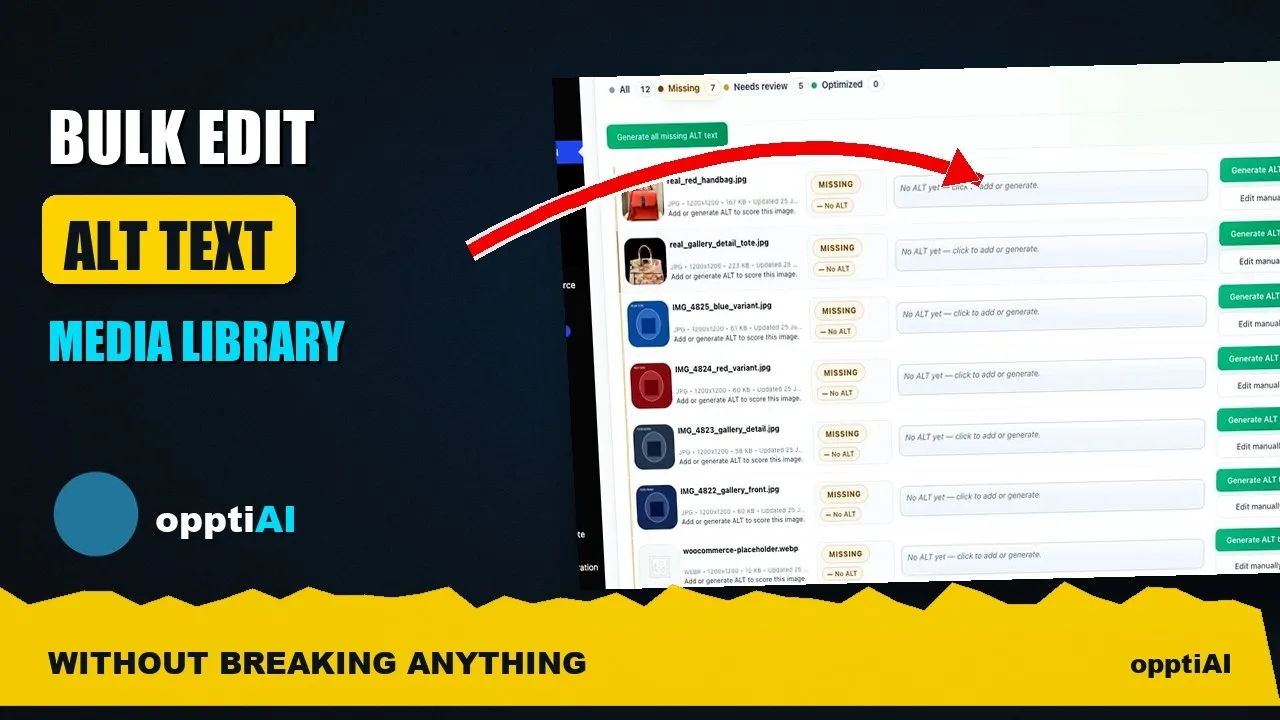
Opening one attachment at a time to fix alt text doesn't scale. Here's how to bulk-edit from a filtered list instead, without breaking anything.
How long should WordPress alt text actually be? A practical range for image SEO, with examples of alt text that's too short, too long, and about right.
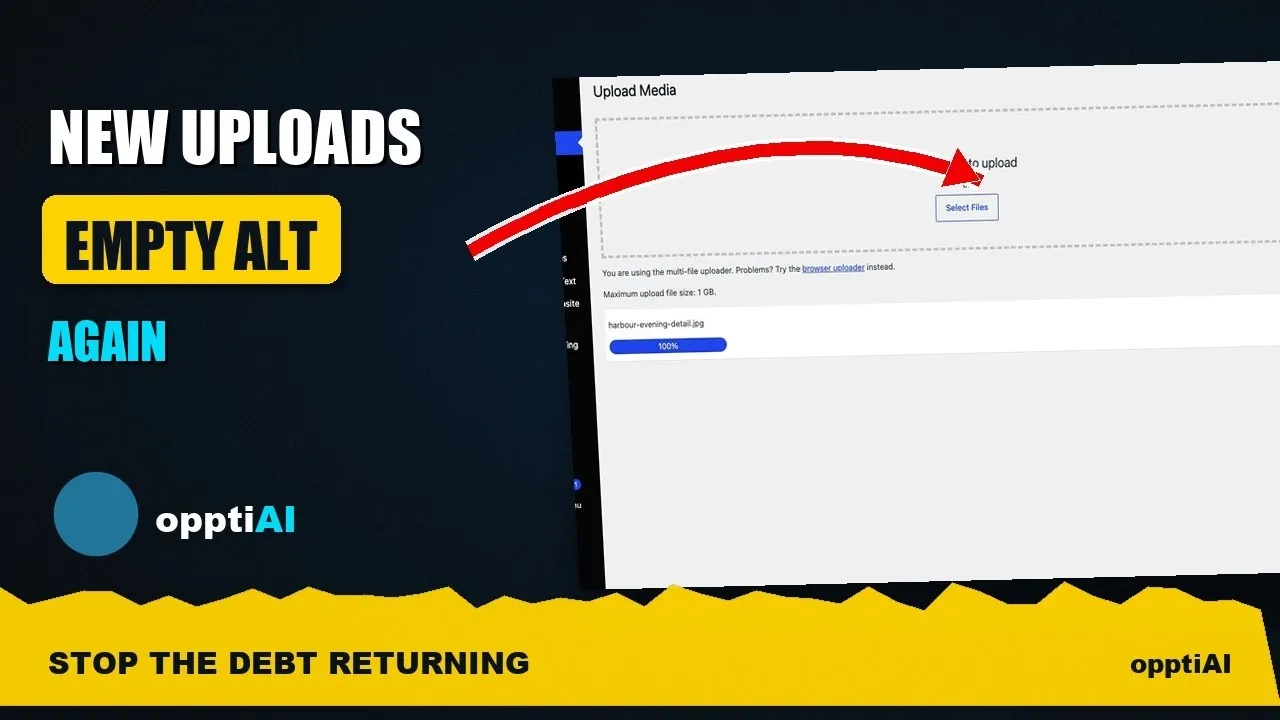
You cleared the alt text backlog last month, and it's already back. Here's why new WordPress uploads keep breaking a finished cleanup, and how to stop it.
Elementor missing alt text: an Image widget can ship empty alt even when the file is in your Media Library. Fix the widget or the attachment.
A single alt text cleanup pass rarely finishes the job. Here's how to track the missing count across repeat passes until it actually reaches zero.
WooCommerce alt text doesn't feed your Google Shopping listings directly, but it shapes image signals Merchant Center checks before approving products.
Reading every alt text in a 300-image batch isn't realistic. Here's how to build a spot-check sample that catches systemic errors without reading each one.
Scrolling the whole media library to find missing alt text wastes most of your session. Filter to what's actually missing, then work that list.
Elementor and GeneratePress still store images in the WordPress Media Library. Scan for missing alt text, then generate. You can review and edit the results at any time.
Product images without alt text miss image search and fail a basic accessibility check. Install OpptiAI Alt Text, scan, then generate.
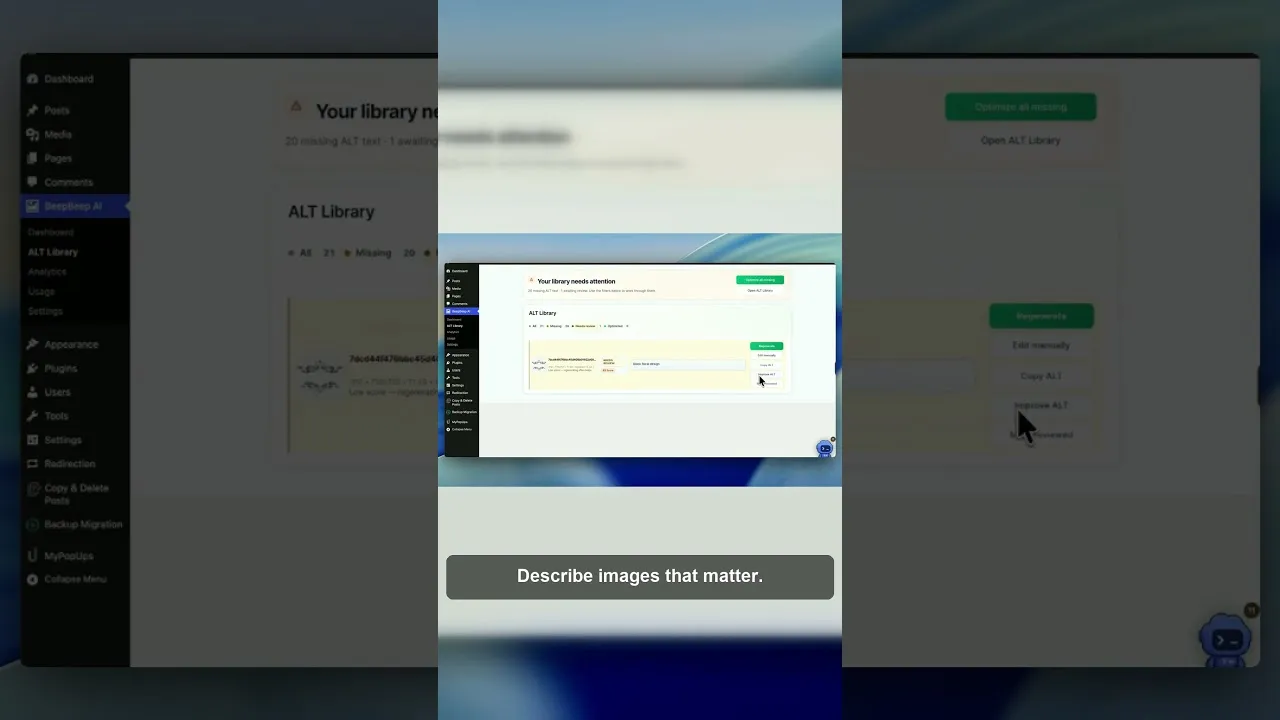
Scan, prioritise, generate, review — skip the last step and you've just bulk-saved mistakes. Here's the order that actually clears an alt text backlog.
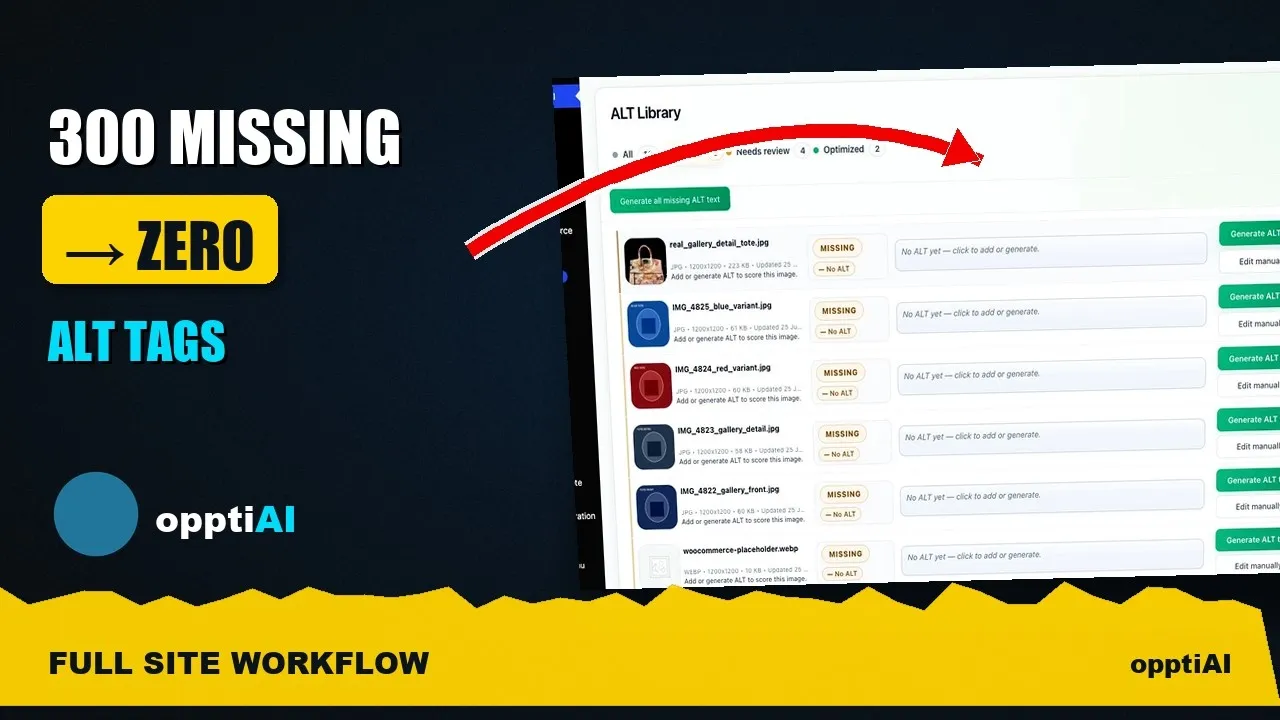
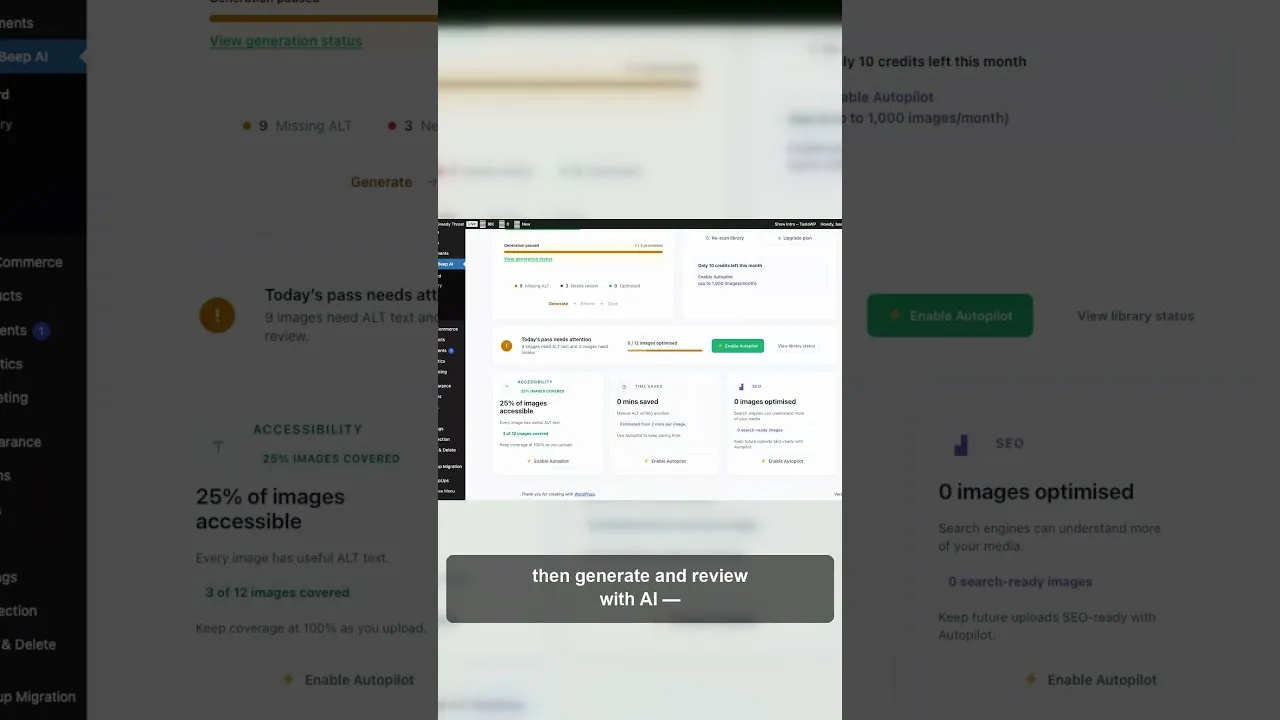
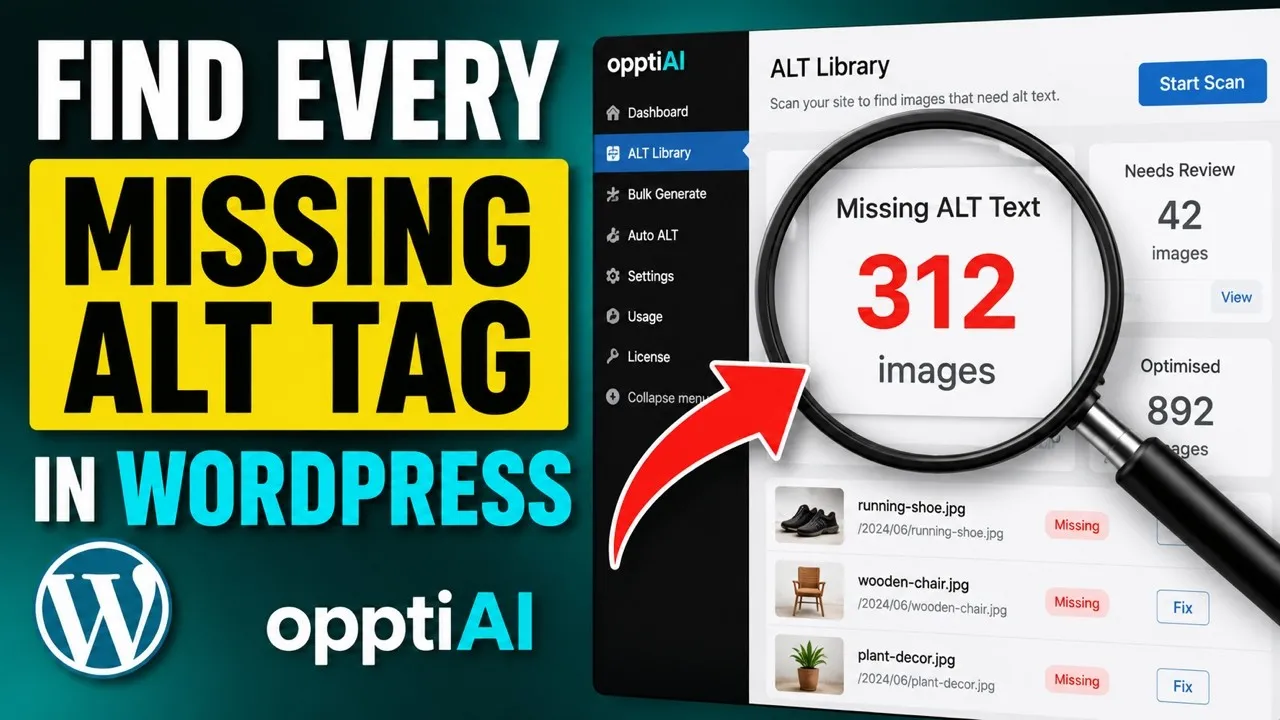
300 missing alt tags isn't a weekend of manual clicking. Here's how to scan a WordPress site's full alt text debt and clear it down to zero in batches.
CSS background images in WordPress can't carry an alt attribute at all. Here's what that means for SEO and accessibility, and how to fix it properly.
WooCommerce product images often ship with empty alt text or filenames like IMG_4821. Here's a fast way to find and fix the gaps across your catalogue.
Fixing the featured image alt text isn't enough. WooCommerce variation images are stored separately and need their own descriptions to be found.
Opening every WooCommerce product to check alt text doesn't scale past a handful of items. Here's a scan-filter-fix workflow that does.
WooCommerce product images look fine to shoppers and still have empty or filename alt text. Here's where the gaps usually hide and how to find them.
One question decides whether a WordPress image needs alt text or should stay empty: would removing it lose information? Here's how to apply it fast.
Setting alt text to empty isn't the same as it working correctly. Here's how to verify decorative images are actually skipped by screen readers.
WooCommerce category and archive thumbnails almost never get alt text. Here's why they're skipped and how to fix them without touching every product.
Writing keyword-rich alt text for decorative WordPress images doesn't help SEO and can flag your site for spam. Here's what to do instead.
Checking pages one at a time misses most of your missing alt text. Here's why scanning the media library first finds the whole gap in one pass.
Not every missing WordPress alt text field deserves the same fix. Here's how to prioritise meaningful images over decorative ones before you start.
Fixing WordPress alt text isn't the last step. Here's how to re-audit afterwards and confirm your missing count actually went down.
A WordPress alt text quality score isn't just present or missing. Here's what factors actually go into scoring alt text, and what a low score really means.
A single image's alt text score doesn't tell you much on its own. Here's how to measure alt text quality as a site-wide metric you can track over time.
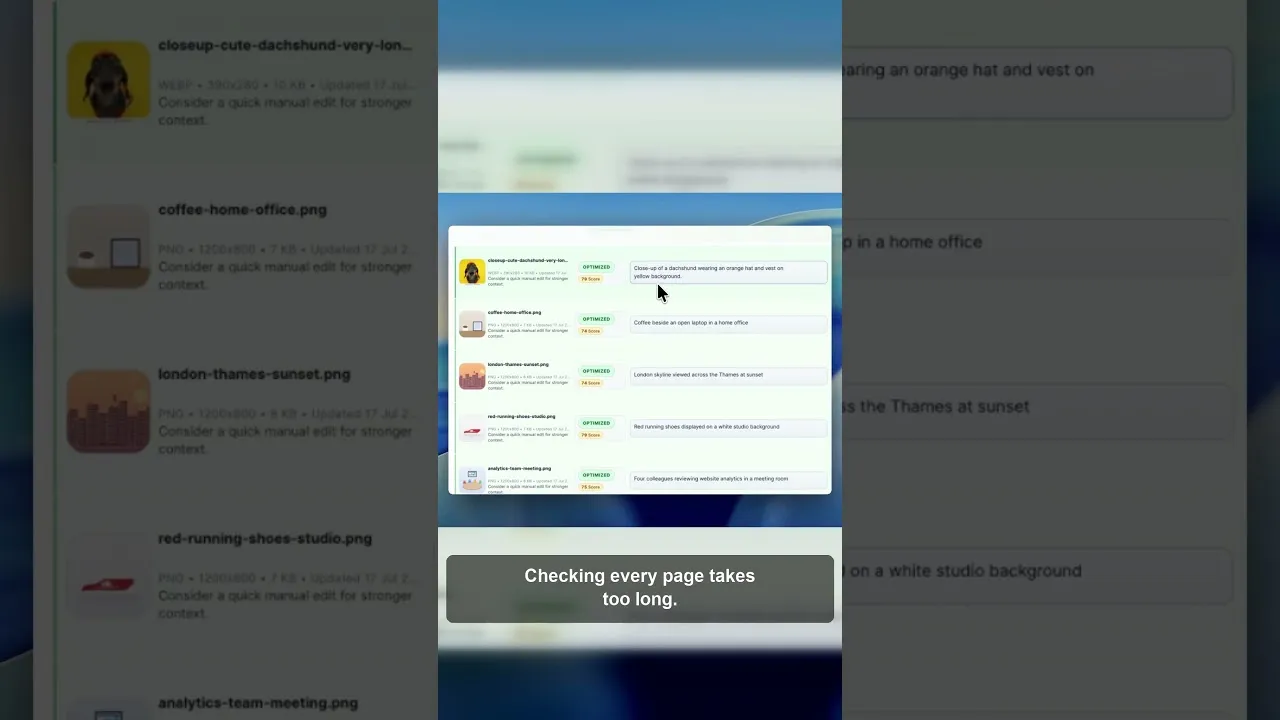
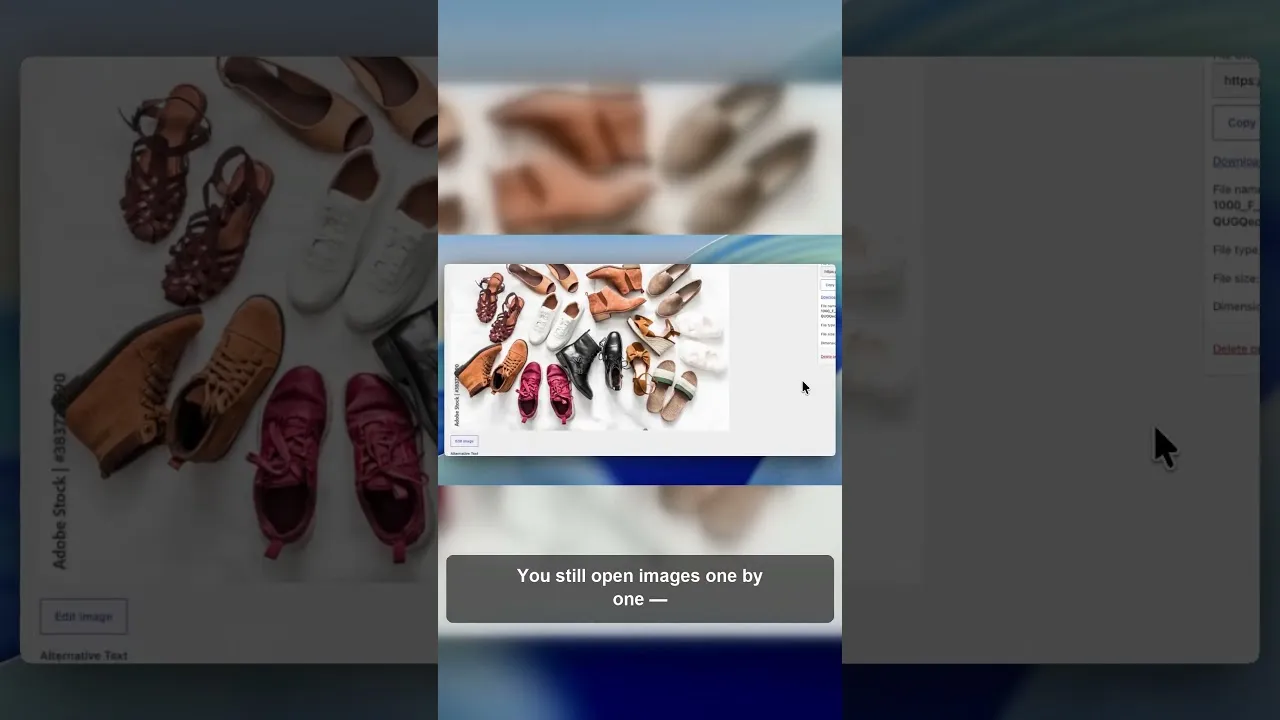
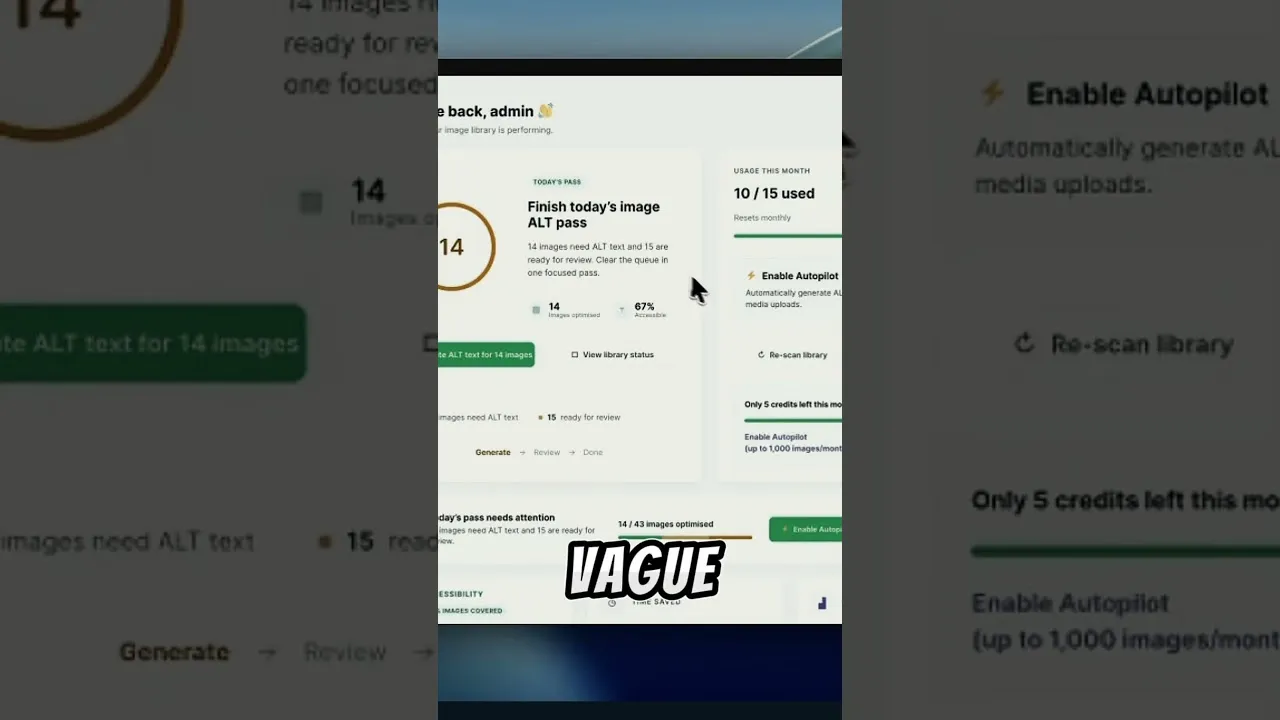
Stop opening images one by one. Here's how to scan your whole WordPress media library, find every missing alt tag, and prioritise the fixes that matter.
A quiet WordPress SEO problem sits in your media library, not your content. Here's how missing alt text costs you image search rankings without any warning.
WordPress featured images often render with no alt attribute at all — not a blank one, none. Here's why, and how to fix it across your whole site.
Checking alt text page by page in WordPress doesn't scale. Here's how to get a single, site-wide view of every missing alt tag and filter it down to what matters.
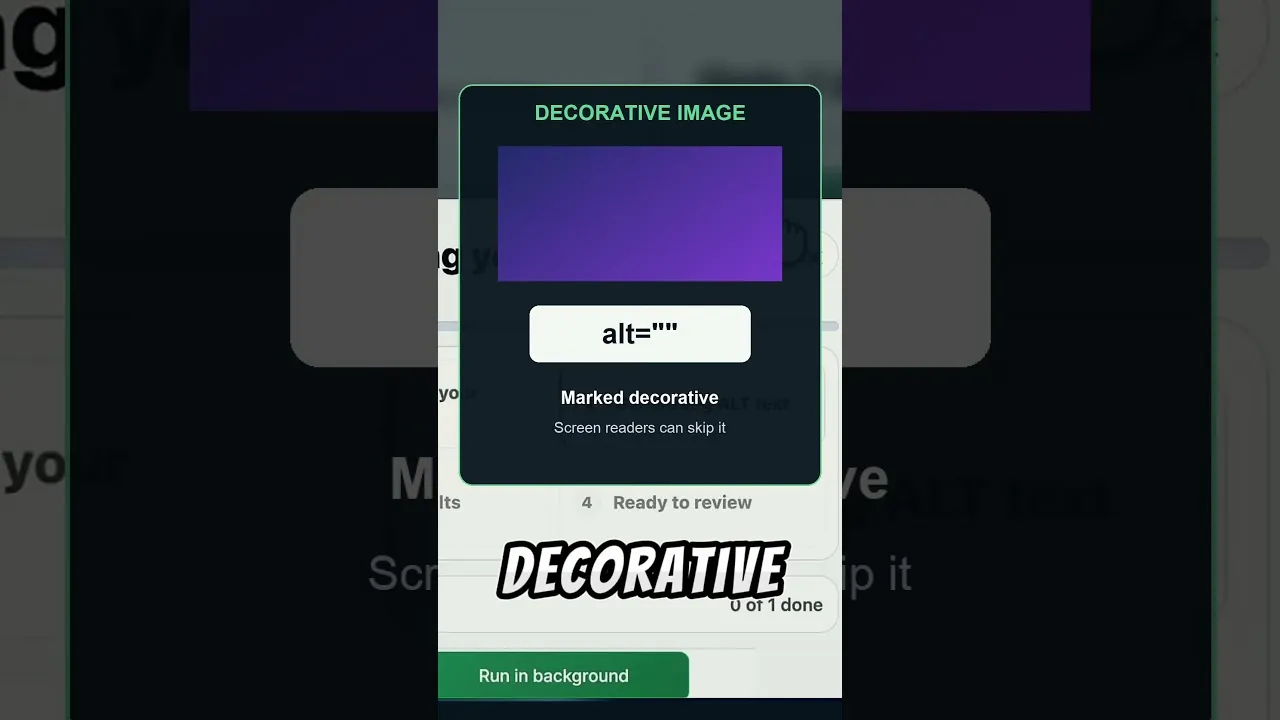
Not every image on a WordPress site needs a written description. Here's how to tell decorative images apart from content images before you fix your alt text.
Checking WordPress alt text manually feels doable until you count the images. Here's what a full manual check actually costs, and a faster way to get the same result.
WooCommerce's product CSV importer has no alt text column, so bulk-imported product photos go live with none. Here's how to find and fix the gap.
Having alt text on every image isn't the same as having useful alt text. Here's how to spot the fake fixes and write descriptions that actually help.
OpptiAI’s State of WordPress Image SEO 2026 report hub is live: definitions for missing and weak alt text, how public-page audits feed anonymised snapshots, and where to start remediating.
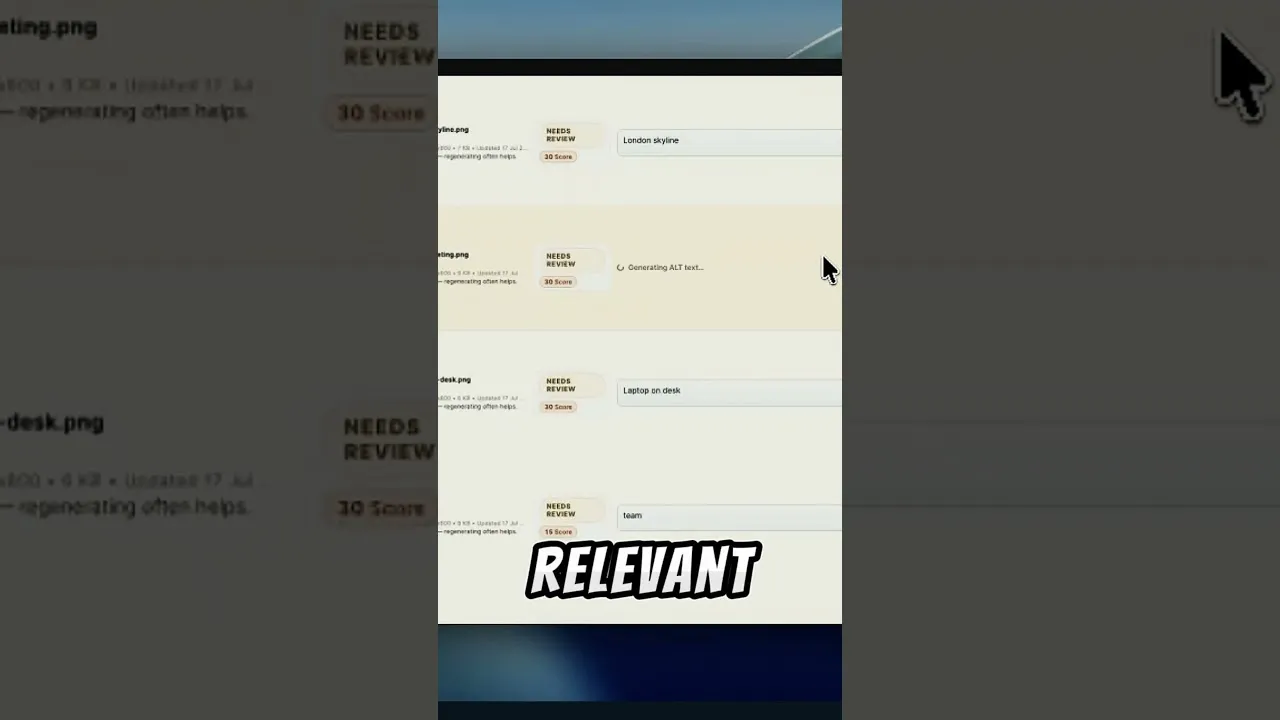
Weak WordPress alt text drags down your image SEO. Here's how to score it, rewrite the worst offenders from the image, and save it back.
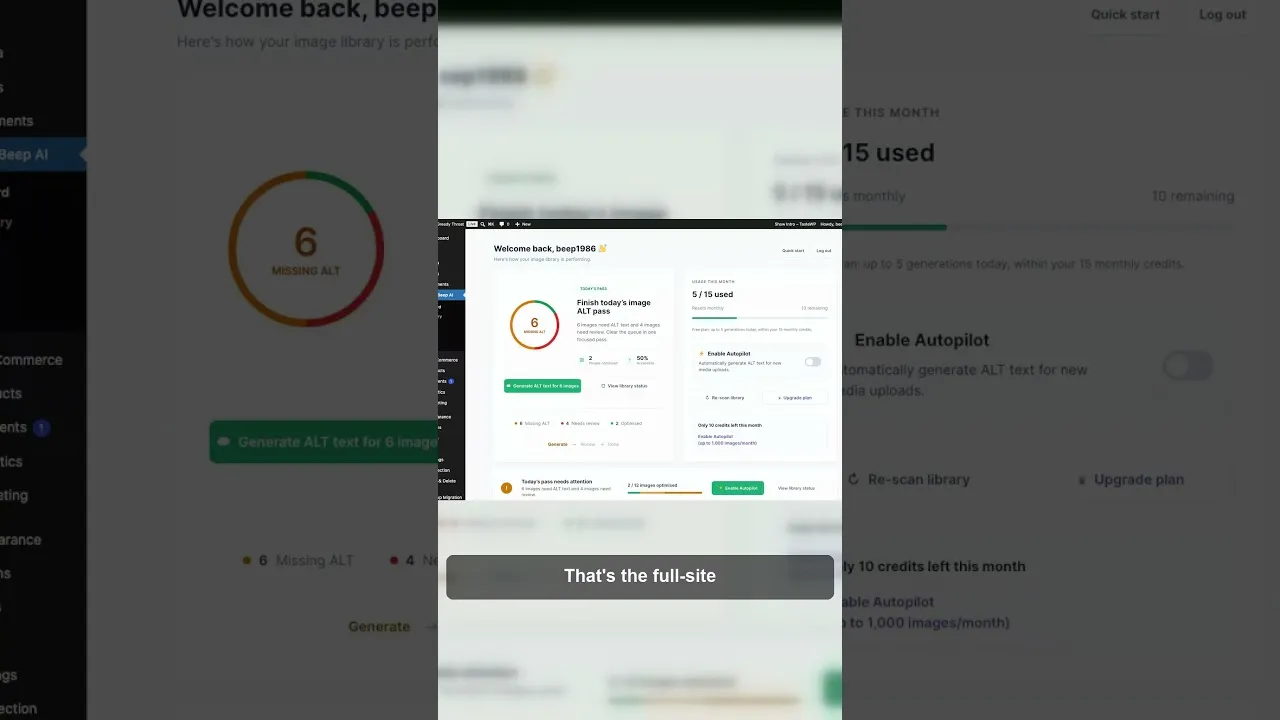
A practical way to find and fix missing alt text across WordPress, improve image SEO and accessibility, without editing every image by hand.
WooCommerce variation images often ship with no alt text. Here's why they slip through and how to write alt text that helps search and shoppers.
Not every WordPress image needs alt text. Decorative images should have empty alt so screen readers skip them. Here's how to tell them apart and set it.
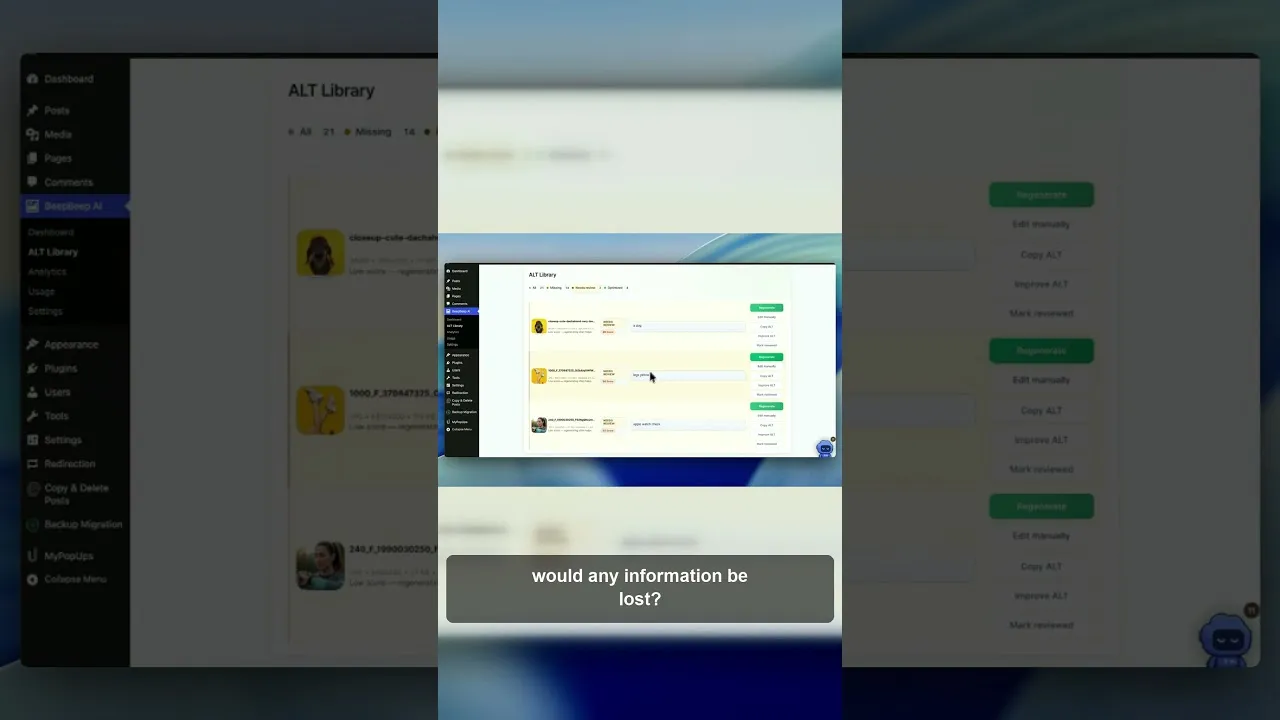
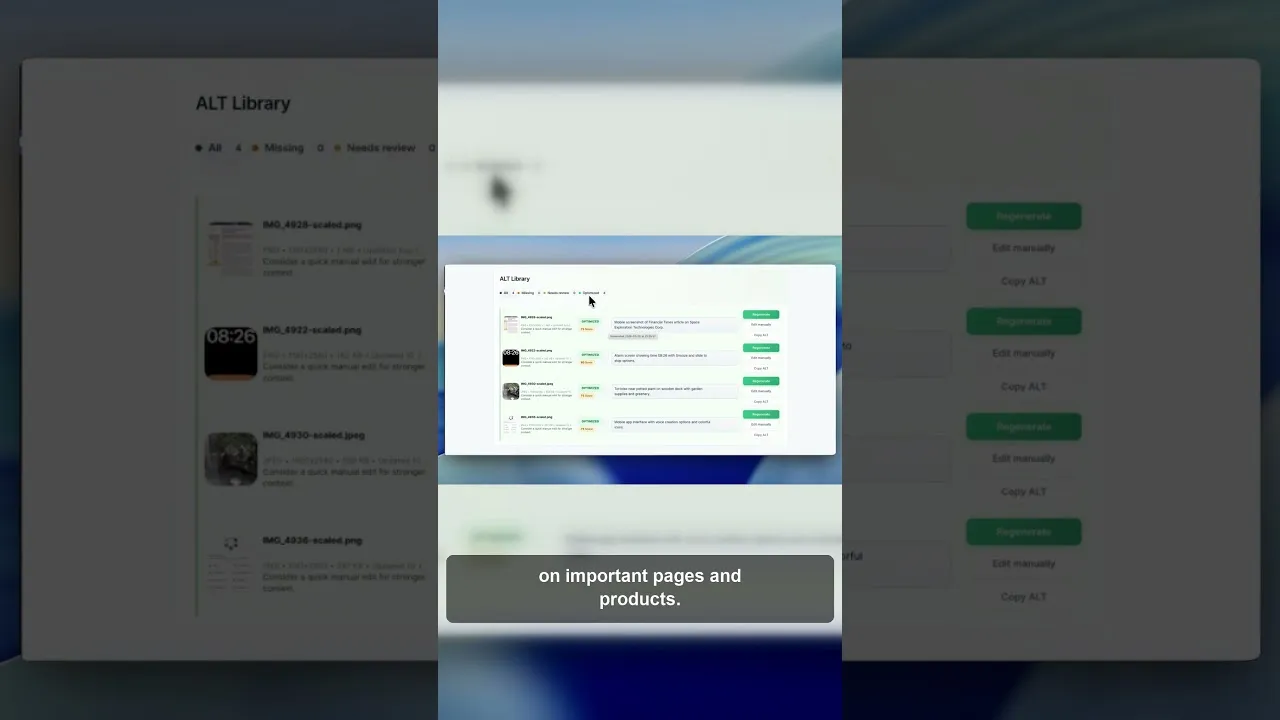
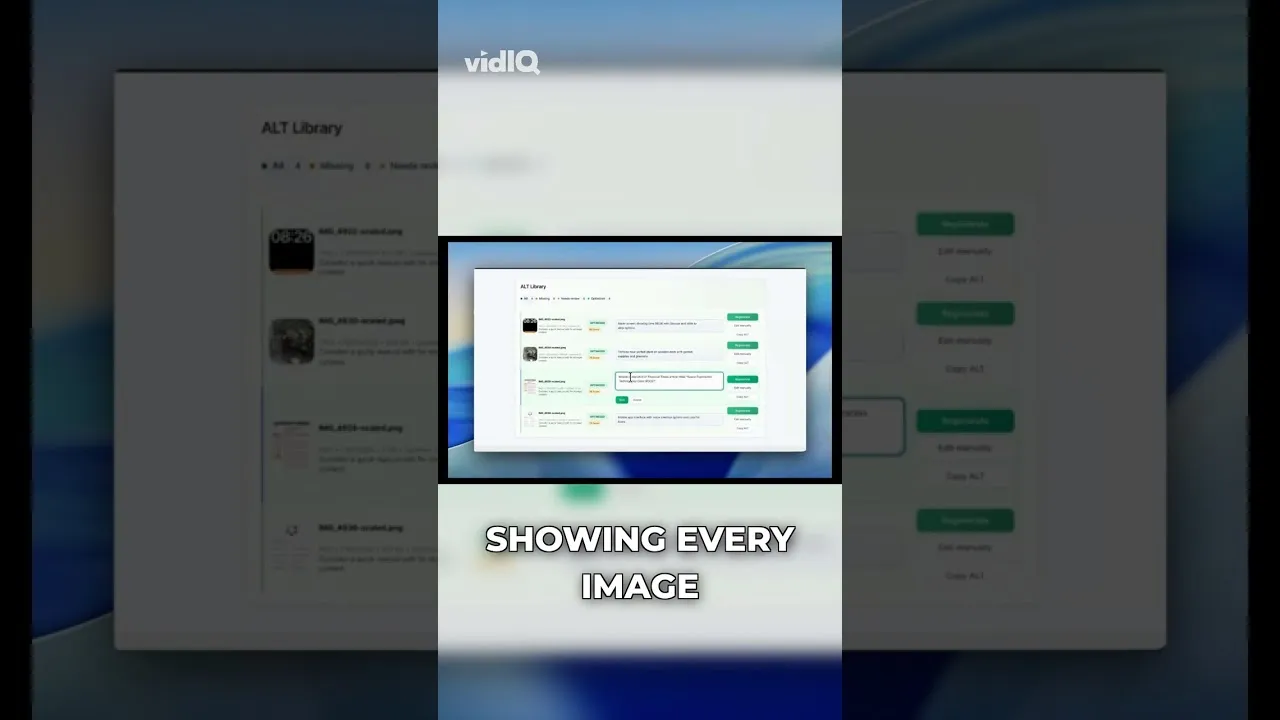
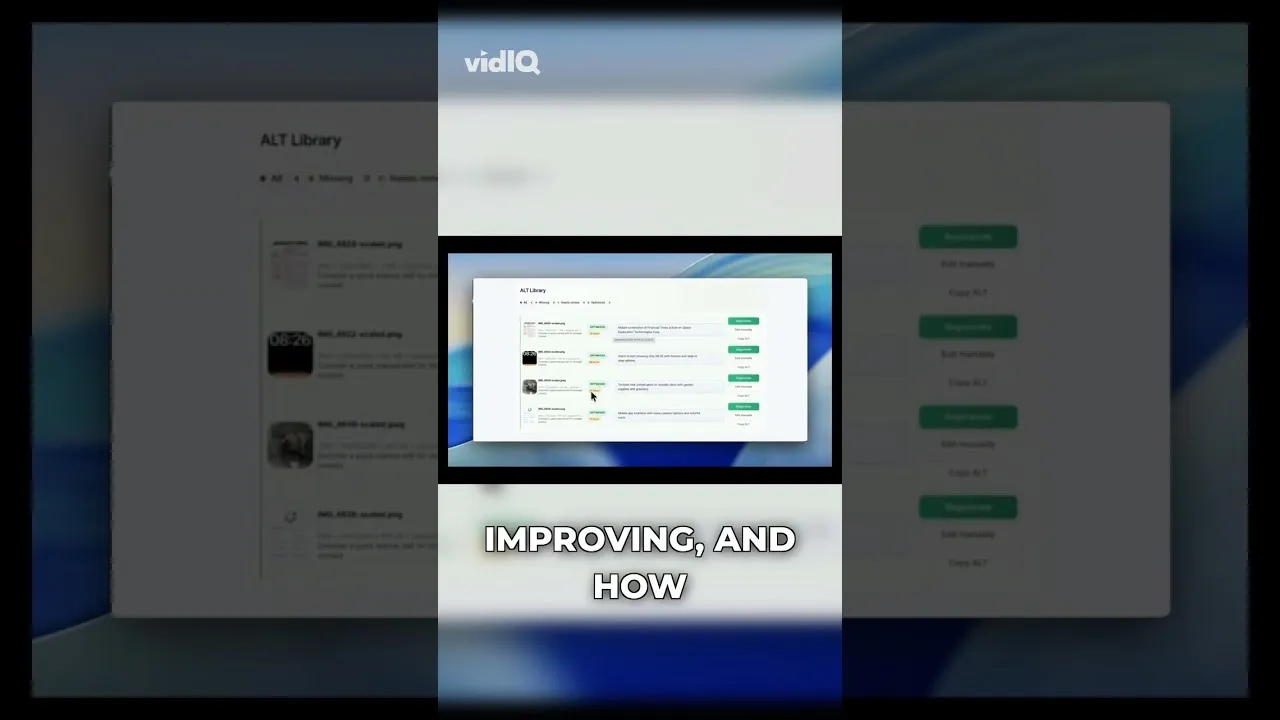
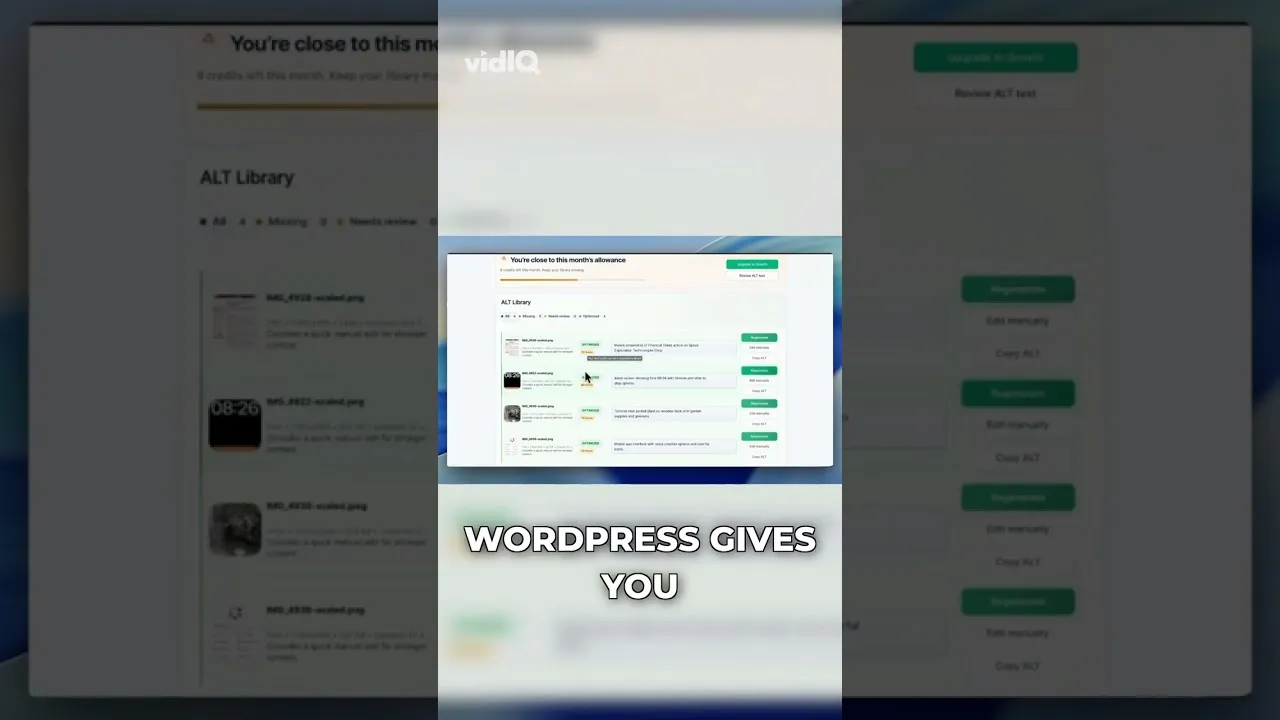
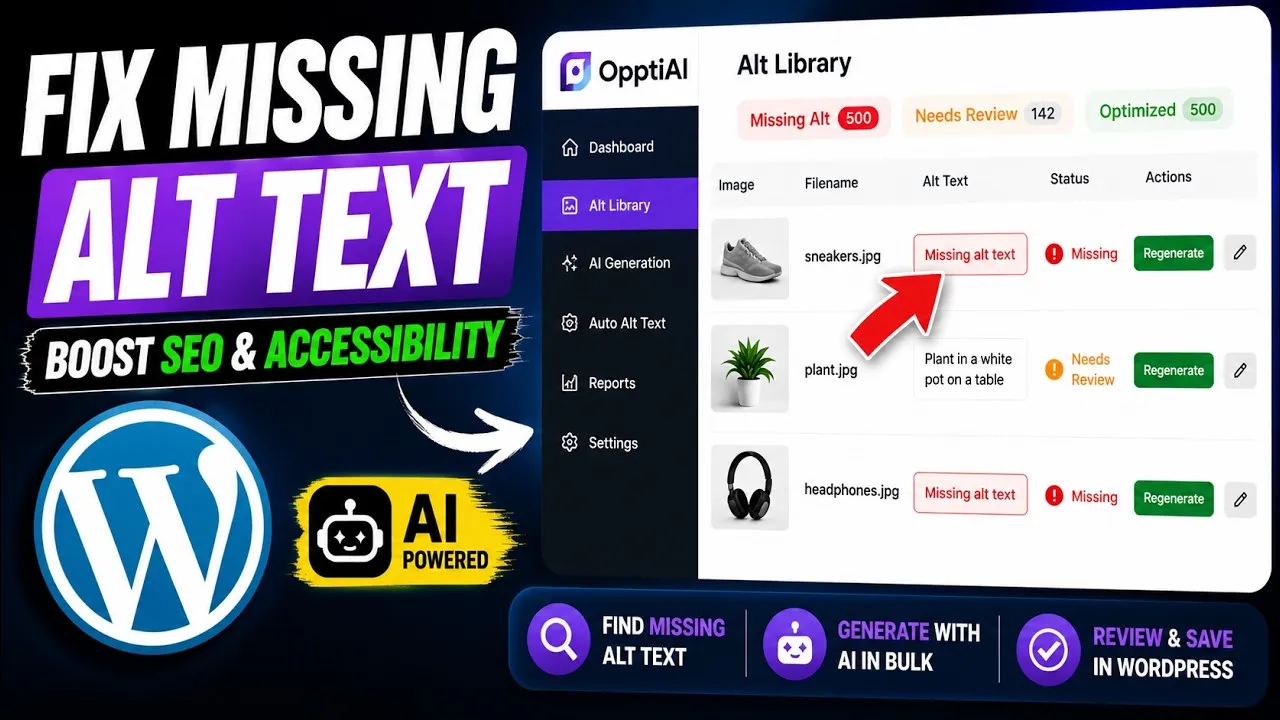
A WordPress ALT Text Library gives you one place to find missing descriptions, review weak text, improve accessibility, and give search systems clearer image context.
Alt text and the title attribute look alike in WordPress but do very different jobs. Here's which one matters for image SEO and accessibility, and why.
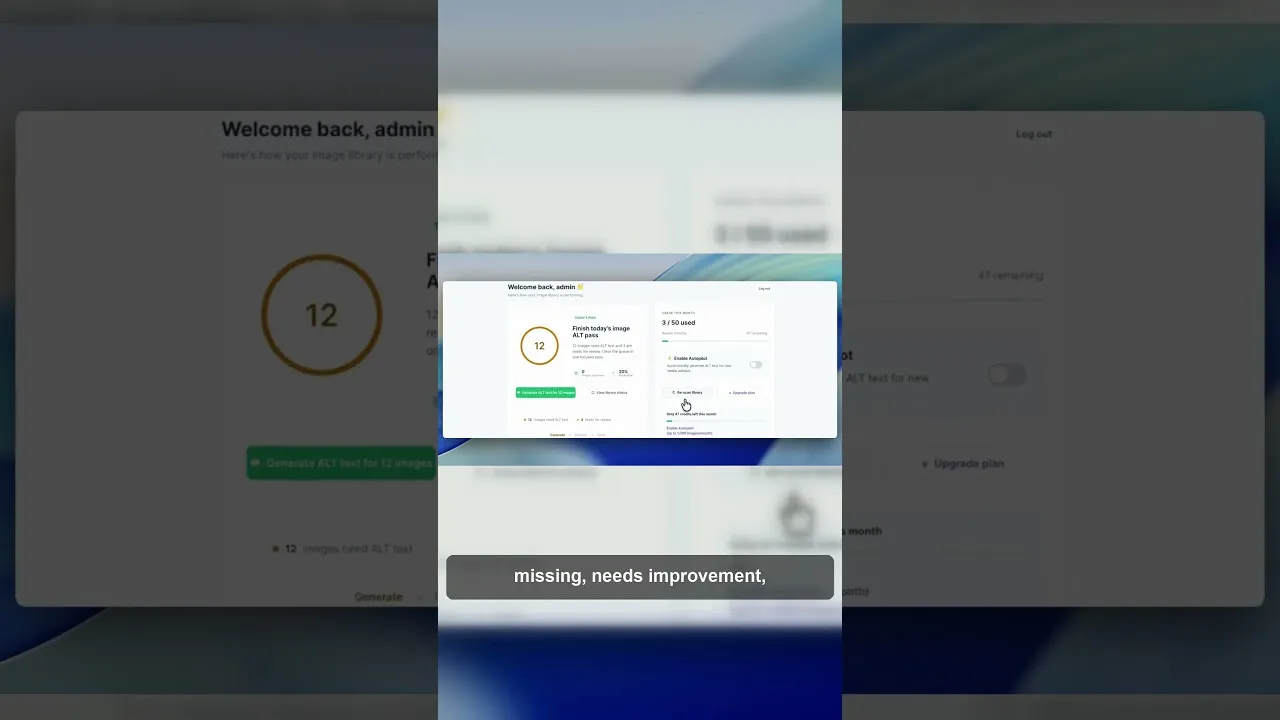
Stop opening WordPress images one by one to check alt text. See how a single Alt Library dashboard surfaces missing alt text across your library.
Most WordPress sites lose image search traffic to missing alt text without realising it. Here's how to find the gap and fix it across your whole site.
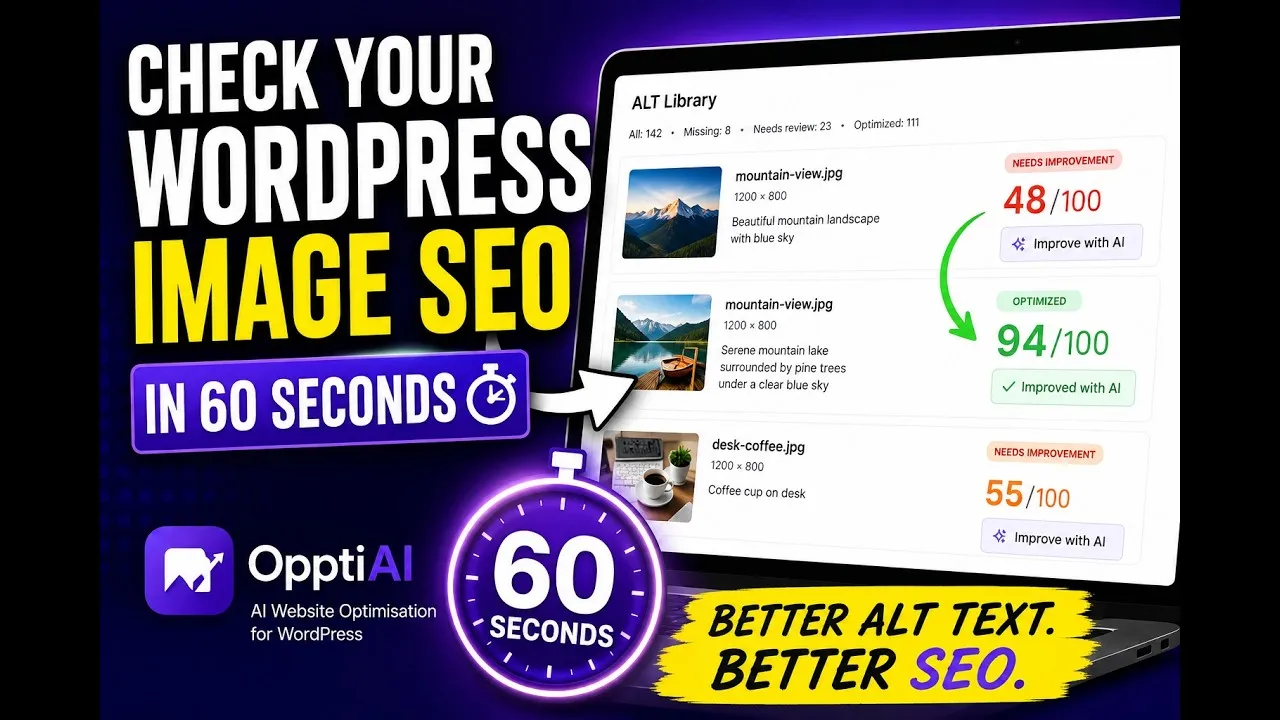
A fast, free way to check your WordPress image SEO and alt text in about a minute — what the scan looks at and how to read the results.
Run a free image SEO audit for WordPress and learn how to prioritize missing alt text, weak descriptions, repeated icons, and public-page image issues.
A technical checklist covering every WordPress image SEO factor: alt text, file naming, compression, WebP, structured data, sitemaps, and WooCommerce specifics.
Alt text is on every SEO checklist, but does it actually move rankings? Here's what Google has said, what the data shows, and where the impact is real.
Most WooCommerce stores fix featured image alt text and call it done. Gallery images are different — here's why they matter and how to fix them.
A 300-product WooCommerce store can have 1,200+ images with no alt text. Here's a bulk workflow that handles all three image types — without coding.
Most WordPress sites have hundreds of images with no alt text. Here's how to find them and fix them — manually, via bulk export, or with a plugin.
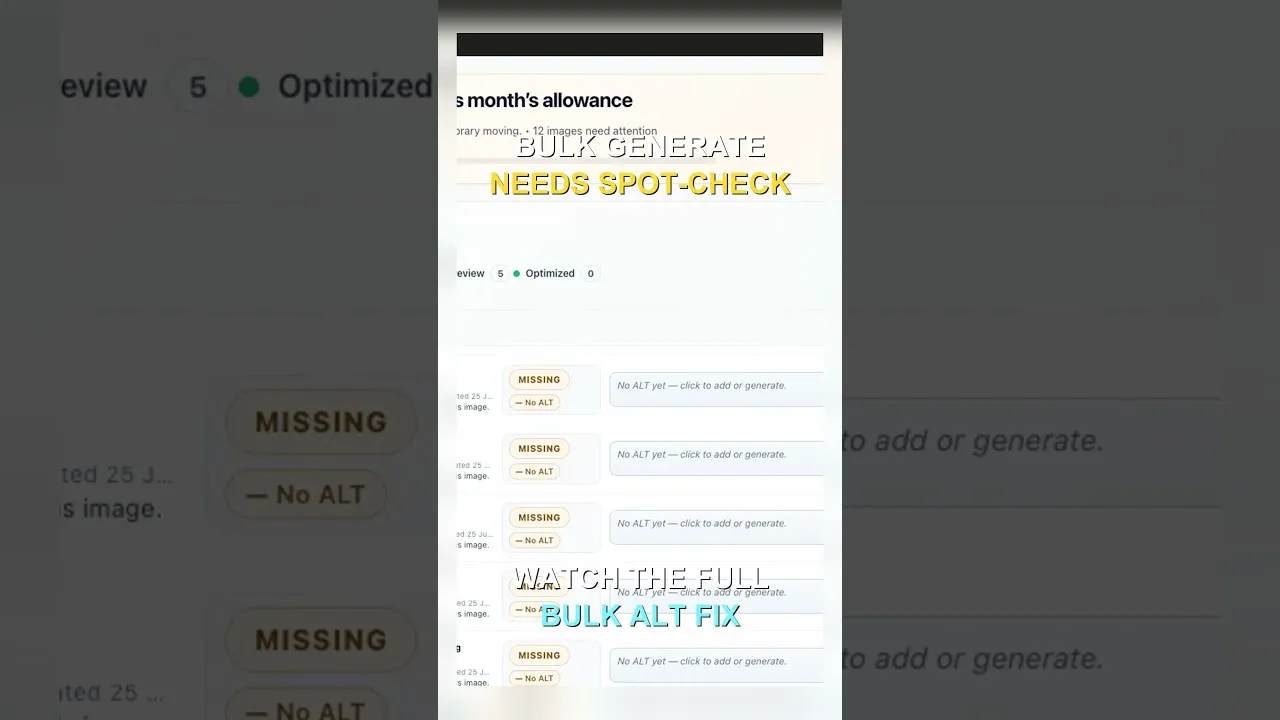
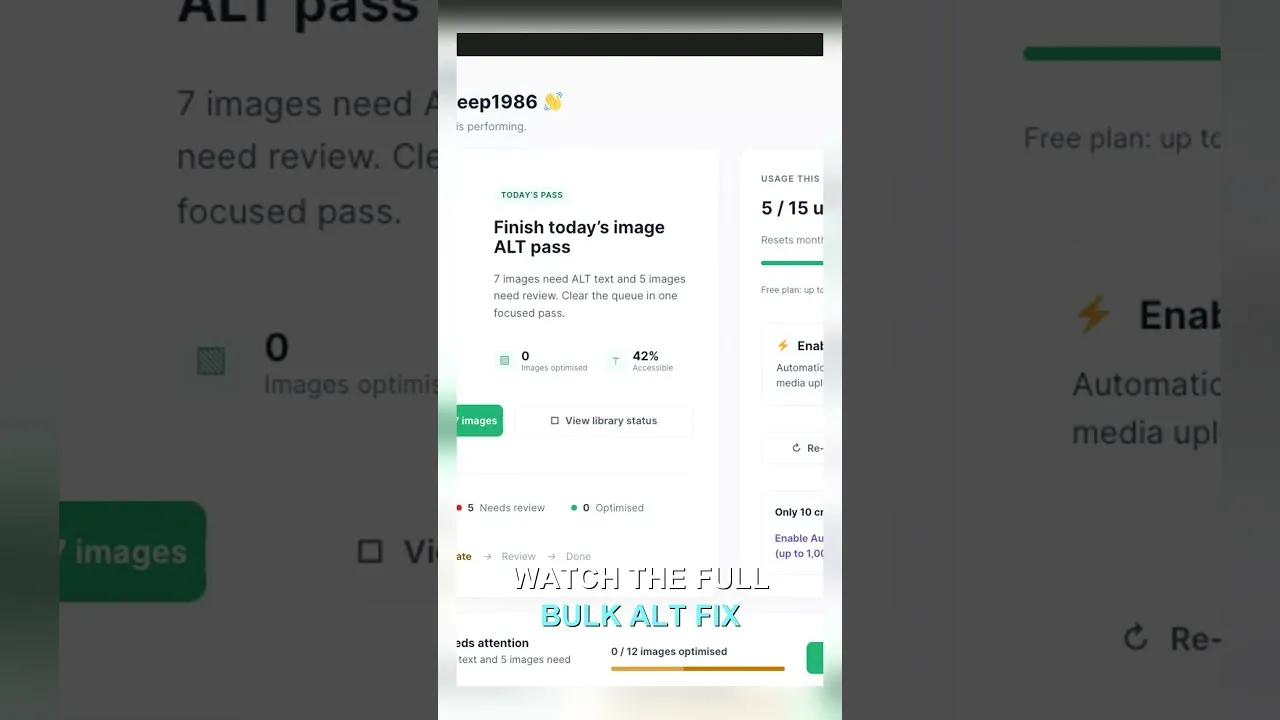
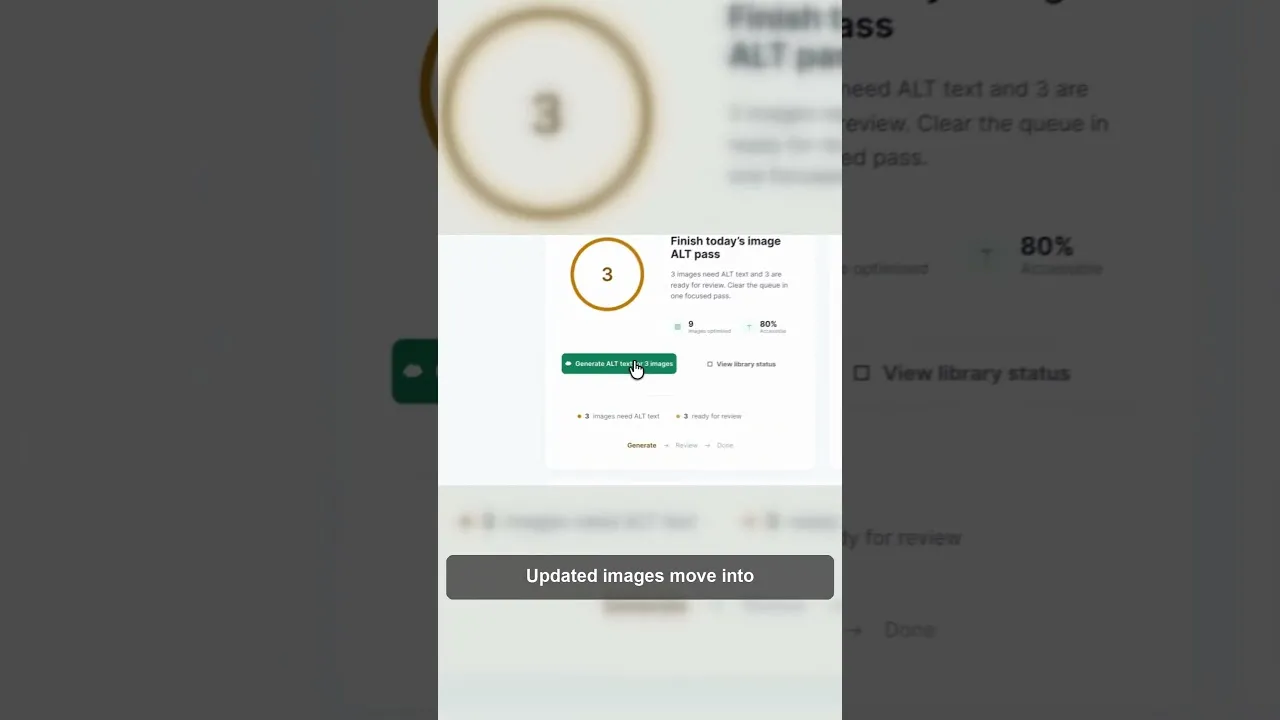
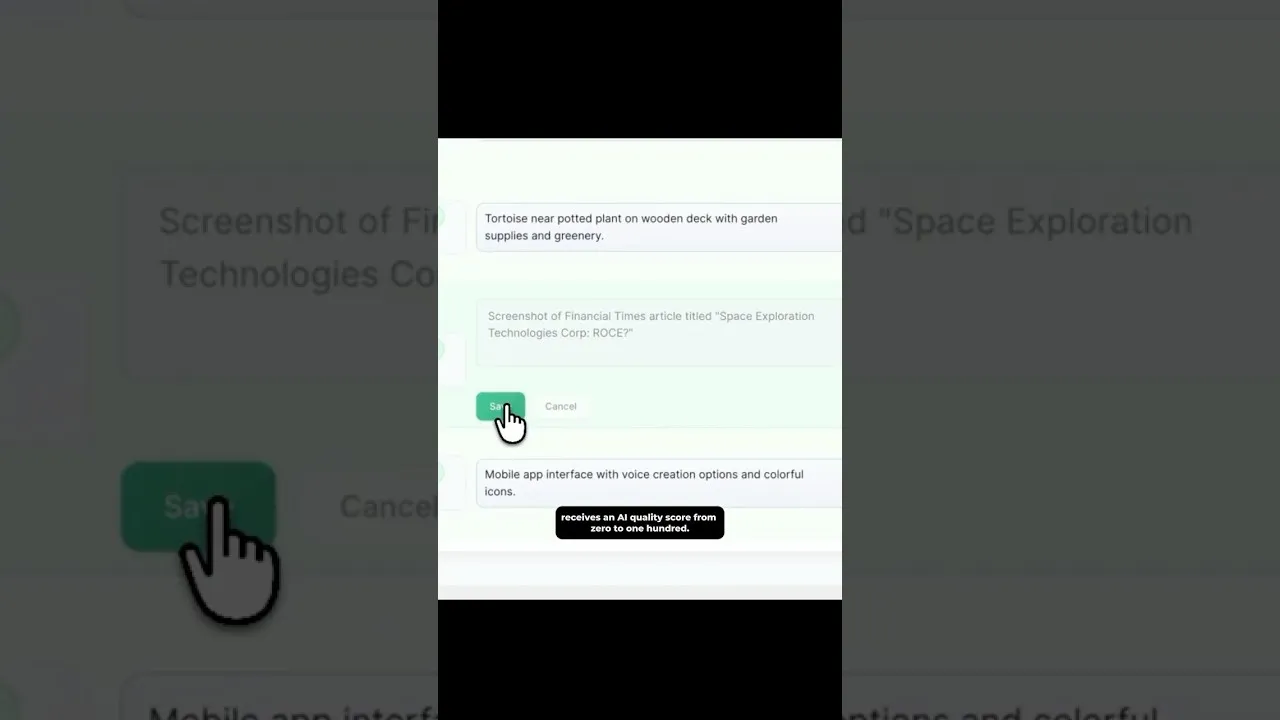
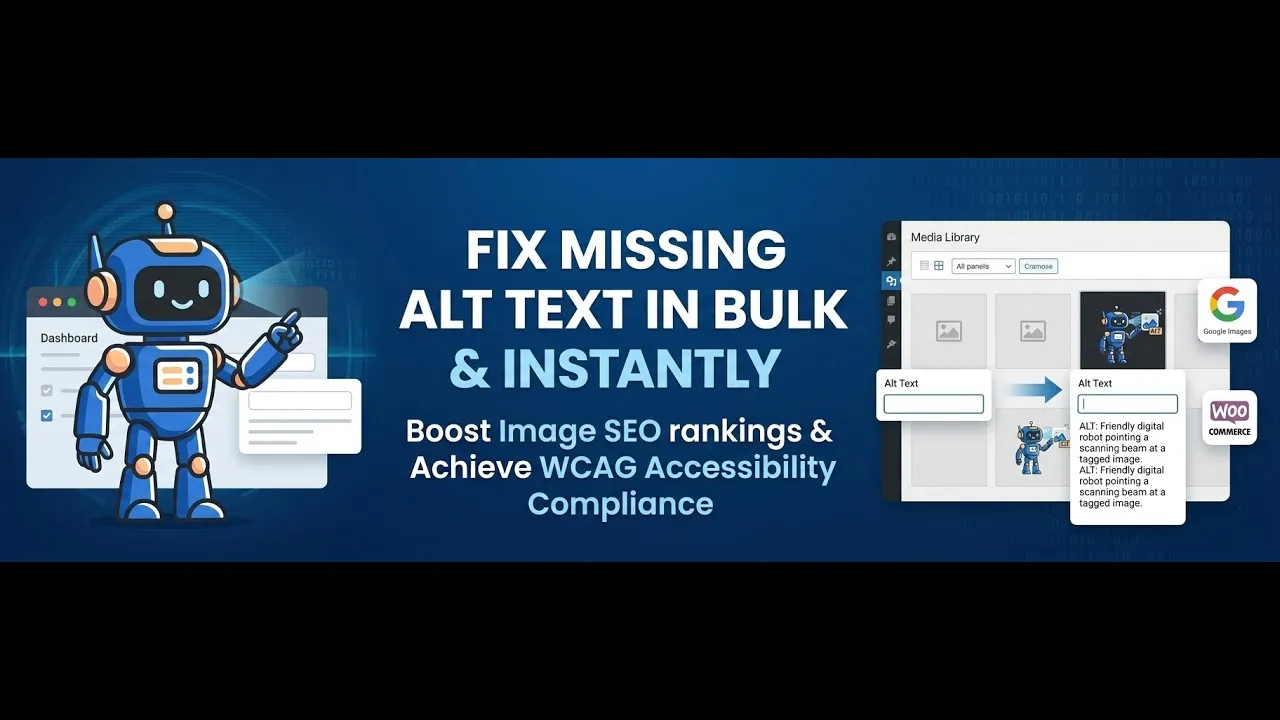
Watch a full demo of generating SEO alt text in bulk for WordPress and WooCommerce product images — scan the media library, review, and apply.