Elementor image has no alt text: where Elementor reads it from
An Elementor Image widget can render with an empty alt even on a finished page. Where Elementor gets image alt text, the cases that leave it blank, and how to fix them.
You build a page in Elementor, run an accessibility or SEO check, and it reports images with no alt text. You open the Image widget and there is no obvious alt field. So where does the alt come from?
Where Elementor gets alt text
For an image picked from the Media Library, Elementor's Image widget uses the alt text stored on that Media Library attachment when the page is rendered. The alt lives on the image file's record, not on the widget.
That means:
- If the attachment's Alternative Text field is empty, the widget usually outputs an empty alt. With a Custom image size, Elementor falls back to the image's caption and then its title (often the file name), so a checker may pass an alt that says nothing useful.
- Filling the field in the Media Library fixes the image everywhere it appears.
Check your own install to confirm: fill the alt on one attachment, reload the page (clear any page cache first), and inspect the <img> tag.
Cases that leave alt empty
- Empty Media Library field. The most common one. The image was uploaded without alt text.
- Background images. Section and container backgrounds are CSS backgrounds, not
<img>tags, so they have no alt at all. That is fine for decoration. If the background carries meaning (text baked into the image, a key product photo), use an Image widget instead. - Images inserted by URL. An image loaded from an external URL has no Media Library record, so it only has the alt you add when you insert it.
- Text baked into images. A banner with "Summer sale" written into the picture needs that text in the alt, or better, as real text on the page.
- Caching. After you fix the alt, a page cache or optimisation plugin may still serve the old HTML until you clear it.
How to fix it by hand
- Open Media > Library and find the image (the widget shows which file it uses).
- Fill in Alternative Text with what the image shows and why it is on the page.
- Save, clear your page cache, and reload the page.
Write for the context: "Team photo outside the Leeds office" is better than "team". For an icon or divider that adds nothing, leave alt empty on purpose so screen readers skip it.
Fixing a whole site
Elementor sites tend to have big Media Libraries: hero images, team photos, portfolio shots, icons. Checking them one by one is slow.
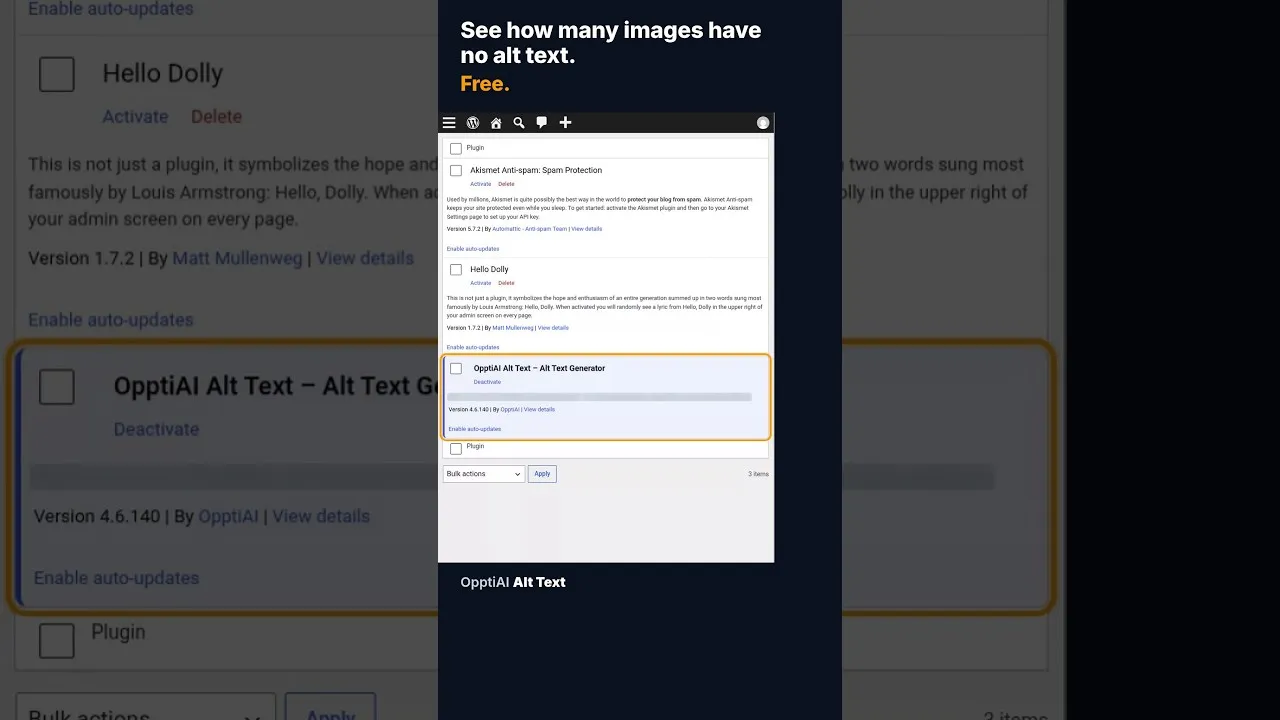
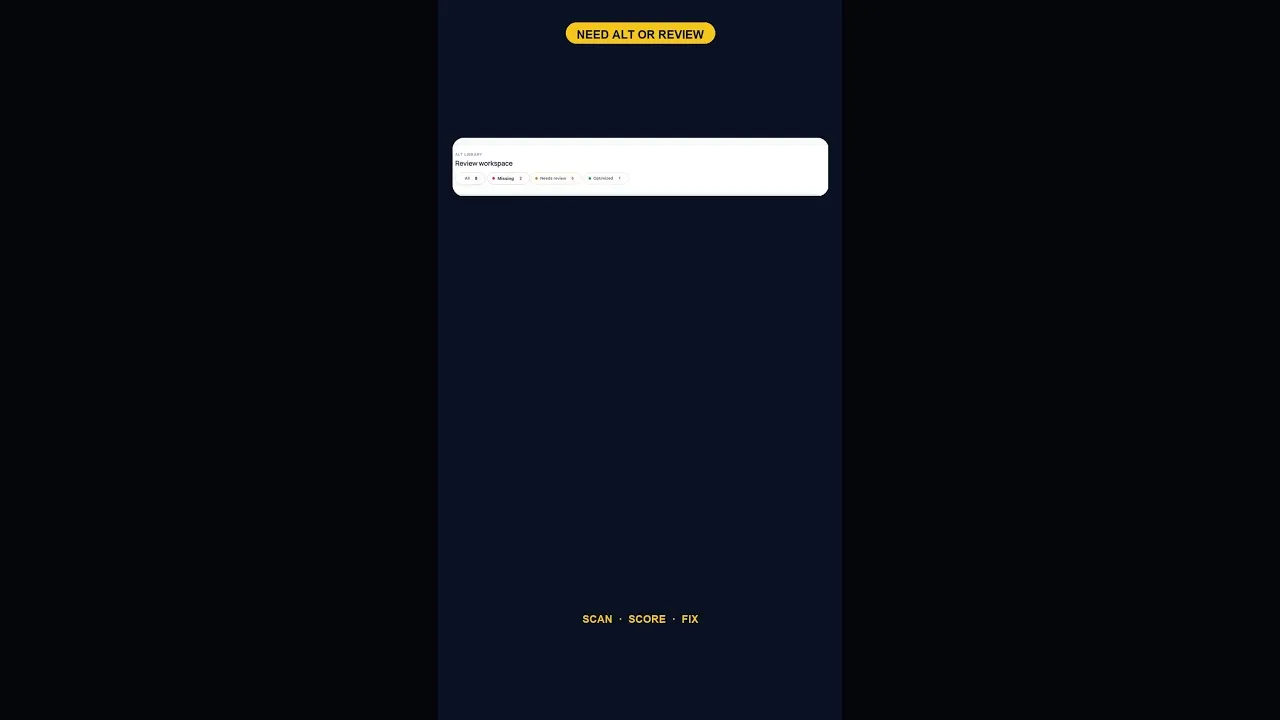
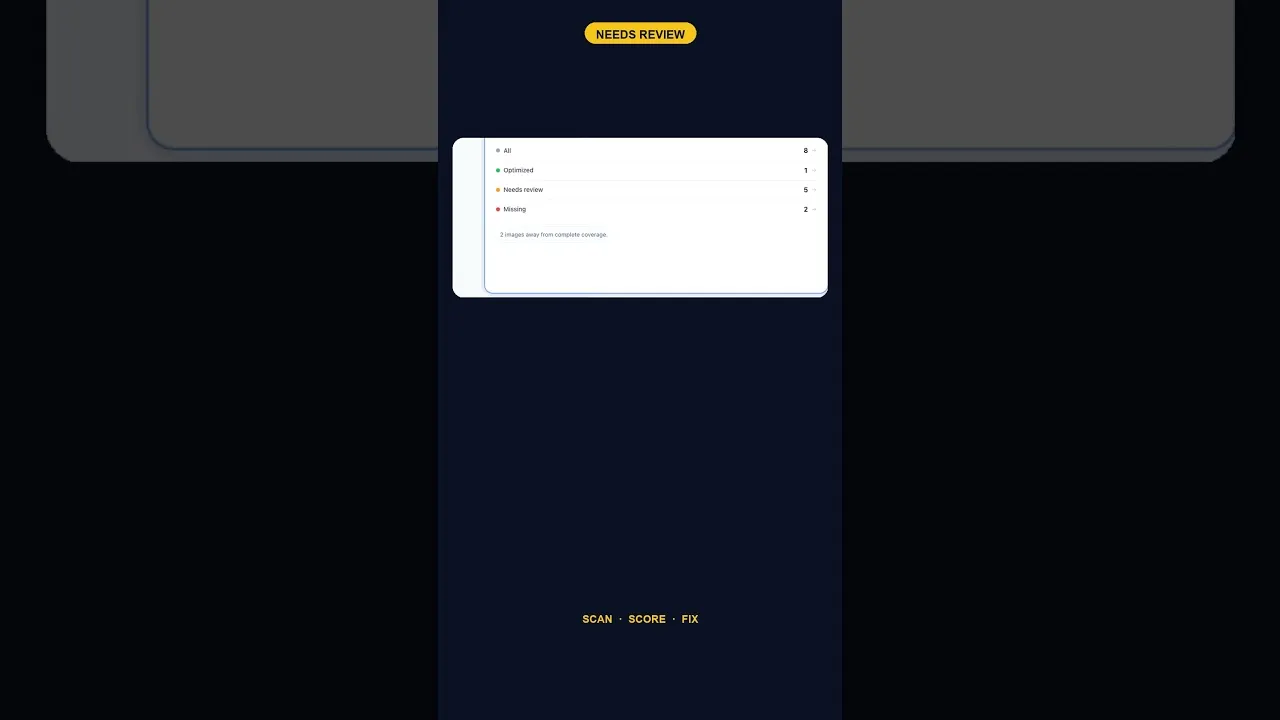
I built OpptiAI Alt Text to do the Media Library part in bulk. It scans the Media Library and shows how many images are missing alt text, how many need review and how many are done. Then it writes descriptive alt text from what is in each image. Because Elementor reads the attachment's alt, fixing the Media Library covers the Image widgets that use those files.
- Automatic generation only runs on new uploads that arrive without alt text, and bulk generate and Regenerate only change the images you choose. You can edit any result at any time.
- Bulk is free within the allowance, and paid plans add volume.
- Automatic alt text on new uploads (Autopilot) is part of Growth and Agency. On other plans you click Generate after uploading.
It is free to try, and the coverage scan works before you sign up. It cannot add alt to CSS background images, because those have no alt attribute; use the checks above for those.
See how many of your images are missing alt text: install OpptiAI Alt Text, open OpptiAI Alt Text > ALT Library and click Optimize all missing.
Related Posts
How to Check How Many WordPress Images Are Missing Alt Text
A free alt text audit counts exactly how many WordPress images are missing alt text, no account needed. Here's what the count actually means.
What a 128-Image Alt Text Backlog Looks Like (and How to Clear It)
A 128-image alt text backlog sounds like a project. Split by what's actually wrong with each image, most of it is a much smaller job than the headline number.
When Alt Text 'Needs Review' Outnumbers 'Missing' Entirely
A scan that finds five images flagged for alt text review and none outright missing is telling you something different than a scan full of blanks.