Does Alt Text Actually Help WordPress SEO?
Alt text is on every SEO checklist, but does it actually move rankings? Here's what Google has said, what the data shows, and where the impact is real.
Quick summary
- Alt text helps WordPress SEO in two distinct ways: it gets your images into Google Image Search, and it adds relevance signals to the page itself
- The impact is most measurable on image-heavy pages — WooCommerce product listings, recipe blogs, portfolio sites, and tutorial content
- Most useful for: solo site owners wondering whether alt text is worth the effort, and SEO agencies who need data to justify the work to clients
Alt text shows up on every WordPress SEO checklist. Yoast flags it. Rank Math flags it. Every image SEO guide says you need it. But if you've ever wondered whether alt text actually moves the needle on rankings — or whether it's just another box-ticking exercise — you're asking the right question.
The short answer: yes, alt text does help SEO on WordPress sites. But the mechanism is more specific than most guides explain, and the impact varies depending on your content type. Here's what Google has actually said, where the data shows real movement, and how to tell whether alt text matters for your particular site.
What Google Has Said About Alt Text and Rankings
Google's documentation is unusually direct on this topic. Their image SEO best practices page states:
"Google uses alt text along with computer vision algorithms and the contents of the page to understand the subject matter of the image."
That's not a vague endorsement. It tells you three things: alt text is a primary signal for image understanding, Google combines it with what it can already see in the image, and the surrounding page content matters too.
John Mueller has reinforced this in multiple Google Search Central sessions. In a 2023 office hours session, he described alt text as "one of the strongest signals we have for understanding what an image is about" — and added that it's particularly important for image search specifically.
What Google has not said is that alt text is a direct page-level ranking factor in the same way that title tags or backlinks are. The distinction matters. Alt text primarily helps in two ways, and conflating them leads to confusion about where to invest your effort.
Two Distinct Ways Alt Text Helps SEO
Most guides lump "alt text helps SEO" into a single claim. In practice, there are two separate mechanisms at work, and they matter differently depending on your site.
1. Google Image Search indexing
This is where alt text has the clearest, most measurable impact. When Google crawls a page and finds an image, alt text is the primary signal it uses to decide what that image shows and what queries it should surface for in Google Image Search.
A WooCommerce product page with six gallery images and no alt text is invisible in image search. The same page with descriptive alt text — "Red leather crossbody bag — front view with brass buckle" rather than "IMG_4521" — gives Google six distinct indexing opportunities.
For e-commerce stores, image search traffic is meaningful. Google's own data shows that image search drives a significant share of product discovery, particularly for categories where buyers search visually: clothing, furniture, home decor, art, food. If your product images don't have alt text, you're not competing in that channel at all.
2. Page-level relevance signals
The second mechanism is subtler and harder to measure in isolation. Alt text contributes to Google's understanding of what a page is about. If you have a blog post about pruning tomato plants, and every image has alt text describing tomato pruning techniques, that reinforces the page's topical relevance.
This doesn't mean you should keyword-stuff alt text. Google's documentation explicitly warns against this: "Avoid filling alt attributes with keywords (also known as keyword stuffing) as it results in a negative user experience." The goal is descriptive accuracy, not SEO manipulation.
The practical takeaway: alt text won't rescue a poorly written page. But for a well-structured page on a focused topic, accurate alt text on relevant images strengthens the overall relevance signal. Think of it as a supporting factor, not a primary driver.
Where Alt Text Impact Is Most Measurable
Not all WordPress sites benefit equally from alt text optimisation. The impact concentrates on specific content types:
WooCommerce product pages. This is where alt text matters most. Product images are high-intent search assets — people searching Google Images for "oak dining table" are often ready to buy. If your product images have no alt text, you're invisible in that channel. A store with 500 products and an average of 4 images each has 2,000 potential image search entry points. With no alt text, every one of those is wasted. (If you're running a WooCommerce store, our guide to WooCommerce product image alt text covers the specifics.)
Recipe and food blogs. Recipe content is heavily image-driven, and Google Image Search is a primary discovery channel for recipes. Descriptive alt text on process shots and finished dish photos directly increases image search visibility.
Portfolio sites. Photographers, designers, and architects rely on visual search. Alt text is the only way Google knows what your portfolio images contain.
Tutorial and how-to content. Step-by-step guides with screenshots or demonstration images benefit from alt text that describes each step. This reinforces the page's how-to intent and makes individual images findable.
Where alt text matters less: Text-heavy blog posts with a single header image. The SEO impact of adding alt text to one decorative image on a 2,000-word article is minimal. It's still good practice for accessibility, but don't expect a ranking change from it.
What Good Alt Text Looks Like for SEO
There's an important distinction between alt text written purely for accessibility and alt text that also serves SEO. They're related but not identical.
Accessibility-focused alt text describes what the image shows in a way that's useful to someone who can't see it. For a WCAG compliance context, accuracy and clarity are the priority. (Our WCAG alt text requirements guide goes deeper on this.)
SEO-effective alt text does the same thing but also naturally incorporates relevant terms a searcher might use. The key word is "naturally" — the description should still be accurate and human-readable.
Here's a practical comparison for a product image:
| Approach | Alt text | Assessment |
|---|---|---|
| No alt text | (empty) | Invisible to image search. Fails WCAG. |
| Filename-derived | IMG_4521.jpg |
Useless to both Google and screen readers. |
| Generic | product image |
Technically present but tells Google nothing. |
| Keyword-stuffed | buy red leather wallet best leather wallet cheap wallet red |
Spam signal. Negative user experience. Google warns against this. |
| Descriptive (good) | Red leather bifold wallet with card slots — open view |
Accurate, descriptive, naturally includes relevant search terms. Works for both accessibility and SEO. |
The good version is the one that would make sense to a human reading it aloud. It happens to include terms someone might search for ("red leather bifold wallet") because it accurately describes what the image shows — not because those terms were engineered in.
A Practical Test: Checking Whether Alt Text Is Helping Your Site
If you want to see whether alt text is actually making a difference for your WordPress site, here's a straightforward way to check using Google Search Console:
Step 1: Open Search Console and go to Performance > Search results. Filter by "Search type: Image." This shows you clicks and impressions specifically from Google Image Search.
Step 2: Look at the queries driving image impressions. If you've added descriptive alt text to your images, you should see queries that match the descriptions. If you see very few image impressions, your images likely aren't well-indexed — and missing alt text is the most common reason.
Step 3: Compare pages with alt text to pages without. If you have some pages where you've added alt text and others where you haven't, check the image search performance for each. The pages with descriptive alt text will typically show higher image impressions and clicks.
Step 4: Track changes over time. If you're adding alt text to existing images, give it 2–4 weeks for Google to recrawl and reindex. Then compare the before-and-after image search performance.
This won't give you a controlled experiment — too many variables are at play — but it will show you whether your images are appearing in image search at all. For most sites that have been running without alt text, the difference after adding it is noticeable.
The Real Comparison Isn't "Alt Text vs. No Alt Text"
One more point worth making, because it reframes the whole question. The practical comparison for most WordPress site owners isn't "perfect manually-written alt text vs. no alt text." It's "generated alt text reviewed in a few minutes vs. no alt text indefinitely, because nobody gets around to it."
The majority of WordPress sites have hundreds of images with no alt text at all. The SEO impact of going from zero to accurate descriptions across your full media library is far larger than the marginal difference between manually crafted and AI-generated descriptions. (If your site has a backlog, our guide to fixing missing alt text walks through the practical options.)
The data is clear: descriptive, accurate alt text helps your images get indexed, helps them rank in image search, and contributes supporting relevance signals to the page. The biggest risk isn't writing slightly imperfect alt text — it's continuing to have no alt text at all.
Frequently Asked Questions
Is alt text a direct Google ranking factor for WordPress sites?
Alt text is a confirmed signal for Google Image Search ranking — Google uses it as one of the primary inputs for understanding what an image shows. For regular web search (the blue links), alt text contributes as a page-level relevance signal rather than a direct ranking factor. It helps Google understand the page's topic, but it won't override stronger signals like content quality, backlinks, or page structure. The most measurable SEO impact comes from image search specifically.
How much does alt text matter compared to other WordPress SEO factors?
For most WordPress sites, alt text sits in the "important but not primary" tier of SEO factors. Title tags, content quality, internal linking, site speed, and backlinks have more direct impact on page rankings. Where alt text punches above its weight is image search — if your site relies on visual content (products, recipes, portfolios), alt text is the single biggest lever for image search visibility. For text-heavy sites with few images, the impact is smaller.
Should alt text be different for SEO and accessibility purposes?
In practice, good alt text serves both purposes simultaneously. Descriptive, accurate alt text that helps a screen reader user understand an image also gives Google the signals it needs to index and rank that image. The only tension arises when people try to "optimise" alt text by stuffing keywords in — which hurts accessibility and can trigger Google's spam detection. Write alt text that accurately describes the image in natural language, and both SEO and accessibility benefit.
Alt text is one of the most consistently underused signals in WordPress SEO — not because site owners don't know about it, but because manually writing descriptions for hundreds of images is work that never reaches the top of the list.
If you want to clear your backlog without spending a weekend on it, OpptiAI Alt Text generates accurate, descriptive alt text across your entire media library — with a review step so you check everything before it saves. Free to install, no API keys, first result in under 60 seconds.
Related Posts
Why WordPress Featured Image Alt Text Comes First
A featured image's alt text shows up in far more places than a normal content image. Here's why it deserves the first fix, not the last.
Fix WordPress Alt Text by Traffic, Not Upload Order
Working through missing alt text oldest-first feels productive but isn't. Prioritising by page traffic fixes the images that are actually seen.
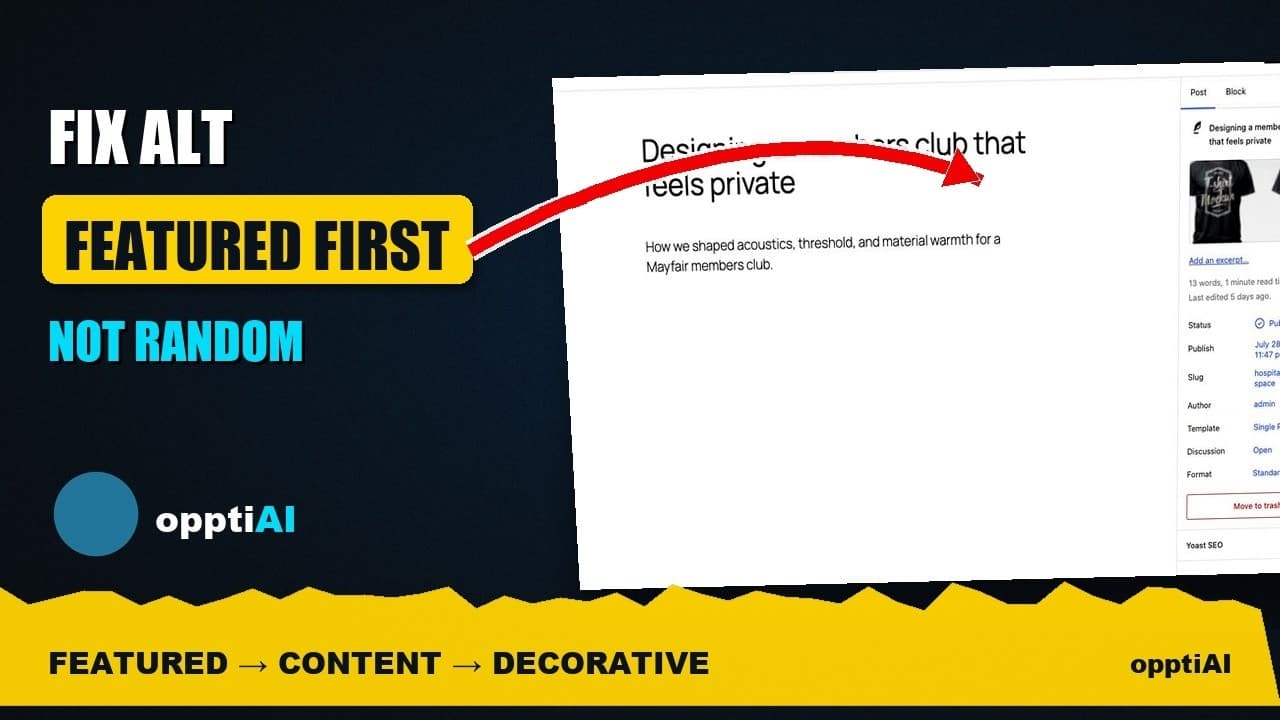
Fix Alt Text in Order: Featured, Products, Content
Not every missing alt text field deserves the same urgency. Here's the priority order that actually moves image SEO: featured, products, content.