Internal link anchor text in WordPress: what to write and what to avoid
Anchor text tells readers and search engines what the linked page is about. Practical rules for internal link anchors in WordPress, with examples of what to write and what to stop using.
Anchor text is the clickable part of a link. For internal links it does two jobs: it tells a reader what they will get if they click, and it gives search engines a short description of the page you are linking to. You control every internal anchor on your site, so it is one of the easiest things to get right.
What good anchor text looks like
Good anchors describe the destination in a few words that fit the sentence:
- "See our guide to pruning apple trees in winter."
- "If the leak is under the sink, start with replacing a compression fitting."
- "We compared the best walking boots for wide feet last spring."
A reader can predict the page from the anchor alone. That is the test.
Three anchors to stop using
- "Click here" and "read more". They say nothing about the destination. Screen reader users who jump from link to link hear a list of identical "click here" links.
- The bare URL. Long, unreadable, and it breaks the flow of the sentence.
- The same exact keyword everywhere. Linking to one page twenty times with the identical phrase reads as forced. Vary it naturally: "pruning apple trees", "winter pruning guide", "how to prune an apple tree".
Practical rules
- Keep it short. Two to six words is usually enough. The anchor is a label, not a sentence.
- Match the destination. If the anchor promises a price list, the page should be a price list.
- Link from relevant text. Put the link where the reader would naturally want to know more, not in a block of links at the bottom.
- One link per destination per post is usually plenty. Repeating the same link three times in one post adds little.
- Do not link a page to itself. It sounds obvious, but it happens on templates and reusable blocks.
Start with the pages nobody links to
Anchor text only helps if the link exists. The pages that need links most are orphan pages: published posts or pages that no other page on your site links to. Visitors and search engines struggle to reach them.
I built OpptiAI Internal Linking to find them. The scan runs in WordPress, needs no account and uses no credits. It lists published content with no inbound internal links (pages linked from a navigation menu are not treated as orphans), gives every scanned post and page an inbound and outbound count including links inside blocks and shortcodes, and shows a link map of hubs and pages that are cut off.
When you are ready to add a link, nothing is inserted on its own. You apply a link you have reviewed, and the plugin never self-links, never nests a link inside an existing link, saves a revision so you can undo it, and follows your per-page link cap, minimum word count and excluded pages. If there is no safe place for the link, the post is left unchanged.
AI link suggestions for a page you choose are optional. They stay off until an administrator opts in, and they are free to try with a free OpptiAI account.
A ten-minute routine
- Run the scan and pick one orphan page that matters.
- Find two or three older posts on a related topic.
- In each, find a sentence where the orphan page would genuinely help the reader.
- Link it with a short, descriptive anchor that matches the orphan page's topic.
Do that once a week and the orphan list shrinks steadily.
Find your orphan pages: install OpptiAI Internal Linking and run the free orphan scan.
Related Posts
Does OpptiAI Titles Conflict With Rank Math?
Rank Math stores title and meta description in its own fields. Here's exactly how OpptiAI Titles reads and writes around them without a conflict.
Duplicate title tags in WordPress: how to find them
Duplicate SEO titles make pages compete and get rewritten by Google. Where duplicates come from in WordPress, how to find them, and how to fix them with Yoast, Rank Math or AIOSEO.
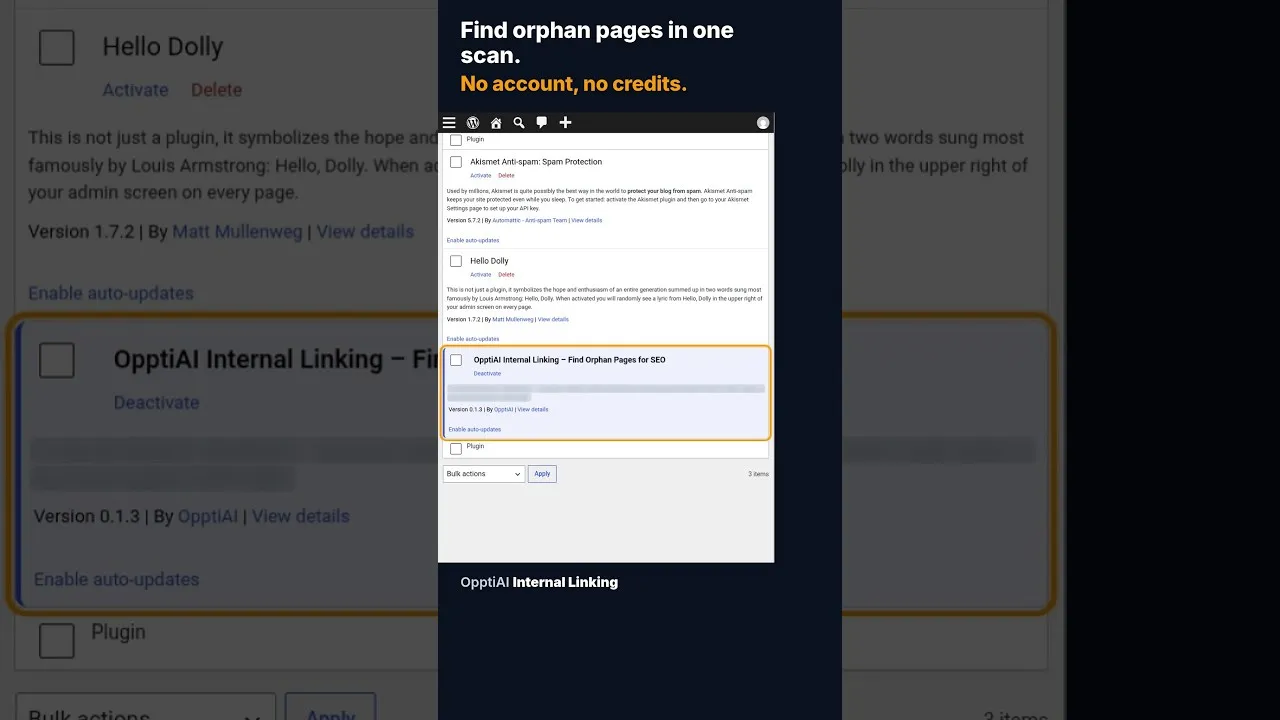
What Causes Orphan Pages on an Established WordPress Site
Orphan pages aren't only a new-site problem. Here's why sites with years of content keep producing them, and how a one-scan audit finds the ones you have.