The 5-Second Test for Every Alt Text Decision
One question decides whether a WordPress image needs alt text or should stay empty: would removing it lose information? Here's how to apply it fast.
Most alt text advice tells you what to write. It rarely tells you how to decide, quickly and consistently, whether an image needs alt text at all. That decision is the one people get stuck on — staring at a background graphic wondering if it's worth a sentence — and it's the one that actually determines whether your alt text helps or clutters the page for screen reader users.
There's a single question that settles it almost every time: if you removed this image, would the reader lose information? That's the whole test. No image inventory, no style guide required — just that one question, applied consistently.
Why "would I lose information" beats other rules
Other shortcuts people reach for don't hold up as well. "Does it look important?" is subjective and depends on visual design, not information content — a large hero photo and a small inline icon can carry identical amounts of meaning despite looking very different in size. "Is it a photo or a graphic?" doesn't work either, since plenty of decorative elements are photos (a background texture shot) and plenty of meaningful images are simple graphics (an icon that's the only label on a button).
The information test cuts through all of that because it asks about function, not appearance. It forces you to imagine the page with the image gone and check whether anything a reader needed is now missing. That's the actual job alt text does, so it's the right question to test against.
Running the test on real examples
A hero banner photo behind a page title: usually decorative, if the title text already conveys what the page is about. Remove it, nothing is lost — the words are still there.
A product photo on a WooCommerce listing: meaningful, always. Remove it, the shopper has no idea what they're buying beyond the text description. Real alt text required.
A screenshot in a tutorial showing exactly which button to click: meaningful. Remove it, the reader has to guess where the button is from prose alone, which is worse than what the sighted reader gets.
An icon next to a text label reading the same thing, like a phone icon beside the word "Call us": decorative. The label already carries the information; the icon is visual reinforcement, not new content.
A chart illustrating a statistic that's also stated in the surrounding paragraph: borderline, and worth erring toward meaningful. Even if the text technically covers the number, the chart usually shows a trend or comparison the text doesn't fully spell out — write a short description of what the chart shows rather than assuming the text already did the job.
Applying it fast across a whole page
The value of a one-question test is speed. Go through a page's images in order and answer only that question for each one, without stopping to draft wording yet:
- List every image on the page — this includes ones easy to miss, like a repeated icon in a card grid or a background image inserted through a page builder module.
- For each, ask: remove this, does the reader lose information? Answer yes or no before moving on.
- Group results into two batches: "yes" images need real alt text written next; "no" images just need their alt attribute confirmed empty.
- Only after sorting the whole page do you switch to writing descriptions — for the yes batch only. This keeps you from wasting time drafting wording for images that shouldn't have any.
- Spot-check a few "no" answers by asking the question a second time later, ideally after a break. Snap judgements on borderline cases sometimes flip once you're not mid-scan.
Where this test breaks down
It's not infallible. Purely emotional or atmospheric images — a photo meant to set a mood rather than convey a fact — sit in a genuine grey area, because "information" is a fuzzy concept when the image's job is tone rather than content. For those, the safer default leans toward a brief, honest description rather than empty alt, since atmosphere is itself a kind of information for someone who can't see the image. When in doubt on a genuinely ambiguous case, that's the direction to lean.
Frequently asked questions
What's the fastest way to decide if an image needs alt text?
Ask one question: if you removed the image, would the reader lose information? If yes, it's meaningful and needs a real description. If no, it's decorative and the alt attribute should be left empty. This single test replaces most of the more complicated rules people try to memorise, and it's fast enough to run on every image on a page without slowing you down.
What if an image is decorative but also looks important on the page?
Visual weight and informational content aren't the same thing. A large, eye-catching hero image can still be decorative if removing it wouldn't cost the reader any information — the page title or surrounding text already conveys what matters. Judge by the information test, not by how prominent the image looks in the layout.
Should ambiguous or atmospheric images get alt text or stay empty?
Lean toward writing a short description rather than leaving it empty. Purely atmospheric images — meant to set a mood rather than state a fact — are the one category where the standard information test gets fuzzy, since mood is itself a kind of information for a reader who can't see the image. A brief, honest description costs little and avoids the risk of silently skipping something that mattered.
Try OpptiAI Alt Text to review and generate alt text across your WordPress media library, or run a free image SEO audit to see where your site stands today.
Related Posts
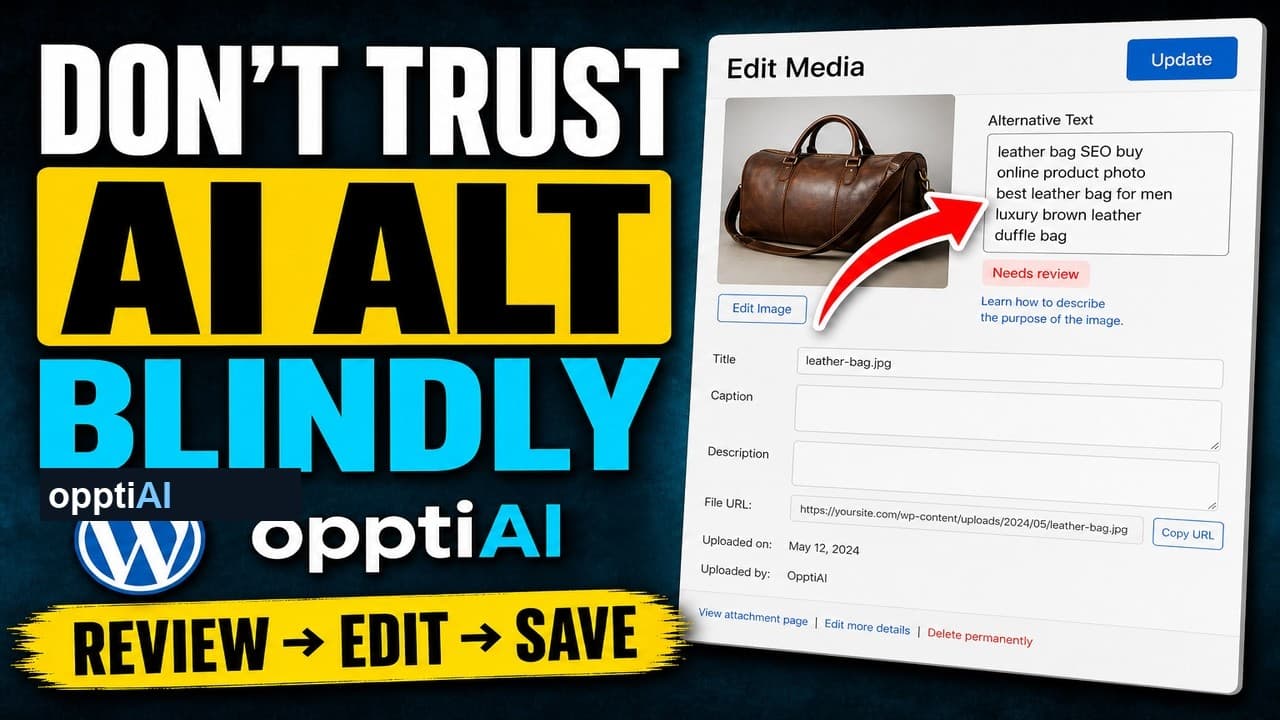
The Four-Point Checklist for Reviewing AI Alt Text
AI alt text fails in a small number of predictable ways. Run this four-point checklist before saving to catch weak, wrong, and keyword-stuffed suggestions.
Why Keyword-Stuffed Alt Text Still Fails
A filled alt attribute isn't finished alt text. Keyword-stuffed alt text passes a 'has alt' check and still fails SEO and accessibility.
How to Test That Empty Alt Text Actually Works
Setting alt text to empty isn't the same as it working correctly. Here's how to verify decorative images are actually skipped by screen readers.