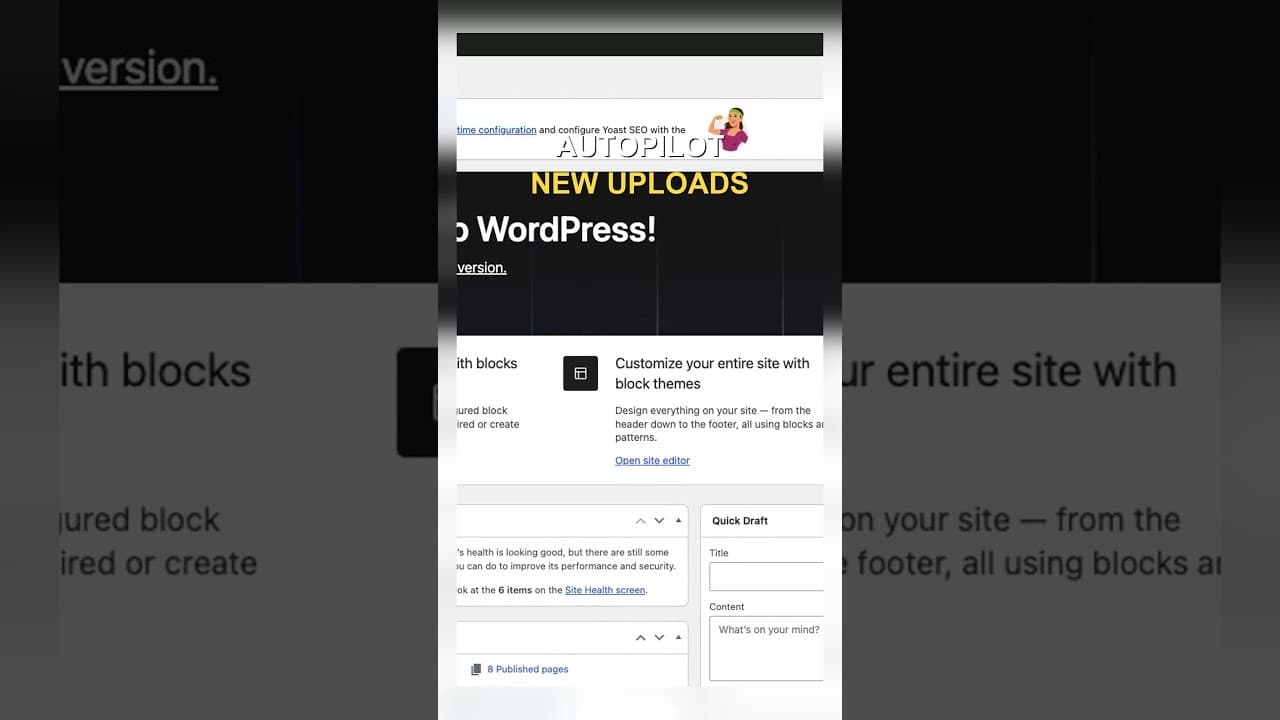
Set Up Autopilot Alt Text for New WordPress Uploads
Manually writing alt text for every new upload doesn't survive contact with a busy site. Here's how to configure autopilot rules that generate it for you.
Manually writing alt text for every image you upload works right up until you're too busy to keep doing it, and on a site with any regular content flow, that's most weeks. The realistic fix isn't a stronger habit — it's a rule that fires automatically the moment an image lands in the library, so alt text stops depending on anyone remembering to write it.
Why manual coverage always slips on new uploads
A one-off cleanup fixes the images already in your library. It does nothing for the image someone uploads next Tuesday, or the batch of twelve product photos added during a launch. Manual alt text depends on the person doing the upload also remembering, every single time, to stop and write a description — and that habit is the first thing to drop when there's a deadline, a large batch, or simply a different person doing the upload who wasn't part of the original cleanup.
Autopilot solves a different problem than a cleanup does. A cleanup clears a backlog once. Autopilot stops a new backlog from forming, because the alt text gets generated at upload time regardless of who uploaded the image or how much of a hurry they were in.
What an autopilot rule actually needs to specify
Turning on "automatic" alt text isn't a single switch — it's a small set of decisions that determine whether the automation helps or quietly causes new problems:
When it fires. The most useful trigger is upload time itself, before the image is attached to a post or product. Generating alt text later, after the image is already published somewhere, means there's a window where the image is live with no alt text at all.
What it's allowed to overwrite. An autopilot rule that regenerates alt text on every image, including ones a human already wrote a description for, will happily erase manual work. The rule should only fill in images where the alt attribute is empty — never overwrite existing text unless you're explicitly running a refresh pass.
Whether it publishes immediately or queues for review. Fully automatic with no review step is the fastest option and the riskiest — a wrong description on a product image goes live the moment it's generated. Queuing new autopilot suggestions as "needs review" for a daily five-minute check is slower by exactly that five minutes and catches errors before a customer or screen reader user ever sees them.
Which parts of the site it covers. Product images, blog post images, and decorative theme assets don't need the same treatment — decorative images should typically get empty alt text rather than a generated description. An autopilot rule that treats every upload the same will describe decorative images that shouldn't have a description at all.
A practical walkthrough: setting the rule up
- Decide the trigger: set the rule to fire on upload, before the image is attached to any post, page, or product.
- Restrict it to empty alt text only, so existing manually written descriptions are never touched by the automation.
- Choose a review mode — for a new setup, start with "queue for review" rather than instant-publish, so you can watch a week of output before trusting it unattended.
- Exclude decorative asset folders or theme images from the rule if your setup has a predictable place for them, so the automation isn't wasting generations on images that should have empty alt text.
- Check the review queue daily for the first week, spot-checking a handful of generated descriptions against their images.
- Move to instant-publish only once the queue has run clean for a stretch you're comfortable with — and keep an occasional spot-check going even after that, since autopilot removes the manual step, not the need for occasional oversight.
Frequently asked questions
Does autopilot alt text replace the need for a one-off cleanup?
No — they solve different problems. A cleanup addresses the images already in your library that predate any automation; autopilot only covers uploads from the point it's switched on. If you turn on autopilot without also clearing the existing backlog, you'll have two populations of images: new ones with alt text, and everything older still missing it. Most sites need both: a cleanup pass first, then autopilot to stop the backlog from reforming.
Should autopilot alt text publish instantly or wait for review?
Wait for review, at least initially. Instant-publish is faster, but it means a wrong or oddly-generated description goes live the moment it's created, with no chance to catch it before a visitor or screen reader encounters it. Queuing suggestions for a quick daily check costs a few minutes and catches the errors that instant-publish would have shipped straight to the site. Once you've watched the automation's output for a week or two and trust it, moving to instant-publish is reasonable — but it's a decision to make after observing the rule, not before.
Will an autopilot rule overwrite alt text I already wrote by hand?
It shouldn't, if configured correctly — the rule should only apply to images where the alt attribute is currently empty. That said, this is a setting to verify explicitly rather than assume, because a misconfigured "regenerate all" mode will happily overwrite manually written descriptions the automation has no way of knowing were deliberate. Check this specifically when you first set the rule up, and test it on a couple of images you've already written alt text for before trusting it against your whole library.
Configuring trigger conditions, review queues, and exclusion rules by hand takes a fair amount of setup work before the automation actually saves you time. OpptiAI Alt Text includes autopilot rules for new uploads with a review queue built in, so new images get covered without you writing custom logic — try the free image SEO audit first to see how much of your current backlog predates any automation.
Related Posts
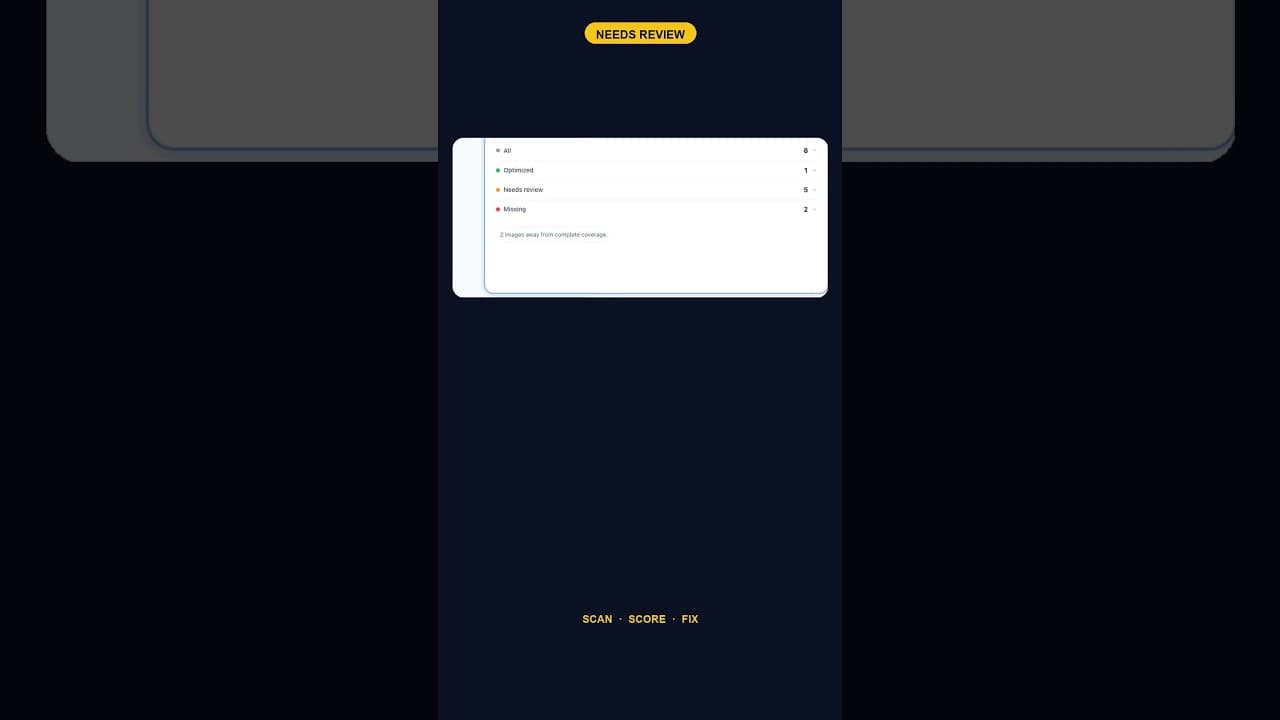
When Alt Text 'Needs Review' Outnumbers 'Missing' Entirely
A scan that finds five images flagged for alt text review and none outright missing is telling you something different than a scan full of blanks.
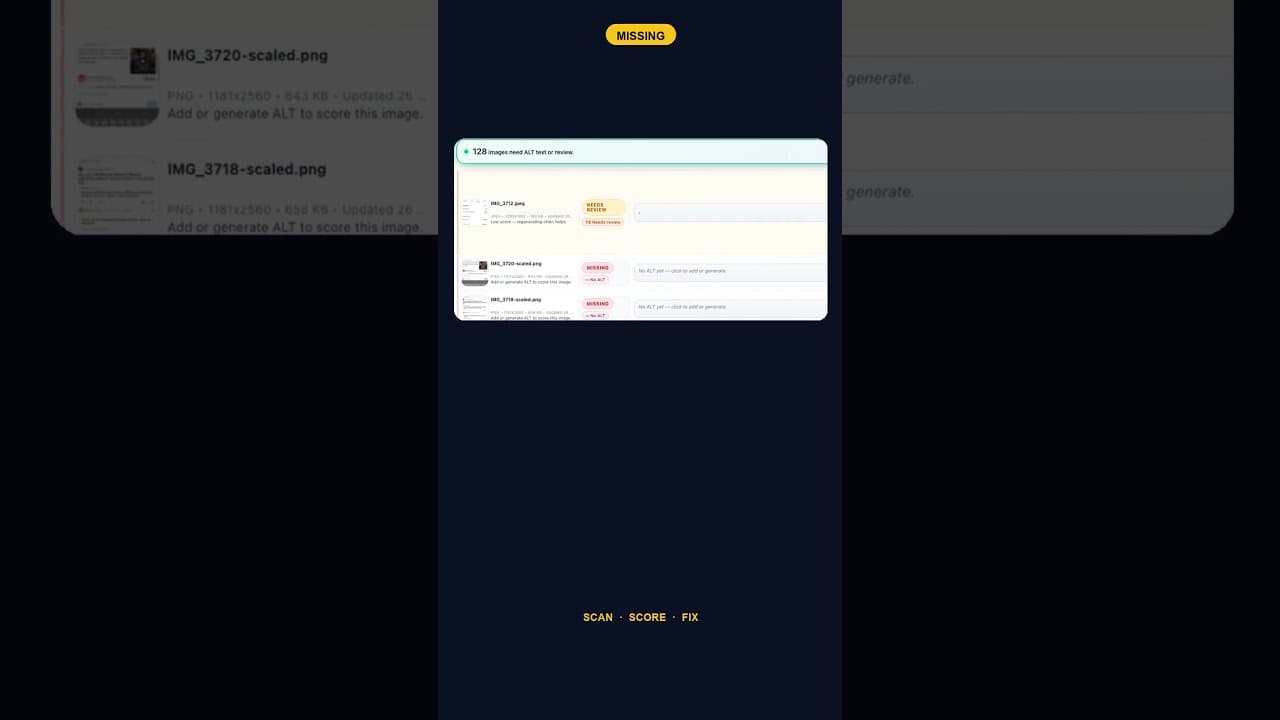
Only 2 Images Missing Alt Text? Fix Them Anyway — Here's Why
A WordPress site with just two images missing alt text is easy to deprioritise. Here's why that small a gap is still worth closing the same day you find it.
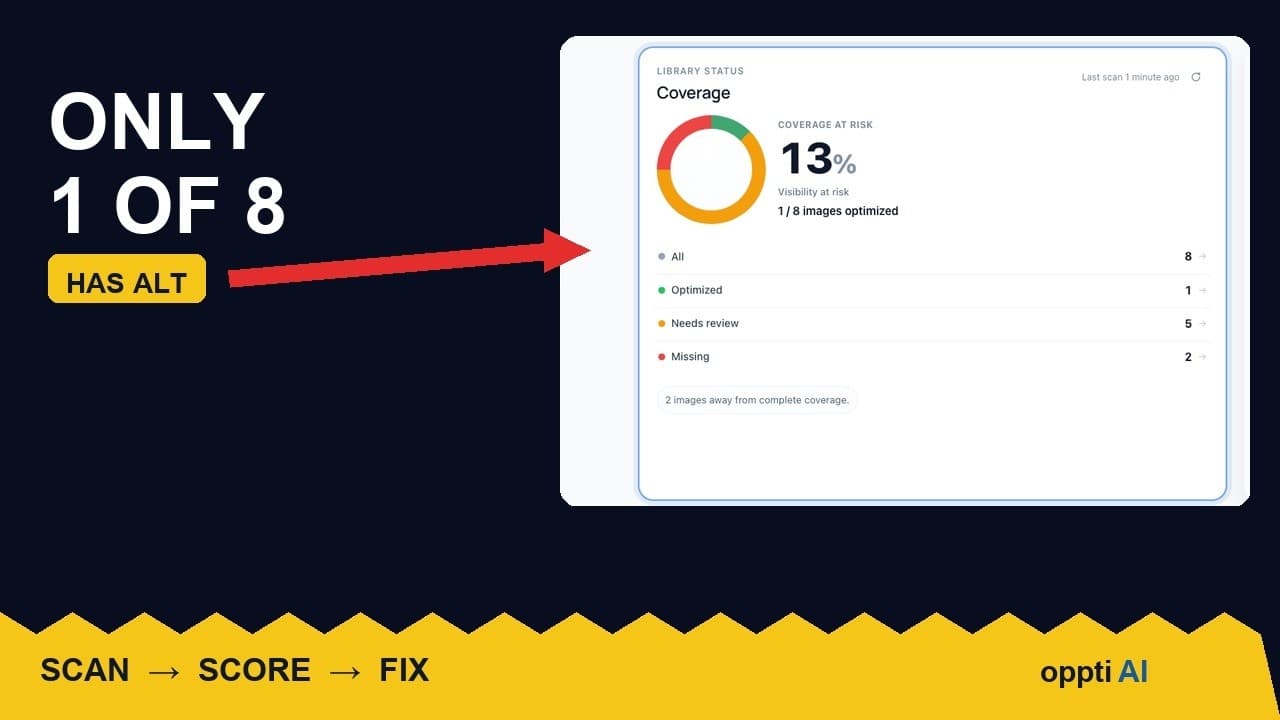
How to Run an ALT Text Coverage Audit on WordPress
An ALT text coverage audit shows exactly how many WordPress images are missing alt attributes, and which ones genuinely need fixing first.