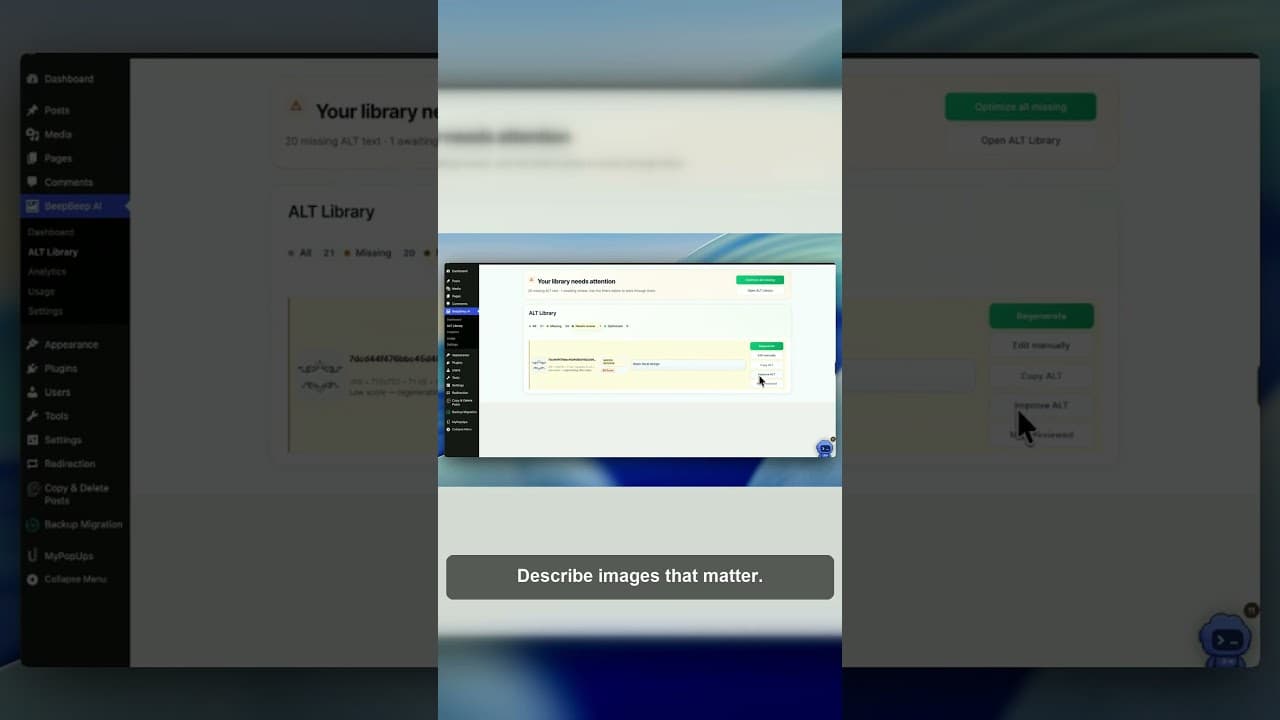
Stop Keyword-Stuffing Decorative Image Alt Text
Writing keyword-rich alt text for decorative WordPress images doesn't help SEO and can flag your site for spam. Here's what to do instead.
Somewhere along the way, "add alt text to every image" turned into "cram your target keyword into every alt attribute, including the ones nobody needed described in the first place." A background swirl, a divider line, a repeated arrow icon next to "read more" — these are getting alt text like "best WordPress SEO plugin 2026 fast affordable" because someone read that alt text helps rankings and decided more must be better. It doesn't, and it isn't.
I made a short video on exactly this habit, because it's one of the more common mistakes I see when auditing WordPress media libraries.
Why decorative images end up keyword-stuffed
It usually starts from a reasonable place: someone reads that alt text is an SEO signal, checks their site, and finds a pile of images with no alt text at all. Rather than sorting which images actually need a description, they run every image — content and decoration alike — through the same "write something keyword-rich" process. Bulk alt-text tools make this worse if they're applied indiscriminately, because they'll happily generate a description for a background pattern that has no content to describe, and the description that comes back either invents something or gets padded with whatever keyword the tool was told to target.
The result is alt text like "professional WordPress hosting services affordable reliable 2026" sitting on a decorative border that has nothing to do with hosting, services, or any year. It reads as spam because it is spam — text written for a crawler rather than for what's actually in the image.
Why it doesn't work as an SEO tactic
Google's own guidance on image SEO is specific about this: alt text should describe the image, and stuffing keywords that don't match the image's actual content is treated as a manipulation attempt, not a legitimate optimisation. That applies to real images with irrelevant keywords bolted on, and it applies at least as much to decorative images where there's no content to describe honestly in the first place — any keyword-rich description on that image is definitionally not describing anything real.
There's also a compounding effect across a site. If ten images share the same padded, near-identical alt text because they were all decorative and all "optimised" for the same phrase, that pattern is easy for search engines to detect. It doesn't read as ten pieces of individually useful metadata — it reads as one template applied blindly, which is closer to a red flag than a ranking signal.
Meanwhile, the thing keyword stuffing is trying to buy — image search visibility — depends on the alt text actually matching what's in the image. A shopper searching for a product will find your product photo because its alt text accurately names the product, not because a decorative sidebar graphic somewhere on the same page happens to mention it.
What to do with decorative images instead
The fix is simpler than the workaround people build instead of it: decorative images get an empty alt attribute, alt="", and nothing else. Not a short generic phrase, not a keyword, not even the word "decorative" — empty. That empty value is a real HTML/WCAG mechanism, not a gap. It tells screen readers to skip the image cleanly, and it tells search engines there's genuinely nothing to index there, which is accurate.
This isn't a workaround or a lesser option compared to writing something. Empty alt text on a decorative image is the correct, complete answer — the same way marking a field "not applicable" is sometimes more accurate than filling it with a guess.
A quick way to tell if an image should get keywords or stay empty
Ask one question: does this image convey information the surrounding page doesn't already say in words? If yes — it's a product photo, a chart, a screenshot a tutorial refers to — describe it accurately, and include a relevant keyword only if it genuinely fits the image, not because you're trying to hit a quota. If no — it's a spacer, a repeated icon, a purely stylistic background — it gets alt="" and nothing further, no matter how tempting the keyword opportunity looks.
A practical workflow for cleaning this up sitewide
- Pull a full list of images and their current alt text. You need to see what's actually on the site before deciding what's wrong with it — the OpptiAI Alt Text plugin scans your WordPress media library and surfaces this in one place.
- Flag anything that repeats near-identically across multiple images. Repetition is the clearest sign of a stuffed template rather than a genuine per-image description.
- Sort flagged images into decorative and meaningful using the information test above, before touching the text.
- Clear decorative images to
alt=""deliberately. Don't leave the field as-is with old keyword text still sitting in it — actively empty it. - Rewrite meaningful images with accurate, specific descriptions, and only include a keyword when it's a natural, honest fit for what's actually shown.
- Recheck new uploads as you publish, since the habit of over-describing tends to creep back in on new content unless it's part of the normal publishing step.
If you want a quick read on how bad the problem currently is before committing to a cleanup, a free image SEO audit will scan your public pages and flag both missing alt text and alt text that looks stuffed or templated.
Frequently asked questions
Does adding keywords to decorative image alt text improve SEO?
No. Decorative images have no real content to describe, so any keyword text added to them isn't describing anything — it's stuffing. Search engines treat alt text that doesn't match an image's actual content as a manipulation signal rather than a ranking boost, and repeated near-identical alt text across multiple decorative images makes the pattern easy to detect.
Is leaving alt text empty bad for SEO?
No, not for decorative images. An empty alt="" attribute is a deliberate, correct choice for images that carry no content — it's a standard part of both accessibility guidance and Google's image SEO recommendations. It only becomes a problem when it's applied to meaningful images, like product photos or charts, that actually need a description.
How can I find which images on my WordPress site have keyword-stuffed alt text?
Look for alt text that's identical or near-identical across many unrelated images, or that mentions a keyword with no connection to what the image actually shows. A media library scan makes this faster than checking image-by-image — the OpptiAI Alt Text plugin lists every image's current alt text alongside the image itself, so repeated or mismatched patterns are easy to spot.
Related Posts
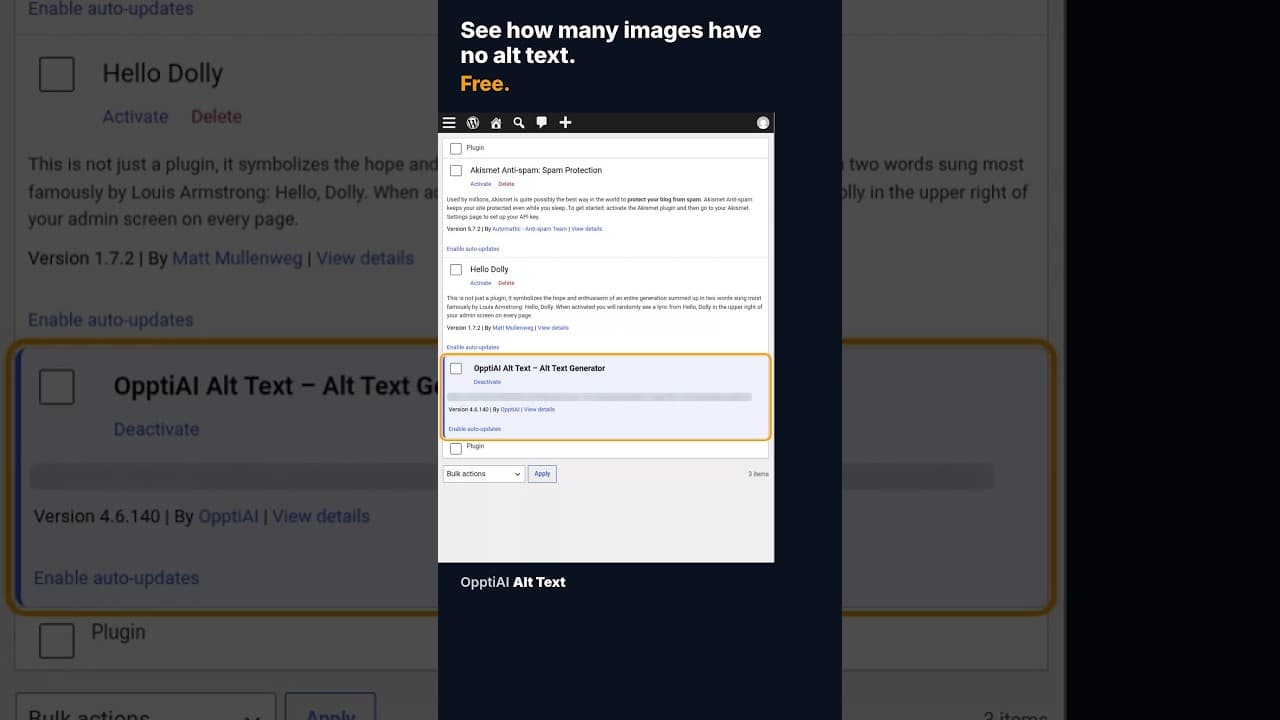
How to Check How Many WordPress Images Are Missing Alt Text
A free alt text audit counts exactly how many WordPress images are missing alt text, no account needed. Here's what the count actually means.
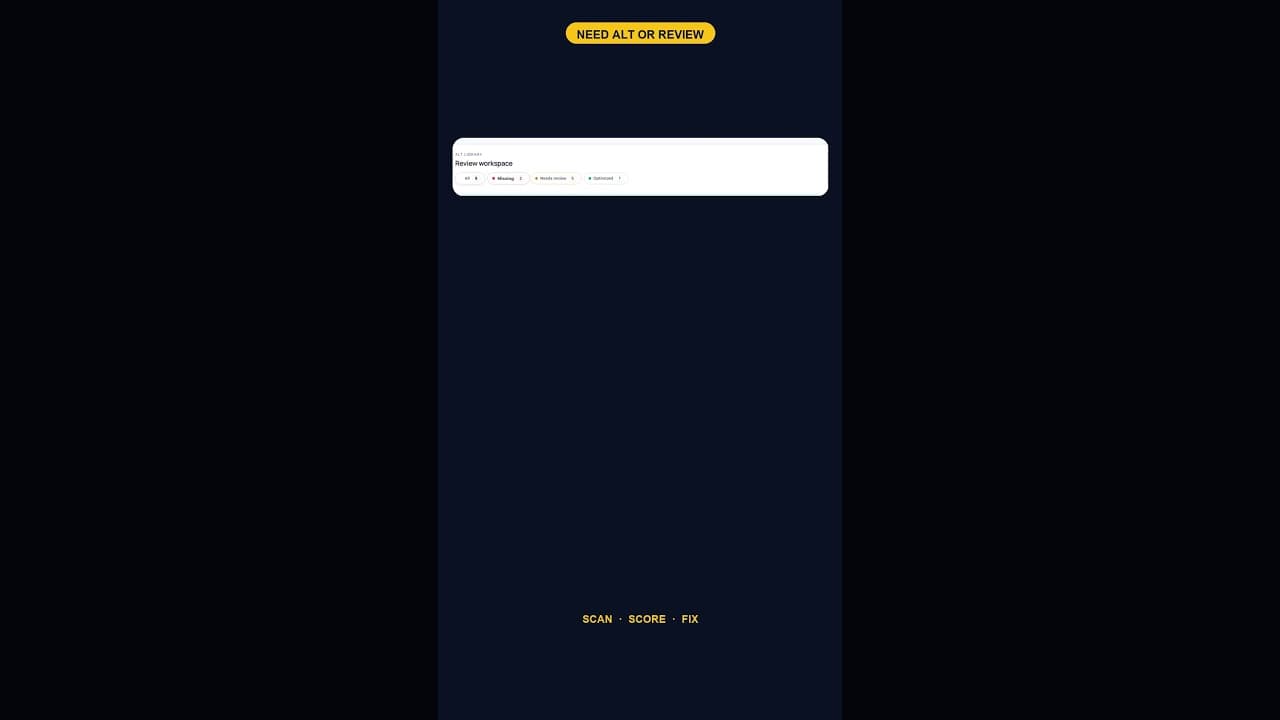
What a 128-Image Alt Text Backlog Looks Like (and How to Clear It)
A 128-image alt text backlog sounds like a project. Split by what's actually wrong with each image, most of it is a much smaller job than the headline number.
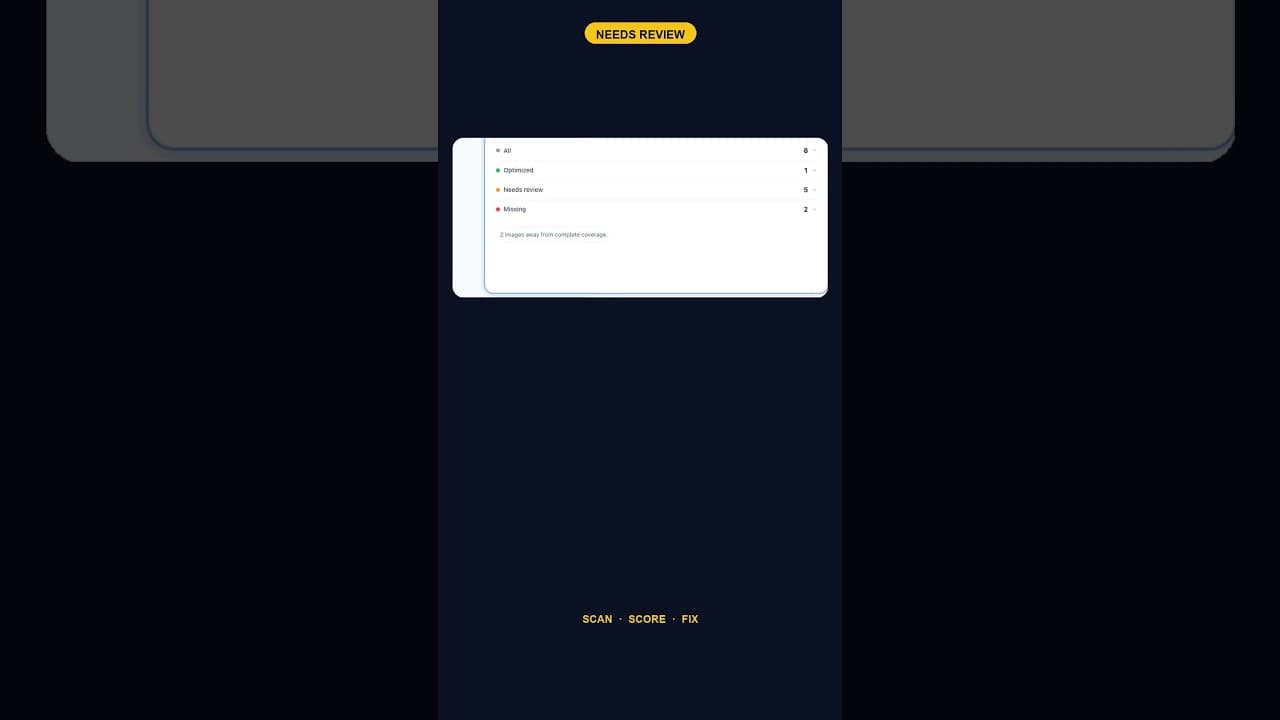
When Alt Text 'Needs Review' Outnumbers 'Missing' Entirely
A scan that finds five images flagged for alt text review and none outright missing is telling you something different than a scan full of blanks.