Fix WordPress Alt Text by Traffic, Not Upload Order
Working through missing alt text oldest-first feels productive but isn't. Prioritising by page traffic fixes the images that are actually seen.
Open a list of images missing alt text and the default sort is almost always chronological — oldest upload first, or newest, depending on the tool. Working through that list top to bottom feels like progress, and in one sense it is: the count goes down. But the count going down and the problem actually shrinking aren't the same thing if the twenty images you just fixed sit on pages nobody visits, while the three images on your highest-traffic page are still sitting untouched somewhere further down the list.
Upload order is arbitrary. Traffic isn't.
Upload date tells you when an image was added to the site. It tells you nothing about who sees it, how often, or what happens if it shows up to a screen reader or a search engine with no description. Two sites with an identical number of missing alt text fields can have wildly different real-world impact depending on where those gaps happen to sit — a site where the missing images are spread across its three most-visited pages has a much bigger problem than one where they're scattered across posts from three years ago that get a handful of visits a month.
Fixing oldest-first (or any other order unrelated to traffic) treats every missing image as equally important. They aren't. A blank alt attribute on your homepage hero image or your best-performing blog post is seen — by people and by search engines — far more often than the same gap on a post buried on page six of your archive.
What traffic-first prioritisation actually looks like
The shift is simple to describe and only slightly more work to set up: instead of sorting missing alt text by when the image was uploaded, sort it by how much traffic the page it's on receives.
Start with your analytics, not your media library. Pull your top 20 or 50 pages by sessions or pageviews over the last 90 days from whatever analytics tool you already use. That list is your real priority order — not the media library's default sort.
Cross-reference against missing alt text. For each page on that traffic list, check which images on it are missing alt text. These are the fixes that matter most right now, regardless of how old or new the images are.
Work down the traffic list, not across the whole site. Fix every missing image on your #1 page before moving to #2, rather than fixing "the oldest missing image on each page" across the whole list. Concentrating effort on one high-traffic page at a time clears real exposure faster than spreading thin across many pages.
Re-check traffic periodically, not just once. A page's traffic rank shifts — a post can suddenly rank for a new keyword, or a seasonal page can spike. Re-running the cross-reference every month or so keeps the priority list current instead of working from a snapshot that's already stale.
Treat low-traffic pages as a backlog, not a priority. They still need fixing eventually, both for accessibility and for completeness, but they shouldn't compete for attention with pages that are actually being seen right now.
A practical walkthrough
- Export your top-traffic pages for the last 90 days from your analytics tool — sessions or pageviews, whichever your tool reports by default.
- Run (or re-run) an alt text audit across the site to get the full list of images missing alt text.
- Match the two lists, flagging every missing-alt-text image that sits on a page from your top-traffic export.
- Fix the matched images first, page by page, starting from your highest-traffic page and working down.
- Move to the remaining backlog — everything missing that didn't appear on the traffic list — once the high-traffic gaps are closed.
- Repeat the traffic export monthly so the priority list reflects which pages matter now, not which ones mattered when you first ran the audit.
Frequently asked questions
Isn't it simpler to just fix everything eventually, so prioritisation doesn't matter?
Eventually, sure — but "eventually" on a site with hundreds of images can mean months, and during that whole stretch, every page is exposed until its turn comes up in whatever order you're working through. Prioritising by traffic doesn't change the total amount of work; it changes which gaps get closed first, so the pages doing the most work for your site aren't the last ones fixed.
What if a low-traffic page is still important for another reason, like a key landing page?
Traffic is the right default signal, but it's not the only one. A landing page you're actively running ads to, or a cornerstone page you link from your main navigation, deserves the same priority as a high-traffic page even if its session count doesn't reflect that yet — add pages like that to your priority list manually rather than relying on raw analytics alone.
How often should I re-run the traffic-vs-alt-text cross-reference?
Monthly is a reasonable default for most sites — frequent enough to catch a page that's recently started getting real traffic, infrequent enough that it doesn't become a chore. Sites with fast-moving seasonal content, or ones running active campaigns, may want to check every couple of weeks during that period specifically.
Does this approach work on a site that's too small to have much traffic variation?
Yes, though the gap between pages will be smaller. Even a modest site usually has a handful of pages that outperform the rest — a popular guide, a pricing page, a post that happened to rank for something searched often. Those are still worth fixing first, even if the difference between your top page and your tenth page is a few hundred visits rather than a few thousand. The principle doesn't require a huge traffic spread to be worth following; it just means less is riding on getting the order exactly right.
Fixing in upload order is easy to set up and feels methodical, which is exactly why it's easy to keep doing even after it stops making sense. OpptiAI Alt Text flags missing alt text across your whole site in one pass, so you can cross-reference it against your own traffic data instead of working through it chronologically. The free image SEO audit is a fast way to see the current size of the gap before you decide where to start.
Related Posts
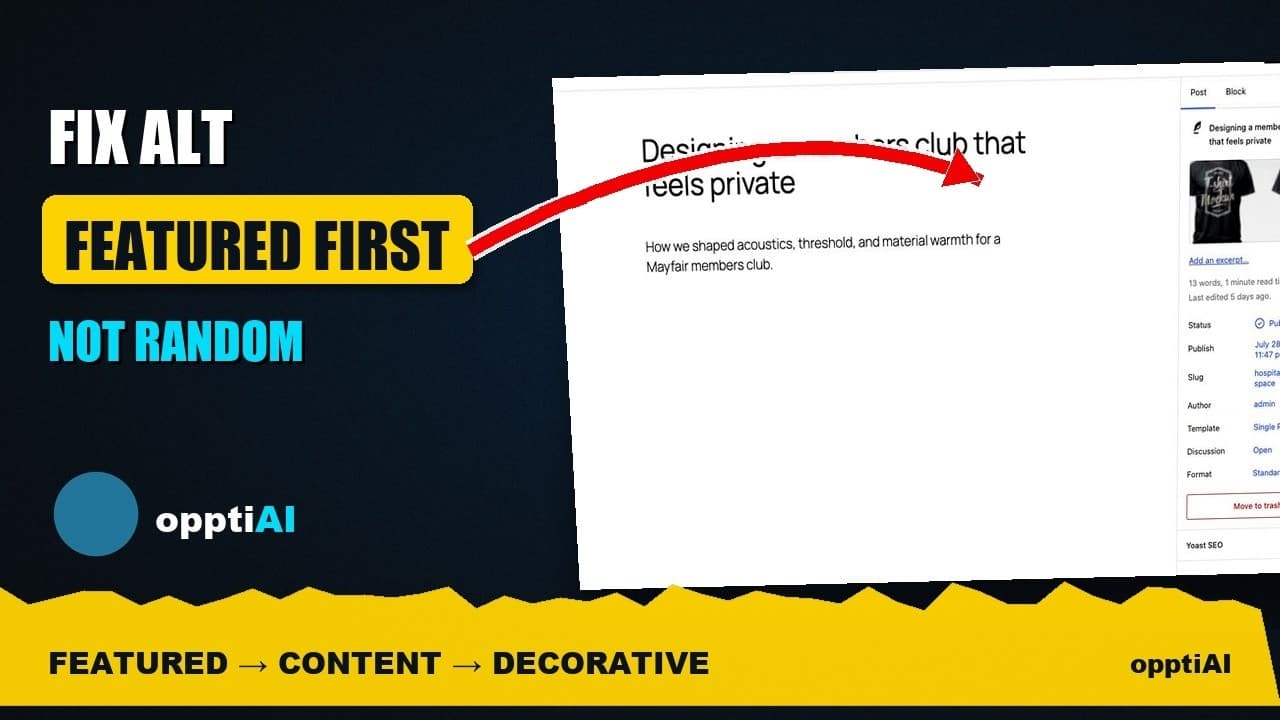
Why WordPress Featured Image Alt Text Comes First
A featured image's alt text shows up in far more places than a normal content image. Here's why it deserves the first fix, not the last.
Fix Alt Text in Order: Featured, Products, Content
Not every missing alt text field deserves the same urgency. Here's the priority order that actually moves image SEO: featured, products, content.
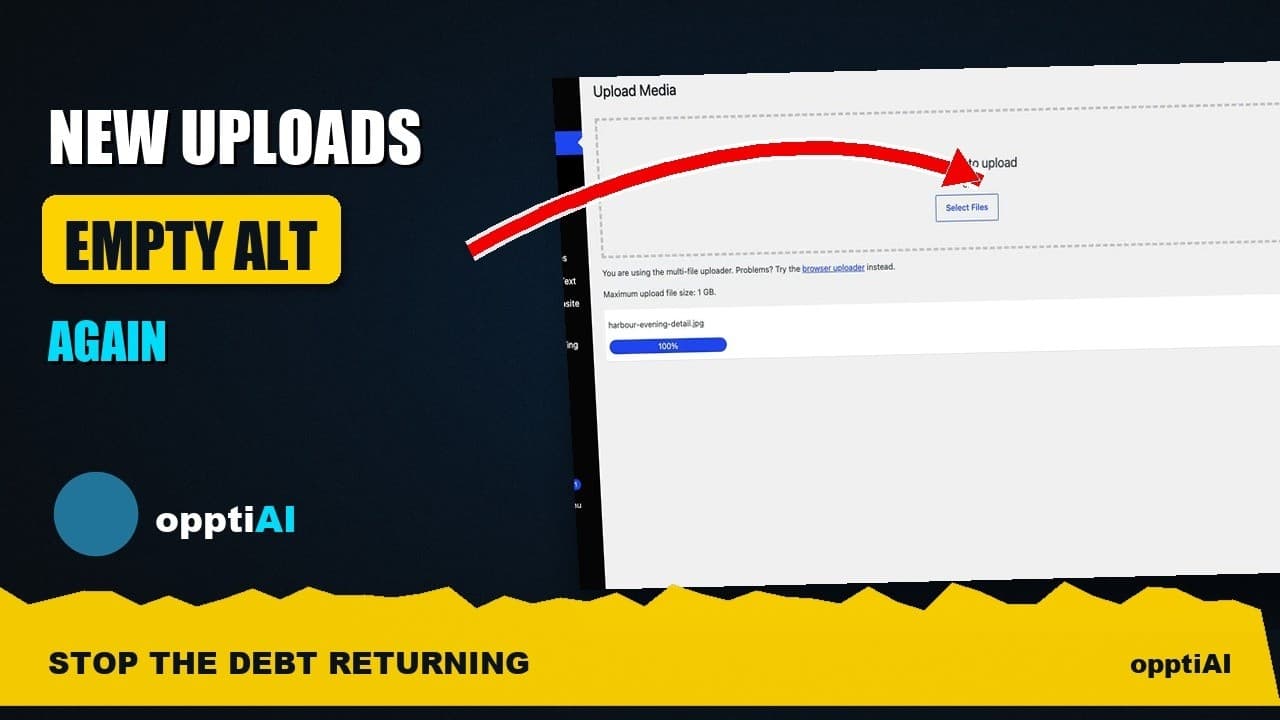
Alert Yourself the Same Day an Upload Misses Alt Text
Autopilot and cleanups still miss uploads. Same-day alerts catch missing alt text on new WordPress uploads before it piles up unnoticed.