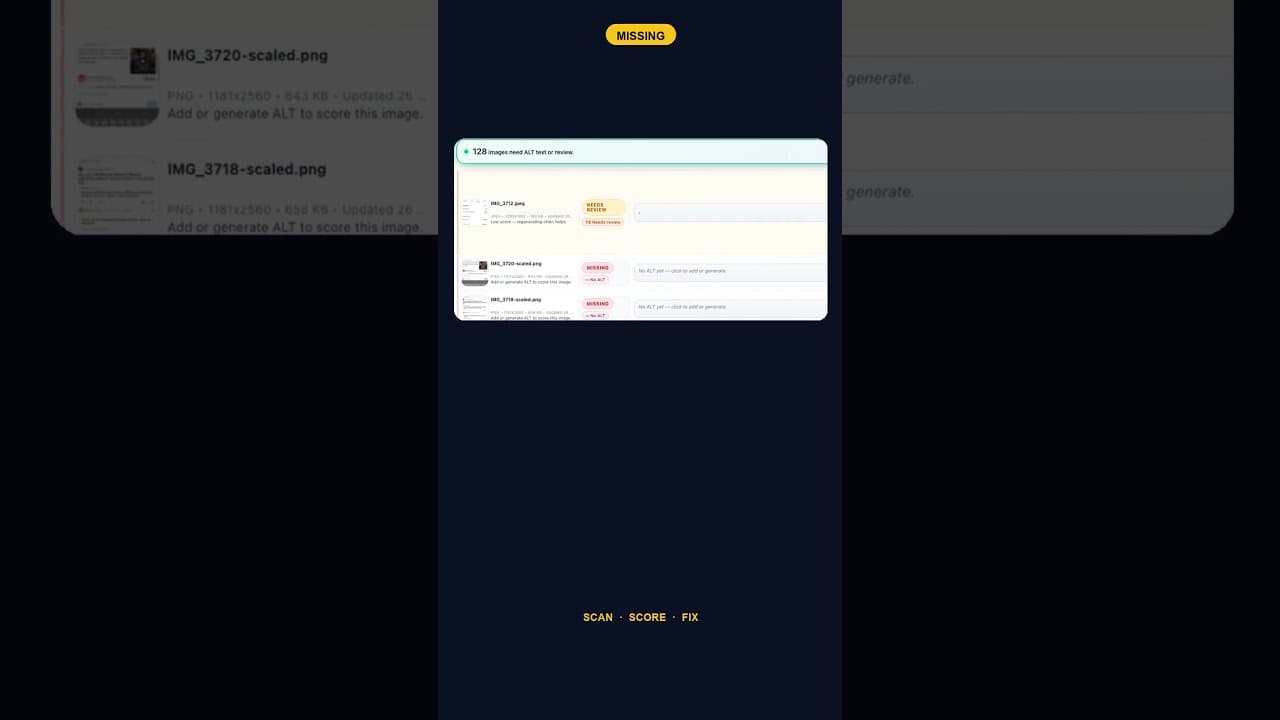
Only 2 Images Missing Alt Text? Fix Them Anyway — Here's Why
A WordPress site with just two images missing alt text is easy to deprioritise. Here's why that small a gap is still worth closing the same day you find it.
Two images out of a whole media library flagged as missing alt text doesn't look like a problem worth stopping for. It's tempting to leave it on a list and get to it eventually. That instinct is understandable and usually wrong, for reasons that have nothing to do with the raw number.
Small counts are deceptively low-effort to fix
The usual argument for deferring small fixes is that they're not worth the context-switch — opening a tool, finding the setting, writing the text, saving it, for a problem that's "basically solved already." But that math works against the deferral here, not for it. Two missing images takes a few minutes, total, to actually resolve: open each one, look at what it shows, write a sentence that describes it, save. There's no setup cost that scales with the size of the backlog, because there isn't a backlog — there are two images.
Compare that to a site that lets small gaps accumulate instead of closing them immediately. Two becomes six becomes twenty, not because the rate of new missing images increased, but because "I'll get to it" compounds every time a new upload slips through without alt text. The two-image fix you're looking at right now is the cheapest version of this task you'll ever face. It gets more expensive, not less, the longer it waits.
What two missing images still costs you today
Even while the count is low, each of those two images is doing exactly what a hundred missing images would do, just at smaller scale: a screen reader user hits that image and gets nothing — no description, sometimes just the filename read aloud, which is actively worse than silence. Search engines indexing the page for image search have nothing to associate with that image, so it's invisible in a channel that costs nothing extra to show up in once the description exists. Neither of those costs is proportional to the count. They're per-image, happening in full right now, regardless of whether it's two images or two hundred.
A two-minute fix, concretely
- Open the media library and find the two flagged images. A scan or filter that lists exactly which ones are missing saves you from scrolling through everything else.
- Look at what's actually in the image. Not the filename, the picture itself — what it shows, and what role it plays on the page it appears on.
- Write one or two sentences describing it specifically enough that someone who can't see it would understand its purpose on the page. Skip generic filler like "image of" or "picture showing."
- Save and move on. There's no reason to batch this one for later when the whole task is this small.
Why this is the right moment to build the habit
A two-image gap is also the lowest-stakes point to establish a habit that pays off far more once a site has hundreds of images: check alt text on upload, not in a periodic cleanup. If closing a two-image gap today becomes the trigger for turning on a setting that flags new uploads automatically, the backlog that catches most sites — dozens or hundreds of images accumulated over years — simply doesn't form in the first place. The easiest time to prevent a big problem is before it exists, which is exactly where a two-image count sits.
Frequently asked questions
Is it worth using a tool to fix just two missing alt text images, or should I just do it manually?
For exactly two images, doing it manually in the WordPress media library is completely reasonable — open each one, write a description, save. A dedicated tool earns its place once the count is higher, once new images keep slipping through unflagged, or once you want ongoing monitoring rather than a one-time fix. Don't feel like you need extra tooling to close a two-image gap; the value of a scanning tool is in catching the gap reliably over time, not in writing two sentences.
How do I make sure new uploads don't end up with missing alt text again?
Most modern SEO and accessibility plugins, including dedicated alt text tools, offer a setting that flags (or drafts) alt text automatically whenever a new image is uploaded, rather than waiting for a periodic scan to catch it later. Turning that on the same day you clear an existing backlog, however small, is what actually prevents the backlog from reforming — a one-time cleanup without ongoing monitoring just resets the clock on the same problem.
Does a tiny number of missing alt text images actually affect my site's SEO or accessibility compliance?
It affects both, proportionally — just at a small scale right now. For accessibility, each missing image is a real gap for any screen reader user who encounters that specific page, regardless of how many other images on the site are fine. For SEO, each missing alt text is a missed opportunity in image search specifically, again per-image rather than site wide. Neither cost waits for the count to reach some threshold before it starts counting; it's active from image one.
Keeping the count at zero, not just getting there once
OpptiAI Alt Text scans your WordPress media library, flags exactly which images are missing or weak, and can monitor new uploads going forward so a small gap never becomes a large one. See how it works.
Related Posts
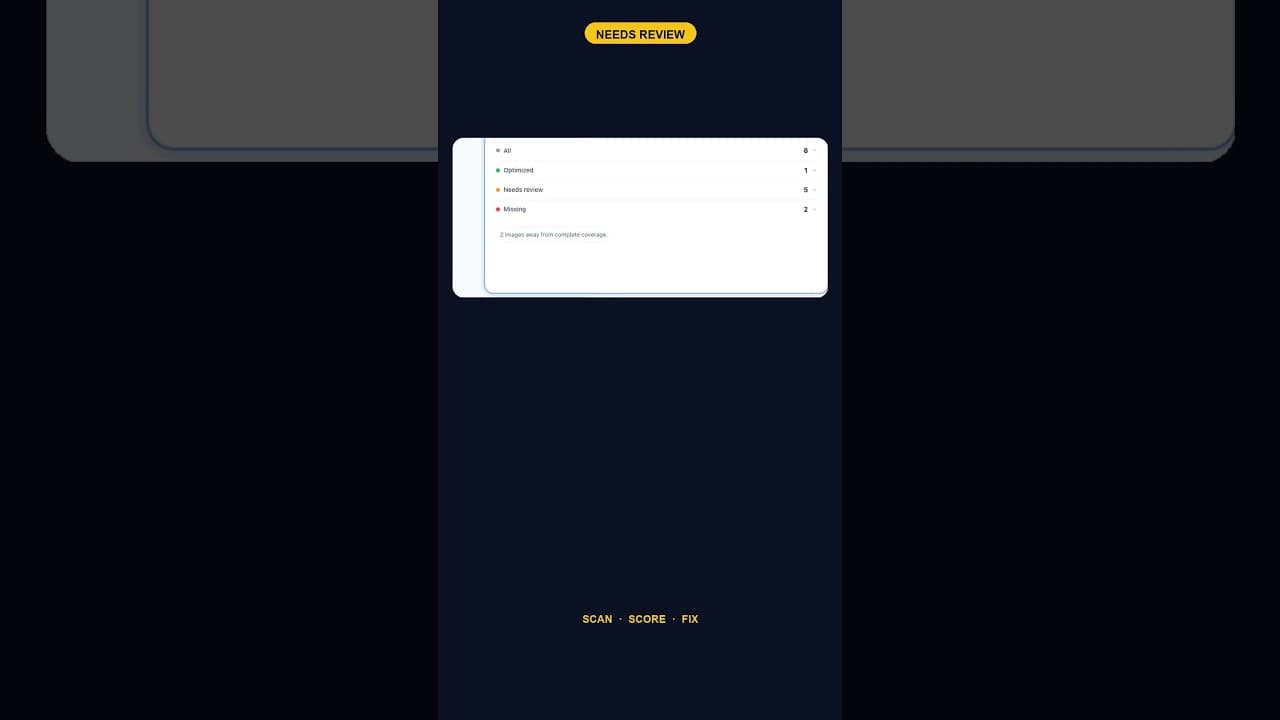
When Alt Text 'Needs Review' Outnumbers 'Missing' Entirely
A scan that finds five images flagged for alt text review and none outright missing is telling you something different than a scan full of blanks.
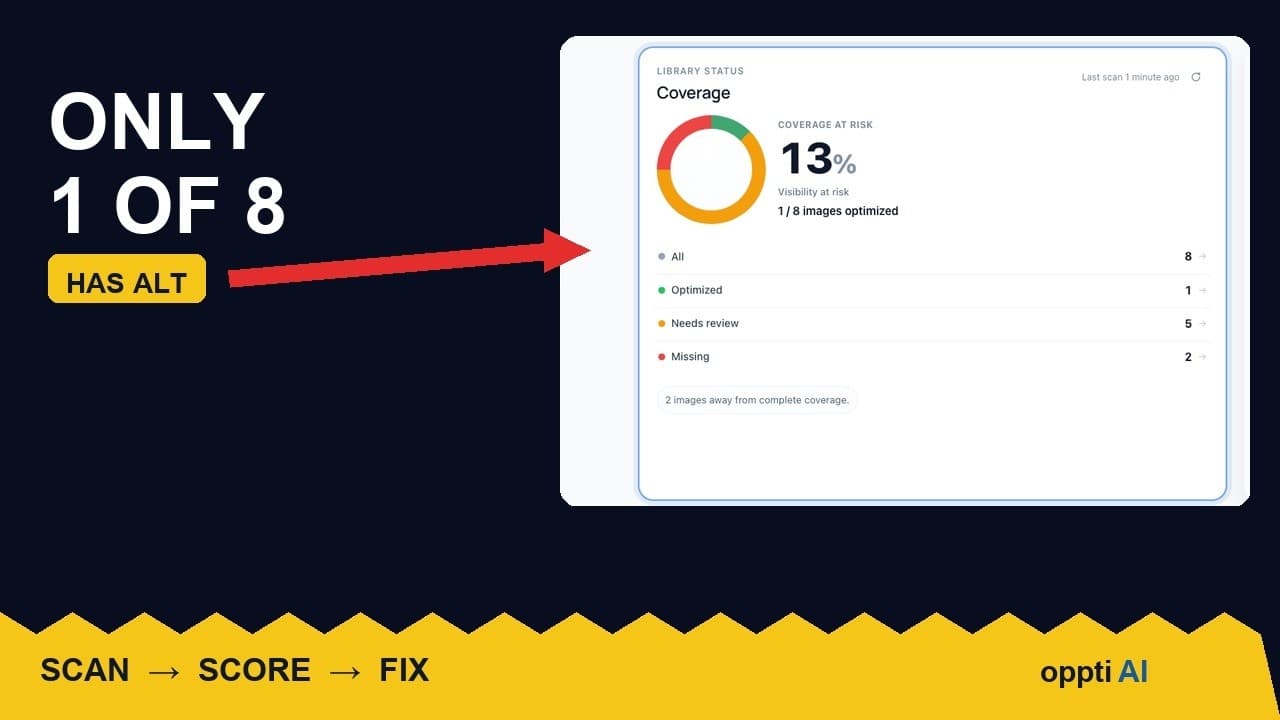
How to Run an ALT Text Coverage Audit on WordPress
An ALT text coverage audit shows exactly how many WordPress images are missing alt attributes, and which ones genuinely need fixing first.
What a Low ALT Text Coverage Score Really Means
A low alt text coverage score on WordPress looks alarming at first glance. Here's how to read the number properly before you panic or ignore it.