1
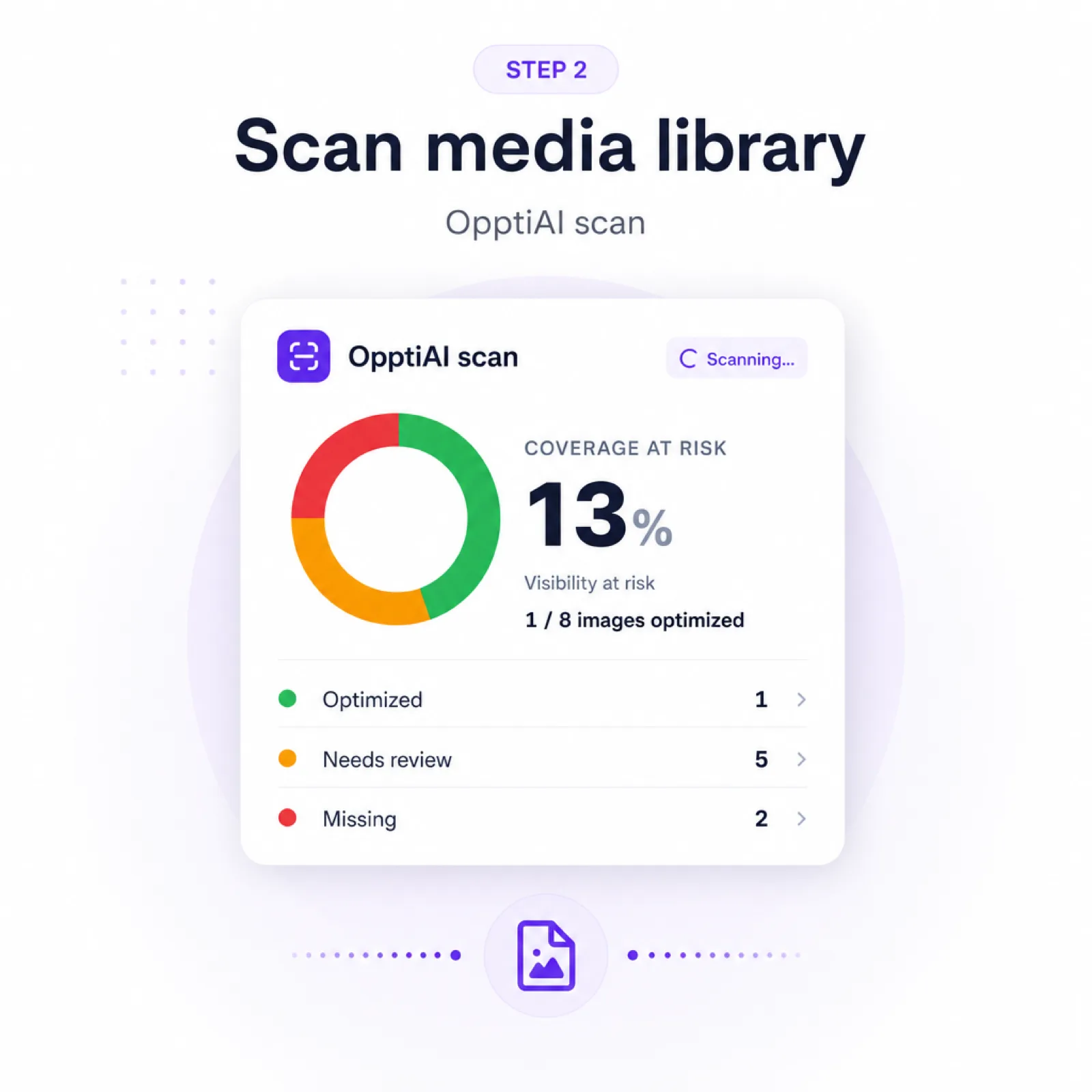
Crawl public pages
Start from your homepage, sitemap, and same-site links with a safe public crawl cap.
OpptiAI free image SEO audit
Free PDF report · No plugin install needed to check · Read-only public crawl · YouTube walkthroughs
Coverage
Missing ALT
Quality
Weak copy
Priority
Fix order
Report-style preview based on the free audit workflow.
Run the audit
Use the audit for a fast public-page triage pass, then move into OpptiAI Alt Text when you are ready to fix images in bulk.
Already have your PDF numbers? Build a shareable score card.
The audit focuses on fixable image SEO issues visible to search engines, screen readers, and customers.
Images with absent or empty alt text on crawlable pages.
Generic, filename-like, very short, or overstuffed alt text.
A cleanup order based on visibility and fix opportunity.
A clear handoff from public audit to WordPress media-library cleanup.
Start with a public-page report, then use the WordPress plugin for source-level alt text generation and review.
Start from your homepage, sitemap, and same-site links with a safe public crawl cap.
Flag missing, weak, generic, filename-like, and over-optimized descriptions.
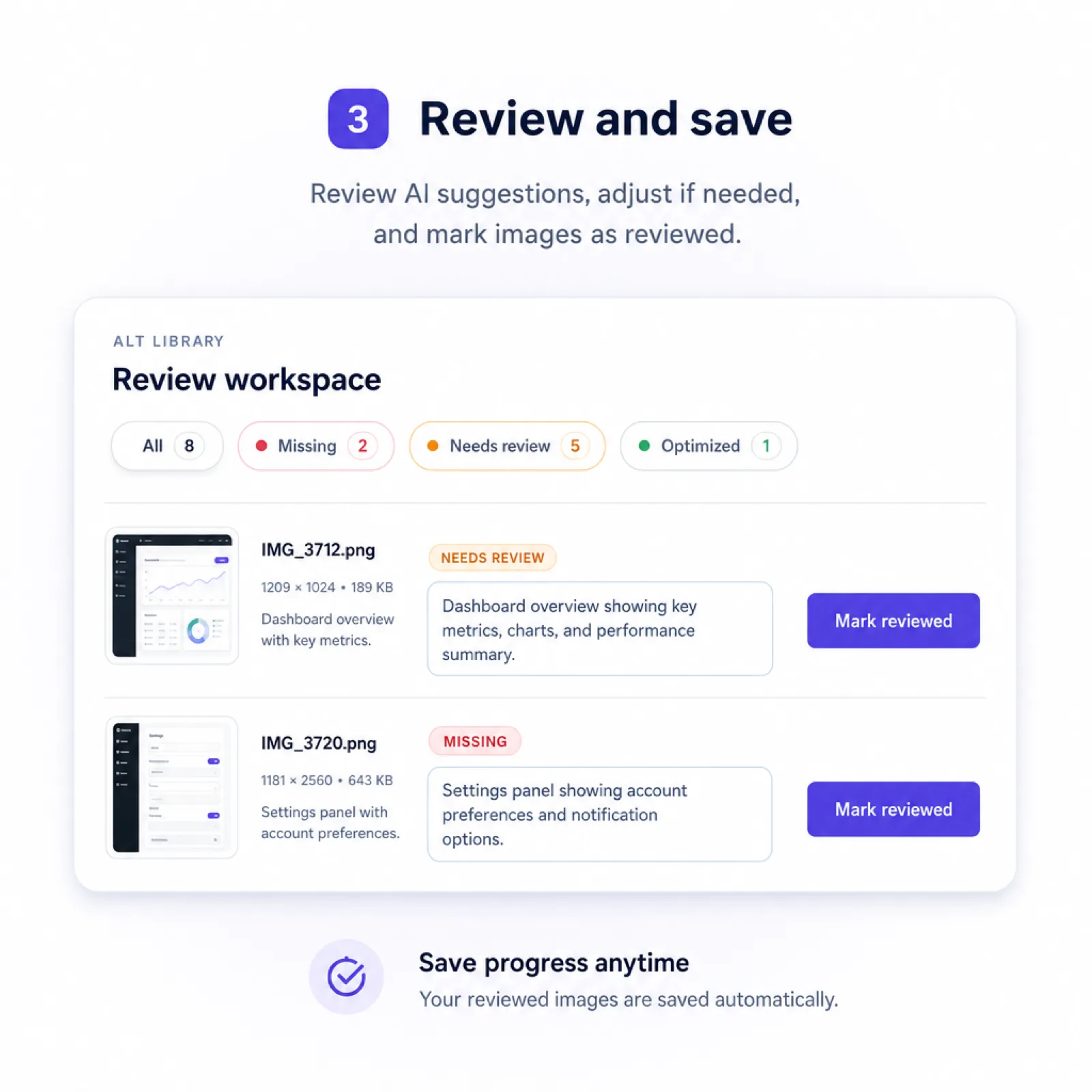
Use the report to triage pages, then install OpptiAI Alt Text for bulk cleanup.
Public audit vs plugin cleanup
Most WordPress sites have image SEO issues spread across posts, product pages, landing pages, icons, and older uploads. The free audit gives you a fast view of what public pages expose today.
Free audit
Public pages, PDF triage, no install required.
OpptiAI Alt Text
Media-library scan, bulk generation, review before save.
It scans public pages for visible images and flags missing alt text, empty alt attributes, filename-like descriptions, generic text, and copy that is too short, too long, or keyword-stuffed.
No. The audit only needs your website URL and email address. Install the OpptiAI Alt Text plugin afterwards when you want to fix issues across the WordPress media library.
No. The free audit reviews what is visible on public pages. The plugin scans inside WordPress so you can bulk-generate, review, and save alt text at the source.
Same public crawl engine, different search intent. The image SEO audit page is the full report framing; the WordPress alt text checker page is positioned for people searching specifically for an alt text checker. Use either entry point — both email a prioritised PDF.
No. The audit is read-only. It sends a PDF report with issues and recommended next steps, but it does not edit your site or publish AI-generated text.
Start with the free report. When you know what needs attention, install OpptiAI Alt Text to scan your media library and generate SEO-ready descriptions in bulk.