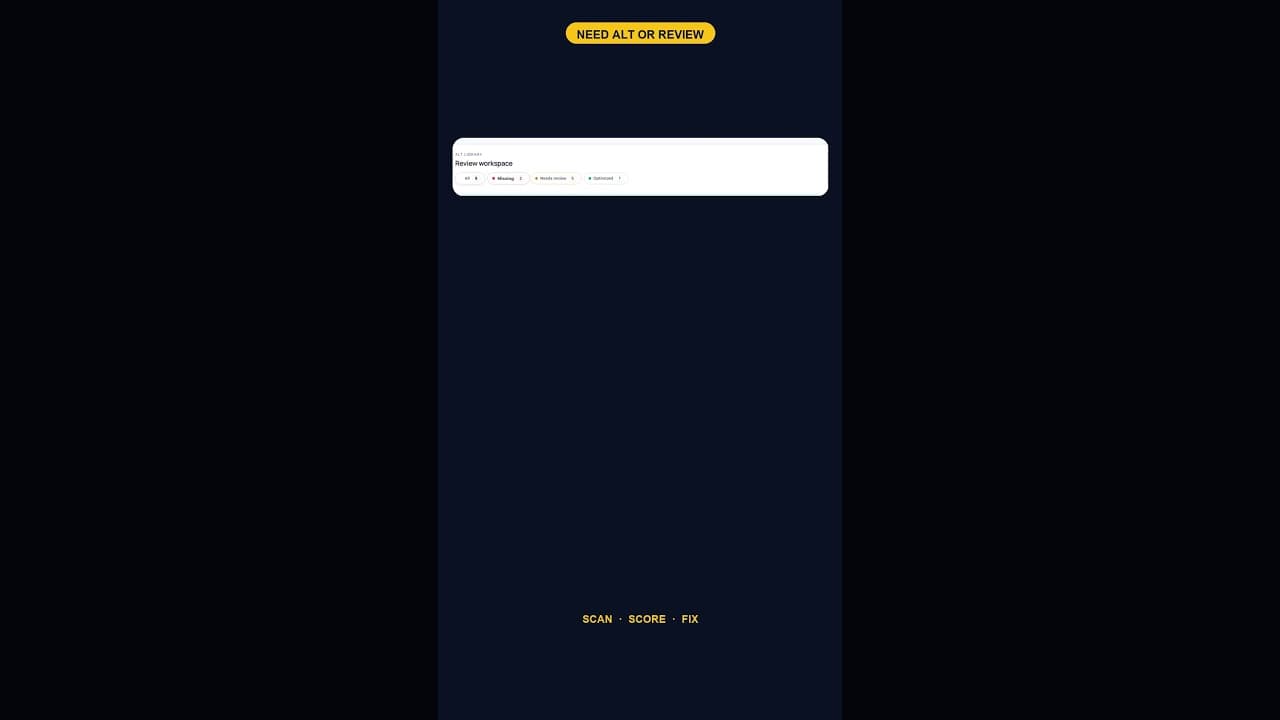
What a 128-Image Alt Text Backlog Looks Like (and How to Clear It)
A 128-image alt text backlog sounds like a project. Split by what's actually wrong with each image, most of it is a much smaller job than the headline number.
A hundred and twenty-eight images flagged as needing alt text or a review is the kind of number that makes the task feel bigger than it actually is. It looks like a project. Broken down into what each of those images actually needs, most of it is a much smaller job than the headline count suggests.
Why the backlog reached three figures
A number this size rarely comes from one bad decision — it's almost always the sum of a long period with no check at all. Every image uploaded without alt text since the site went live, across however many years and however many contributors, sits in the same bucket once someone finally runs a scan. A site that's never checked before doesn't find a small number; it finds the entire accumulated total, which is why a first-ever scan on an established site so often turns up triple-digit counts that feel alarming purely because of their size, not because the underlying problem is unusually severe.
The backlog isn't one task — it's several
A hundred and twenty-eight flagged images is almost never a hundred and twenty-eight identical cases. Splitting it by what's actually wrong changes how it feels to tackle:
- Fully missing alt text — no value at all. These need a description written from scratch.
- Present but empty, or just the filename — technically has a value, but nothing useful. These need the same fresh-write treatment as fully missing ones, just harder to notice without a tool flagging them specifically.
- Present but weak — a vague or generic description that exists but doesn't actually describe the image. These need editing, which is often faster than writing from zero.
- Decorative images caught by the scan — spacers, background textures, dividers that shouldn't have descriptive alt text at all, just a deliberate empty value. These need reclassifying, not writing.
Sorting a hundred and twenty-eight images into those four buckets usually reveals that the real "write a description from scratch" count is meaningfully smaller than the headline number, because a chunk of it is edits or reclassifications rather than fresh writing.
Working through it without it taking a week
Treating all 128 as one undifferentiated queue is what makes a backlog this size feel unmanageable. Working through it in focused batches, by bucket, is faster in practice:
- Batch the decorative reclassifications first. These take seconds each once you've identified them, and clearing them drops the headline number fast, which helps on a task this size.
- Batch the weak-but-present edits next. You're not starting from nothing; you're sharpening an existing draft, which is quicker than writing fresh.
- Save genuinely missing descriptions for a dedicated session or two, since this is the part that actually needs attention to the image itself rather than quick editing.
- Prioritise by page traffic within the missing bucket, so the images on your highest-traffic pages get written first rather than whichever happened to upload first chronologically.
What's actually at stake across 128 images
Each image in this backlog carries the same two costs a single missing image would, just multiplied: a screen reader user hitting any one of them gets nothing useful, and search engines indexing image search have no description to associate with any of them. A hundred and twenty-eight is large enough that the aggregate accessibility and search impact is genuinely meaningful — this isn't a backlog you can reasonably leave sitting, the way you might with two or three images.
Stopping the number from growing back
Clearing a hundred and twenty-eight images down to zero and then doing nothing differently just restarts the clock. The same gap in process that let the backlog reach three figures in the first place, no check at upload, no periodic re-scan, will rebuild it, slower at first, over the following months and years. Turning on upload-time flagging, or committing to a monthly re-check, is what makes the cleanup permanent rather than a one-time reset.
Frequently asked questions
Is 128 images missing alt text an unusually large number?
It's large, but not unusual for a site that's never run a dedicated check before — the count reflects however many years of uploads have accumulated without any alt text review, not a sudden spike in missing images. First-time scans on established sites with hundreds of images regularly turn up totals in this range.
Should I write new alt text for all 128 images in one sitting?
Splitting the work by type is faster than treating it as one uniform queue. Decorative images that just need an empty alt attribute, and weak-but-present descriptions that just need editing, clear much faster than genuinely missing ones — batch those first, then dedicate focused time to the images that actually need a description written from scratch.
Will a tool write alt text for all 128 images automatically?
A scanning tool will identify and sort them accurately, which is most of the work in a backlog this size. Writing the final description for each image is something the site owner should review before it's saved, even where a draft is suggested — the point of the tool is cutting the time to find and draft the fix, not removing the review step entirely.
Clearing your own backlog
OpptiAI Alt Text scans your WordPress media library, sorts flagged images by what's actually wrong, and drafts descriptions you review before saving. See how it works or run a free check first.
Related Posts
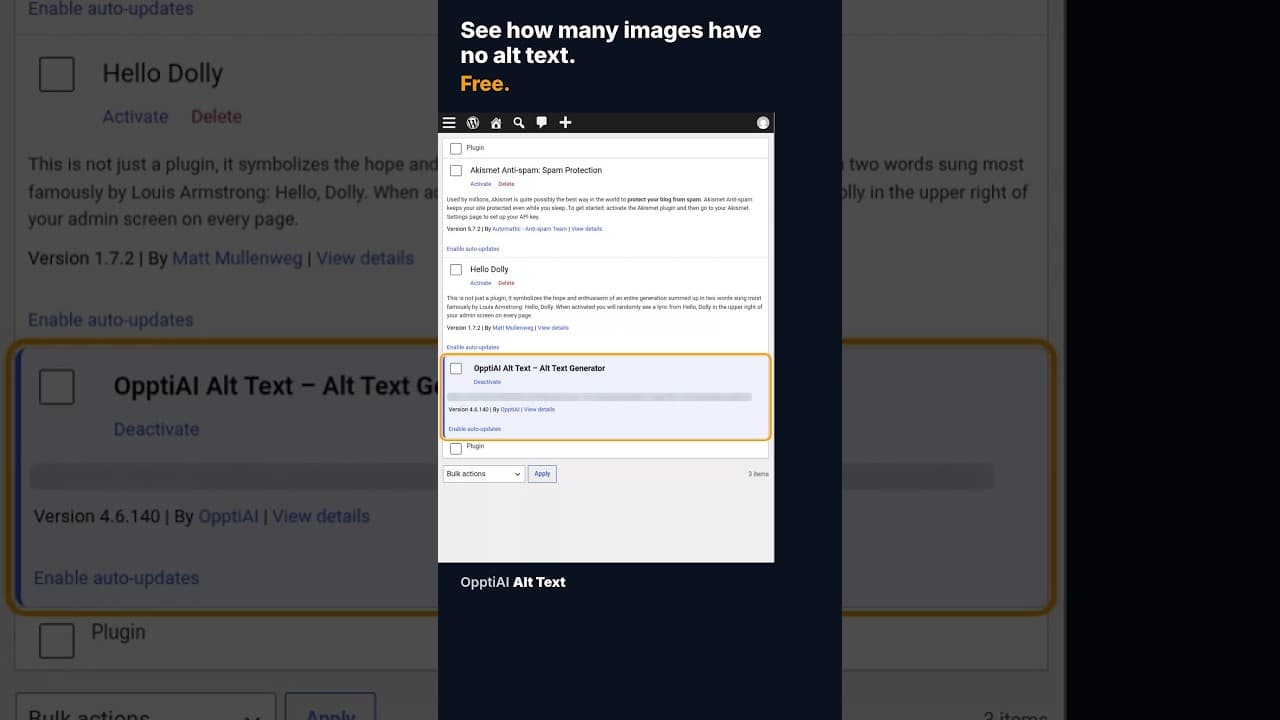
How to Check How Many WordPress Images Are Missing Alt Text
A free alt text audit counts exactly how many WordPress images are missing alt text, no account needed. Here's what the count actually means.
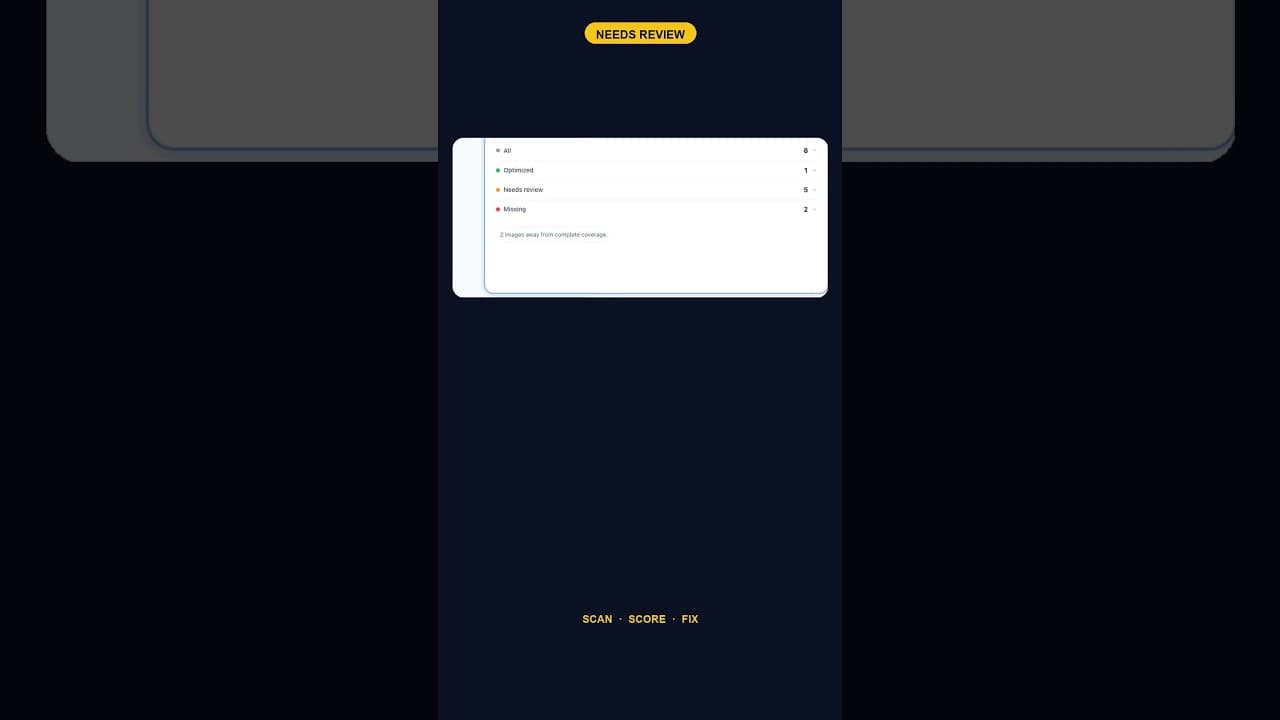
When Alt Text 'Needs Review' Outnumbers 'Missing' Entirely
A scan that finds five images flagged for alt text review and none outright missing is telling you something different than a scan full of blanks.
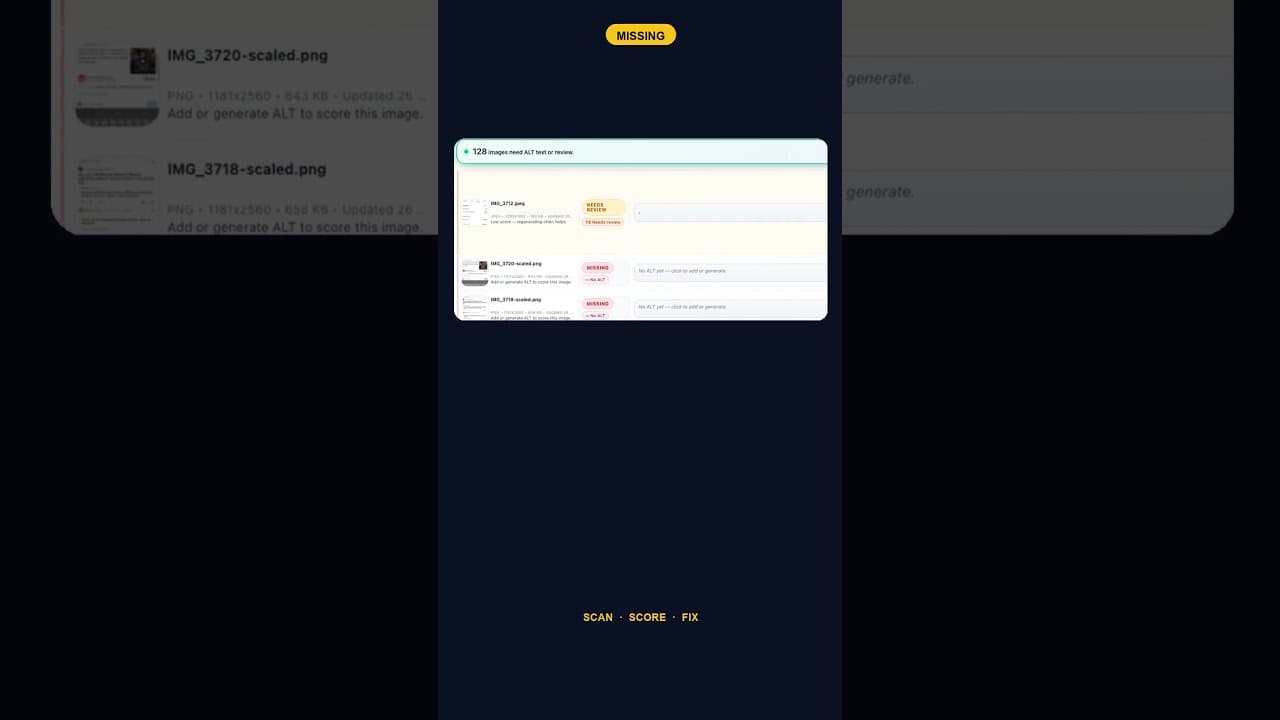
Only 2 Images Missing Alt Text? Fix Them Anyway — Here's Why
A WordPress site with just two images missing alt text is easy to deprioritise. Here's why that small a gap is still worth closing the same day you find it.