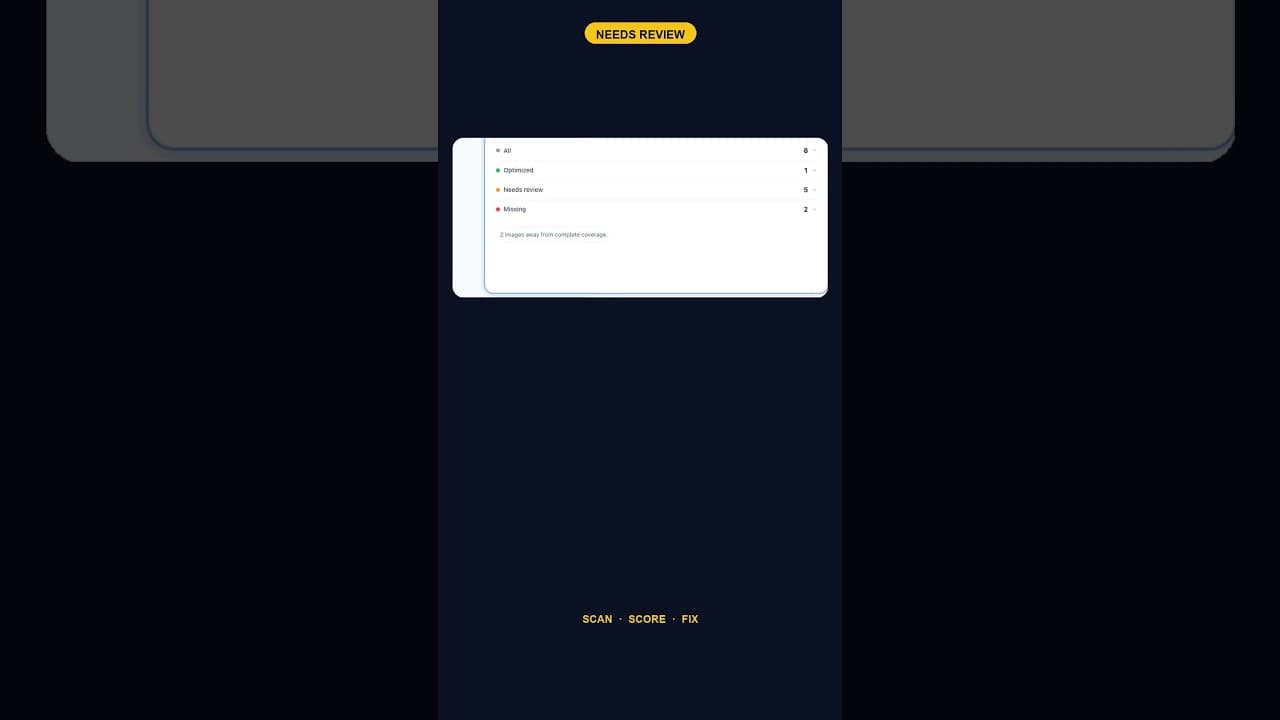
When Alt Text 'Needs Review' Outnumbers 'Missing' Entirely
A scan that finds five images flagged for alt text review and none outright missing is telling you something different than a scan full of blanks.
A scan of six images on a WordPress site returned a result that looked odd at first glance: one image optimised, five flagged as needing review, and zero marked as missing. Every image technically had something in its alt attribute. Almost none of it was actually doing the job.
Two different problems, two different fixes
"Missing" and "needs review" sound like variations on the same complaint, but they describe different situations with different fixes.
Missing alt text means the field is empty. There's nothing to evaluate — you're writing from scratch, and the fix is additive. Needs review means something is already there, but it isn't good enough to leave alone: a filename, a vague label, text copied from the wrong image, or a description that's technically accurate but useless for anyone relying on it (describing colour and shape instead of what the image actually communicates, for instance).
A site with zero missing and five needing review doesn't have an accessibility problem in the usual sense — nobody forgot to fill in a field. It has a quality problem spread across every image, which is arguably harder to catch, because every field in the WordPress admin looks "done" at a glance.
Why this pattern shows up so often
Needs-review tends to dominate missing on sites that have had some automated or semi-automated process touch their images at some point — a plugin that auto-fills alt text from the filename, a theme that defaults to the image title, or a previous contributor who filled every field to satisfy a checklist without reading what each one actually said. All of those produce a site where the "missing" count looks great and the real coverage is nowhere close.
It's a reasonable trap to fall into, because most basic accessibility checkers only test for presence. A checker that reports "100% of images have alt text" on a site where every description reads IMG_2041 is telling the truth in the narrowest possible sense while missing the point entirely.
How to actually review five flagged images
Reviewing isn't the same task as writing from scratch, and it goes faster once you know what you're checking for:
- Read the current text next to the image itself, not in isolation — a description can sound fine on its own and still not match what's actually shown.
- Ask what a screen reader user would need to know. Specific enough to understand the image's purpose on the page, not a generic label, and not an exhaustive visual description either.
- Check for keyword stuffing, a common failure mode when alt text has been written (or AI-generated) with search ranking as the only goal — a description crammed with search terms reads badly and often fails the basic job of describing the image.
- Decide: keep, edit, or rewrite. Some flagged text just needs a tweak. Some needs to be thrown out entirely. Treating every flagged item as a full rewrite wastes time on the ones that were already close.
- Re-check after editing, since a quick pass sometimes trades one vague description for another.
Why the ratio is worth tracking over time
A site that starts at five needs-review and zero missing, and six months later shows the reverse, has gone backwards even though "zero missing" sounds like an achievement worth celebrating on its own. Watching the ratio between the two categories — not just the overall coverage percentage — is a better signal of whether image content is actually being written with care, or just nominally filled in to pass a check.
Frequently asked questions
What's the difference between alt text that's "missing" and alt text that "needs review"?
Missing means the alt attribute field is empty — there's no text there at all. Needs review means the field has something in it, but that something doesn't meet the bar for useful alt text: it might be a filename, a generic placeholder, text that doesn't match the image, or a description padded with keywords rather than written to actually describe what's shown. Both represent a gap, but missing is additive work (write something) while needs-review is editorial work (fix something that already exists).
Why would a site have alt text on every image but still have an accessibility problem?
Because the presence of text in the alt attribute and the quality of that text are two separate things. A theme or plugin that auto-populates alt text from the image filename or the post title satisfies any check that only looks for presence, while leaving every description essentially useless to a screen reader user. This is common enough that "100% coverage" on its own isn't a meaningful accessibility claim — it depends entirely on what's filling that 100%.
Should I treat needs-review items with the same priority as missing alt text?
Generally yes, and sometimes with higher priority. A missing alt text field is at least honestly flagged as a gap by any basic tool — it'll keep surfacing until someone fixes it. A needs-review item that reads as "complete" to a simple presence check can sit there indefinitely, invisible to anyone not specifically looking for quality rather than presence. Don't let a clean missing-count create false confidence about the rest.
Reviewing alt text without opening every image by hand
OpptiAI Alt Text scans your media library and sorts every image into covered, missing, or needs-review — with an AI-drafted suggestion for the ones that need fixing, which you approve before anything is saved. See how it works.
Related Posts
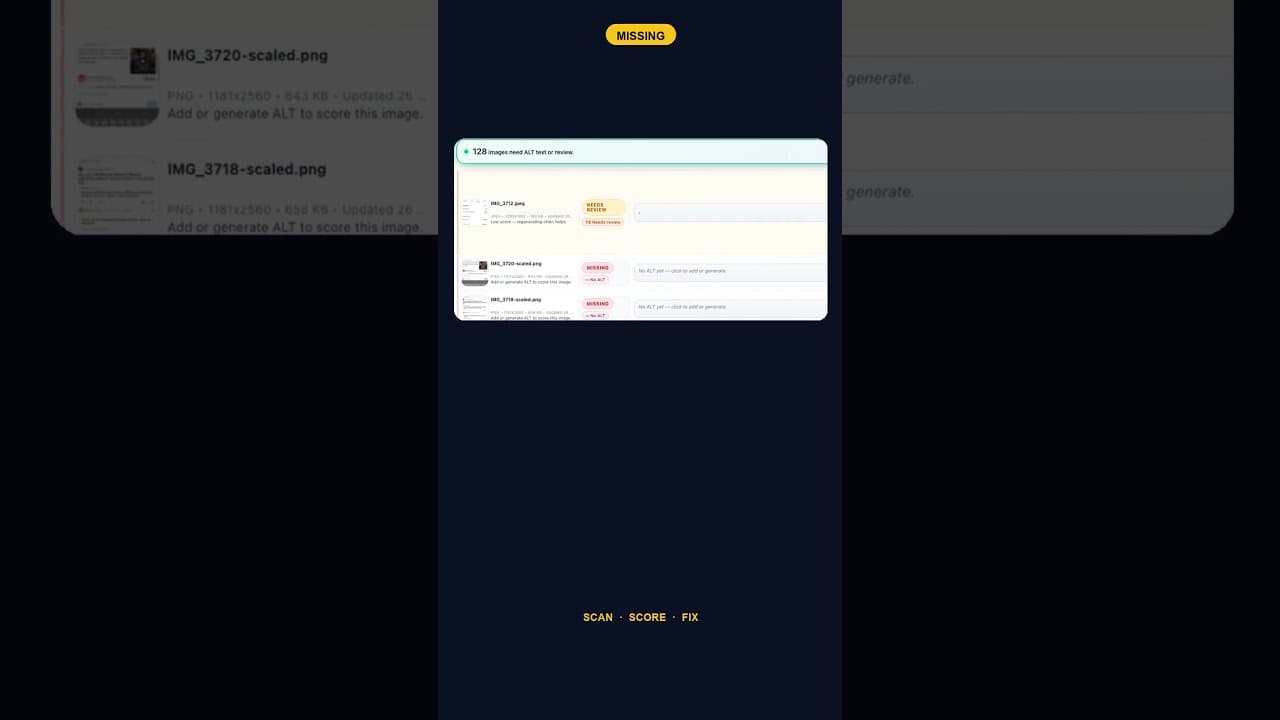
Only 2 Images Missing Alt Text? Fix Them Anyway — Here's Why
A WordPress site with just two images missing alt text is easy to deprioritise. Here's why that small a gap is still worth closing the same day you find it.
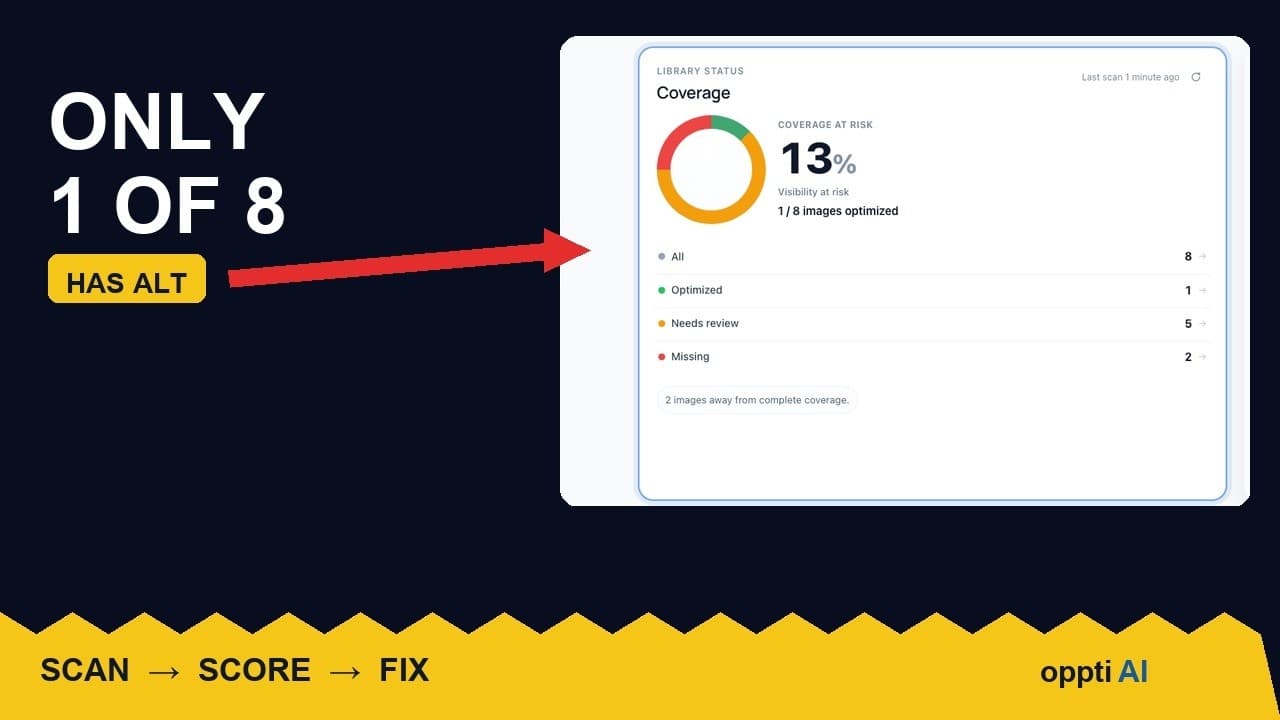
How to Run an ALT Text Coverage Audit on WordPress
An ALT text coverage audit shows exactly how many WordPress images are missing alt attributes, and which ones genuinely need fixing first.
What a Low ALT Text Coverage Score Really Means
A low alt text coverage score on WordPress looks alarming at first glance. Here's how to read the number properly before you panic or ignore it.