New Uploads Keep Undoing Your Alt Text Cleanup
You cleared the alt text backlog last month, and it's already back. Here's why new WordPress uploads keep breaking a finished cleanup, and how to stop it.
You ran the cleanup. Missing alt text went from a few hundred images to zero, and the media library finally looked done. Then a few weeks later someone checks again and there's a fresh batch of gaps — not the old ones coming back, but new images that were never covered in the first place. A cleanup only clears what existed on the day you ran it; every image uploaded after that point starts without alt text unless something is actively catching it.
Here's the short video that prompted this post, on why that gap reopens so quickly.
Why new uploads keep breaking a finished cleanup
A one-off cleanup and an upload pipeline solve two different problems, and treating them as the same thing is where the backlog restarts. The cleanup is a fixed scope: everything in the Media Library at the moment you scanned it. The upload pipeline is ongoing: every product added to WooCommerce, every image dropped into a new blog post, every photo pulled in through a page builder or an import script. None of those future uploads were in scope for the cleanup, because they didn't exist yet.
On a quiet site that might mean five or six new images a month, which is easy to miss and easy to catch up on later. On a site publishing daily, or a WooCommerce store adding new products every week, it's a steady drip that adds up fast. Three sources tend to account for most of it:
Manual uploads without a habit attached. Someone adds a featured image or a product photo and moves on to the next task. Alt text isn't part of the upload step in their head, so it doesn't get typed in — not out of carelessness, just because nothing in the workflow prompts for it.
Bulk imports and feeds. A CSV product import, a migration from another platform, or a syndicated content feed rarely carries the alt text field across cleanly. You can end up with hundreds of new images missing alt text in a single afternoon, which looks like the old backlog reappearing but is actually a new one from a different source.
Theme and page builder defaults. Some blocks and templates insert images without prompting for alt text at all, especially decorative background images or gallery blocks. If the block never asks, most people never think to go back and add it.
None of these are the cleanup "wearing off." The cleanup did its job on the images it covered. The gap is that nothing was watching the images added afterwards.
Turning a one-off cleanup into ongoing coverage
The fix isn't a bigger cleanup — it's making the check part of how uploads happen, not a separate task you remember to do later. A few changes cover most of the drip:
Add an alt text step to the actual upload habit. If images go in through a specific person or a specific process (a content editor publishing posts, someone adding new products), make alt text part of that step rather than a follow-up task. A one-line checklist item next to "set featured image" catches far more than a policy nobody re-reads.
Check imports before they finish, not after. If products or content arrive through a CSV or a feed, check whether the source data includes an alt text column before the import runs. If it doesn't, treat the import as a known gap and schedule a pass on just that batch immediately — not whenever the backlog gets noticed again.
Re-scan on a fixed cadence, scoped to what's new. Rather than a full re-scan of the whole library, filter by upload date since the last check. This keeps the review batch small enough to actually finish, instead of ballooning back into a project-sized cleanup every time.
A practical walkthrough: closing the gap after new uploads land
- Filter the Media Library by upload date, not the whole library — everything added since your last check.
- Cross-reference with the alt text field. Most sites can filter or sort by missing alt text directly; if not, a plugin that flags it saves manually opening each image.
- Batch the new images only. This list should be small if you're checking regularly — usually a handful to a few dozen, not hundreds.
- Write or generate alt text for that batch, checking it describes the actual image rather than repeating a generic product name or keyword.
- Note where the images came from. If most of this batch traces back to one import or one contributor, that's the source worth fixing at the process level, not just the images worth fixing today.
- Set the next check date before you close the tab. A cadence you actually keep — weekly for a busy site, monthly for a quiet one — beats a one-off cleanup you never repeat.
Frequently asked questions
How often should I re-check for new missing alt text?
Match it to your upload frequency, not a fixed calendar rule. A site publishing daily or a store adding products weekly needs a weekly check; a slower site can go monthly. The test isn't the interval itself — it's whether the batch you find each time stays small. If it's growing between checks, tighten the cadence.
Is it worth fixing alt text at the point of upload, or is a periodic sweep enough?
Both matter, but they're not equally reliable on their own. Catching it at upload time is cheaper — one image, one person, no backlog forms. But it depends on someone remembering every time, which slips under deadline pressure. A periodic sweep is the safety net that catches whatever upload-time habits miss, so relying on just one leaves a gap the other would have covered.
Why does a bulk import cause so many missing alt text images at once?
Most import formats — CSV product feeds, platform migrations, syndicated content — don't have a required field for alt text, so if the source data doesn't include it, the import completes without it and nothing flags the gap. It looks like a sudden spike compared with the slow drip of manual uploads, but the fix is the same: check what the import actually carried across, and treat any gap as its own small batch to clear right away rather than waiting for the next general scan.
Checking every new upload by hand works until the upload volume outpaces the time you have for it. OpptiAI Alt Text scans your WordPress Media Library on an ongoing basis — not just once — so images added after your last cleanup get picked up automatically, ranked by where they actually appear on the site, with alt text drafted for you to review before it saves. If you want to see where a site stands right now, the free image SEO audit gives you a snapshot without installing anything.
Related Posts
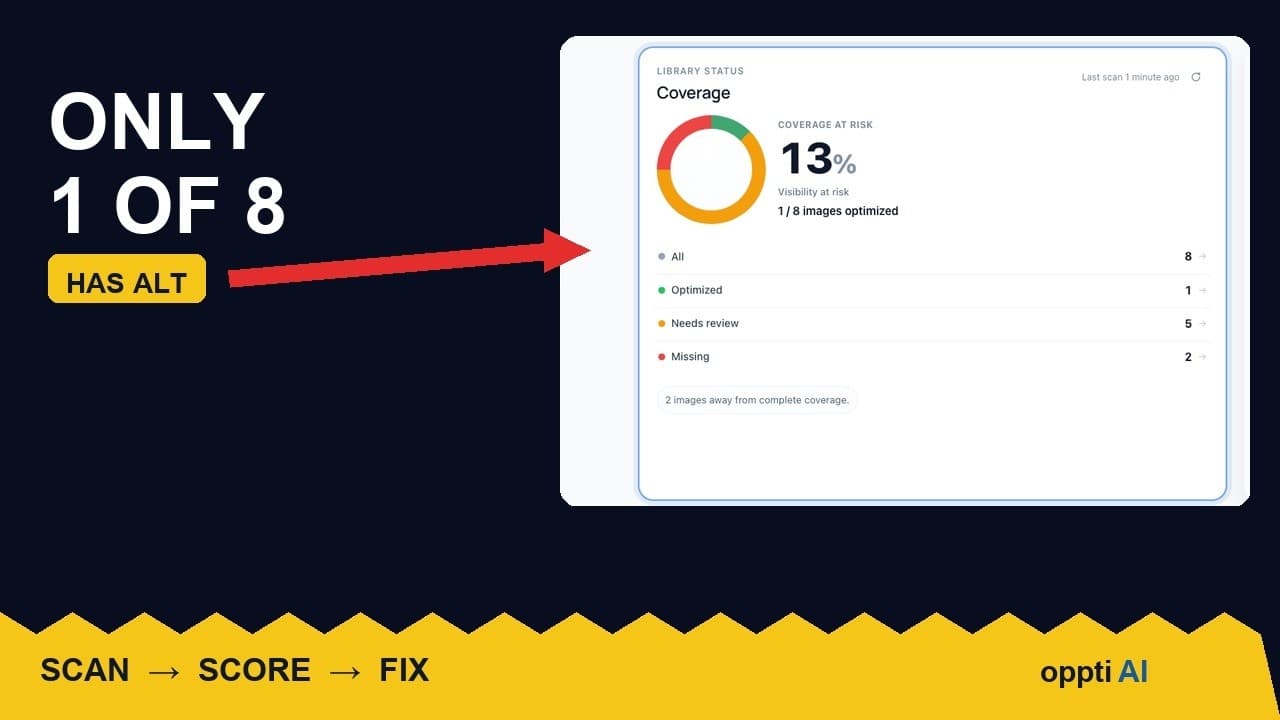
How to Run an ALT Text Coverage Audit on WordPress
An ALT text coverage audit shows exactly how many WordPress images are missing alt attributes, and which ones genuinely need fixing first.
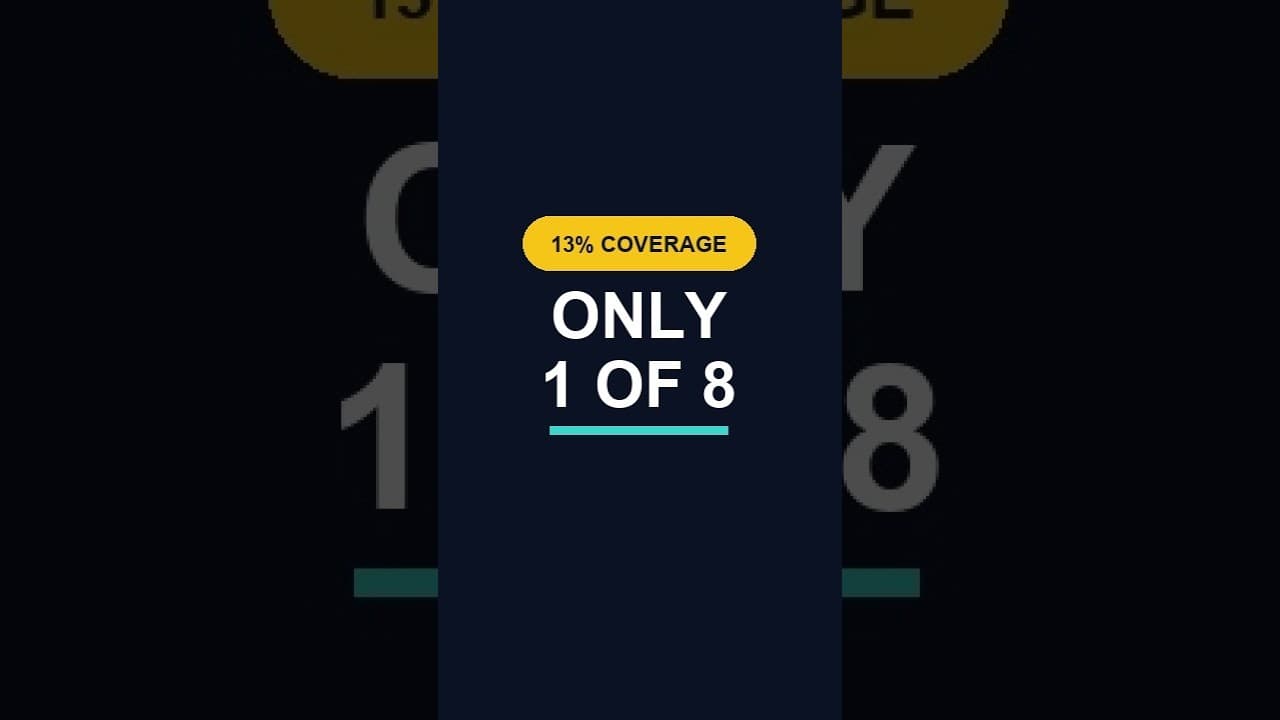
What a Low ALT Text Coverage Score Really Means
A low alt text coverage score on WordPress looks alarming at first glance. Here's how to read the number properly before you panic or ignore it.
Why WordPress Featured Image Alt Text Comes First
A featured image's alt text shows up in far more places than a normal content image. Here's why it deserves the first fix, not the last.