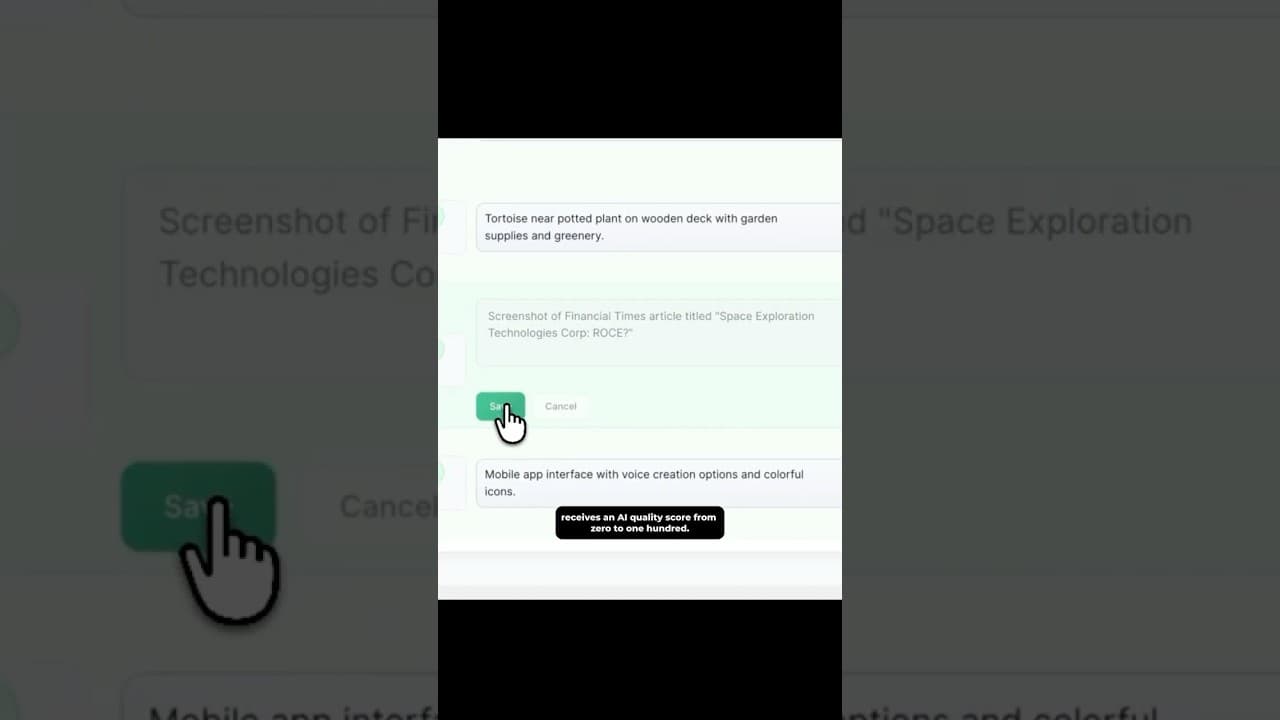
WordPress ALT Text Library: SEO, Accessibility and AI Search
A WordPress ALT Text Library gives you one place to find missing descriptions, review weak text, improve accessibility, and give search systems clearer image context.
A WordPress ALT Text Library is a central dashboard for reviewing the alternative text attached to every image on your site. It helps you find missing descriptions, distinguish useful alt text from filenames and placeholders, prioritise important images, and improve your library without opening Media Library items one by one.
That matters for three connected reasons:
- Accessibility: people using screen readers need a useful text alternative when an image contributes meaning.
- Image SEO: Google says it uses alt text, page content, and computer vision together to understand an image.
- AI-search readiness: clear, contextual image descriptions make the meaning of a page easier for machines to interpret and summarise, although no single field can guarantee inclusion or rankings.
The practical win is simpler: you can finally see the whole job, fix the highest-value images first, and keep the library healthy as new images are uploaded.
What is an ALT Text Library in WordPress?
An ALT Text Library is a working view of your WordPress images and their current alternative text. A useful library should show more than whether the field contains characters. It should help you answer:
- Which images have no alt text?
- Which descriptions are only filenames, keywords, or generic labels?
- Which images are decorative and should intentionally keep empty alt text?
- Which products, posts, and landing pages deserve attention first?
- Which AI-generated suggestions still need human review?
- How much of the meaningful image library is now covered?
WordPress stores alt text with each media attachment, but the native workflow is attachment by attachment. That is manageable for five images and painful for five hundred. A dedicated ALT Library turns the task into a sortable editorial queue.
Why an ALT Library helps image SEO
Google's image SEO guidance says alt text is an important source of image metadata. Google combines it with the surrounding page content and computer vision to understand what the image represents.
Good alt text can therefore provide useful context for:
- Google Images and visual search features
- product and category imagery on WooCommerce stores
- screenshots inside tutorials and support content
- diagrams, charts, and illustrations
- linked images, where alt text can also act as anchor text
The goal is not to insert a target keyword into every image. Google explicitly warns against keyword stuffing. The better approach is to describe the image's purpose in the context of the page.
For example:
| Weak or missing | More useful |
|---|---|
IMG_4821.jpg |
Black waterproof hiking boot with red laces |
product image |
Oak dining table with six curved-back chairs |
SEO dashboard |
WordPress ALT Library filtered to images with missing alt text |
An ALT Library makes those weak patterns visible across the full site instead of letting them hide inside individual attachments.
How it supports accessibility
Alt text is first an accessibility feature. It gives a text alternative when someone cannot see an informative image or when the image does not load.
The W3C alt decision tree makes an important distinction: not every image needs a written description.
- Informative photographs and simple graphics usually need a concise description of the meaning they add.
- Functional images, such as icon links or image buttons, need text that communicates the action or destination.
- Complex charts and diagrams need the important information available in the surrounding page content, not squeezed into one long alt attribute.
- Decorative or redundant images should normally use empty alt text so screen readers can skip them.
That is why a good ALT Library should support review rather than blindly filling every empty field. “100% of images have text” is not the same as “100% of meaningful images are accessible.”
Does an ALT Library help with AIO or AI search?
It can improve the clarity of your content for AI systems, but it is important not to overstate the claim.
Answer engines and AI search products process page text, headings, links, structured data, and other available context. Descriptive alt text gives them another machine-readable explanation of what an image contributes. This is particularly useful when the image contains product details, a process step, a user-interface state, or evidence discussed in the article.
Alt text alone does not guarantee that an AI system will cite, rank, or surface a page. A stronger AI-search-ready page combines:
- a direct answer near the top
- descriptive headings that match real questions
- original examples and first-hand evidence
- useful image descriptions
- concise tables and step-by-step instructions
- clear authorship and publication information
- relevant internal links
- crawlable HTML and fast, responsive pages
This is also consistent with Google's people-first content guidance: create complete, trustworthy content for a real audience, then use SEO to help systems discover and understand it.
A practical ALT Library workflow
1. Scan before you generate
Start by loading the full Media Library and identifying missing, weak, and already-useful descriptions. Do not spend generation credits on images that are already fine.
2. Separate meaningful and decorative images
Review the purpose of the image on the page. A decorative background may correctly have empty alt text. A product photograph, diagram, or screenshot usually carries information and deserves attention.
3. Prioritise high-value pages
Fix images used on:
- product and service pages
- high-traffic blog posts
- conversion landing pages
- tutorials and documentation
- category, collection, and comparison pages
This creates a better return than treating every old attachment as equally urgent.
4. Generate a draft, not an unquestioned answer
AI is useful for clearing the blank-page problem. It can inspect an image and produce a first description quickly. The editor should still check:
- Is the description factually correct?
- Does it match how the image is used on this page?
- Is important visible text represented when necessary?
- Is it concise enough for a screen-reader user?
- Has the tool invented a product detail, identity, colour, or action?
- Is the image actually decorative?
5. Review and save in batches
Work through a focused queue rather than changing the entire library blindly. Batch review makes it easier to spot repeated phrases, overly promotional wording, or descriptions that lack page context.
6. Protect future uploads
Once the backlog is under control, add a repeatable upload workflow. That may be automatic draft generation followed by review, or a weekly check of newly added media.
The aim is to stop the library returning to the state that created the backlog.
What the OpptiAI ALT Library adds
The OpptiAI Alt Text plugin brings this workflow into wp-admin. It scans the WordPress Media Library, surfaces images that need attention, supports bulk AI generation, and lets you review the suggestions before saving them.
The library is designed around four states:
- images already carrying useful alt text
- images with missing alt text
- images with weak or generic text
- AI suggestions waiting for review
This makes the dashboard useful even before you generate anything. You can understand the size of the problem, identify the pages that matter, and decide where automation will genuinely save time.
You can install it in either of two ways:
ALT text examples by image type
WooCommerce product image
Image: a navy rain jacket photographed from the front.
Useful alt text: Navy waterproof rain jacket with zipped front and adjustable hood
Avoid adding claims the image cannot prove, such as “best jacket” or “100% stormproof.”
WordPress tutorial screenshot
Image: the Media Library with the missing-alt filter selected.
Useful alt text: WordPress Media Library filtered to show images with missing alt text
The workflow state is more important than listing every button visible in the screenshot.
Chart or graph
Image: a line graph showing image coverage improving from 43% to 91%.
Useful alt text: ALT text coverage rising from 43% in January to 91% in June
Also explain the trend and relevant data in the surrounding article so the information is available beyond the image.
Decorative illustration
If an illustration only adds atmosphere and repeats no important information, use empty alt text:
alt=""
That is a successful accessibility decision, not an unfinished field.
Frequently asked questions
Is an ALT Library different from the WordPress Media Library?
Yes. The Media Library stores the attachments, while an ALT Library is focused on reviewing image descriptions and status across the whole site. It should make missing, weak, decorative, and review-ready images easier to distinguish.
Will adding alt text make a page rank immediately?
No single change guarantees rankings. Useful alt text can improve image understanding, accessibility, and the relevance signals available to search systems. Rankings also depend on page quality, intent match, authority, technical health, competition, and many other factors.
Should every WordPress image have alt text?
Every image element should have an alt attribute, but decorative images should normally use an empty value. Meaningful images need a concise alternative that communicates their purpose in context.
Can AI write all the alt text automatically?
AI can produce useful drafts at scale, but human review remains important. Models can miss context or describe a visible object accurately while misunderstanding why the image appears on the page.
What is the fastest way to start?
Run a scan, filter to missing alt text, and fix the highest-value product, service, and traffic pages first. If you want a quick external view before installing anything, use the free WordPress image SEO audit.
Build a library that stays useful
The strongest ALT text workflow is not a one-off bulk fill. It is a maintained library with clear status, sensible prioritisation, AI-assisted drafting, and human approval.
That gives screen-reader users better information, gives search systems clearer image context, and gives your team a workflow they can actually keep up with.
View the OpptiAI Alt Text plugin, visit its WordPress.org listing, or download the latest stable ZIP to start with your existing WordPress images.
Builder of OpptiAI and practical WordPress tools for image SEO, accessibility, and content workflows.
Related Posts
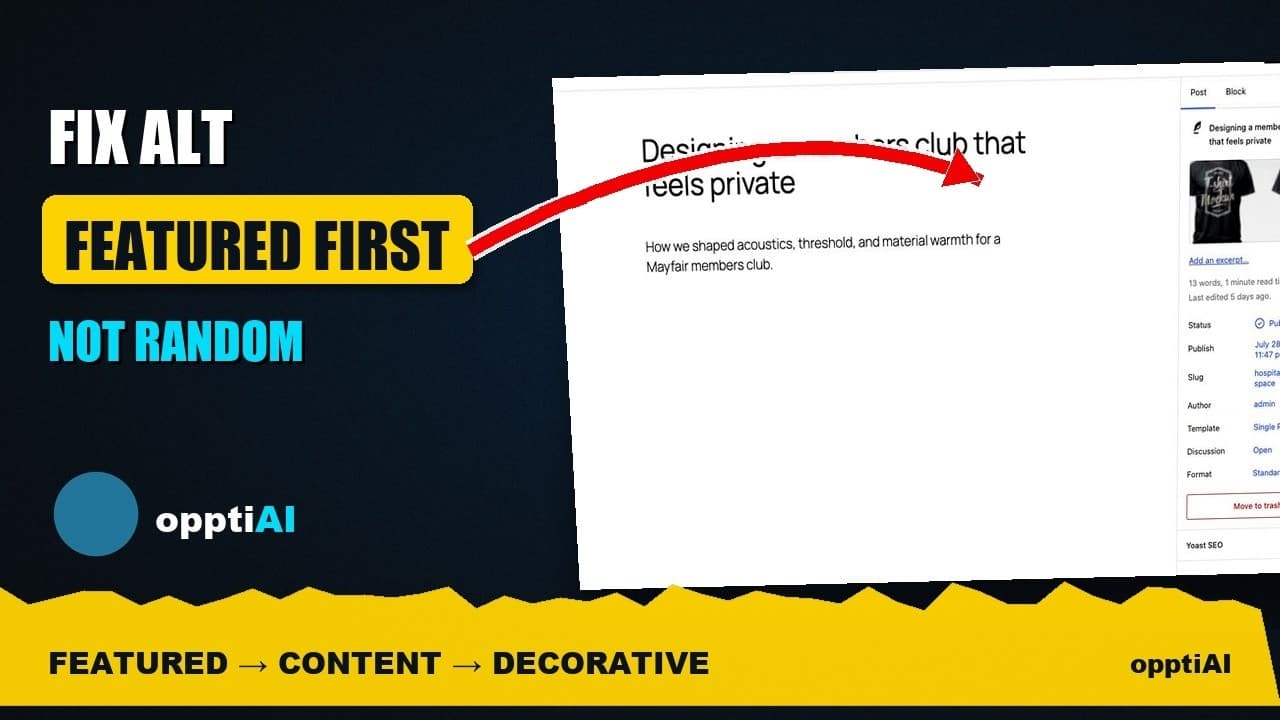
Fix Alt Text in Order: Featured, Products, Content
Not every missing alt text field deserves the same urgency. Here's the priority order that actually moves image SEO: featured, products, content.
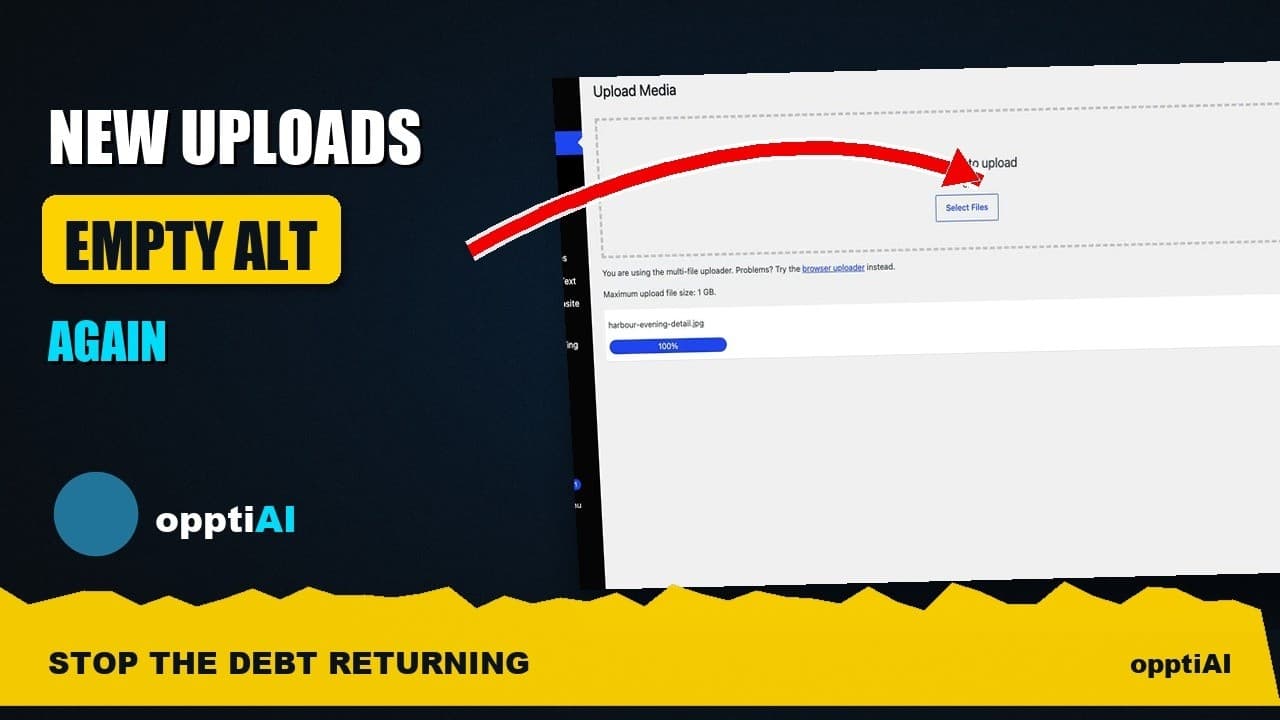
Alert Yourself the Same Day an Upload Misses Alt Text
Autopilot and cleanups still miss uploads. Same-day alerts catch missing alt text on new WordPress uploads before it piles up unnoticed.
Catch New Uploads Before Alt Text Debt Comes Back
Autopilot and cleanups still miss images. Here's the routine check that catches new uploads slipping through before missing alt text piles up again.