Auditing Alt Text Across a WordPress Multisite Network
WordPress multisite networks hide alt text gaps behind the network admin screen. Here's how to audit every subsite without logging into each one.
A WordPress multisite network can quietly run twenty subsites with twenty different alt text problems, and the network admin dashboard will never tell you. Multisite's Network Admin screen is built for managing users, themes, and plugin activation across sites — it has no view of what's actually missing from any one site's media library, so alt text gaps pile up one subsite at a time with nobody looking.
If you run or maintain a multisite network — a university department network, a franchise group each with its own storefront, an agency hosting several client sites under one install — you've probably audited alt text on the flagship site at some point. The other nine or fifteen or thirty subsites almost never get the same pass, because each one requires its own separate login, its own separate Media Library view, and its own separate scroll through hundreds of images.
Why multisite alt text gaps hide in plain sight
Every subsite on a WordPress multisite network has its own wp_posts and wp_postmeta tables (in the default table-prefix-per-site setup), which means alt text lives on a per-site basis just like it would on any standalone install. Nothing is shared or inherited between subsites — not alt text, not image SEO settings, not even which plugins are active unless a plugin is network-activated.
That isolation is exactly why gaps compound across a network instead of staying constant. A single-site owner eventually notices missing alt text because they're the only one responsible for that one Media Library. On a network, responsibility is split: subsite editors assume someone else — the network admin, usually — is checking image quality across the board, and the network admin assumes each subsite's editor is handling their own content, including alt text. Neither one actually audits it, because neither has an easy way to see across all subsites at once.
The practical result is a wide spread. It's common to find one or two well-maintained subsites with solid alt text coverage sitting next to several others where half the image library has nothing in the alt field at all — not because anyone decided that was acceptable, but because nobody with the full picture ever looked.
What a network-wide audit actually needs to check
A proper multisite alt text audit has to answer three separate questions, because they fail independently:
- Coverage per subsite. What percentage of images on each individual subsite have usable alt text, not placeholder text or a repeated filename?
- Consistency of quality, not just presence. A subsite can show 100% alt text "coverage" while most of it is the literal uploaded filename (
IMG_20261004_143207.jpg) copied into the field, which satisfies nothing — not search engines, not screen reader users. - Shared or network-activated media. If any subsite uses the network's shared uploads (via a multisite media-sharing plugin) or duplicates images uploaded centrally, alt text fixed in one place doesn't automatically propagate to every subsite using that image, because alt text is typically stored per attachment per site, not per file.
Checking all three by hand means repeating the same manual process — log in, open Media Library, sort by missing alt text if your theme or plugin supports it, scroll — once per subsite, which is why most networks simply don't.
A walkthrough for auditing alt text across a network
- Get the full subsite list first. From Network Admin → Sites, export or copy every subsite's URL. Don't rely on memory for how many subsites exist; dormant or rarely-updated subsites are usually the ones with the worst coverage, and they're easy to forget are even live.
- Check whether alt text auditing can run network-wide or has to run per-site. A handful of tools support network activation and a consolidated view across subsites; most alt text and image SEO plugins activate per-site only, meaning the audit itself has to repeat per subsite even if the plugin is the same one everywhere.
- Audit each subsite's Media Library for coverage and quality, not just a missing/present count. Flag anything where the alt field matches the filename pattern, since that's functionally the same as missing.
- Note which subsites share images via a network media library or syncing plugin. For any shared image, fix alt text once at the source if the sharing mechanism supports it — check the plugin's own documentation, since syncing of metadata (not just the file) varies by plugin — rather than fixing the same image separately on every subsite that uses it.
- Prioritise by traffic, not by subsite size. A ten-page subsite that gets real search traffic is worth fixing before a two-hundred-page subsite that nobody visits. Pull each subsite's Search Console data (multisite networks need Search Console verification per subsite, or per domain if you're using mapped domains) to decide the order.
- Re-check after any network-wide theme or plugin update. Theme updates that change how images render can silently break alt text output on every subsite at once — see the same template-override problem that affects single sites, just multiplied by however many subsites share that theme.
Who should actually be responsible for this
The honest answer on most networks is: nobody, by default, which is the root cause. If you manage the network, the fix isn't necessarily doing the audit yourself for every subsite — it's deciding who owns it per subsite and giving them a way to check their own coverage without needing network admin access, plus a periodic network-wide check that catches the subsites nobody's actively maintaining.
Frequently asked questions
Does fixing alt text on the network's primary site improve SEO for the other subsites too?
No. Each subsite is a separate entity as far as search engines are concerned, with its own URL structure, its own image inventory, and its own alt text. Google doesn't infer that other subsites on the same network have been audited just because the main one has — every subsite needs its own pass, and in practice the main site is usually the only one that ever gets one.
Can one alt text plugin cover an entire multisite network, or does it need activating per site?
It depends on the plugin's own architecture, and this is worth checking before you assume a network-wide fix is in place. Some plugins support network activation, meaning they're available on every subsite the moment the network admin turns them on, but "available" usually still means each subsite's content gets scanned and fixed separately — network activation solves installation, not the audit itself. Always confirm whether a plugin network-activates, requires per-site activation, or offers a consolidated cross-subsite view before relying on it to cover a whole network.
Is it worth auditing dormant or low-traffic subsites on a network, or should I focus only on the busiest ones?
Prioritise by traffic and by whether the subsite is public-facing at all — a staging or internal-only subsite with zero search traffic isn't worth the same attention as one indexed by Google. But "dormant" isn't the same as "low-traffic forever": a subsite that was abandoned after a product launch can still rank for residual search terms and keep pulling in visitors with a broken image experience long after anyone stopped updating it, so it's worth at least a quick coverage check even if it's not a priority for a deep fix.
Auditing alt text subsite by subsite is tedious precisely because multisite was never built to make it easy. OpptiAI Alt Text scans a site's actual image inventory and flags what's missing or low-quality, so you can run the same check on every subsite in a network without digging through Media Library screens by hand each time. Take a look at OpptiAI Alt Text or run a free image SEO audit on your flagship subsite to see what it finds.
Related Posts
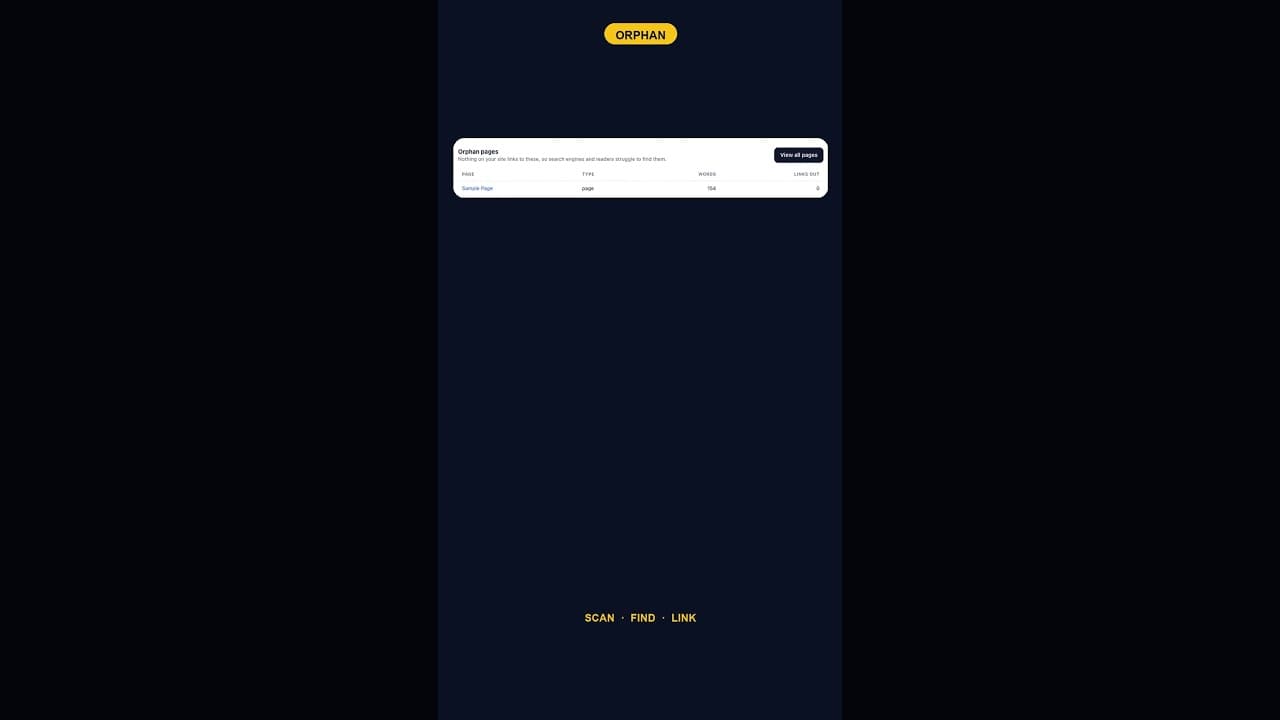
What To Do With WordPress's Default Sample Page Once It's Orphaned
An internal links audit almost always flags WordPress's default Sample Page as an orphan. Here's which of three fixes actually applies.
Block Editor Alt Text vs Media Library: Why They Differ
WordPress stores alt text in more than one place. Here's why block editor and media library alt text can disagree, and where the real value lives.
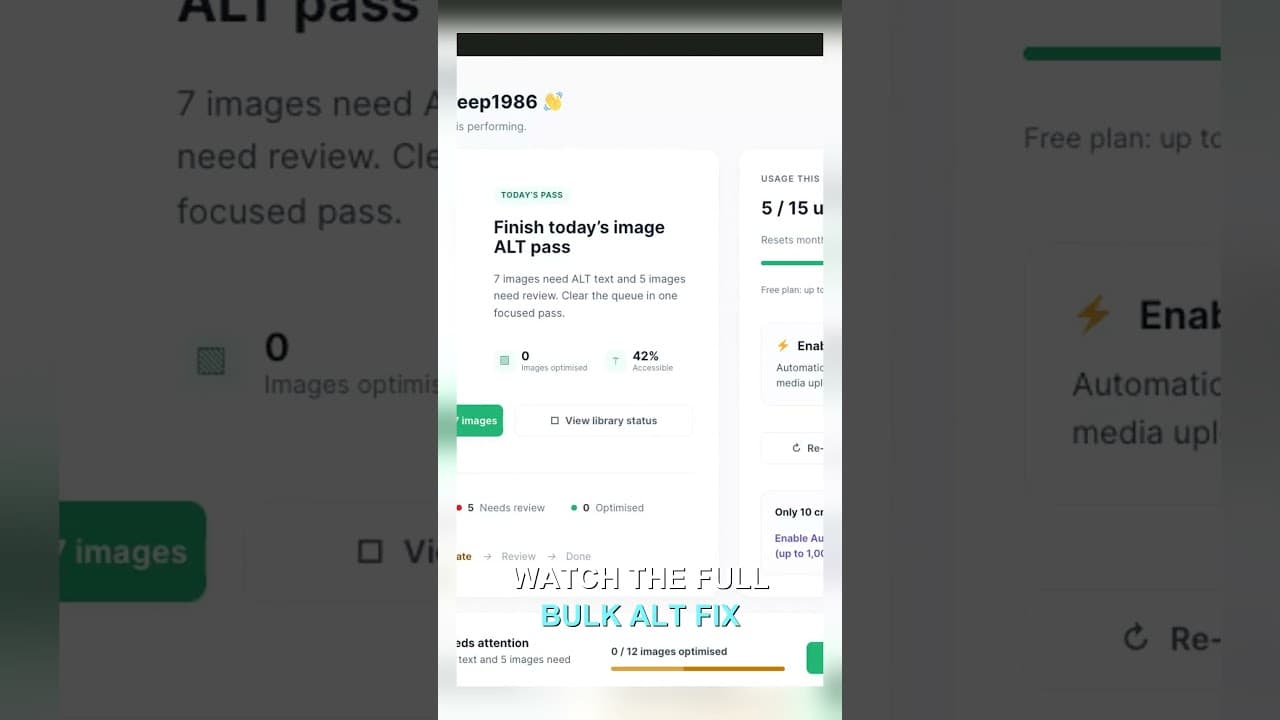
Filter Your Media Library to Missing Alt Text First
Scrolling the whole media library to find missing alt text wastes most of your session. Filter to what's actually missing, then work that list.