Free Image SEO Audit for WordPress: What to Check First
Run a free image SEO audit for WordPress and learn how to prioritize missing alt text, weak descriptions, repeated icons, and public-page image issues.
Most WordPress image SEO problems are not dramatic. They build up quietly: old blog images with no alt text, WooCommerce product galleries with repeated descriptions, decorative SVGs that get treated like content, and uploaded files whose filenames have leaked into the alt text field.
That is why a quick public-page audit is useful. It does not replace a full WordPress media-library scan, but it shows what visitors, crawlers, and search engines can already see on your most visible pages.
Run the free image SEO audit and we will email you a PDF report with the highest-priority fixes.
What the free audit checks
The audit crawls public pages, starting from your homepage and sitemap where available. It scores visible image alt text across several practical checks:
- Missing or empty alt text
- Generic alt text such as
image,photo, orpicture - Filename-like alt text such as
IMG_2048orproduct-photo-final - Alt text that is probably too short to be useful
- Alt text that is too long or repetitive
- Pages with the highest concentration of image SEO issues
The report then groups repeated problem images so one repeated icon does not hide the rest of the site. That matters because modern WordPress themes often reuse the same arrows, badges, stickers, and social icons across many templates.
Why image SEO audits matter
Alt text helps with two jobs at once.
First, it gives search engines a clear description of what an image shows. Google can use surrounding page context, file names, captions, and structured data, but alt text remains one of the clearest signals for image understanding.
Second, it supports accessibility. Screen reader users rely on good alternative text when an image communicates information that is not otherwise available in the page copy.
For WordPress sites, the problem is usually scale. A small site may have 100 images. A mature blog can have thousands. A WooCommerce store can have product images, gallery images, variation images, category images, and seasonal campaign graphics. Manual review gets slow quickly.
How to prioritize fixes after the audit
Do not try to fix every image in a random order. Use the report as a triage list.
1. Fix commercial and conversion pages first
Start with product pages, service pages, landing pages, and articles that already get search traffic. Missing alt text on these pages has the clearest business impact.
2. Separate decorative images from content images
Decorative icons, dividers, and layout flourishes do not need descriptive alt text. They should usually be empty with alt="". Content images, product images, screenshots, charts, and instructional graphics need useful descriptions.
3. Rewrite filename-like alt text
If your alt text looks like a file name, it is probably not helping:
IMG_4821
homepage-banner-final
product-image-1
Replace it with a plain-language description of the visible subject:
Blue ceramic coffee mug beside an open notebook
4. Handle repeated weak assets once
If the same image appears across many public pages, fix the source asset or template rather than editing each page one by one. This is common with theme icons, newsletter stickers, arrows, and repeated product badges.
5. Move from public-page audit to media-library cleanup
The free audit is intentionally public-page based. It shows what is visible to crawlers. Once you know the pattern, run a WordPress media-library workflow so older uploads and future images are fixed at the source.
Get your free PDF report
Use the free audit as a quick lead indicator:
Request your free image SEO audit
You will get a PDF report by email with an overall score, issue counts, priority pages, grouped examples, and recommended next steps.
For a deeper cleanup inside WordPress, use the OpptiAI Alt Text Alt Text Generator to scan and generate alt text directly from the media library.
Related Posts
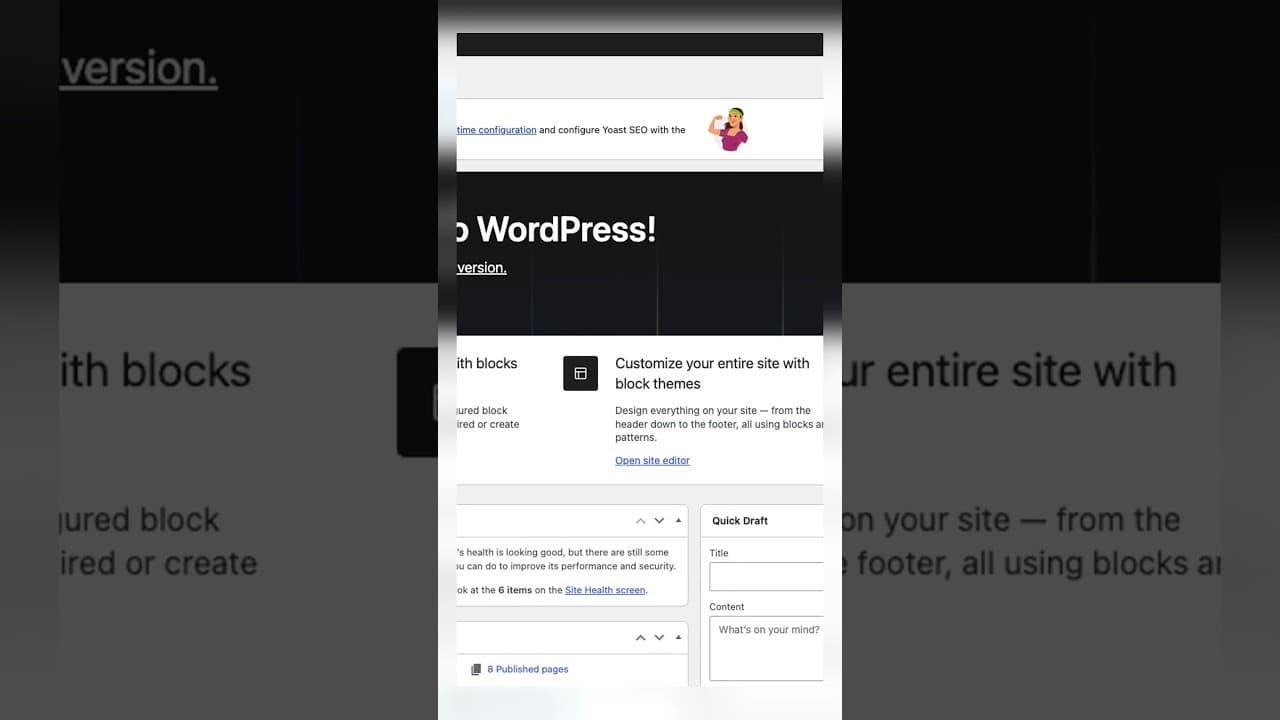
Catch New Uploads Before Alt Text Debt Comes Back
Autopilot and cleanups still miss images. Here's the routine check that catches new uploads slipping through before missing alt text piles up again.
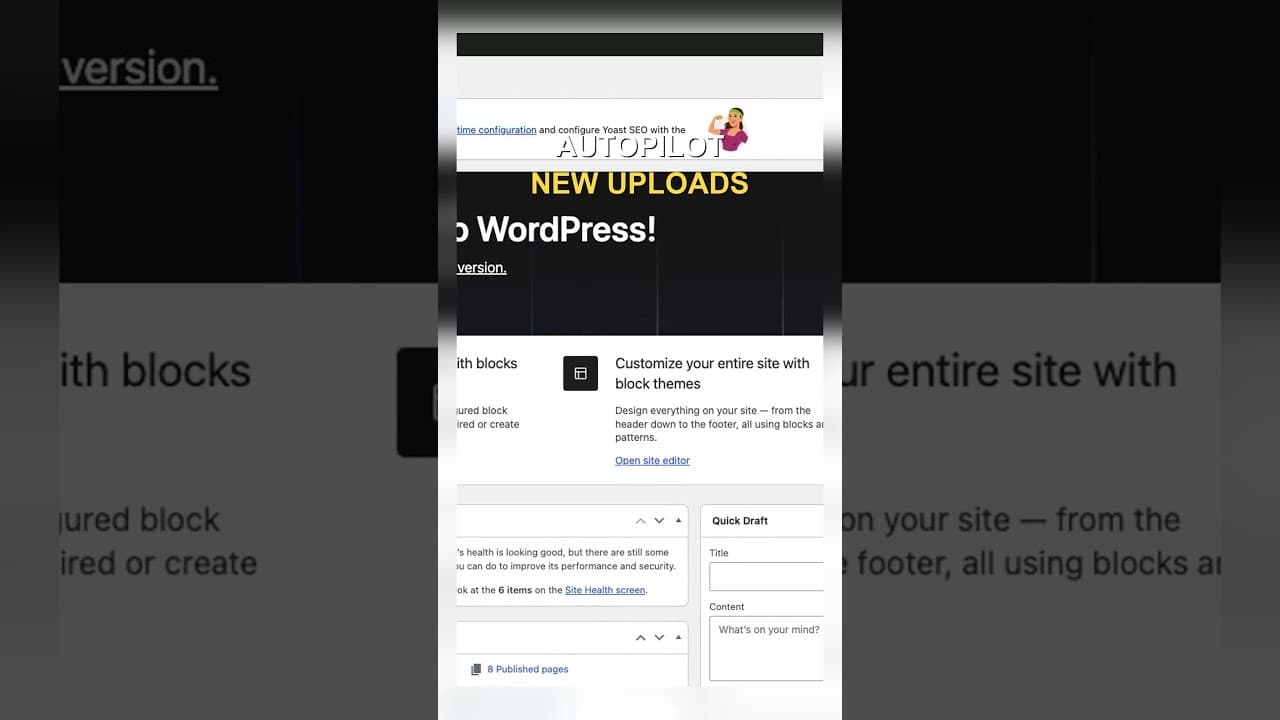
Set Up Autopilot Alt Text for New WordPress Uploads
Manually writing alt text for every new upload doesn't survive contact with a busy site. Here's how to configure autopilot rules that generate it for you.
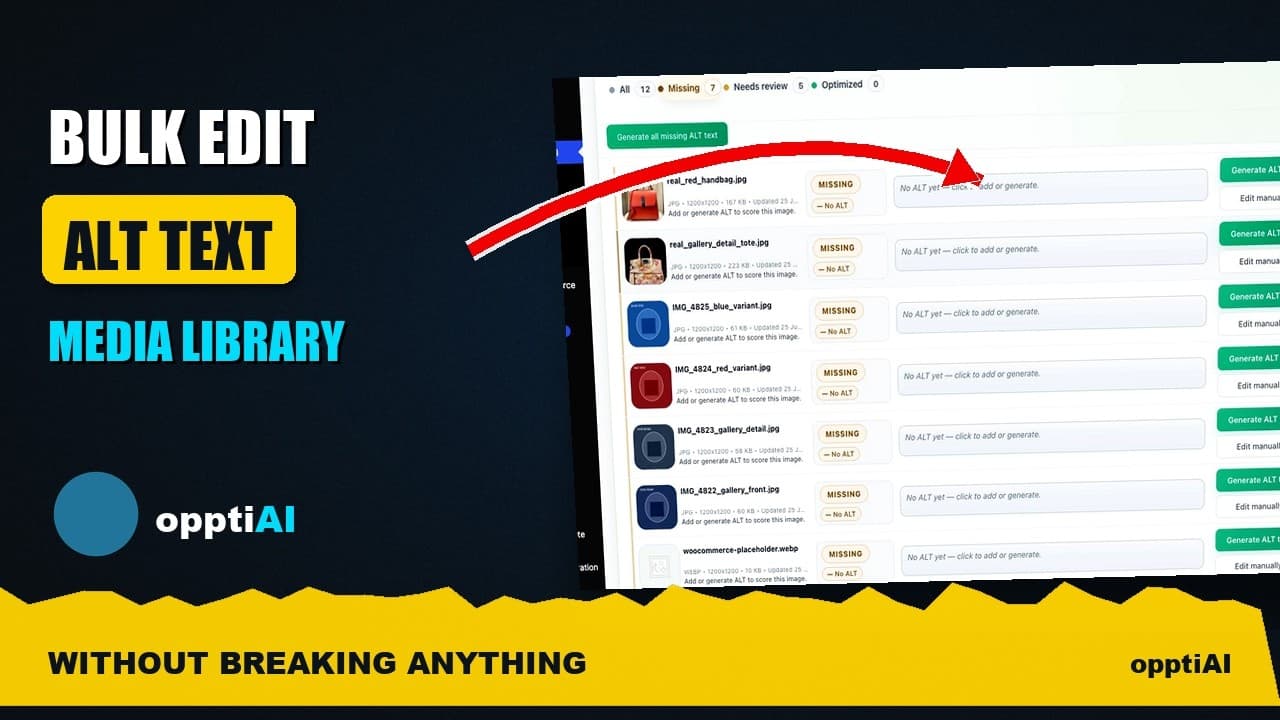
Bulk-Edit Alt Text From a Filtered List, Not the Media Library
Opening one attachment at a time to fix alt text doesn't scale. Here's how to bulk-edit from a filtered list instead, without breaking anything.