Catch New Uploads Before Alt Text Debt Comes Back
Autopilot and cleanups still miss images. Here's the routine check that catches new uploads slipping through before missing alt text piles up again.
You cleared the backlog. You even set up autopilot for new uploads. And somehow, three months later, there's a small pile of images with no alt text again. Neither a one-off cleanup nor an automation rule is airtight — uploads happen outside the plugin, rules get disabled for a plugin update and never re-enabled, someone imports a batch through a route the automation doesn't cover. The gap between "should be covered" and "is actually covered" is exactly where debt quietly rebuilds.
Why "we automated it" isn't the same as "it's covered"
Automation rules are built against assumptions about how images enter your site: through the standard Media Library uploader, one at a time or in a small batch. Real sites don't always cooperate with that assumption. A theme update ships new default images. A bulk import tool adds product photos directly to the database, bypassing the normal upload hook the automation listens for. A plugin gets deactivated for twenty minutes during a migration, and every image uploaded in that window never triggers the rule at all.
None of these are failures of the automation doing its job badly — they're gaps in what the automation was ever asked to cover. The only way to catch them is a periodic check that isn't relying on any single upload path, just counting what's actually missing right now, regardless of how it got that way.
What a catch-early routine actually checks
The goal isn't a full re-audit every time — that's the cleanup you already did. It's a fast, recurring check specifically aimed at catching drift before it becomes a backlog again:
A simple count, checked on a schedule. How many images in the library currently have empty alt text? Not which ones, not why — just the number, checked weekly or monthly. A number that's consistently near zero means coverage is holding. A number that's crept up from 3 to 40 over two months is a signal that something in the pipeline stopped working, well before it's a real problem.
A check that isn't tied to the automation's own logs. If you only ever check whether the autopilot rule "ran successfully," you'll miss the uploads that never reached the rule in the first place. Counting actual missing alt text sitewide catches both automation failures and images that entered outside the automation's reach.
A trigger for investigation, not just a number to note. If the count jumps, the next step is finding out how those images got in — new import tool, plugin conflict, a batch uploaded while the automation was briefly off — not just clearing them and moving on. Fixing the images without finding the gap means the same gap produces the same jump again next month.
A practical walkthrough
- Set a recurring reminder — weekly is reasonable for an active site, monthly for a quieter one — to check the sitewide count of images missing alt text.
- Compare the count to your last check. A flat or falling number means coverage is holding. A rising number means something changed.
- If it rose, sort the newly-missing images by upload date and look at what else happened around that time — a plugin update, a bulk import, a theme change.
- Fix the immediate gap by running a bulk pass over just the newly missing images, rather than a full re-scan of the whole library.
- Address the root cause if you found one — re-enable a disabled rule, extend the automation to cover the import tool that bypassed it, or flag the theme update for review.
- Log the check date and count somewhere simple, even just a note, so the next check has a baseline to compare against instead of guessing whether the current number is normal.
Frequently asked questions
If autopilot is already generating alt text on upload, why would I still need to check manually?
Because autopilot only covers the upload paths it's built to listen for — typically the standard Media Library uploader. Bulk imports, direct database inserts, and images added while a plugin was briefly deactivated can all bypass that trigger entirely. A periodic count-based check catches images regardless of how they entered the site, which is the only way to know autopilot is actually catching everything it's supposed to, rather than assuming it is because no errors showed up in a log.
How often should I check for new missing alt text?
It depends on how frequently your site adds images. A site publishing daily with regular product or blog image uploads should check weekly, since a week of accumulation is still a small, fast fix. A site that adds images rarely can check monthly without much risk of the count growing unmanageable between checks. The specific cadence matters less than having one at all — a monthly check that actually happens beats a weekly one that gets skipped for three months straight.
What's a normal number of images missing alt text on an active WordPress site?
There's no universal target, but the trend matters more than the absolute number. A small, stable count — a handful of images that are genuinely still in progress or awaiting a decision — is normal and not worth chasing to zero constantly. A count that's steadily climbing check over check, even slowly, means something in your upload pipeline isn't covered the way you think it is, and that's worth investigating before it turns into another full cleanup project.
Remembering to run this check on a schedule is its own kind of manual overhead. OpptiAI Alt Text tracks your sitewide missing-alt-text count automatically so drift shows up without a recurring reminder — try the free image SEO audit to see your current count as a starting baseline.
Related Posts
When Alt Text 'Needs Review' Outnumbers 'Missing' Entirely
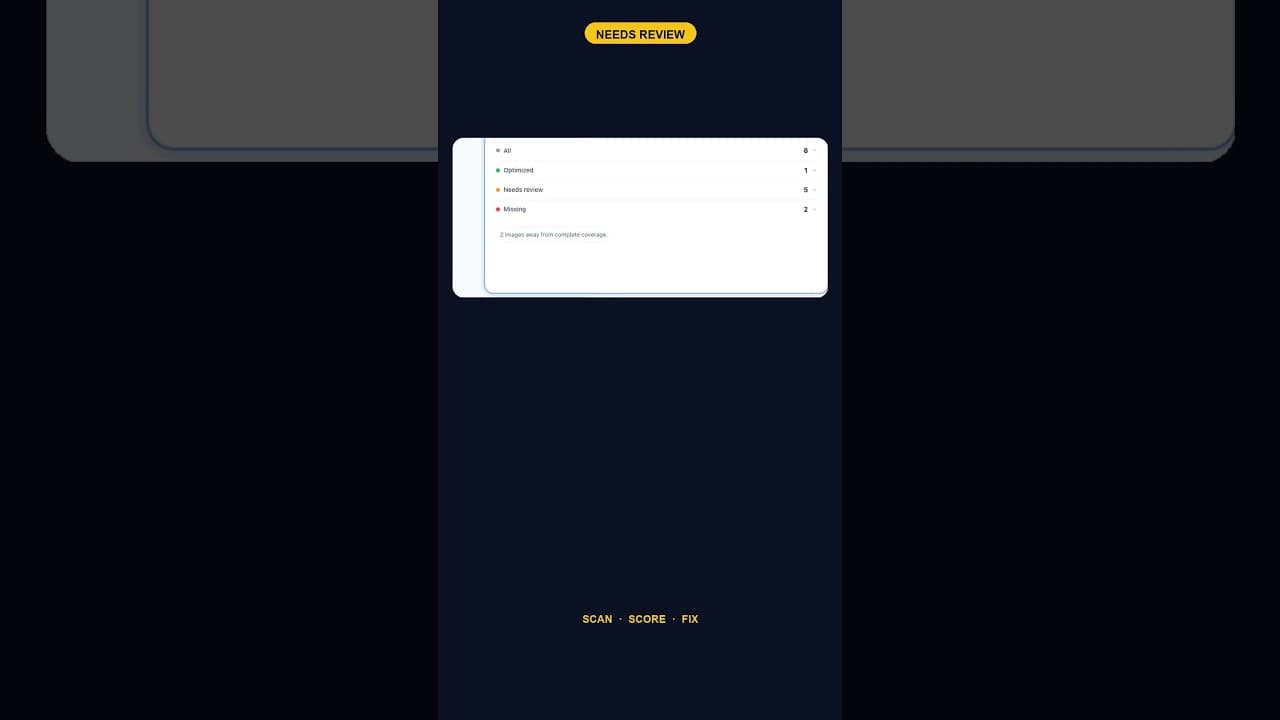
A scan that finds five images flagged for alt text review and none outright missing is telling you something different than a scan full of blanks.
Only 2 Images Missing Alt Text? Fix Them Anyway — Here's Why
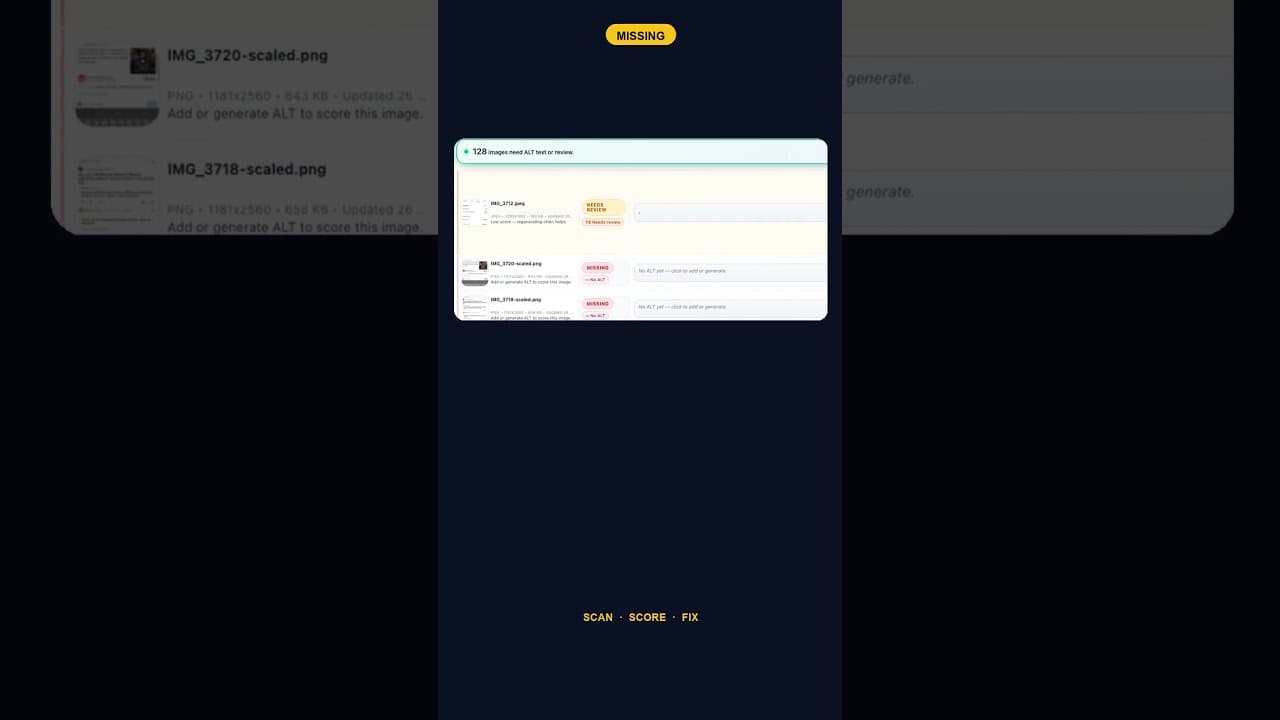
A WordPress site with just two images missing alt text is easy to deprioritise. Here's why that small a gap is still worth closing the same day you find it.
How to Run an ALT Text Coverage Audit on WordPress
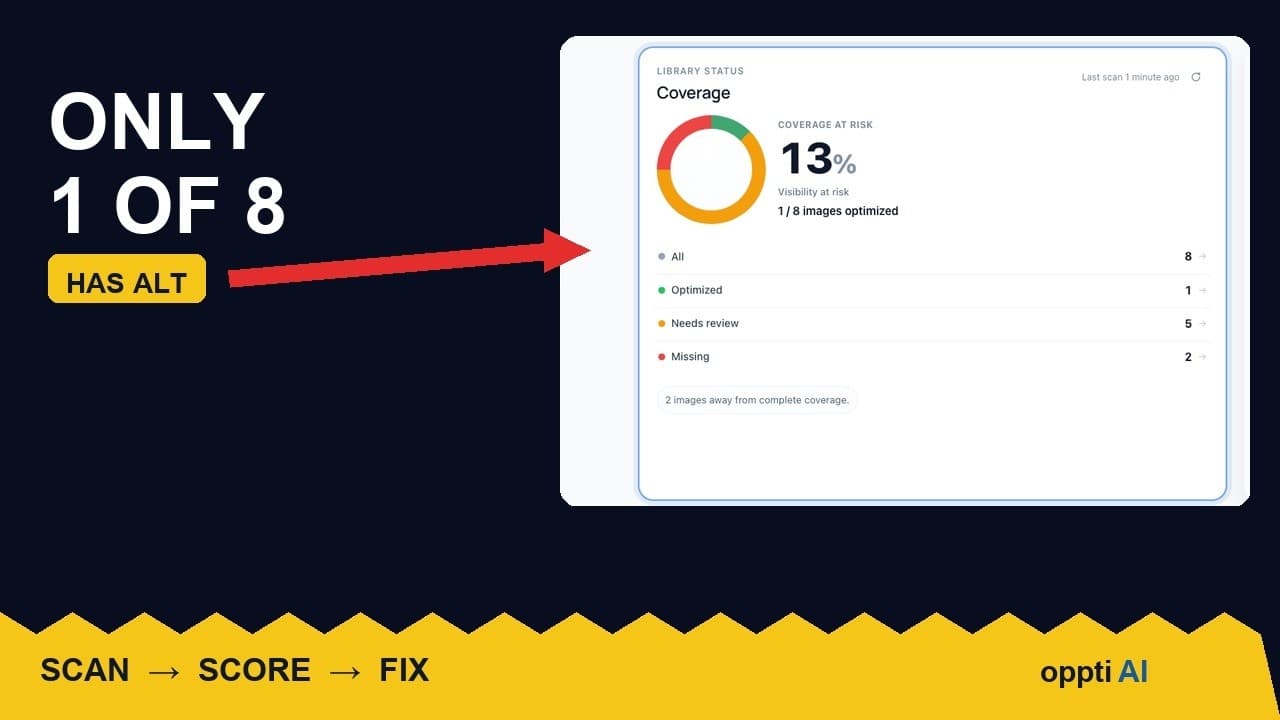
An ALT text coverage audit shows exactly how many WordPress images are missing alt attributes, and which ones genuinely need fixing first.