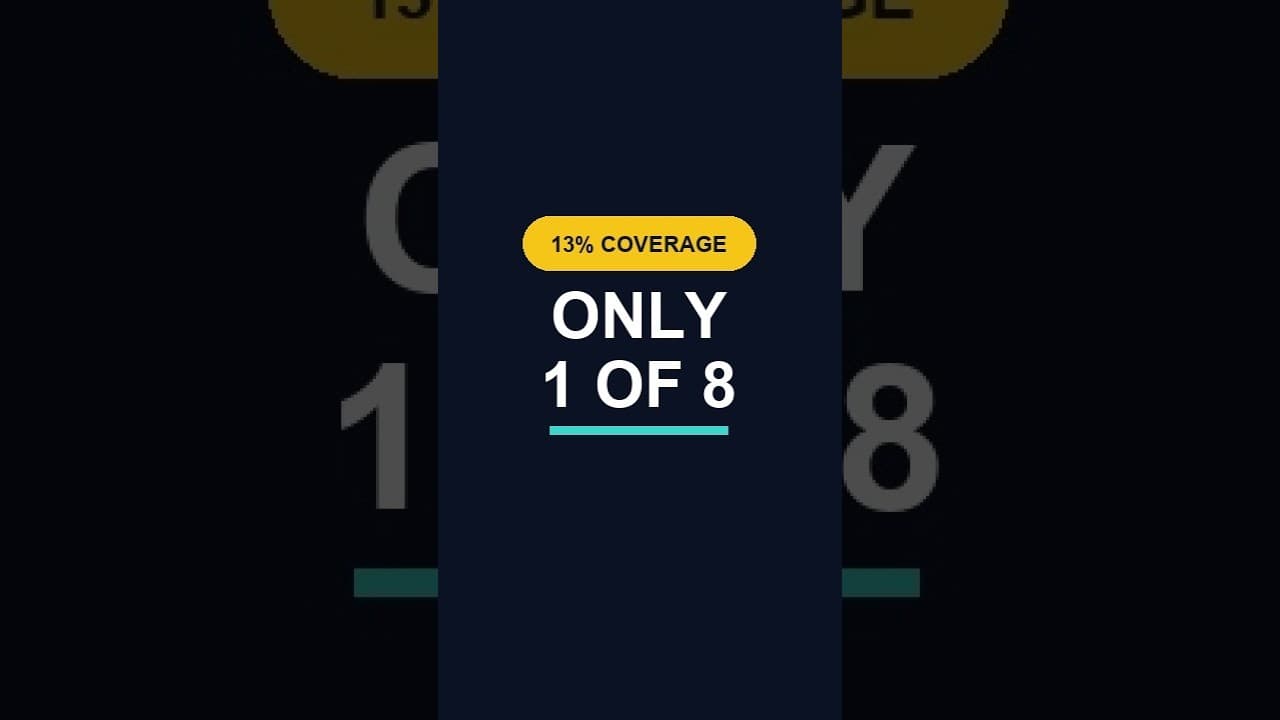
What a Low ALT Text Coverage Score Really Means
A low alt text coverage score on WordPress looks alarming at first glance. Here's how to read the number properly before you panic or ignore it.
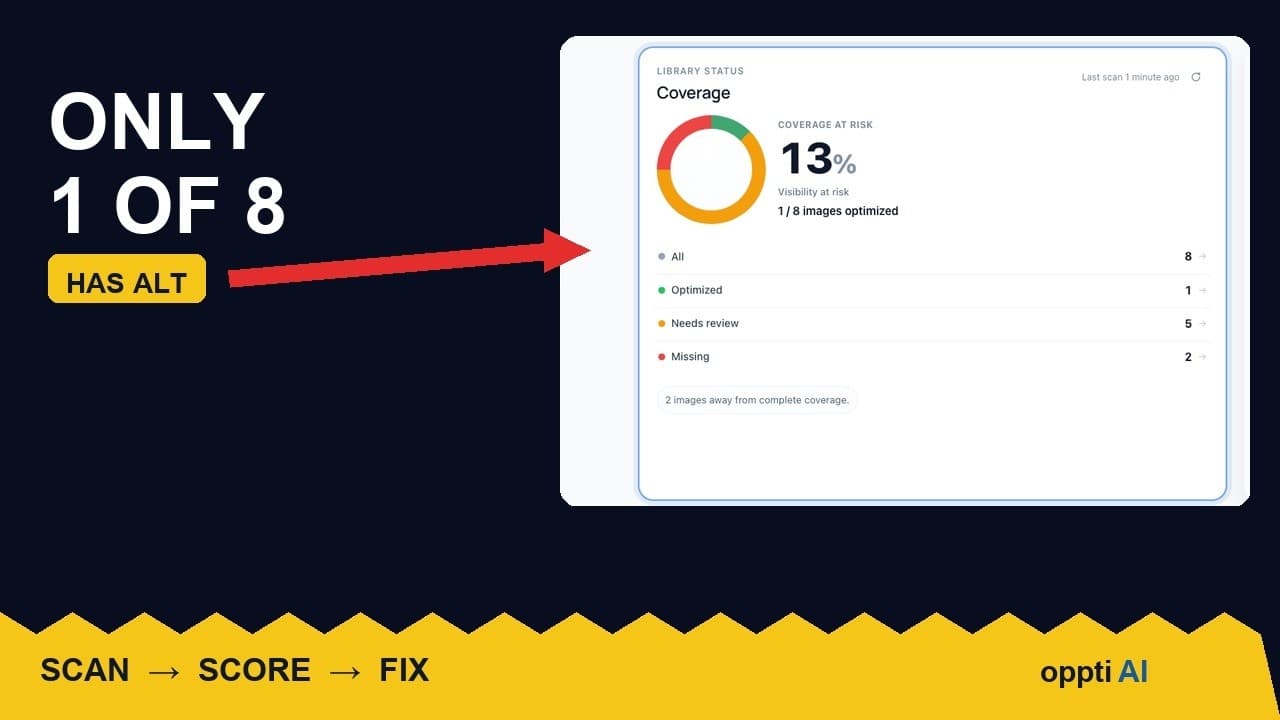
A coverage scan comes back at 13% and the instinct is to treat it as a failing grade. One of eight images on the page has usable alt text; the rest are missing it or close enough to missing that they don't help anyone. Before deciding whether that's a crisis or a non-issue, it's worth understanding what the number is actually counting, because a coverage percentage on its own tells you less than it looks like it does.
A percentage alone doesn't tell you much
Coverage is a ratio, and ratios hide context. A score of 13% on a page with eight images and a score of 13% on a site with eight thousand images represent completely different amounts of work, and completely different levels of risk. The single-page number from a quick scan is useful as a sample, not as a verdict on the whole site — it tells you this particular page has a problem, not necessarily that the whole site is in the same state.
It's also worth knowing what's being measured underneath the headline figure. A scan that only checks whether the alt field is non-empty will report a higher coverage number than one that also checks whether the text actually describes the image. Two tools can report different scores for the identical page, and both can be technically correct.
Why 13% isn't as alarming as it sounds — and when it is
A low score on a single page, caught early, is a normal finding, not an emergency. Most sites accumulate alt text gaps gradually: a theme update changes how featured images render, a bulk import skips the field, a contributor uploads a batch of photos without filling it in. None of that means the site has been neglected; it means nobody had a number to look at before now.
It becomes a genuine problem under two conditions: when the page in question gets meaningful traffic from image search or relies on visual content to make its point (a product page, a recipe, a portfolio piece), or when the same 13% pattern holds across the whole site rather than one unlucky page. A single thin page is a quick fix. The same ratio repeated across thousands of pages is a process problem, and it's worth fixing the process — not just the images — before it happens again.
What coverage rates look like in practice
There's no official benchmark published anywhere, because most sites never measure this at all. In practice, a freshly scanned WordPress site with real history — a few years of posts, some theme changes, a mix of contributors — very often comes back somewhere between 10% and 40% on a strict "genuinely descriptive" standard, even when a looser "field isn't empty" check would report something closer to 70–80%. That gap between the strict and loose numbers is usually the entire "needs review" category hiding inside what looked like a passing score.
Seeing a low number for the first time isn't a sign something unusual happened. It's a sign nobody had measured it before.
Turning the number into next steps
- Check whether the low score is one page or the whole site. Scan a handful of other pages, particularly high-traffic ones, before deciding how big the problem actually is.
- Split the gap into missing versus unhelpful, not just "not covered." An empty field and a filename-as-alt-text need different fixes, and lumping them together makes the backlog look more uniform than it is.
- Fix the highest-visibility images on the sampled page first — the featured image and anything central to the page's purpose — rather than working through every image equally.
- Decide on decorative images deliberately. A dividing line or background texture with no alt text isn't part of the real gap; leaving it with an empty
alt=""on purpose is the correct outcome, not an oversight to fix. - Re-scan after fixing the sample page, then widen the scan to the rest of the site once you know the fix actually moves the number.
When a low score points to something bigger
If the same coverage ratio shows up across every page you check, the issue usually isn't the images themselves — it's whatever process adds new images to the site. A theme or import tool that doesn't populate alt text by default will keep producing the same gap indefinitely, no matter how many times the backlog gets cleared. In that case, the fix that actually holds is catching new uploads automatically going forward, not another one-off cleanup pass.
Frequently asked questions
Is a 13% alt text coverage score bad?
On its own, no — it's a starting measurement, not a verdict. What matters more is whether that ratio is confined to one page you can fix quickly, or repeated across the whole site, which points to a process issue rather than a one-off gap. A first scan on a site that's never measured this before commonly comes back lower than people expect, simply because nobody had looked.
How many images on a typical WordPress site actually need alt text?
Nearly all of them, with one deliberate exception: purely decorative images — dividers, background textures, visual flourishes with no informational content — are correctly left with an empty alt="" rather than forced into a description that doesn't exist. Everything else, including featured images, product photos, and content images that convey information, should have alt text that describes what it shows.
Should I aim for 100% alt text coverage?
Aim for 100% of informative images covered, not 100% of every image on the site. Decorative images intentionally left with an empty alt attribute are already correctly handled and shouldn't count against the score — a tool that treats every single image as needing descriptive text, decorative ones included, is measuring the wrong thing.
Measure your own site before guessing
A coverage number only means something once you know what's behind it. Run a free image SEO audit to get your own breakdown of covered, missing, and needs-review images, or try OpptiAI Alt Text to work through the list it finds.
Related Posts
How to Run an ALT Text Coverage Audit on WordPress
An ALT text coverage audit shows exactly how many WordPress images are missing alt attributes, and which ones genuinely need fixing first.
Why WordPress Featured Image Alt Text Comes First
A featured image's alt text shows up in far more places than a normal content image. Here's why it deserves the first fix, not the last.
Fix WordPress Alt Text by Traffic, Not Upload Order
Working through missing alt text oldest-first feels productive but isn't. Prioritising by page traffic fixes the images that are actually seen.