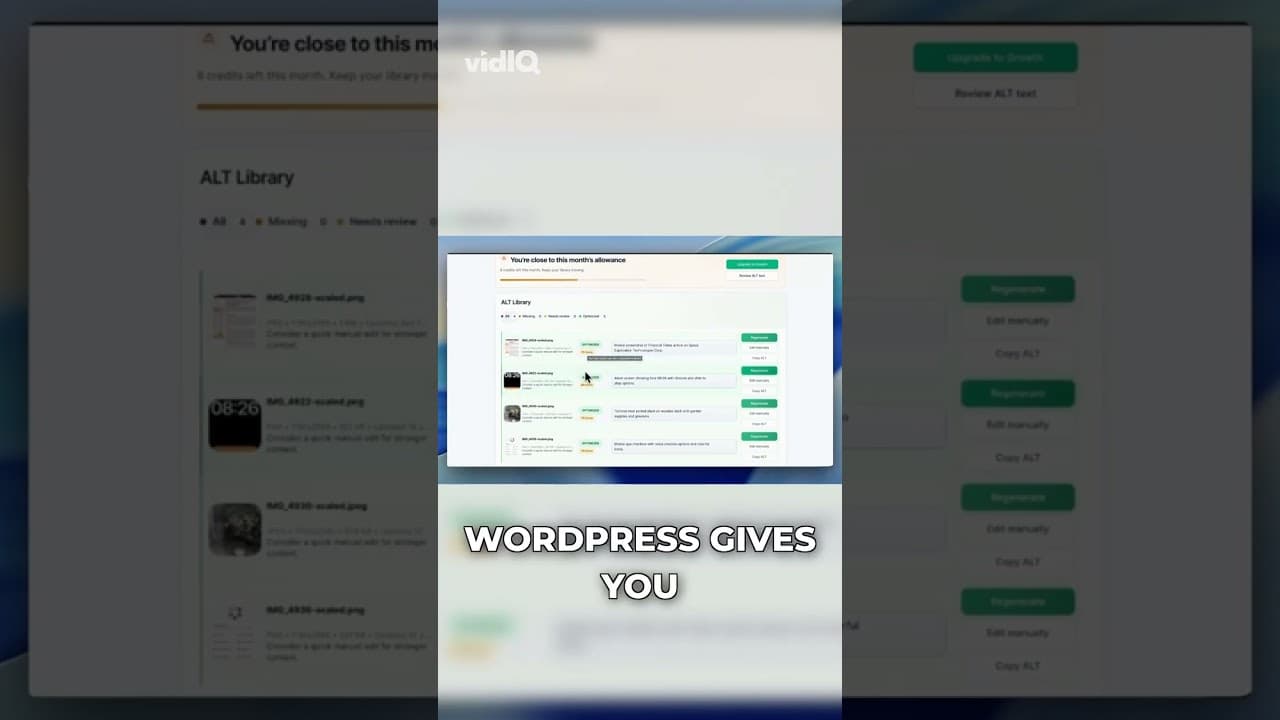
The Hidden WordPress SEO Problem: Missing Alt Text
A quiet WordPress SEO problem sits in your media library, not your content. Here's how missing alt text costs you image search rankings without any warning.
You've probably run a technical SEO checklist on your WordPress site: page speed, broken links, meta descriptions, sitemap, mobile rendering. Alt text usually isn't on that list, or it's a single line item you tick once and forget. That's the problem. It's not a one-time fix — it's a slow leak that reopens every time you upload a new image.
I made a short video walking through why this particular gap is so easy to miss, even for people who are otherwise careful about SEO.
Why alt text stays hidden from most SEO audits
Most SEO tools and checklists focus on things that are easy to measure at the page level: title tags, headings, word count, internal links. Alt text doesn't get the same attention for a simple reason — it lives inside the media library, not the post editor you're staring at when you write. You can publish a flawless 2,000-word article and never once see whether the six images inside it have real descriptions.
Plugins that do check for alt text usually only flag it per-post, one page at a time. Nobody sits down and audits three years of uploads in one sitting, so the problem compounds quietly. New content gets slightly better attention because it's fresh in your mind; the back catalogue just sits there.
There's also a framing issue. Alt text gets filed under "accessibility," which many site owners treat as a compliance checkbox rather than an SEO lever. That's a mistake. Accessibility and SEO overlap almost completely here: the same description that helps a screen reader user understand an image is the same signal Google uses to understand it and rank it in image search.
What you actually lose when alt text is missing
Three things happen when an image has no alt text, and none of them show up as an error message anywhere in WordPress.
First, you lose image search visibility. Google Images is a real acquisition channel — for product photography, recipes, tutorials, and infographics it can rival regular web search traffic. An image with no alt text is far less likely to surface for a relevant query, because Google has almost nothing to go on beyond the filename.
Second, you weaken the page's overall topical signal. Alt text is one more place to reinforce what a page is actually about, in the crawler's own terms rather than yours. A product page with a clear photo but a blank alt attribute is quietly less specific than a competitor's page that spells it out.
Third, and increasingly relevant: AI-driven search and chat assistants that summarise or cite web pages also parse alt text as part of understanding a page. If your images are undescribed, you're less legible to that whole category of new discovery surfaces, not just classic search.
How to check if this is happening on your site
Before assuming the worst, get a real number rather than a guess.
- Run a scan across your public pages. A free image SEO audit crawls your live site the way a search engine does and reports back which images have no alt text, generic alt text, or filename-style alt text like
IMG_2931. - Check your oldest content first. Alt text discipline tends to improve over time as people get more SEO-aware, so the biggest gaps are usually in posts from years ago, not last month's.
- Look at repeated theme elements separately. Icons and background graphics that appear on every page shouldn't be treated the same as unique content photos — flag them, but don't spend fixing time there.
- Rank by traffic, not by volume. Fix the alt text on your ten best-performing pages before you touch a page nobody visits. The commercial impact is concentrated, even if the missing alt text is spread evenly.
Fixing the gap without redoing years of work by hand
Once you know the scale of the problem, manually rewriting alt text for hundreds or thousands of images isn't realistic for most teams. This is what the OpptiAI Alt Text plugin exists to solve: it scans your entire WordPress media library, including WooCommerce product images, scores what it finds, and generates alt text you review before it goes live. You're not handing over control — you're removing the bottleneck of writing every description by hand.
A sensible order of operations is: audit your public pages to see how big the problem actually is, clean up the highest-traffic content first, then let new uploads get described automatically so the gap doesn't reopen next month.
Frequently asked questions
How do I know if my WordPress site has missing alt text?
The Media Library doesn't surface this well — you'd need to open each image individually to check. The faster route is a site-wide scan. A free image SEO audit checks your public pages and reports back which images are missing alt text or have generic, filename-style descriptions, without you touching each image manually.
Does alt text really affect SEO rankings, or is it just accessibility?
It does both. Screen readers use it for accessibility, and search engines use the same text to understand what an image shows, which affects whether it can rank in image search and contributes to how well the page as a whole is understood. Treating it purely as a compliance task misses half of what it does.
Why does missing alt text keep coming back even after I fix it?
Because it's not a one-time fix — every new image you upload starts with no alt text unless something fills it in. Old content gets cleaned up, then a redesign, a bulk import, or a busy content month adds a fresh batch of undescribed images. Automating alt text on upload closes that loop so the fix actually holds.
Related Posts
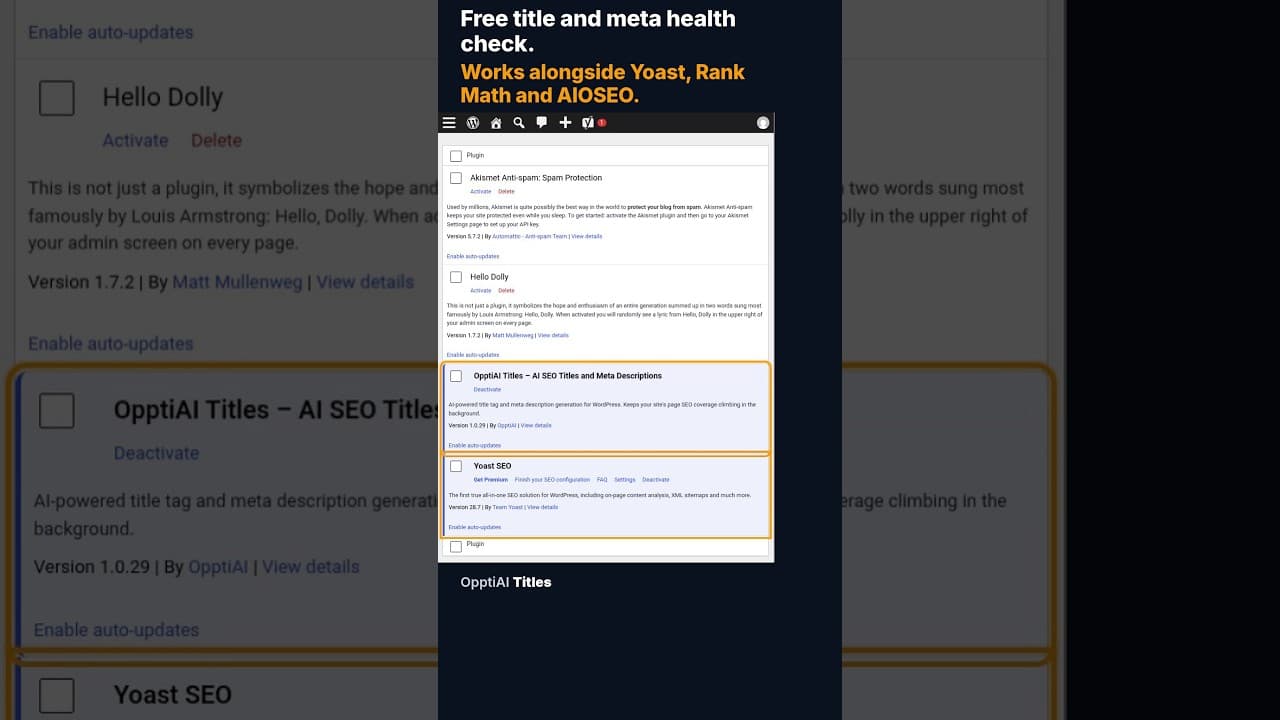
A Free WordPress Title and Meta Description Health Check
A free health check scans every WordPress page for missing or weak titles and meta descriptions and gives you a score. No account needed to see the result.
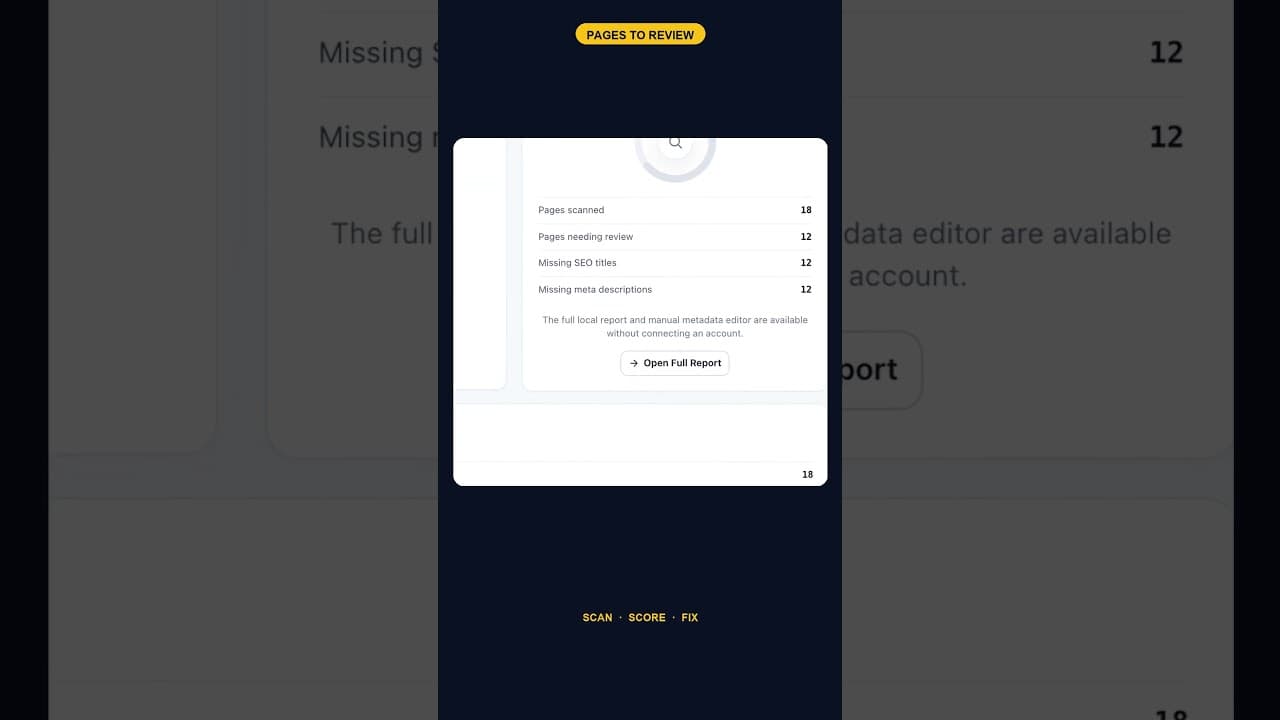
When 12 of 18 WordPress Pages Are Missing Titles and Meta Descriptions
An SEO scan finding 12 of 18 pages missing both a title tag and a meta description is one structural gap, not twelve separate oversights. Here's how to read it.
Does the Titles Plugin Conflict With AIOSEO?
AIOSEO stores titles and meta descriptions in its own fields. Here's exactly how OpptiAI Titles reads and writes around them without creating a conflict.