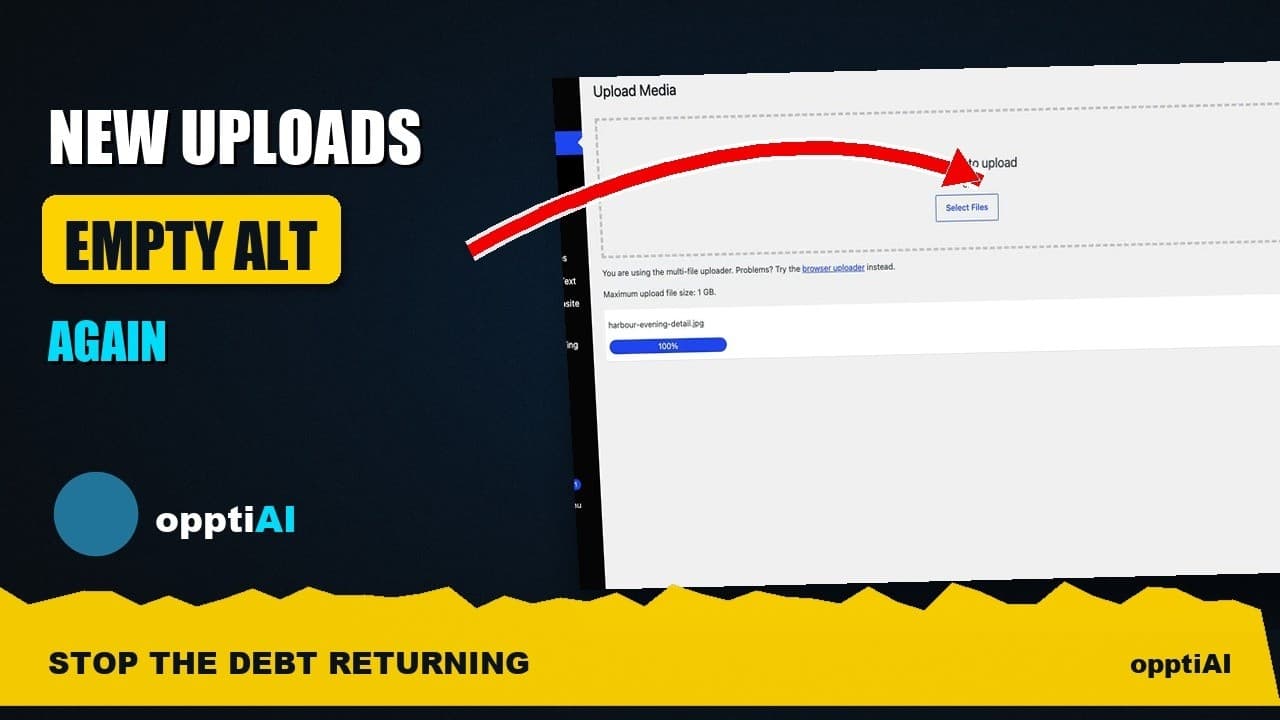
Alert Yourself the Same Day an Upload Misses Alt Text
Autopilot and cleanups still miss uploads. Same-day alerts catch missing alt text on new WordPress uploads before it piles up unnoticed.
Autopilot is meant to stop missing alt text at the source, but it doesn't catch everything. An image imported through a migration tool, added by a theme update, or uploaded while a rule was briefly switched off slips straight past it. The question that actually matters isn't whether your setup is airtight — none are — it's how long a gap sits unnoticed before anyone finds it. A settings alert that flags blank alt text the same day it appears turns a months-long surprise into a two-minute fix.
Autopilot and cleanups each leave a gap
A cleanup fixes what's already in the library on the day you run it. Autopilot covers uploads from the moment it's switched on. Between them, most of a site's images end up with alt text — but "most" isn't the same as "all", and the remainder isn't random. It clusters around the exact situations neither system was built to catch: a bulk import that bypasses the normal upload hook, a plugin conflict that silently stops a rule from firing, someone uploading directly through FTP or a migration script, or a rule that gets disabled during a theme update and nobody remembers to turn back on.
None of that means autopilot is broken. It means automation is confident, not infallible, and confident systems fail quietly — they don't throw an error, they just don't run. The only way to know a gap has opened is to check for one, and checking by memory is exactly the habit that automation was supposed to replace in the first place.
What a same-day alert actually does
A same-day alert isn't a second automation layer sitting on top of autopilot. It's a much simpler thing: a count, checked regularly, of images uploaded recently that still have no alt text. When that count is zero, you see nothing and move on. When it isn't, you get a notification before the gap has had time to turn into fifty images instead of three.
That timing is the entire value. Three missing images found the same day take two minutes to review and fix by hand. The same three images, left alone for two months while another forty pile up behind them, turn into a backlog review — which is the exact task autopilot exists to avoid repeating. An alert is cheap insurance against the automation having a blind spot you don't know about yet.
Setting an alert up without it becoming noise
The failure mode for alerts isn't missing one — it's getting so many that you start ignoring all of them. A few choices keep that from happening:
Set the threshold above zero if your upload volume is irregular. A site that occasionally batch-imports twenty product photos at once doesn't need a notification every single time; a threshold of five or ten recently-missing images filters out routine noise while still catching a real gap.
Scope it to recent uploads, not the whole library. An alert covering every image ever uploaded will fire constantly on any site with legacy content, and you'll learn to dismiss it. Limiting it to images from, say, the last 48 hours keeps it a genuine early-warning signal rather than a running total you've already stopped reading.
Pick a channel you actually check. An admin-dashboard notice you only see when you happen to log in is weaker than an email, and an email buried in a folder you never open is weaker than nothing — you've just added false confidence. Match the alert to wherever you'd actually notice it within a day.
Treat a repeated alert as a signal about the automation, not just the images. If the same alert keeps firing even with autopilot switched on, that's worth investigating on its own — it usually means a specific upload path (a particular form, a particular import tool) isn't running through the rule at all.
A practical walkthrough
- Turn on autopilot first, if it isn't already — the alert is a safety net for what autopilot misses, not a replacement for it.
- Set the alert's lookback window to cover roughly your normal upload cadence — 24 to 48 hours for most sites, longer for ones that publish in weekly batches.
- Set a threshold above zero if bulk imports are a normal part of your workflow, so routine batches don't trigger a notification every time.
- Choose a notification channel you check daily, not one that depends on remembering to look.
- When an alert fires, open the flagged images directly rather than re-scanning the whole library — the point of the alert is that you already know exactly where to look.
- If the same gap recurs, check which upload path produced those images; a repeat alert on one source usually means that source isn't running through autopilot at all.
Frequently asked questions
Isn't an alert redundant if autopilot is already switched on?
Not quite — they cover different failure modes. Autopilot handles the uploads that go through the normal path while the rule is active. An alert exists for everything that doesn't: imports, migrations, theme-driven uploads, or a rule that got disabled without anyone noticing. Running both means a gap in one is caught by the other instead of sitting unnoticed until the next full audit.
How far back should a same-day alert look?
Match it to how often you upload. A site adding images daily is well served by a 24-hour window — anything older than that should already be caught by a normal check. A site that publishes in weekly batches can widen the window to a few days so a single alert covers a whole batch instead of firing once per image. The goal is catching a gap within roughly one upload cycle, not instantly.
What should the alert threshold be set to?
Start at zero and raise it only if it becomes noisy. A site with steady, predictable uploads can usually leave the threshold at zero — any missing alt text is worth a look. A site with occasional large batch imports should set the threshold to whatever a normal batch's size roughly covers, so the alert reserves itself for counts that are genuinely unexpected rather than firing on every routine upload.
Checking for a gap by memory is the habit automation is supposed to remove — not add a second thing to remember. OpptiAI Alt Text includes same-day alerts alongside autopilot rules, so a missed upload surfaces on its own instead of waiting for the next audit. Run the free image SEO audit first to see how much of your current library would trigger one today.
Related Posts
Catch New Uploads Before Alt Text Debt Comes Back
Autopilot and cleanups still miss images. Here's the routine check that catches new uploads slipping through before missing alt text piles up again.
Set Up Autopilot Alt Text for New WordPress Uploads
Manually writing alt text for every new upload doesn't survive contact with a busy site. Here's how to configure autopilot rules that generate it for you.
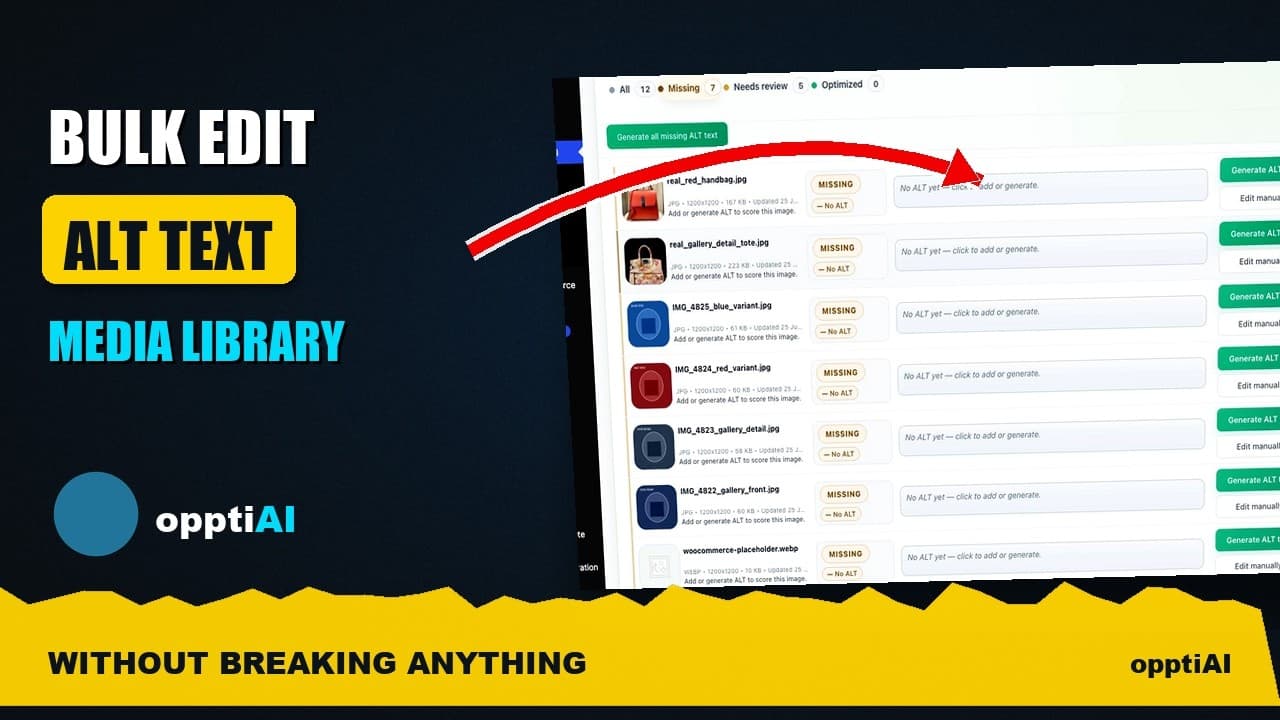
Bulk-Edit Alt Text From a Filtered List, Not the Media Library
Opening one attachment at a time to fix alt text doesn't scale. Here's how to bulk-edit from a filtered list instead, without breaking anything.