Why WordPress Featured Image Alt Text Comes First
A featured image's alt text shows up in far more places than a normal content image. Here's why it deserves the first fix, not the last.
If you're working through a backlog of missing alt text one image at a time, the featured image on each post deserves to be first in the queue — not because it's more important than the rest, but because it's doing more jobs than the rest. A single content image only ever shows up on the page it's embedded in. A featured image shows up there too, plus the archive page, the related-posts widget, the RSS feed, and whatever card renders when the post gets shared on social media.
One image, half a dozen places it appears
Open any WordPress theme's template files and you'll find the featured image called from far more places than a normal content image ever is. A typical post pulls it into:
- The post itself, usually above the title or the first paragraph.
- The blog archive and category pages, as the thumbnail next to the excerpt.
- "Related posts" and "you might also like" widgets, often on pages that aren't even about the same topic.
- The RSS feed, where many feed readers render it automatically.
- The Open Graph and Twitter Card meta tags —
og:imageandtwitter:imagealmost always default to the featured image, which means it's what shows up when the post is shared on LinkedIn, X, Slack, or in a WhatsApp preview.
A content image embedded three paragraphs into a post has one job: illustrate that paragraph, on that page. A featured image is doing six jobs across six different contexts, most of which the person fixing alt text never actually looks at while they're editing the post.
Why that matters more for alt text specifically
Alt text is read by screen readers, used by search engines to understand what an image shows, and falls back as visible text if the image itself fails to load. All three of those reasons scale directly with how many places the image appears.
A missing alt attribute on a buried content image is a gap on one page. A missing alt attribute on a featured image is a gap on the post, the archive listing, every related-posts widget that pulls it in, and the social card every reader sees before they even click through. If you're auditing a site and have to choose where to spend the next ten minutes, the featured images give you the biggest return — not because any single instance matters more, but because you're fixing the same gap in several places at once.
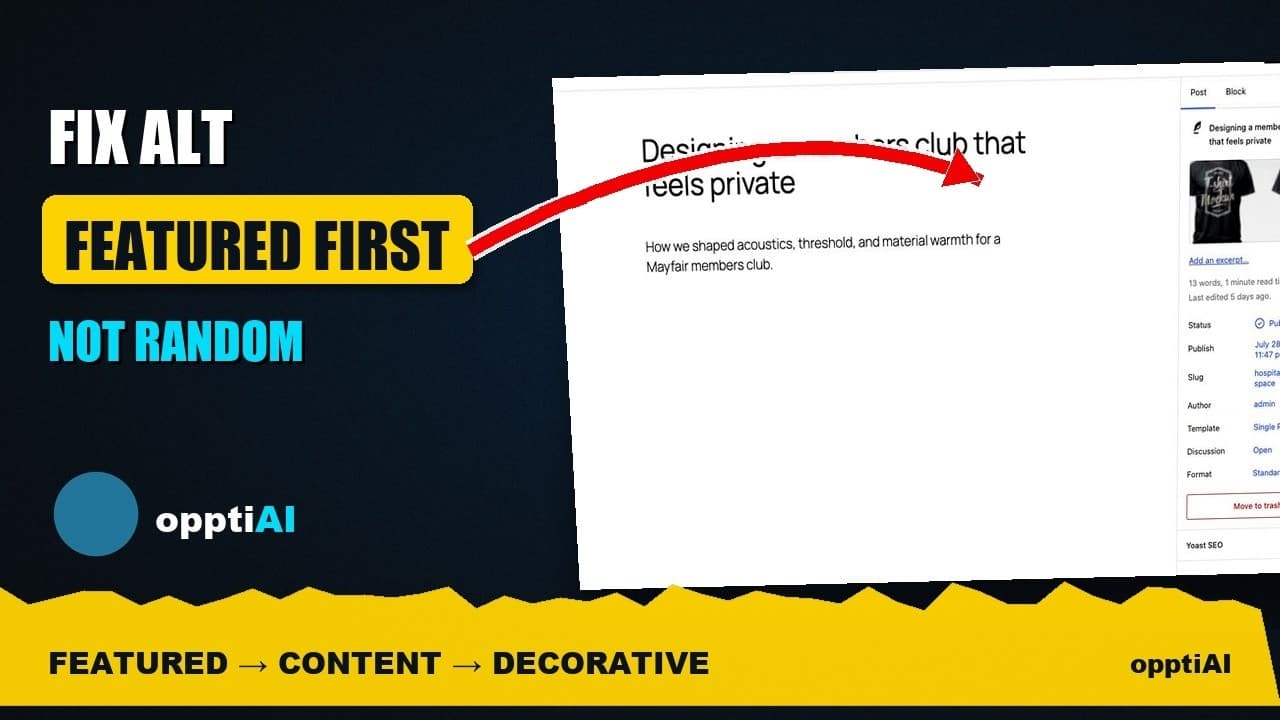
There's a second, quieter reason: featured images are frequently set through a different part of the WordPress editor than content images — a sidebar panel, not the block editor's media library — and that panel genuinely doesn't surface an alt text field by default. People who are careful about adding alt text to every image they drag into a post routinely miss the one image they never had to drag in at all.
A practical walkthrough
- Pull a list of posts with a featured image but no alt text, rather than starting from the media library — the media library doesn't tell you which images are used as featured images, and that's the distinction that matters here.
- Fix those first, before touching any other missing alt text on the site. The featured image on a post with real traffic is worth more than a dozen untouched images buried in old posts nobody reads.
- Write alt text that describes the image, not the post. "A WordPress dashboard showing the SEO health score panel" beats "Featured image for blog post" — the second tells a screen reader nothing it didn't already know.
- Check how the image renders as a social card once alt text is set, since that's the version most people will actually encounter if the post gets shared.
- Move to product and content images next, following whatever priority order fits the rest of the site — featured images are the first stop, not the only one.
- Set a rule going forward so every new post's featured image gets alt text before it's published, rather than becoming next quarter's cleanup item.
Frequently asked questions
Does featured image alt text actually affect SEO, or just accessibility?
Both. For accessibility, it's the text a screen reader announces wherever the image appears — which, as above, is often more than one place. For SEO, search engines use alt text to understand image content for image search and to fill a gap when the image itself can't be processed. Because the featured image also drives the og:image tag, its alt text (or the lack of it) indirectly affects how the post presents when shared, which has its own effect on click-through from social platforms even though that's not a direct ranking signal.
My theme doesn't show an alt text field for featured images. How do I fix that?
It depends on the theme, but the usual cause is that the featured image panel calls the image by its attachment ID and doesn't surface the attachment's alt text field in that sidebar view. The fix in nearly every case is to open the image itself in the media library (Media → Library, find the file, click to edit) and set the alt text there — it's stored on the attachment, not on the post, so setting it once applies everywhere that image is used, featured or not.
Should I go back and fix old posts' featured images, or just start with new ones?
Both, but in that order of value: fix old posts' featured images before you worry about getting every new post perfect, since the old ones are the ones currently missing coverage across archives, related-posts widgets, and shared links today. Going forward, make alt text part of the publishing checklist so new posts never join the backlog in the first place — the goal is to stop adding to the pile while you work through what's already there.
Featured images are the single highest-impact fix in most alt text backlogs, simply because of how many places one image shows up. OpptiAI Alt Text flags posts with a featured image missing alt text as its own priority group, so you're not hunting through the media library to find them. Run the free image SEO audit to see how many of your own posts are currently affected.
Related Posts
Fix WordPress Alt Text by Traffic, Not Upload Order
Working through missing alt text oldest-first feels productive but isn't. Prioritising by page traffic fixes the images that are actually seen.
Fix Alt Text in Order: Featured, Products, Content
Not every missing alt text field deserves the same urgency. Here's the priority order that actually moves image SEO: featured, products, content.
Alert Yourself the Same Day an Upload Misses Alt Text
Autopilot and cleanups still miss uploads. Same-day alerts catch missing alt text on new WordPress uploads before it piles up unnoticed.