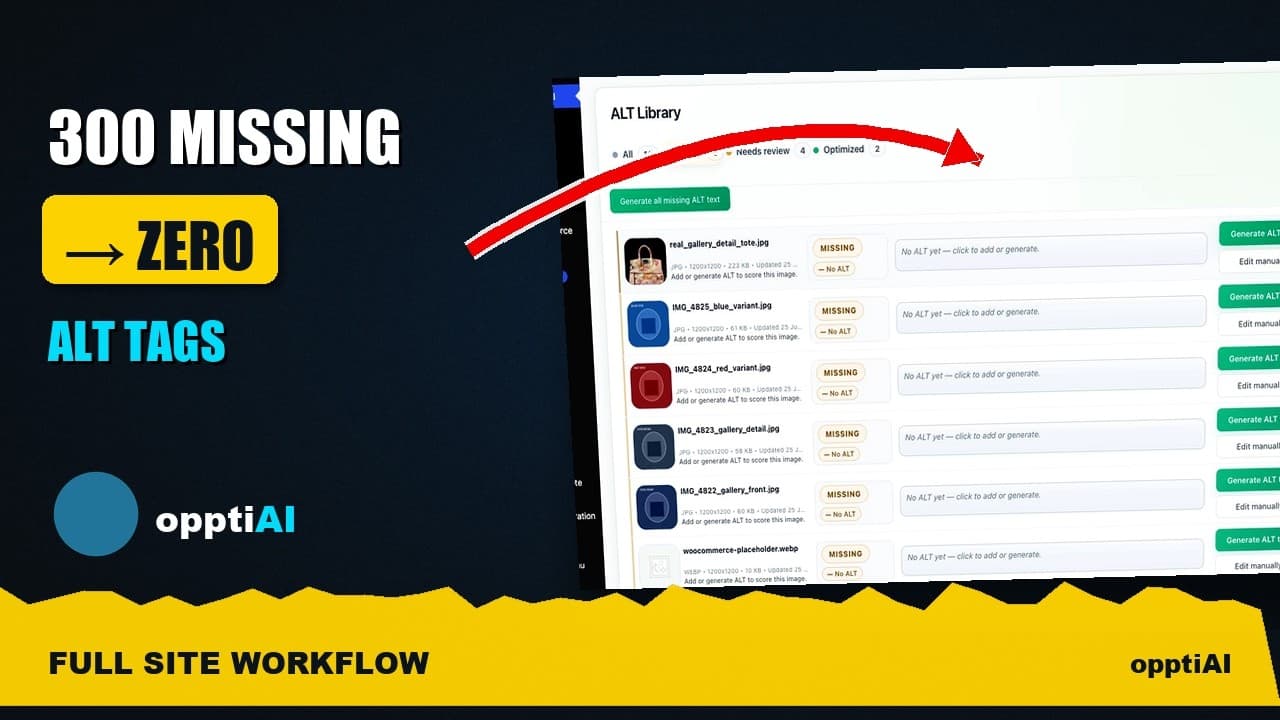
Track Your Missing Alt Text Count Until It Hits Zero
A single alt text cleanup pass rarely finishes the job. Here's how to track the missing count across repeat passes until it actually reaches zero.
Most alt text cleanups die at the same point: somewhere around the second or third batch, the missing count has dropped from a few hundred to a few dozen, and it feels finished enough to stop. It isn't. A single pass through scan, prioritise, generate, and review clears whatever was in the Media Library on the day you ran it — new uploads, imported products, and pages built since then quietly rebuild the backlog while you're not looking. The fix isn't a better one-off pass, it's treating the missing count as a number you watch drop over repeated passes until it's actually zero, not a task you check off once.
Here's a video walking through the full loop and why "repeat until the count moves" is the step people skip.
Why one pass never gets you to zero
Run a scan on a site with real traffic and you'll find missing alt text in three broad buckets: the historical backlog (images uploaded months or years ago, before anyone was checking), the steady drip of new uploads (a blog post published this week, a product added to the catalogue yesterday), and re-appearing gaps (a theme update that strips alt attributes on regeneration, a CSV import that skips the field, a plugin that overwrites media metadata on sync).
A single cleanup pass only ever touches the first bucket. The moment you stop, the second and third buckets start refilling the count, and if nobody's watching the number, it just looks like the cleanup "wore off" a few months later. It didn't wear off — nobody counted again.
What to actually track
Tracking the missing count only works if you're measuring the same thing the same way each time. Three numbers matter more than the raw total:
The absolute missing count, pulled the same way every time — same filter, same media library view, same product/attachment scope. If you switch how you count between passes (all images one time, only published-post images the next), the trend line is meaningless.
The delta since the last pass, not just the current total. A count of 40 sounds bad in isolation, but if the last pass left 38 and only 2 new images arrived without alt text, that's a healthy, controlled drip — very different from a count that jumped from 5 to 40 because a migration wiped a batch of fields.
Time-to-zero on the current backlog, meaning how many more batches at your current pace it will take to clear what's left. This turns "still not done" into a concrete number of sessions, which is what actually gets a cleanup finished instead of abandoned.
A practical walkthrough: running the loop with a count you can trust
- Scan and record the baseline. Filter the Media Library (or product catalogue) to images missing alt text, and write down the count with today's date. This is pass zero.
- Prioritise the batch. Featured images, product images, and images inside high-traffic content first — these are the images actually being seen and indexed, so fixing them moves the needle fastest.
- Generate in a batch you can finish in one sitting. Twenty to fifty images is realistic for a review pass; a batch of 300 just gets rubber-stamped without real review.
- Review before saving. Check for keyword stuffing, wrong objects, and alt text that doesn't match the actual image — the video above covers this step in more depth.
- Re-scan and record the new count. Compare it to the baseline. This is the number that tells you whether the pass actually worked, not how it felt.
- Schedule the next pass on a fixed cadence — weekly for a site publishing often, monthly for a slower one — rather than "whenever I remember," and keep logging the count each time until it holds at zero for two consecutive passes.
Frequently asked questions
How do I know if my alt text cleanup is actually finished, not just quiet?
Two consecutive passes at zero, on the same counting method, spaced at least a week apart. One pass hitting zero can mean you genuinely cleared it, or it can mean you happened to scan right after a cleanup and before the next batch of uploads landed. A second pass a week later confirms the drip of new content isn't rebuilding the backlog faster than you're clearing it.
Why does my missing alt text count keep going back up after I fix it?
Usually one of three causes: new content being published without anyone adding alt text at upload time, a theme or plugin update that regenerates image markup and drops the attribute, or a bulk import (CSV, product feed, migration) that doesn't carry the field over. Tracking the count after each of these events, not just on a fixed schedule, helps you catch which one is actually responsible instead of guessing.
Is it worth tracking the count manually, or should I use a tool?
Manually is fine for a small site with infrequent uploads — a spreadsheet with a date and a number takes thirty seconds to update. It stops being fine once you're publishing daily or running a large product catalogue, because the tracking itself becomes a chore nobody keeps up with, and an untracked cleanup drifts back to where it started within a couple of months.
Tracking a number in a spreadsheet works, but it still relies on someone remembering to run the scan. OpptiAI Alt Text scans your WordPress Media Library on an ongoing basis, ranks what's missing by where it actually appears on the site, and drafts alt text you review before it saves — so the count keeps moving without a manual re-scan every time. If you want a one-off snapshot first, the free image SEO audit will show you where the site stands today.
Related Posts
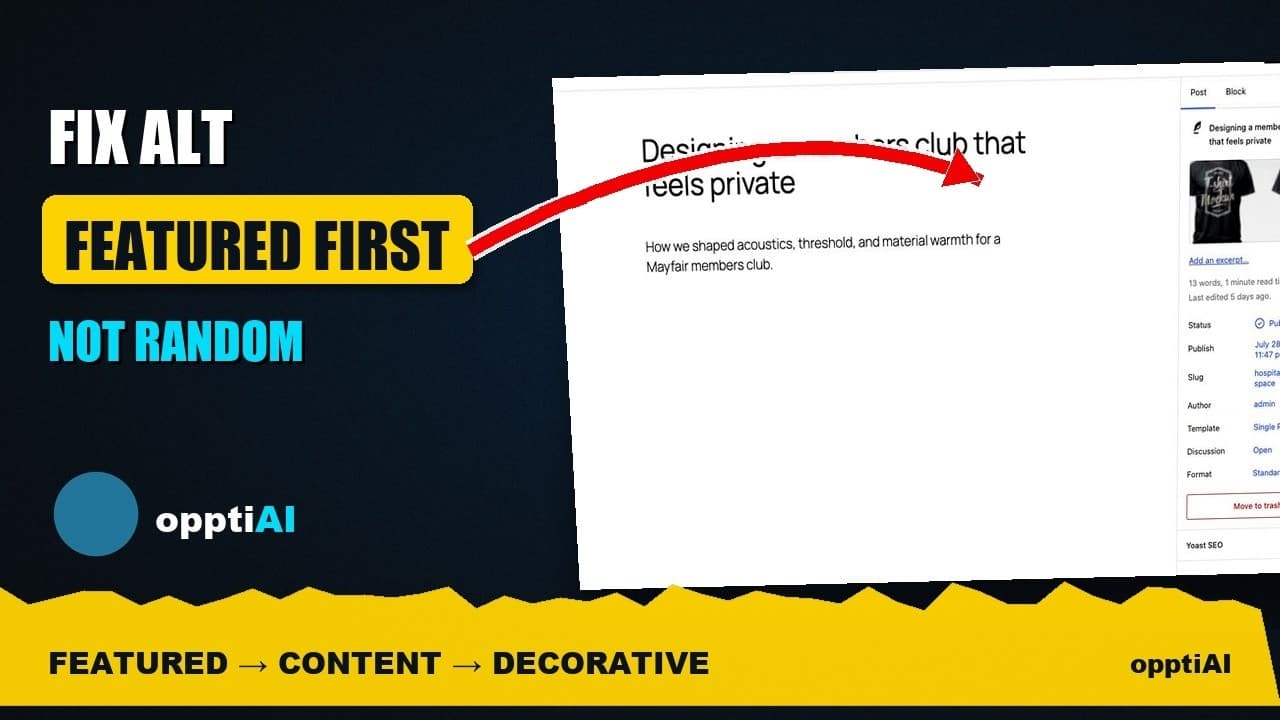
Fix Alt Text in Order: Featured, Products, Content
Not every missing alt text field deserves the same urgency. Here's the priority order that actually moves image SEO: featured, products, content.
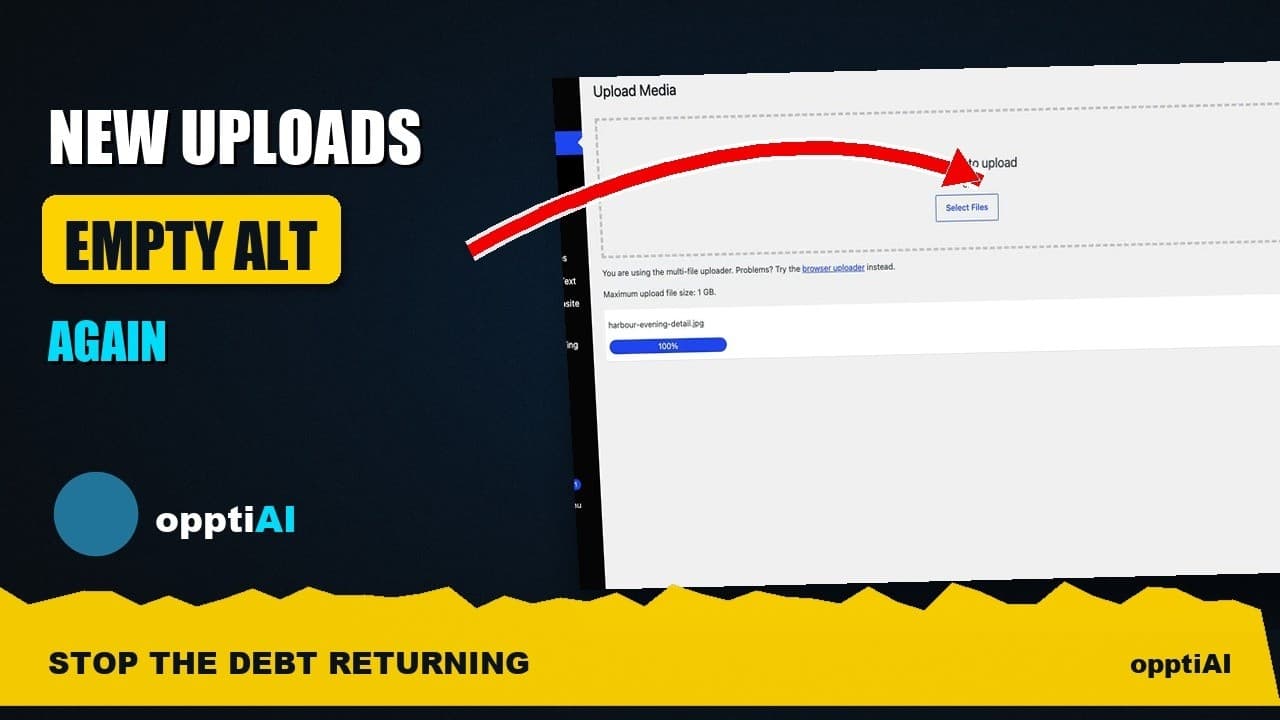
Alert Yourself the Same Day an Upload Misses Alt Text
Autopilot and cleanups still miss uploads. Same-day alerts catch missing alt text on new WordPress uploads before it piles up unnoticed.
Catch New Uploads Before Alt Text Debt Comes Back
Autopilot and cleanups still miss images. Here's the routine check that catches new uploads slipping through before missing alt text piles up again.