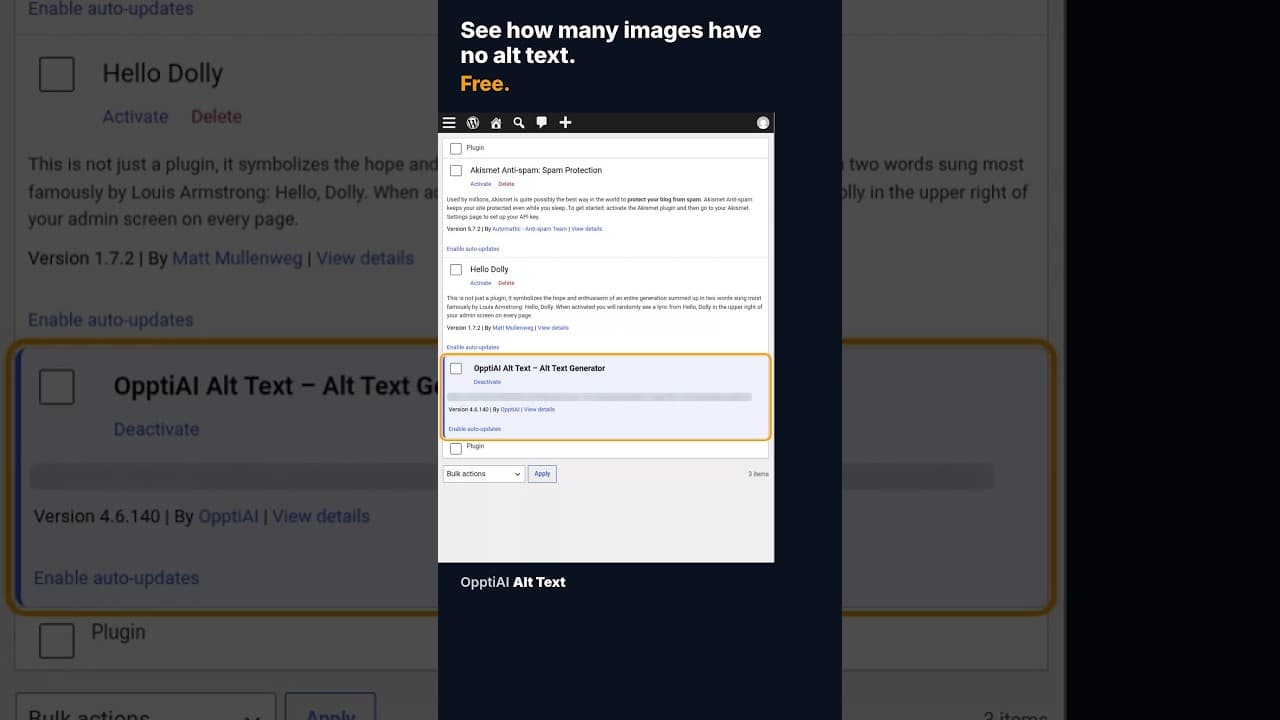
How to Check How Many WordPress Images Are Missing Alt Text
A free alt text audit counts exactly how many WordPress images are missing alt text, no account needed. Here's what the count actually means.
Most WordPress site owners have no idea how many images in their media library are missing alt text, because nothing in the default WordPress admin surfaces that number. You can open the media library and scroll, but counting by eye across hundreds of uploads isn't a real option, so the honest answer to "how many am I missing?" for most sites is "nobody has checked."
Why the count stays hidden by default
WordPress stores alt text as a field on each attachment, but the media library's list and grid views don't show which images have it and which don't without opening every single one. There's no built-in filter for "missing alt text", no column for it in the list view, and no count anywhere in the dashboard. That's not a bug — alt text just isn't a field WordPress core was built to audit, only to store. So the gap between "alt text exists as a feature" and "I know my actual coverage" is entirely up to whichever tool, if any, a site owner adds on top.
What a free alt text audit actually counts
A scan built specifically for this reads every image in the media library and sorts them into three buckets: has alt text, missing alt text entirely, and present but empty — a surprisingly common state, where a field technically has a value but it's blank or just the filename. Doing this without an account or API key is possible because the check itself doesn't need anything beyond read access to data already in the WordPress database; there's no reason a count like this should require a signup before you see it.
Running that kind of check for the first time on most sites, especially ones that have been live for a few years and accumulated images from several contributors, several redesigns, and more than one theme change, usually turns up more missing alt text than the owner expected. Each previous contributor had their own habits, some plugins strip alt text on image processing, and migrations between hosts or themes occasionally drop the field. The number is rarely a handful once you actually look.
Reading the result correctly
A raw count — say, forty images missing alt text out of six hundred — isn't yet a priority list, because not every image matters equally:
- Separate content images from decorative ones first. A product photo or a diagram in a blog post needs a real description; a background texture or a spacer image used purely for layout doesn't need alt text describing it at all — it should get an empty
alt=""attribute deliberately, which is different from missing alt text and shouldn't be flagged the same way. - Prioritise by traffic, not by upload date. An image on your highest-traffic page missing alt text costs you more, every day it stays missing, than ten images on a page nobody visits.
- Check whether the gap is structural or scattered. If every missing image came from the same plugin or the same bulk upload, fixing the cause stops new ones appearing, rather than just clearing the existing backlog once.
- Re-run the count after a fix pass, not just once. A single cleanup without a repeat check tells you nothing about whether new uploads are still slipping through.
What the number is actually worth
A missing alt text count isn't a vanity metric — it maps directly to two separate, real costs. For accessibility, every image without it is a gap for anyone using a screen reader on that specific page, regardless of how good the rest of the site is. For search, Google Images can't associate a missing image with any text at all, which means it's effectively invisible in a results surface that costs nothing extra to appear in once the description exists. Neither cost scales down just because the count is small; it's active immediately, per image.
Making the check part of a routine, not a one-off
Running a free audit once and fixing what it finds closes today's gap. It does nothing about tomorrow's upload. The more durable version of this habit is checking coverage on a schedule — monthly is enough for most sites — or, better, catching missing alt text the moment an image is uploaded rather than waiting for the next scan to notice it. A site that's actually at zero missing alt text, and stays there, checked regularly enough that the number never had a chance to climb back up.
Frequently asked questions
Does checking how many images are missing alt text require connecting my WordPress site to an external account?
No. The check itself only needs to read the alt text field already stored on each attachment in your media library — there's no technical reason it needs an account, API key, or external connection to produce a count. Any tool that insists on a signup before showing you the number is making a product decision, not working around a limitation.
What's a normal number of missing alt text images for an average WordPress site?
There's no universal "normal", because it depends entirely on how long the site has been live and how many people have uploaded to it, but it's common for sites that have never run a dedicated check to find missing alt text on anywhere from five to twenty-five percent of their images. Sites with several past contributors or a theme migration in their history tend to sit at the higher end of that range.
Should every single image on my site have alt text, including icons and background graphics?
No — purely decorative images, such as spacers, repeated background textures, and visual dividers with no informational content, should have an empty alt="" attribute rather than a written description, because a screen reader announcing "decorative swirl graphic" repeatedly on every page is noise, not help. A good audit distinguishes this category from genuinely missing alt text rather than flagging both the same way.
Checking your own count
OpptiAI Alt Text scans your WordPress media library and tells you exactly how many images are missing alt text, no account required to see the result. Run the free check or see how the plugin handles ongoing monitoring.
Related Posts
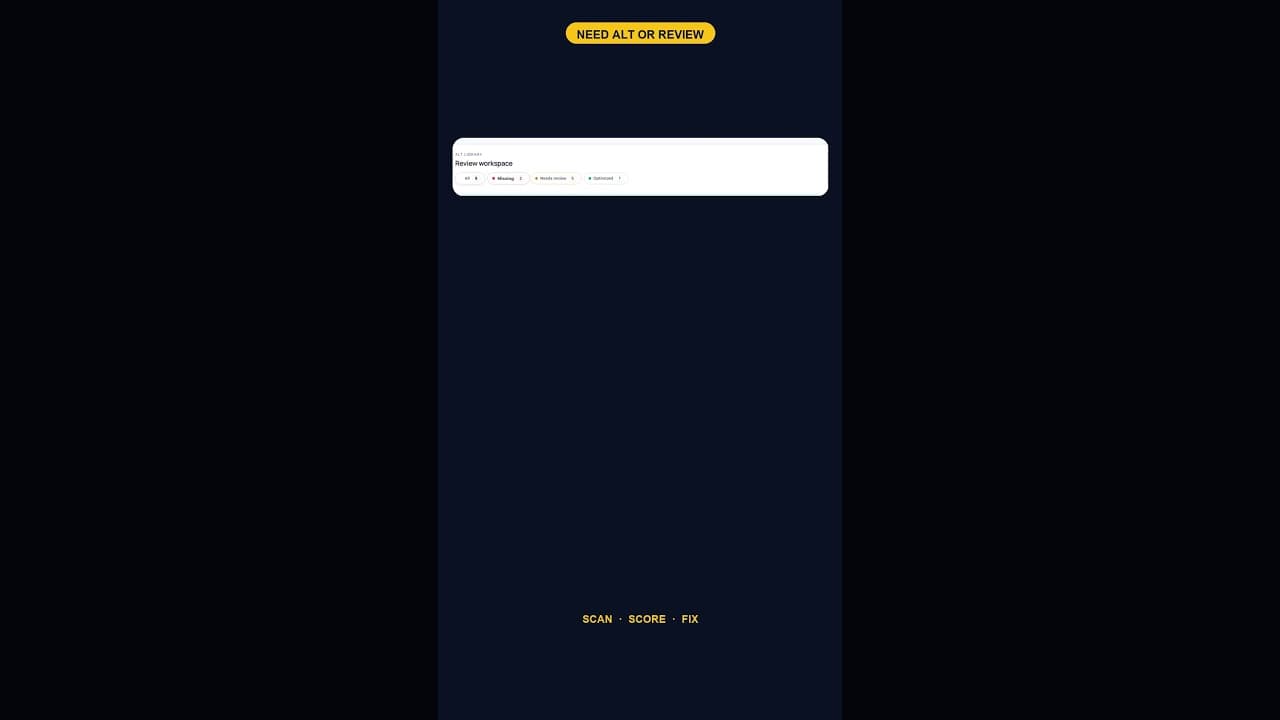
What a 128-Image Alt Text Backlog Looks Like (and How to Clear It)
A 128-image alt text backlog sounds like a project. Split by what's actually wrong with each image, most of it is a much smaller job than the headline number.
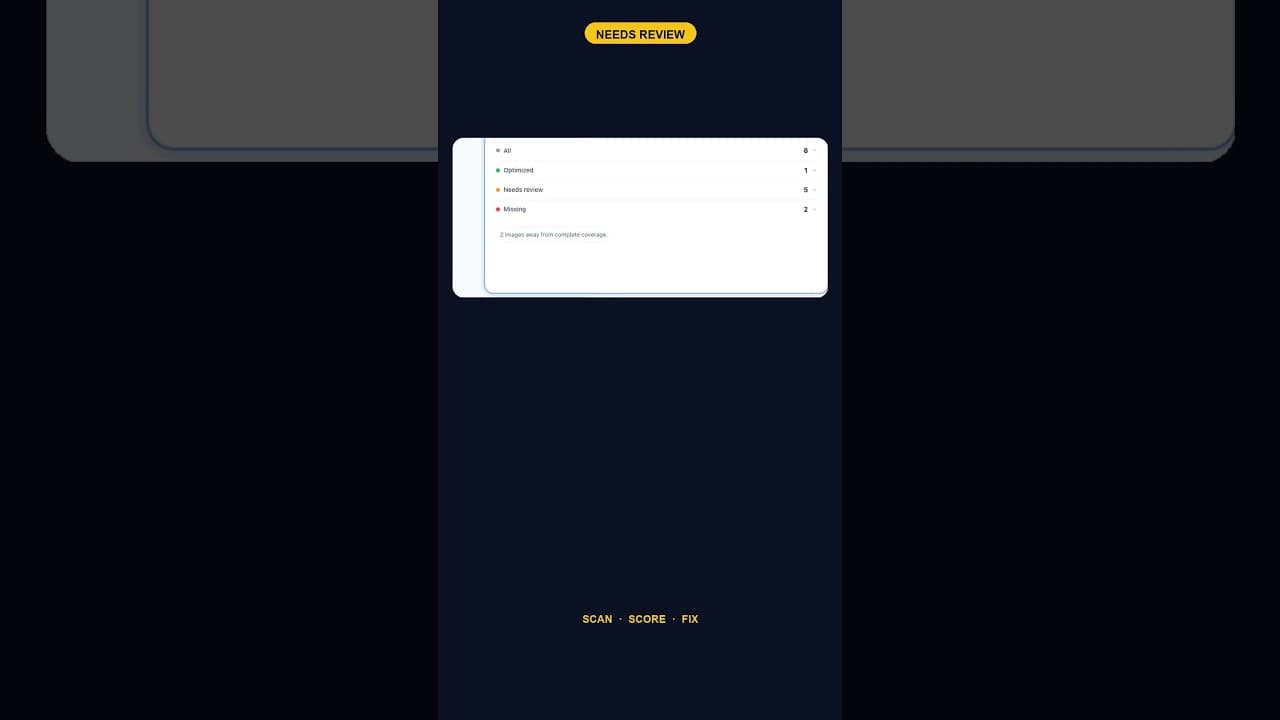
When Alt Text 'Needs Review' Outnumbers 'Missing' Entirely
A scan that finds five images flagged for alt text review and none outright missing is telling you something different than a scan full of blanks.
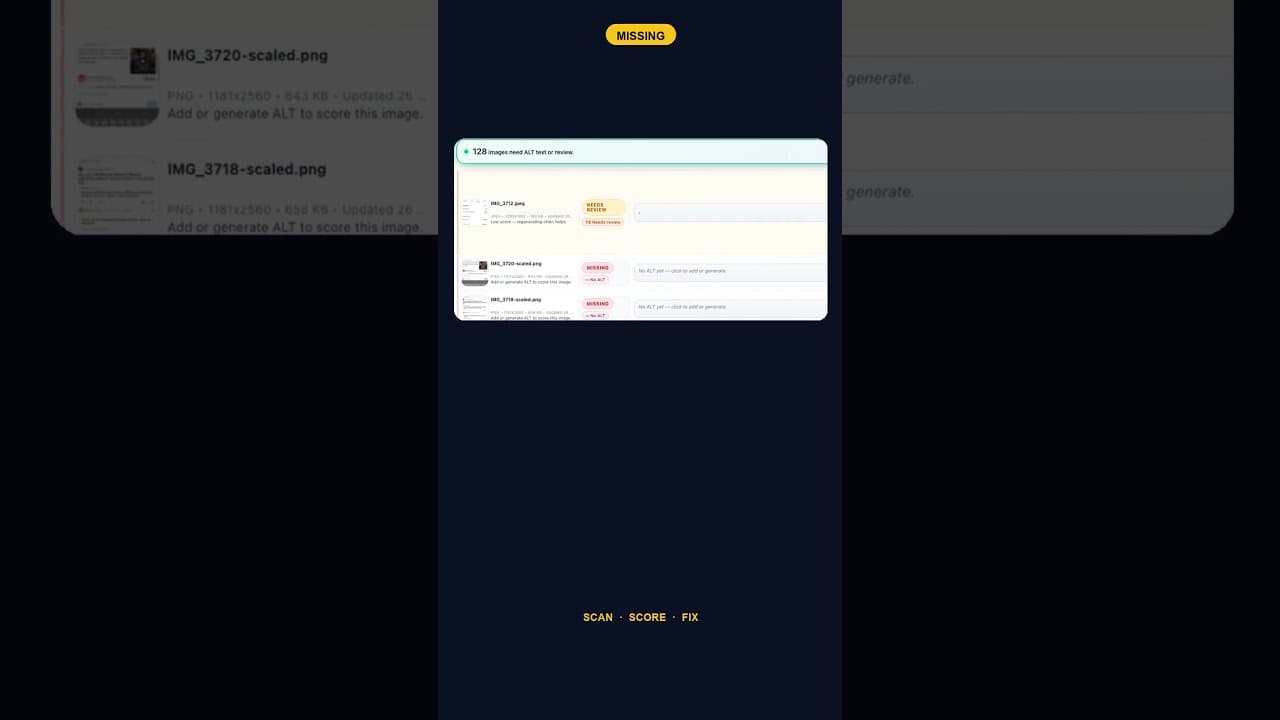
Only 2 Images Missing Alt Text? Fix Them Anyway — Here's Why
A WordPress site with just two images missing alt text is easy to deprioritise. Here's why that small a gap is still worth closing the same day you find it.