Elementor image has no alt text
Elementor missing alt text: an Image widget can ship empty alt even when the file is in your Media Library. Fix the widget or the attachment.
An Elementor Image widget can sit on the page with an empty alt field even when the file is in your Media Library. Elementor lets you set alt on the widget. If you leave it blank, the front end often ships with no alt.
For an informative photo, open the widget, find the image alt control, and write what the image shows. For a decorative divider or icon, leave alt empty on purpose so a screen reader skips it.
If the same file is used on many pages, fix the Media Library attachment once. OpptiAI Alt Text finds empty alt in the library, including images you dropped into Elementor, and lets you review every draft before save.
Guest: 10 generations. Free account: 25 a month. No OpenAI key.
Install first. Then create an account in the plugin when you want the free 25.
Related Posts
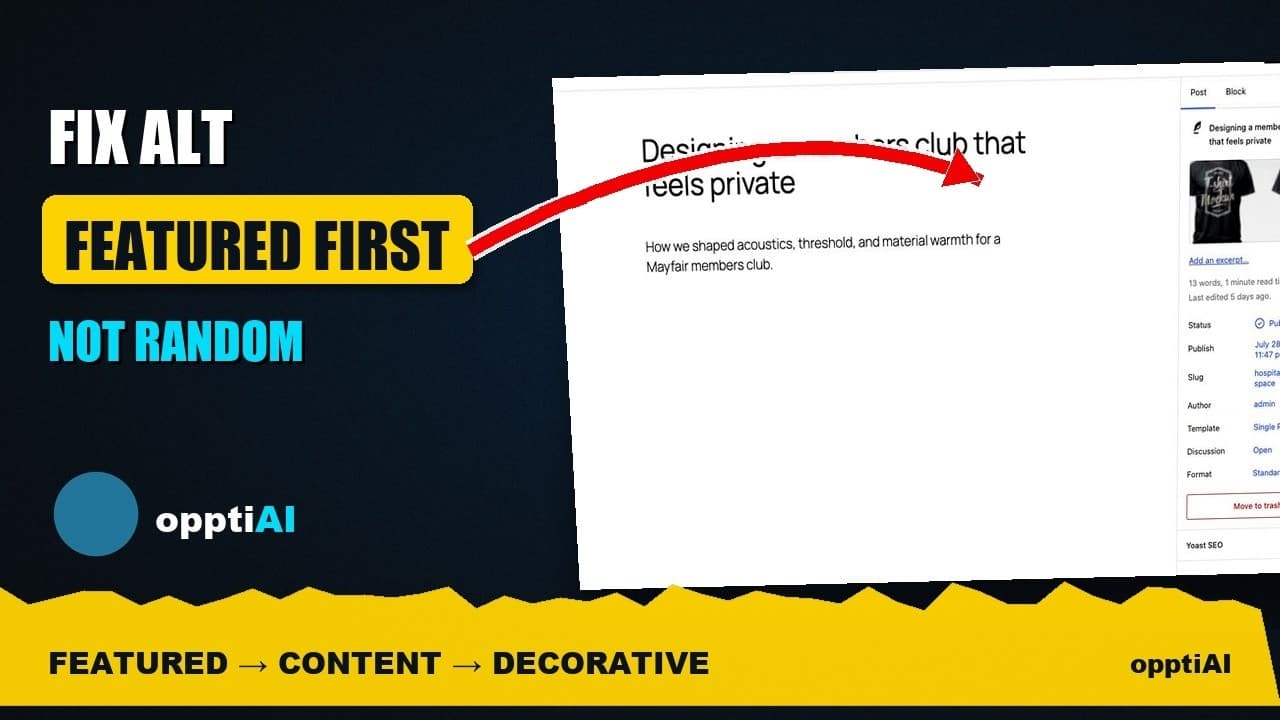
Fix Alt Text in Order: Featured, Products, Content
Not every missing alt text field deserves the same urgency. Here's the priority order that actually moves image SEO: featured, products, content.
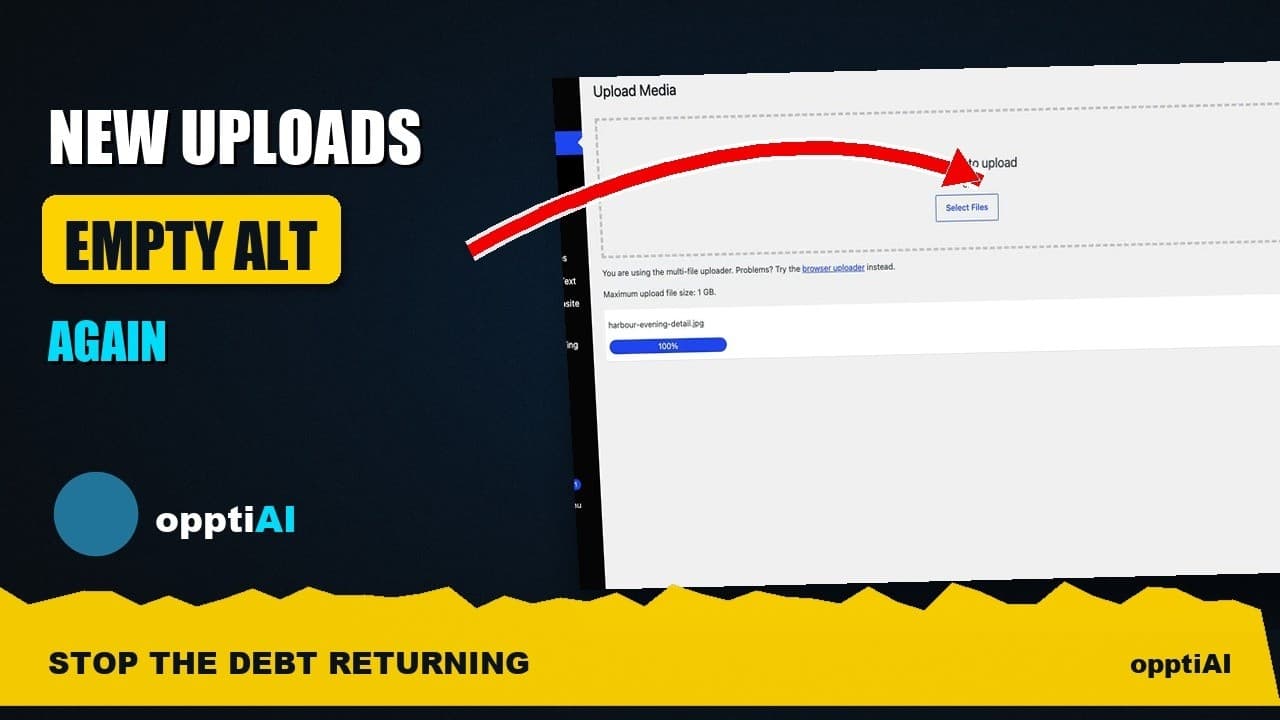
Alert Yourself the Same Day an Upload Misses Alt Text
Autopilot and cleanups still miss uploads. Same-day alerts catch missing alt text on new WordPress uploads before it piles up unnoticed.
Catch New Uploads Before Alt Text Debt Comes Back
Autopilot and cleanups still miss images. Here's the routine check that catches new uploads slipping through before missing alt text piles up again.