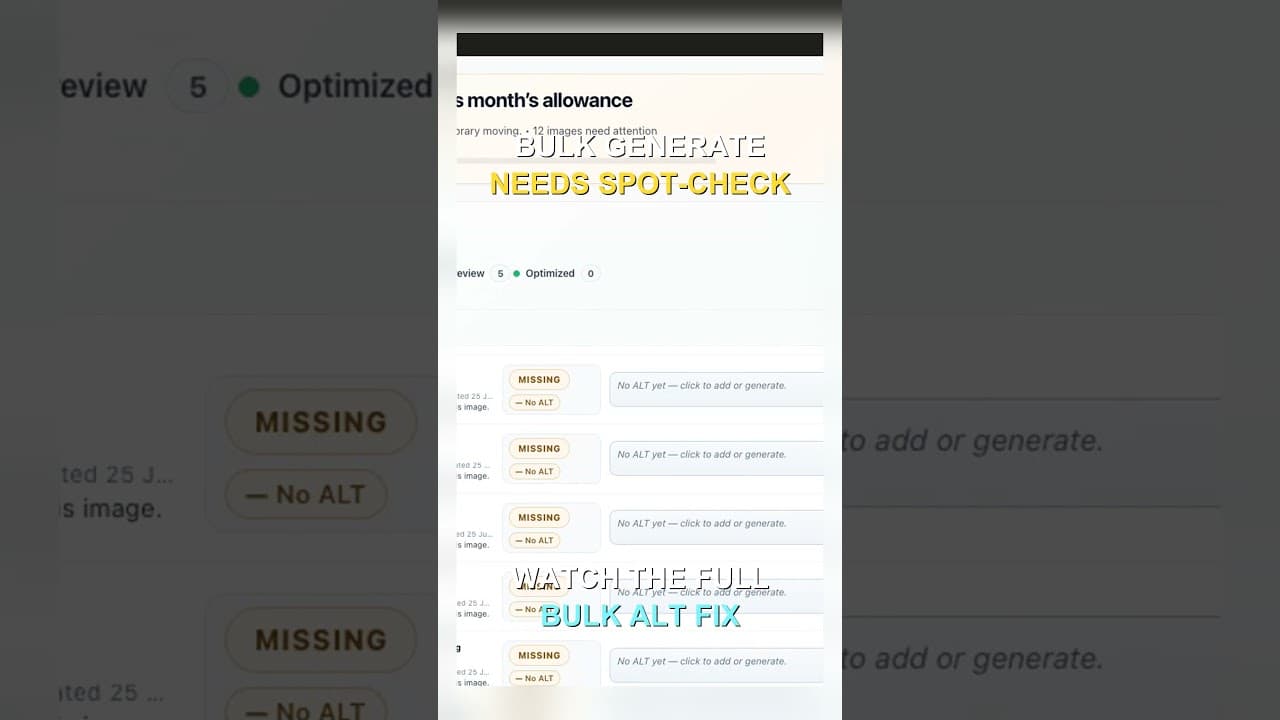
Bulk-Generated Alt Text Still Needs a Spot-Check
Reading every alt text in a 300-image batch isn't realistic. Here's how to build a spot-check sample that catches systemic errors without reading each one.
Generate alt text for 300 images at once and you're not going to read all 300 descriptions before saving — nobody does, and expecting otherwise is exactly why review steps get skipped entirely on large batches. The honest question isn't "will I review every one," it's "can I catch the errors that matter without reviewing every one." That's a sampling problem, not a diligence problem, and it has a workable answer.
Why "review everything" fails at bulk scale
A checklist for reviewing individual alt text — is it accurate, is it the right length, does it avoid keyword stuffing, does it skip "image of" — works fine for one image, or ten. Applied to 300, it turns into either hours of reading nearly identical sentences, or a review step that exists on paper but never actually happens because nobody has the hours. Most bulk alt text failures on real WordPress sites trace back to exactly this: a full-review policy that was realistic for a dozen images and got quietly abandoned once the batch size hit the hundreds.
The fix isn't lowering the bar on quality, it's changing what "reviewed" means for a large batch — from "every item read" to "enough items read, chosen the right way, to catch a systemic problem before it ships to all 300."
What a bulk batch actually gets wrong
AI alt text generation doesn't fail randomly across a batch — it tends to fail in clusters, which is exactly what makes sampling effective:
One bad prompt pattern, many bad outputs. If the generator misreads a specific product category — say, it consistently describes a colour variant wrong across a whole product line — that error shows up on every image in that line, not scattered randomly through the batch. Sampling a handful from each distinct image category catches this faster than random sampling across the whole set.
Context the generator didn't have. Images with the same visual content but a different meaning depending on where they sit — a WooCommerce variation swatch versus the same swatch used as a decorative background elsewhere — often get near-identical alt text from a generator working off pixels alone. That's a per-context error, not a per-image one.
A handful of genuinely broken images. Corrupted files, placeholder graphics, or images that failed to load properly during generation sometimes produce alt text that's technically present but nonsensical. These are rare but not evenly distributed — checking a random sample won't reliably surface every one, which is why a bulk review should also include a quick visual scan for outputs that look obviously wrong at a glance, not just a random sample.
A practical walkthrough: designing a spot-check for a large batch
- Group the batch by category before sampling, not after. If you generated alt text for 300 WooCommerce products across 8 categories, treat each category as its own mini-batch rather than sampling 15 images at random from the pooled 300 — random sampling from the pool under-samples smaller categories and can miss a category-specific error entirely.
- Pull roughly 10–15% from each category, rounding up for small categories (a category of 6 images still needs at least 1–2 checked, not zero).
- Read the sampled descriptions against the actual images, checking for the same things a single-image checklist covers: accuracy, appropriate length, no keyword stuffing, no "image of" filler.
- If your sample turns up an error, don't just fix that one image. Check whether the same error appears elsewhere in that category — a clustered error usually means checking every image in that specific category, not just widening the random sample.
- If the sample comes back clean, apply the batch and log which categories were sampled and when, so a future audit doesn't have to guess what's already been checked.
- Re-sample after any regeneration. If you regenerate a subset because the first pass had a category-specific problem, that new subset needs its own spot-check — don't assume a fix worked without checking a sample of the new output too.
Frequently asked questions
What sample size actually catches most bulk alt text errors?
For a batch with distinct visual categories, sampling 10–15% per category (with a minimum of 1–2 images for very small categories) catches most clustered errors, since a systemic problem in a category typically affects most or all of that category's images rather than a random scattered few. For a batch with no natural categories — a single set of visually similar images — a flat random sample of around 15–20% is a reasonable default, though it's less reliable at catching a rare, unevenly distributed error than a categorised sample would be.
Should decorative images be included in the spot-check, or only product and content images?
Include a few, but they don't need the same weight. Decorative images that should have empty alt text (alt="") rather than a description are a distinct failure mode worth checking for separately — an AI generator that isn't told an image is decorative will typically describe it anyway, which is wrong regardless of how accurate the description itself is. Spot-checking a handful of images you know are decorative, specifically to confirm they got empty alt text rather than a generated description, catches this category of error that a normal accuracy-focused sample might miss.
Is spot-checking actually safe, or is full review the only reliable option?
Full review is more thorough in theory, but in practice it's the option that doesn't happen at scale — which makes a disciplined, category-aware sample more reliable than an aspirational full review that gets skipped. Spot-checking isn't a compromise on safety so much as an acknowledgement of how these errors actually cluster: a well-designed sample that specifically targets each visual category catches the kind of systemic mistake that matters most, even though it can still miss a genuinely one-off error buried in an unsampled image.
Designing and tracking a proper category-aware sample by hand adds its own overhead on top of the bulk generation itself. OpptiAI Alt Text generates alt text in bulk across your WordPress media library and flags AI suggestions for review before they save, so you're checking flagged output rather than building a sampling plan from scratch — try the free image SEO audit to see what a scan of your own site turns up first.
Related Posts
Fix Alt Text in Order: Featured, Products, Content
Not every missing alt text field deserves the same urgency. Here's the priority order that actually moves image SEO: featured, products, content.
Alert Yourself the Same Day an Upload Misses Alt Text
Autopilot and cleanups still miss uploads. Same-day alerts catch missing alt text on new WordPress uploads before it piles up unnoticed.
Catch New Uploads Before Alt Text Debt Comes Back
Autopilot and cleanups still miss images. Here's the routine check that catches new uploads slipping through before missing alt text piles up again.