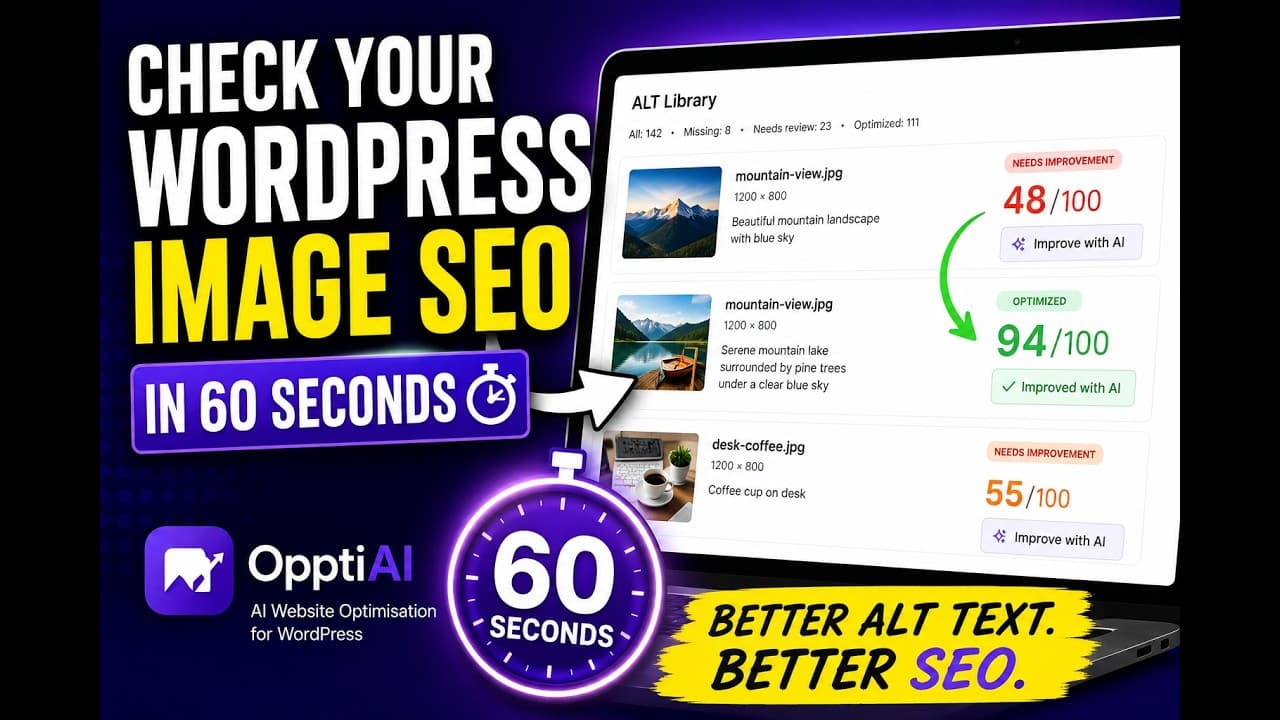
How to Check Your WordPress Image SEO in 60 Seconds
A fast, free way to check your WordPress image SEO and alt text in about a minute — what the scan looks at and how to read the results.
Prefer watching? Chapters, takeaways, and transcript live on Learn: Watch: check WordPress image SEO and alt quality fast. This blog post stays the written deep-dive — we do not duplicate it on the video page.
Most people assume their image SEO is roughly fine. Then they actually check, and the number is worse than they expected — dozens or hundreds of images with no alt text, generic descriptions, or filenames sitting in the alt field. The gap between "probably fine" and "actually measured" is where a lot of image search traffic quietly disappears.
The good news is that getting the real number doesn't take a plugin install or an afternoon. You can check the state of your WordPress image SEO in about a minute. Here's the short video, then a walk through what the check looks at and how to act on it.
What a 60-second image SEO check actually looks at
A quick check works by crawling your public pages — the ones a search engine already sees — and reading the alt attribute on every visible image. In under a minute you get a snapshot of the problems that matter most for image SEO:
- Missing alt text — images with an empty or absent alt attribute, which are effectively invisible to Google Images.
- Generic alt text — descriptions like
image,photo, orlogothat technically fill the field but tell a crawler nothing. - Filename-style alt text — leftovers like
IMG_2048orbanner-final-v3that leaked in from the upload and read as noise. - Alt text that's too short or too long — a single word rarely describes an image, and a paragraph-length alt is usually keyword stuffing.
- The worst-offending pages — where the problems cluster, so you know where to start.
The point of the 60-second version isn't to be exhaustive. It's to replace a guess with a number fast enough that you'll actually do it.
How to run the check
- Start the free audit. Head to the free image SEO audit and enter your site. It crawls from your homepage and sitemap where one is available.
- Let it scan your public pages. It reads the visible images the way a crawler would, scoring each one against the checks above.
- Get the report. You'll receive a PDF by email with an overall score, issue counts, your highest-priority pages, and grouped examples so a single repeated icon doesn't hide everything else.
- Read it as a triage list, not a to-do list. You don't need to fix every image today. You need to know the size and shape of the problem.
That's the whole loop. The scan is public-page based on purpose — it shows exactly what search engines can see right now, which is the most honest starting point.
Reading your results without panicking
A first scan can look alarming, so keep some perspective.
A high count of missing alt text is normal, not a sign you've done something wrong — WordPress never forced you to fill the field. What matters is where the gaps are. Missing alt text on a decorative divider is irrelevant; those images should have empty alt text anyway. Missing alt text on a product photo, a recipe image, or a screenshot in a popular tutorial is the stuff worth fixing, because those images could be earning search traffic.
So when you get the report, sort in your head by business value: commercial and high-traffic pages first, decorative clutter last (or never). A site with 800 missing-alt images might only have 150 that genuinely matter, and knowing that turns an intimidating number into a manageable job.
From a quick check to a permanent fix
A public-page scan tells you what crawlers see today. It won't catch every older upload buried in your media library that isn't currently on a live page, and it can't fix anything for you — it's a diagnostic.
Once you know the pattern, close the loop inside WordPress. The OpptiAI Alt Text plugin scans the full media library, scores every image, and generates readable, SEO-friendly alt text you can review and apply in bulk. Run the quick audit to size the problem, then use the plugin to clear the backlog and keep new uploads described as they go up, so you don't drift back to square one in six months.
Frequently asked questions
How can I check my WordPress image SEO for free?
Use a public-page audit tool that crawls your site and scores the alt text on visible images. The free image SEO audit does this in about a minute and emails you a report. It won't require a plugin install to get the initial snapshot, which is what makes it quick.
Why does the 60-second check only look at public pages?
Because public pages are exactly what search engines crawl, so they're the most accurate picture of what your image SEO looks like to Google right now. A media-library scan is more thorough and catches unused older uploads, but the public-page view is the fastest way to see the problems that are actively affecting search visibility.
What should I fix first after checking?
Start with pages that already get traffic or drive revenue — product pages, service pages, and your best-performing articles. Fix filename-style and missing alt text on those first, mark genuinely decorative images as empty, and leave low-value pages for a later pass. Impact per minute is highest on the pages people already reach.
Get your number
Stop guessing about your image SEO and spend a minute getting the real picture.
Run the free image SEO audit to see where you stand, then clean up your whole library with the OpptiAI Alt Text plugin when you're ready to fix it for good.
Related Posts
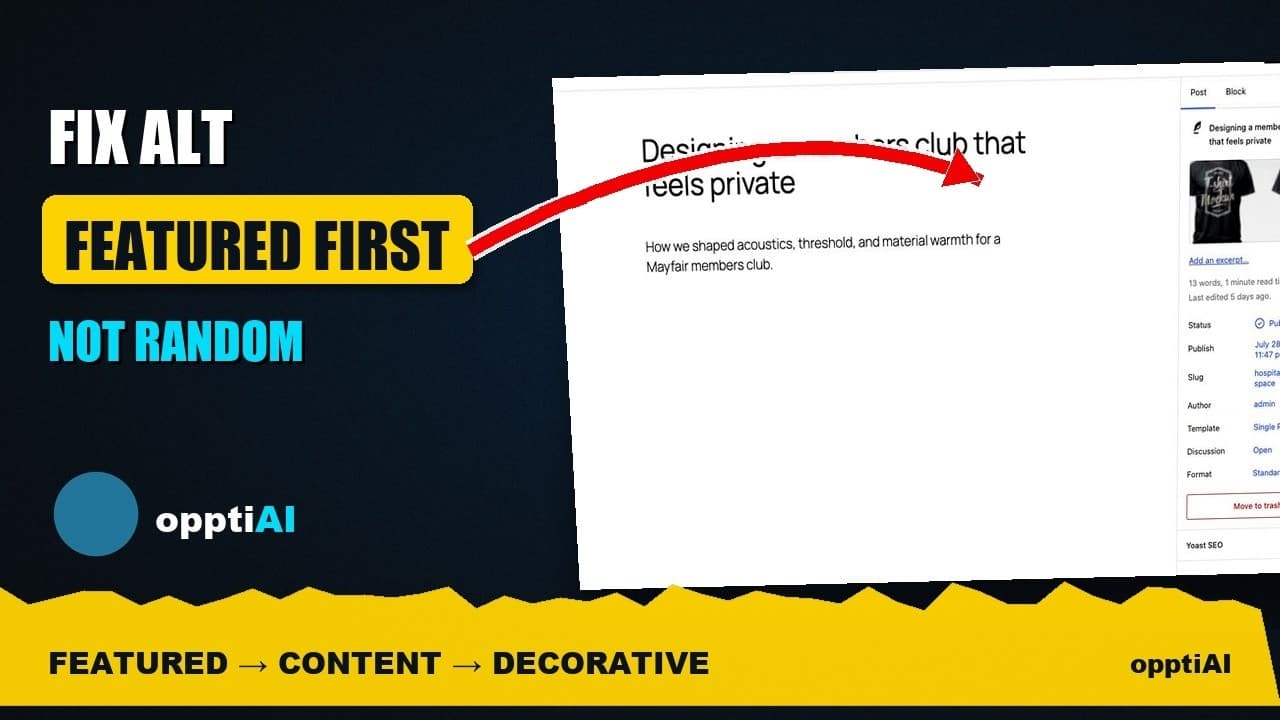
Fix Alt Text in Order: Featured, Products, Content
Not every missing alt text field deserves the same urgency. Here's the priority order that actually moves image SEO: featured, products, content.
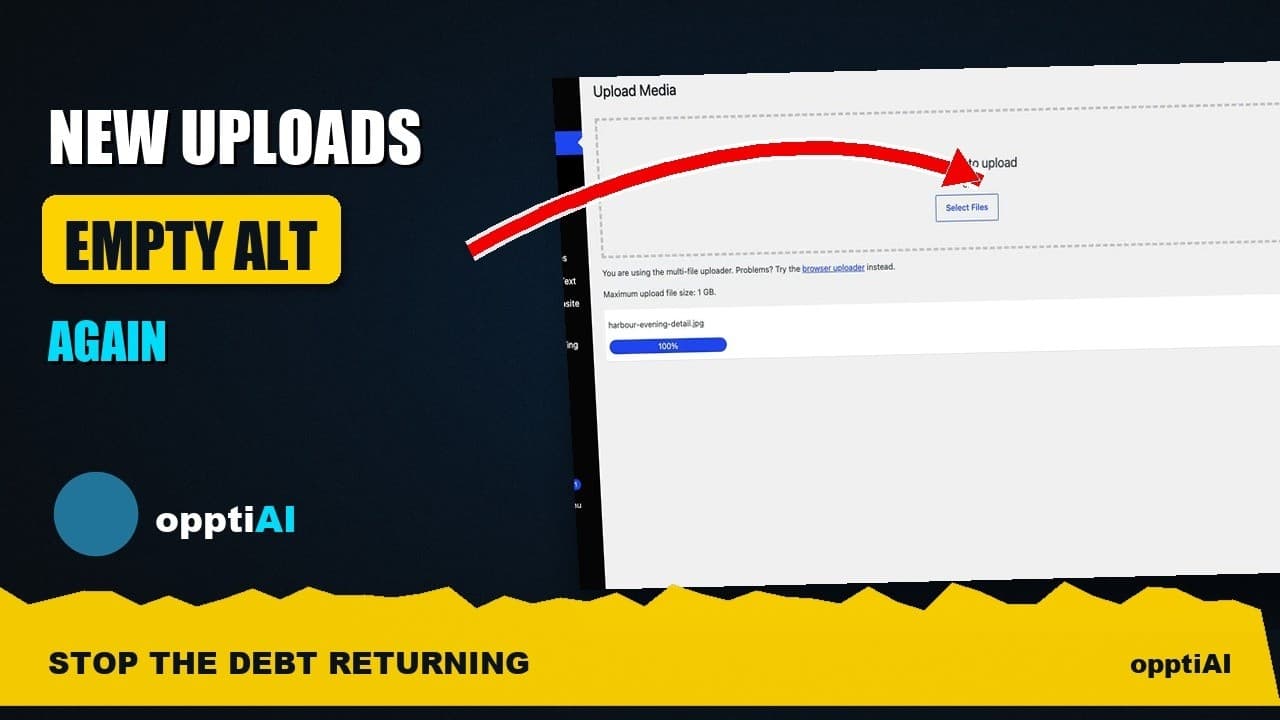
Alert Yourself the Same Day an Upload Misses Alt Text
Autopilot and cleanups still miss uploads. Same-day alerts catch missing alt text on new WordPress uploads before it piles up unnoticed.
Catch New Uploads Before Alt Text Debt Comes Back
Autopilot and cleanups still miss images. Here's the routine check that catches new uploads slipping through before missing alt text piles up again.