WooCommerce7 min read
WooCommerce Product Bundles: The Alt Text Gap
WooCommerce Product Bundles and Mix and Match products ship their own container images that most alt text tools never scan, leaving bundle thumbnails blank.
O
Benjamin Graham Oats28 articles
WooCommerce Product Bundles and Mix and Match products ship their own container images that most alt text tools never scan, leaving bundle thumbnails blank.
SVG images don't pick up alt text the way JPEGs and PNGs do. Here's why WordPress treats them differently, and how to make SVGs accessible.
How long should WordPress alt text actually be? A practical range for image SEO, with examples of alt text that's too short, too long, and about right.
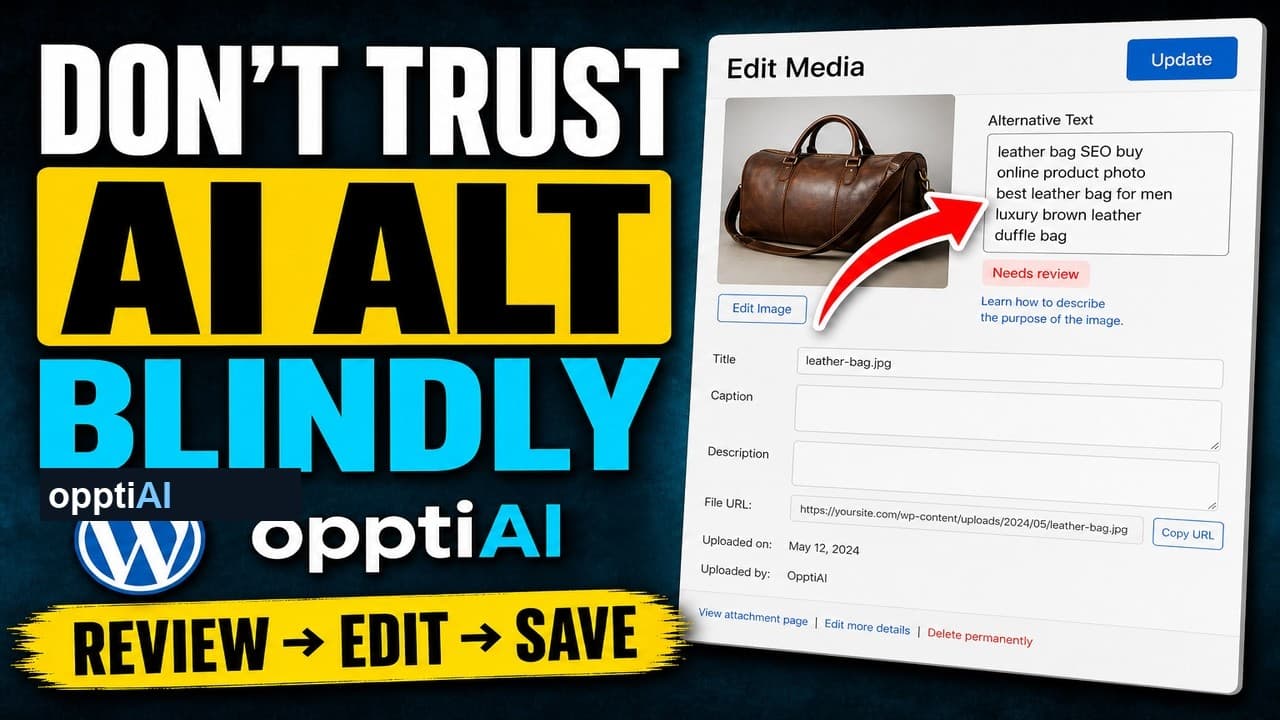
AI alt text fails in a small number of predictable ways. Run this four-point checklist before saving to catch weak, wrong, and keyword-stuffed suggestions.
Opening every image to write alt text one by one never clears the backlog. Here's why a batch workflow finishes what one-by-one fixing doesn't.
300 missing alt tags isn't a weekend of manual clicking. Here's how to scan a WordPress site's full alt text debt and clear it down to zero in batches.
AI can draft alt text in seconds, but a good result still needs a process. Here's a review-edit-save workflow that catches mistakes before they publish.
A filled alt attribute isn't finished alt text. Keyword-stuffed alt text passes a 'has alt' check and still fails SEO and accessibility.
CSS background images in WordPress can't carry an alt attribute at all. Here's what that means for SEO and accessibility, and how to fix it properly.
AI can fill an alt text field in seconds, but it can also fill it wrong. Here's the quick check to run before you hit save on any AI-drafted alt text.
One question decides whether a WordPress image needs alt text or should stay empty: would removing it lose information? Here's how to apply it fast.
Setting alt text to empty isn't the same as it working correctly. Here's how to verify decorative images are actually skipped by screen readers.
WooCommerce category and archive thumbnails almost never get alt text. Here's why they're skipped and how to fix them without touching every product.
Not every missing WordPress alt text field deserves the same fix. Here's how to prioritise meaningful images over decorative ones before you start.
AI can draft WordPress alt text fast, but saving it unread is a mistake. Here's what to check before AI-generated alt text goes live on your site.
Not every image on a WordPress site needs a written description. Here's how to tell decorative images apart from content images before you fix your alt text.
AI-suggested alt text is only as good as the classification behind it. Here's how to check decorative vs meaningful before you accept a suggestion.
Having alt text on every image isn't the same as having useful alt text. Here's how to spot the fake fixes and write descriptions that actually help.
Weak WordPress alt text drags down your image SEO. Here's how to score it, rewrite the worst offenders from the image, and save it back.
A practical way to find and fix missing alt text across WordPress, improve image SEO and accessibility, without editing every image by hand.
WooCommerce variation images often ship with no alt text. Here's why they slip through and how to write alt text that helps search and shoppers.
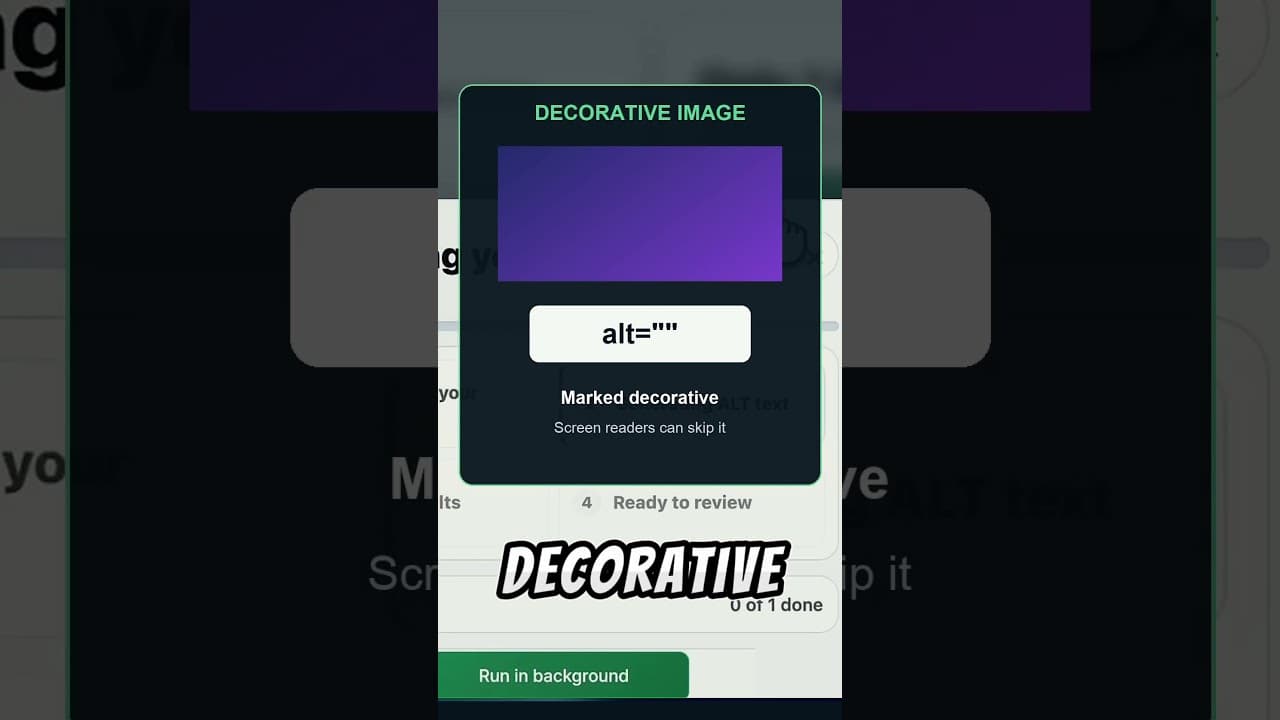
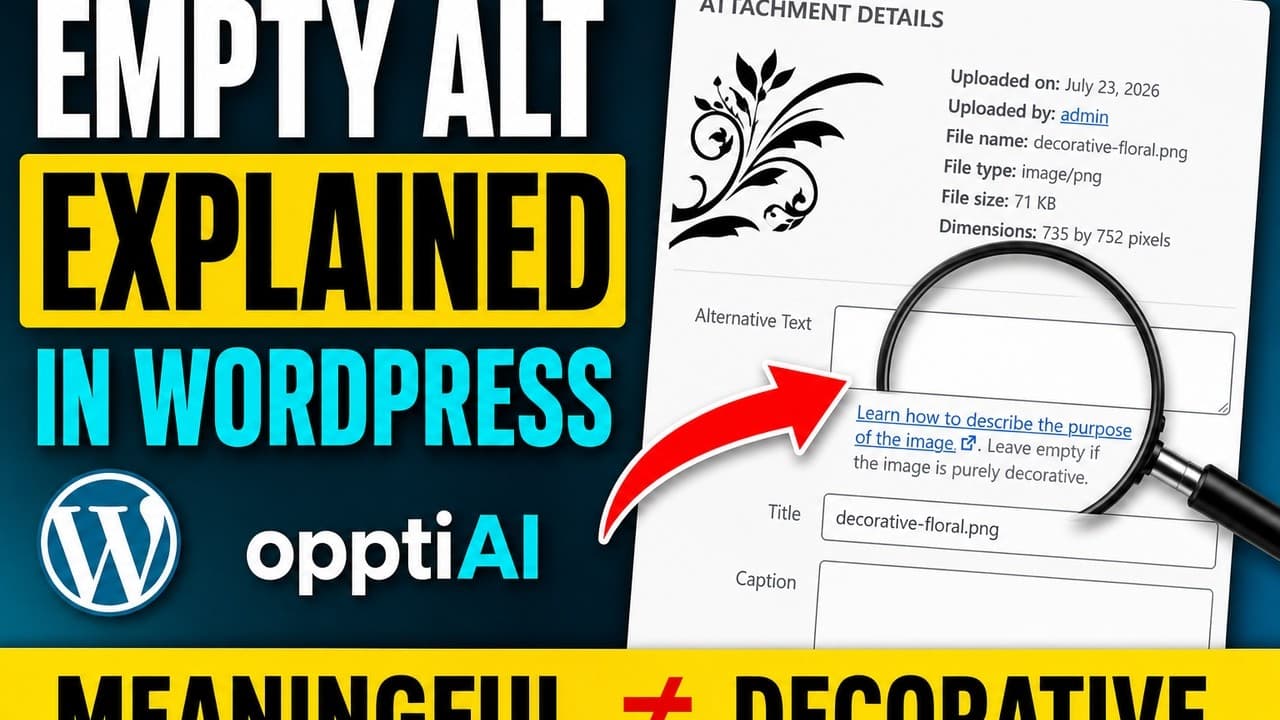
Not every WordPress image needs alt text. Decorative images should have empty alt so screen readers skip them. Here's how to tell them apart and set it.
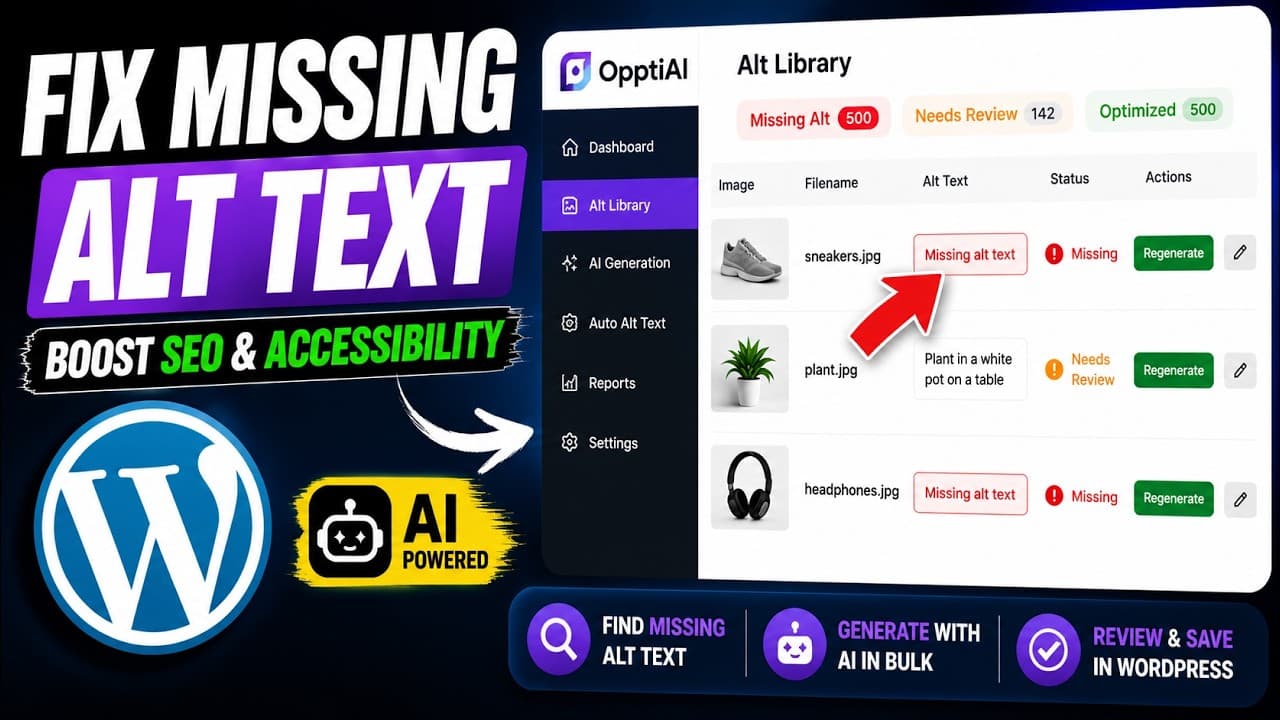
A WordPress ALT Text Library gives you one place to find missing descriptions, review weak text, improve accessibility, and give search systems clearer image context.
Alt text and the title attribute look alike in WordPress but do very different jobs. Here's which one matters for image SEO and accessibility, and why.
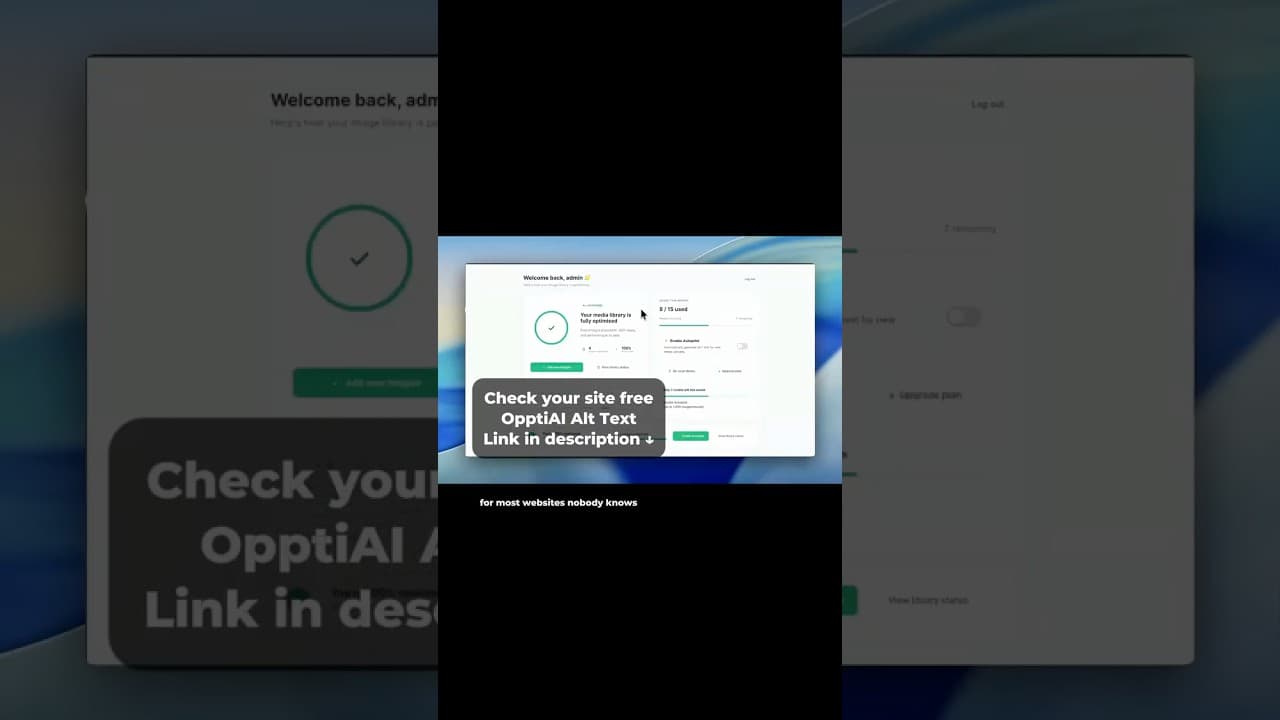
Stop opening WordPress images one by one to check alt text. See how a single Alt Library dashboard surfaces missing alt text across your library.
Most WordPress sites lose image search traffic to missing alt text without realising it. Here's how to find the gap and fix it across your whole site.
WCAG 2.1 AA has specific requirements for image alt text — and most WordPress sites fail them. Here's what compliant alt text looks like in practice.
Most WordPress sites have hundreds of images with no alt text. Here's how to find them and fix them — manually, via bulk export, or with a plugin.