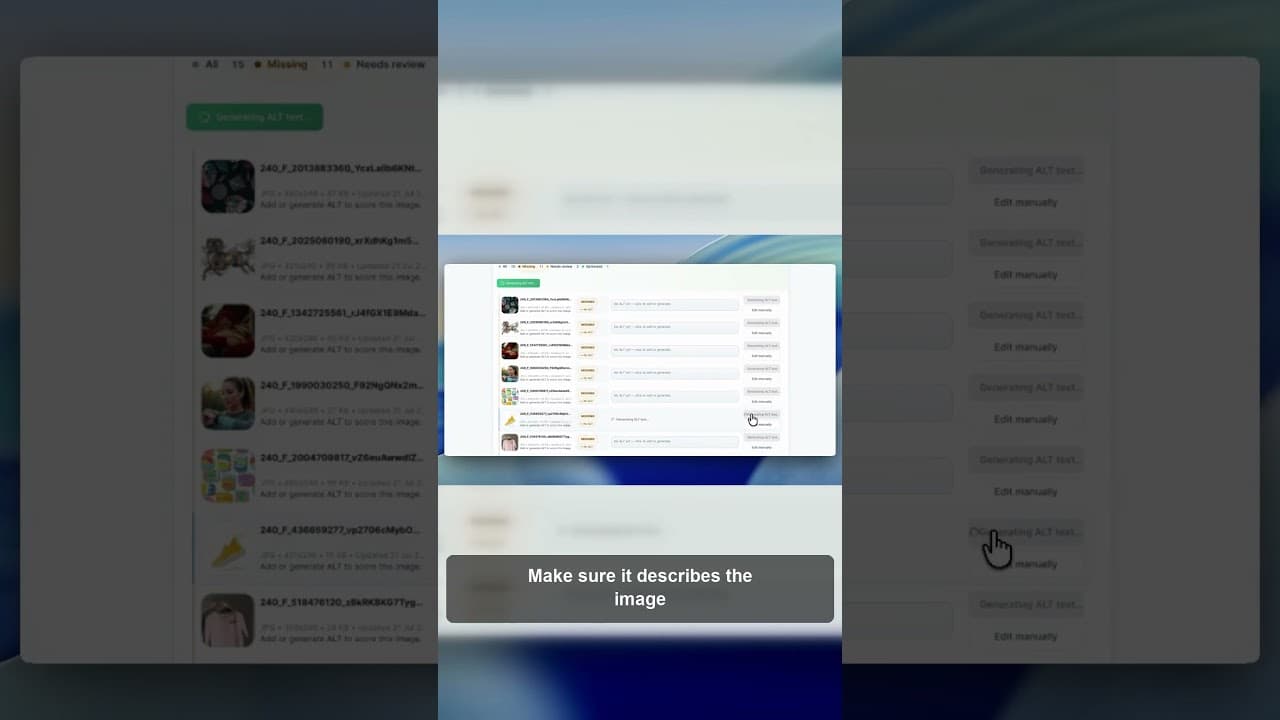
Why You Should Review AI Alt Text Before Publishing It
AI can draft WordPress alt text fast, but saving it unread is a mistake. Here's what to check before AI-generated alt text goes live on your site.
An AI model can look at an image and draft a description in seconds — far faster than writing it yourself. That speed is exactly why skipping the review step is tempting, and exactly why it's a mistake. A fast wrong answer costs you more time to catch later than a few extra seconds of checking would have cost up front.
Here's a short video on what to look for when you review and edit AI-drafted alt text in WordPress.
What AI actually gets wrong in alt text
AI image description isn't unreliable in a random way — it tends to fail in specific, predictable patterns, which makes them easy to check for once you know what they are.
Missing context the image alone doesn't contain. An AI model sees pixels, not your business. It can describe a photo of a chair accurately without knowing that chair is your bestselling product, the one thing that should actually be named in the alt text rather than described generically.
Wrong specifics that look plausible. A model might describe a "blue jumper" when the product is actually navy, or count three people in a photo that has four. These errors are the hardest to catch because the sentence reads perfectly naturally — nothing about it looks wrong until you compare it to the actual image.
Genuinely misreading the image. Less common, but it happens — a reflection interpreted as a separate object, text in an image transcribed incorrectly, or a product mistaken for a similar-looking one nearby in the same photo.
Right description, wrong page. The text might be accurate for the image itself but miss the context of how it's being used — describing a lifestyle photo purely visually when the surrounding copy needs the description to reinforce a specific product name for SEO purposes.
None of these are reasons to avoid AI drafting. They're reasons to treat the draft as a first pass, not a final answer.
A review pass that doesn't take as long as writing from scratch
The point of reviewing is to be much faster than writing, so it needs to be a quick, structured check rather than a full rewrite exercise.
- Read the draft next to the actual image, not from memory. Errors in specifics are easy to miss if you're skimming text without the picture in view.
- Check anything with a number, colour, or count. These are the most common concrete errors — "three" when there are four, "red" when it's maroon.
- Confirm product names are used where they should be. If the image is of a specific named product, a generic AI description ("a pair of shoes") is technically accurate but weaker than the identifiable name your business actually uses.
- Scan for anything that reads as a guess. Phrases like "appears to be" or overly hedged language sometimes leak through from the model's own uncertainty — a signal to look more closely at that particular image.
- Spot-check a meaningful sample. Generating hundreds of descriptions and opening none of them misses the errors that matter. Read a sample, especially on your highest-traffic images, and edit what is wrong.
Building review into the workflow, not bolting it on after
The reason review gets skipped in practice is that it's treated as an extra step tacked onto the end of an AI drafting process, rather than a built-in part of it. The OpptiAI Alt Text plugin generates alt text for your WordPress media library and saves it straight away. You see the result next to the image and can edit it at any time.
If you want to check what's currently live on your site before introducing any AI drafting into the process, a free image SEO audit shows you the alt text search engines can already see on your public pages.
Frequently asked questions
Can I trust AI-generated alt text without checking it?
For low-stakes, purely decorative images, a quick glance is usually enough. For meaningful content images — product photos, diagrams, anything tied to a specific fact or number — no, a quick review is worth the time. AI models produce specific, plausible-sounding errors (wrong colours, wrong counts, missing product names) that read naturally and are easy to miss unless you're actively comparing the text to the image.
What should I check first when reviewing AI-generated alt text?
Start with anything containing a number, colour, or count — these are the most common places AI gets a specific detail wrong while the sentence still reads smoothly. Then check whether a named product or subject is identified specifically rather than described generically, since that's both an accuracy issue and a missed SEO opportunity.
Does reviewing AI alt text defeat the point of using AI to generate it?
No, the time saved is in the drafting, not the review. Writing a description from scratch for hundreds of images takes far longer than reading an already written description and editing what is wrong. AI removes the blank-page problem; review makes sure what fills the page is actually correct.
Related Posts
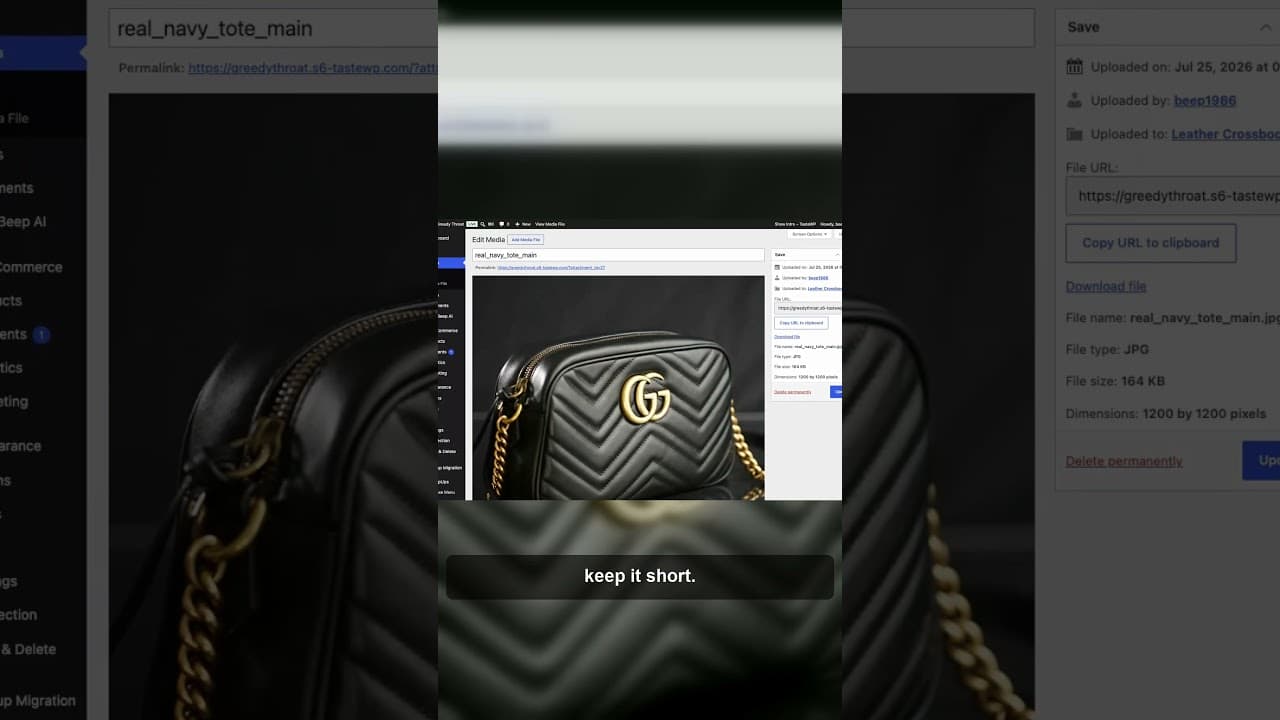
A Review-Edit-Save Workflow for AI Alt Text
AI can write alt text in seconds, but a good result still needs a read. Edit anything that is wrong after it saves.
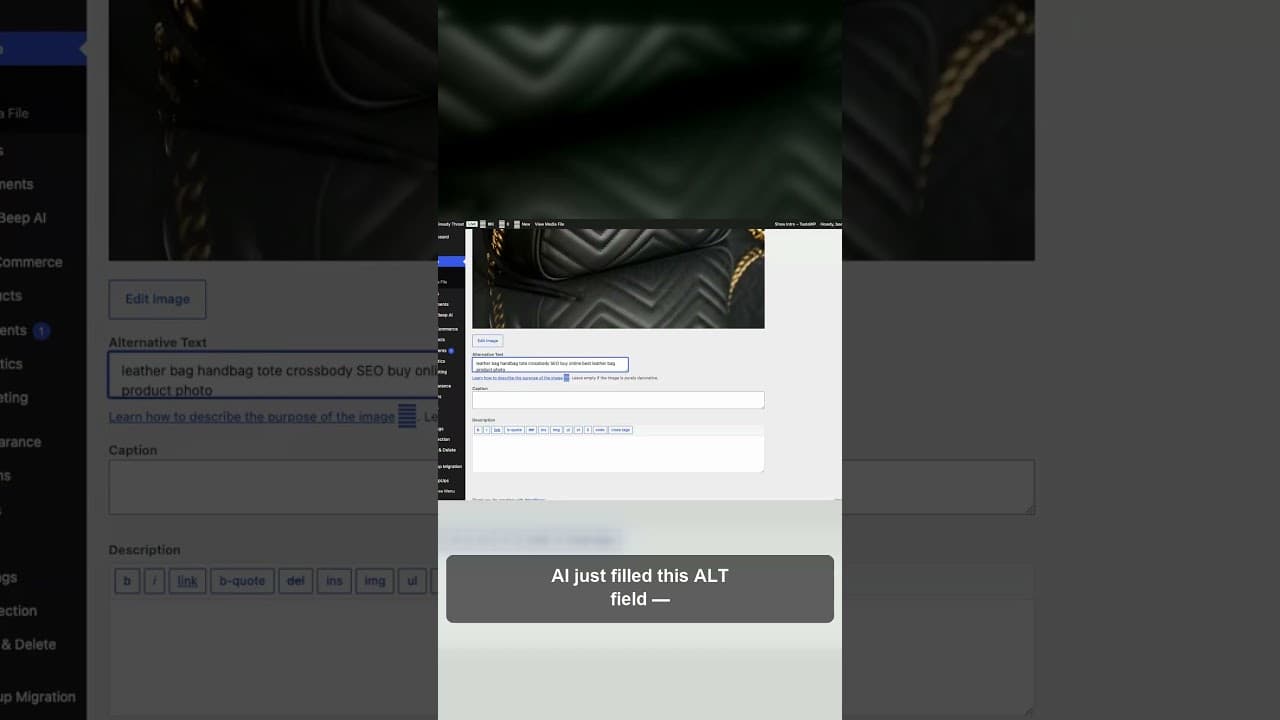
Don't Save AI Alt Text Without This Quick Check
AI can fill an alt text field in seconds, but it can also fill it wrong. Here's the quick check to run before you hit save on any AI-drafted alt text.
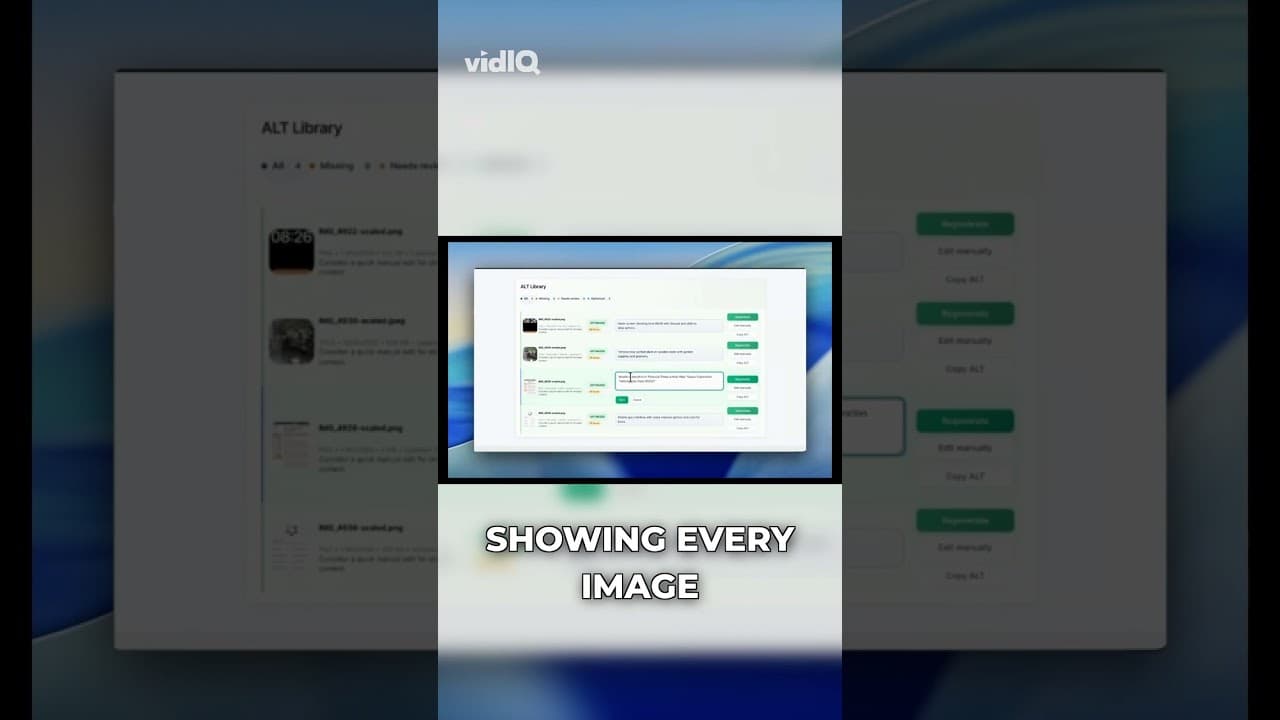
What a WordPress Alt Text Quality Score Actually Measures
A WordPress alt text quality score isn't just present or missing. Here's what factors actually go into scoring alt text, and what a low score really means.