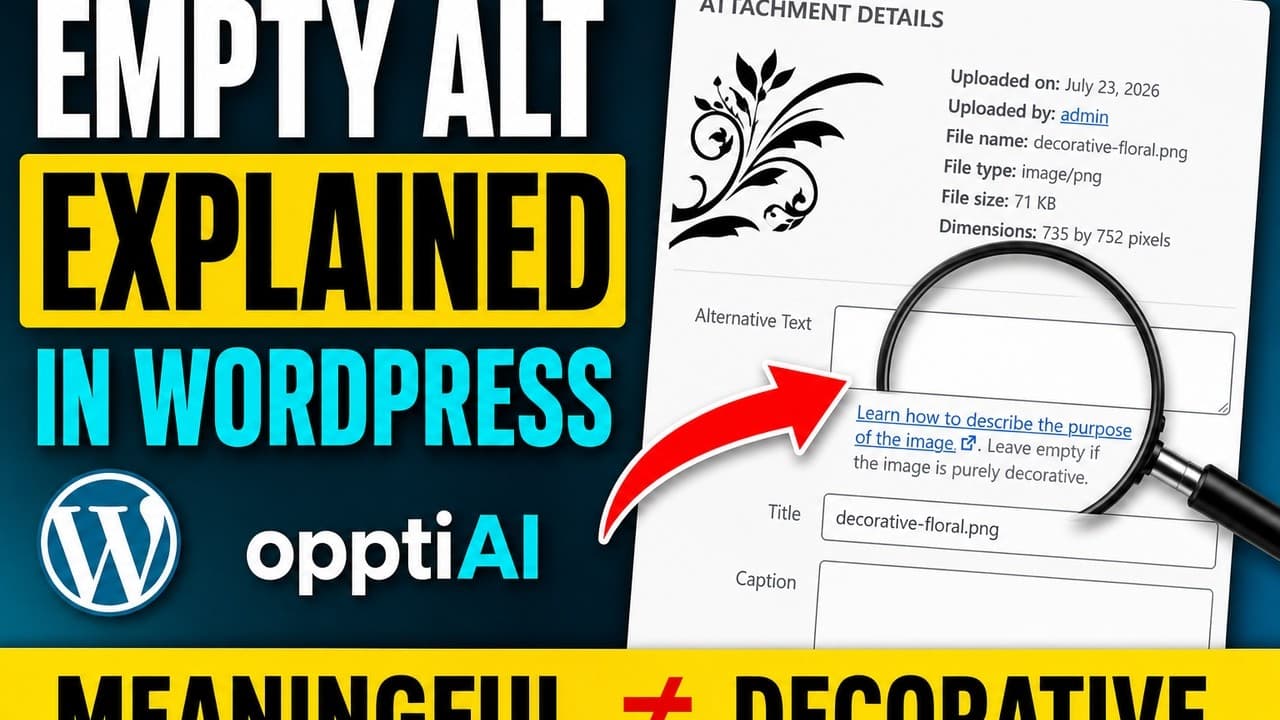
Reviewing AI Alt Text: Decorative or Meaningful First
AI-suggested alt text is only as good as the classification behind it. Here's how to check decorative vs meaningful before you accept a suggestion.
AI alt text tools are good at describing what's in an image. They're not good at deciding whether the image needs a description at all. That decision — decorative or meaningful — happens before the AI writes a single word, and skipping it is the most common mistake people make when they start using an alt text generator on a WordPress site.
Feed a decorative divider graphic into an AI tool and it will happily describe it: "a thin purple gradient line". That's an accurate description. It's also exactly the kind of alt text a screen reader user doesn't want to hear, because the divider carries no information. The fix isn't a better AI model — it's reviewing the classification before you accept the suggestion.
Why classification comes before description
A screen reader announces an image one of two ways: it reads the alt text aloud, or — if the alt attribute is empty — it skips the image entirely and moves to the next element. There's no third option where it reads the alt text quietly or skims it. So the classification decision has real consequences either way you get it wrong.
Classify a meaningful image as decorative and leave it empty, and a screen reader user misses information they needed — a product feature shown only in a photo, a step shown only in a screenshot. Classify a decorative image as meaningful and write a description for it, and you add noise: a screen reader user has to sit through "abstract geometric background pattern" before reaching the content that actually matters on the page.
An AI description generator, by design, treats every image as worth describing. That's the right default for a tool that doesn't know your page layout or your content strategy. It's the reason the classification step has to happen on your side, not the AI's.
The classification test
Ask one question per image: if you removed it, would the reader lose information? Not "would the page look different" — removing any image changes how a page looks. The question is about information, not visuals.
A product photo: yes, removed. A shopper loses the ability to see what they're buying. Meaningful — write real alt text.
A section divider: no information lost. It's decorative — leave the alt attribute empty.
A chart or screenshot referenced in the surrounding text: yes, information lost, unless the surrounding text already fully describes what's in the image. If your paragraph says "as the chart below shows, mobile traffic grew 40% year over year" and the chart shows exactly that, the image is somewhat redundant with the text — but err toward meaningful and describe it anyway, since not every reader will parse the chart the same way the text summarised it.
An icon next to a text label that says the same thing: no information lost, the label already carries it. Decorative.
Reviewing AI suggestions in practice
Once you've run an AI alt text tool like OpptiAI across your media library, you get a queue of suggested descriptions. Reviewing that queue well means checking classification before you check wording quality.
- Open the review queue and look at the thumbnail alongside the suggested alt text, not just the text on its own — you need the visual context to judge decorative vs meaningful.
- For each suggestion, ask the removal-test question first. Don't read the suggested wording yet; it can bias you toward accepting a description that shouldn't exist.
- If the image is decorative, discard the suggestion and set the field to empty — don't leave the AI's wording in place "just in case".
- If the image is meaningful, read the suggested wording next and check it against what's actually useful to know: does it mention the product, the action, the data point — the thing a sighted user would notice first?
- Edit anything generic. "A person in a room" tells a screen reader user nothing a photo caption should — replace it with what's specific about that image on that page.
- Save only after both checks pass. A quick approval pass that skips classification just automates the wrong instinct — describing everything — instead of fixing it.
What this looks like at scale
On a small site with a handful of images, this review is a five-minute task. On a WordPress site with hundreds of images across posts, products, and media library uploads, doing this by hand for every image doesn't scale, which is exactly why an AI-assisted first pass is worth having — as long as the review step stays in the workflow. The AI's job is to draft; your job is to classify and approve. Skip the second half and you've just automated bad alt text faster than you could write it by hand.
Frequently asked questions
Should I trust AI to decide if an image is decorative?
Not on its own. Most AI alt text tools describe every image they're given, because they don't have the context to know your page's information architecture. The classification — decorative or meaningful — is a judgement about whether removing the image loses information, and that's a call you're better placed to make than the tool. Use the AI to draft descriptions quickly, then apply the removal test yourself before accepting any suggestion.
What happens if I accept an AI description for a decorative image?
The image gets alt text it shouldn't have. A screen reader will read that description aloud, adding noise before the user reaches meaningful content. It doesn't break anything technically, but it degrades the experience for the audience alt text exists to serve, and repeated across a site with lots of decorative elements — dividers, icons, background graphics — it adds up to real friction.
How do I fix alt text that's already been auto-generated for decorative images?
Go through your media library or use a bulk audit tool to find images with alt text, then apply the removal test to each one. For any image where removing it wouldn't lose information, clear the alt text field so it saves as an empty attribute rather than deleting it entirely — a present-but-empty alt attribute is what tells assistive technology the image was deliberately marked decorative, not overlooked.
Try OpptiAI Alt Text to generate and review alt text suggestions across your WordPress media library, or run a free image SEO audit to see where your site's alt text needs attention first.
Related Posts
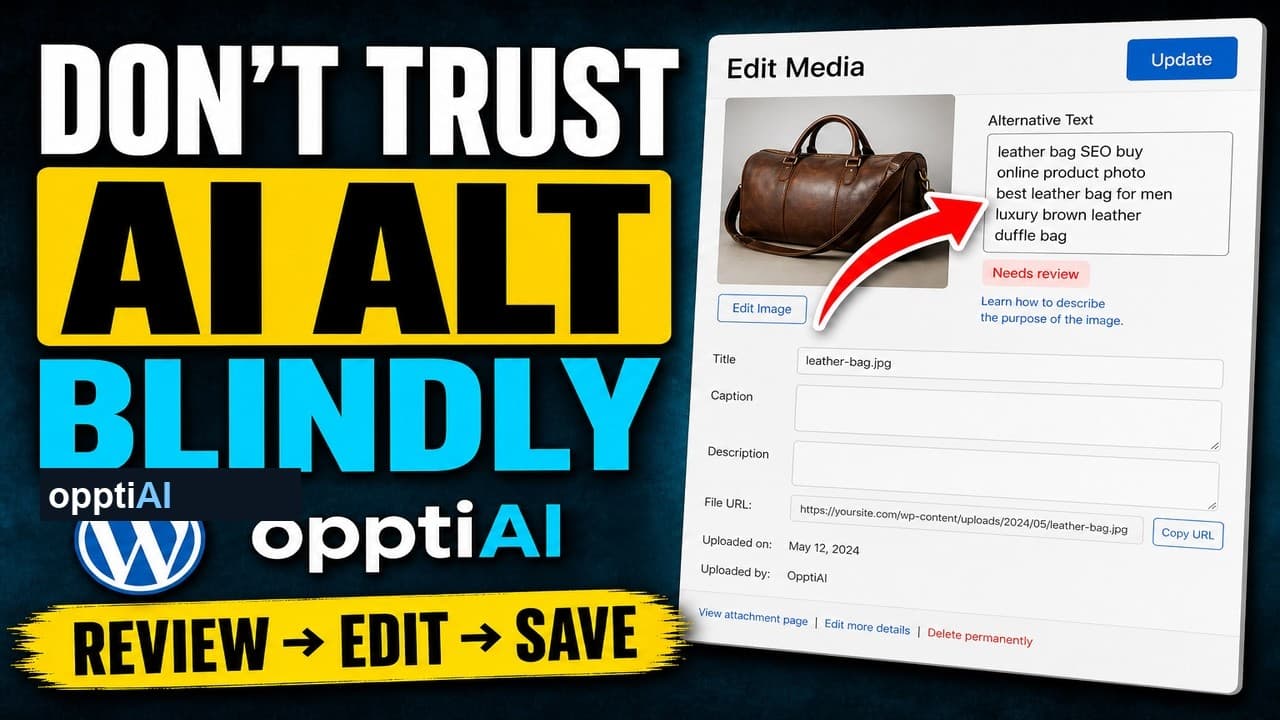
The Four-Point Checklist for Reviewing AI Alt Text
AI alt text fails in a small number of predictable ways. Run this four-point checklist before saving to catch weak, wrong, and keyword-stuffed suggestions.
Why Keyword-Stuffed Alt Text Still Fails
A filled alt attribute isn't finished alt text. Keyword-stuffed alt text passes a 'has alt' check and still fails SEO and accessibility.
The 5-Second Test for Every Alt Text Decision
One question decides whether a WordPress image needs alt text or should stay empty: would removing it lose information? Here's how to apply it fast.