Don't Save AI Alt Text Without This Quick Check
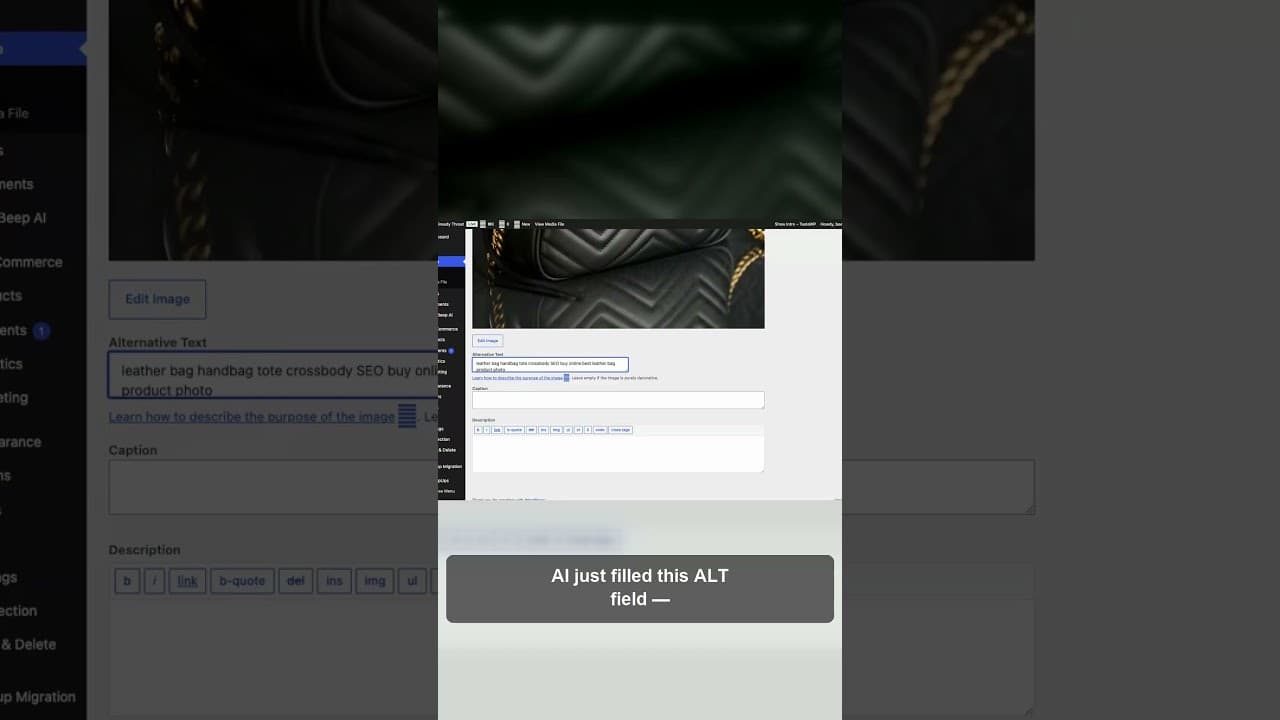
AI can fill an alt text field in seconds, but it can also fill it wrong. Here's the quick check to run before you hit save on any AI-drafted alt text.
An AI model just filled an alt text field for you, and the description is wrong. Not obviously wrong — wrong in the way that only shows up if you actually compare it to the image before you hit save. That one habit, checking before saving, is the difference between AI speeding up your alt text and AI quietly filling your site with confident-sounding mistakes.
Here's a short video on why that check matters and what it takes to build it into your workflow.
Why the habit matters more than the AI's accuracy
Most people evaluate AI alt text tools by asking "how accurate is it?" — and that's the wrong first question. Even a very accurate model is wrong some percentage of the time, and the real question is what happens when it is. If your workflow is "AI drafts, you save," every one of those errors goes straight to your live site with nobody catching it. If your workflow is "AI drafts, you glance and confirm," the same error rate produces a very different outcome, because the mistakes get caught before they ship.
That's why this is a habit problem, not an accuracy problem. You can't get an AI model to be error-free. You can get yourself to always look before saving.
What "blindly trusting" actually looks like in practice
It rarely looks like recklessness. It looks like a Tuesday afternoon with 40 images left to caption, an AI suggestion that reads fluently, and a click on "accept" without reading it against the photo first. The fluency is the trap — AI-written text sounds confident and grammatically correct even when it's describing the wrong thing, so there's no obvious signal telling you to slow down.
Batch processing makes this worse. Reviewing one AI suggestion carefully is easy. Reviewing the fortieth one in a row, when you're moving fast and the first thirty-nine were fine, is where the habit breaks down — right when a wrong one is statistically due.
The quick check, in practice
This doesn't need to be a full audit. It needs to be a specific, fast comparison you run on every suggestion before accepting it:
- Look at the image first, then read the suggestion. Not the other way around — if you read the text first, you'll unconsciously look for confirmation in the image rather than checking it fresh.
- Ask if it names the specific thing, not a category. "A product on a table" is technically not wrong for a photo of your bestselling ceramic mug, but it's not doing its job either. Check that the suggestion is specific to what's actually there.
- Check colours and counts against the photo. These are the two things AI models get subtly wrong most often — a "navy" jumper described as "blue," three items described as "several." A two-second glance catches this.
- Confirm it matches the page it's on. A description can be accurate for the image in isolation and still miss what the page needs — a lifestyle photo that needs the product name mentioned for SEO, described purely visually instead.
- Edit, don't retype. If the suggestion is 80% right, fix the wrong 20% rather than discarding it. This keeps the review fast without lowering the bar.
Making the habit stick past the first week
The check above takes seconds per image, but only if you actually run it every time — and that's the part that erodes under time pressure. A few things help it hold:
Set a real threshold for what "batch" means. If you're captioning more than about 20 images in one sitting, take a short break partway through. Review quality drops measurably after a long unbroken run, regardless of how careful you intend to be.
Spot-check your own history occasionally. Once a month, pull up ten alt text entries you accepted a few weeks back and check them cold, without the context of having just written them. This catches habit drift before it becomes a pattern across your whole site.
Treat "I'm confident this is right" as a reason to check, not skip it. The images you're most likely to wave through without looking are the ones that feel obviously simple — which is also where a quick glance costs almost nothing and an unseen error costs the most, since nobody expects to find one there.
Frequently asked questions
Isn't checking every AI suggestion slower than just writing alt text manually?
No — it's still faster than writing from scratch, just not instantaneous. Reading a suggestion against an image and confirming or editing it takes a few seconds. Writing an accurate description from nothing takes considerably longer. The check adds a small amount of time to a fast process; it doesn't erase the speed advantage.
How often is AI-generated alt text actually wrong?
It varies by model and by how visually distinctive the image is, but errors aren't rare enough to skip checking. Common failure patterns include missing business-specific context (not knowing a product is your bestseller), subtly wrong specifics like colour or count, and descriptions that are accurate for the image but don't fit how it's used on the page. None of these are edge cases you can assume away.
What's the fastest way to review AI alt text across a large batch of images?
A tool that shows the image and its AI-drafted alt text side by side, with a quality indicator flagging suggestions that look generic, too short, or potentially mismatched, makes batch review far faster than checking each one cold. That lets you focus your attention on the suggestions actually worth a closer look rather than reading all of them at the same pace.
Try OpptiAI Alt Text to draft and review alt text across your WordPress media library, or run a free image SEO audit to see where your current alt text needs a second look.
Related Posts
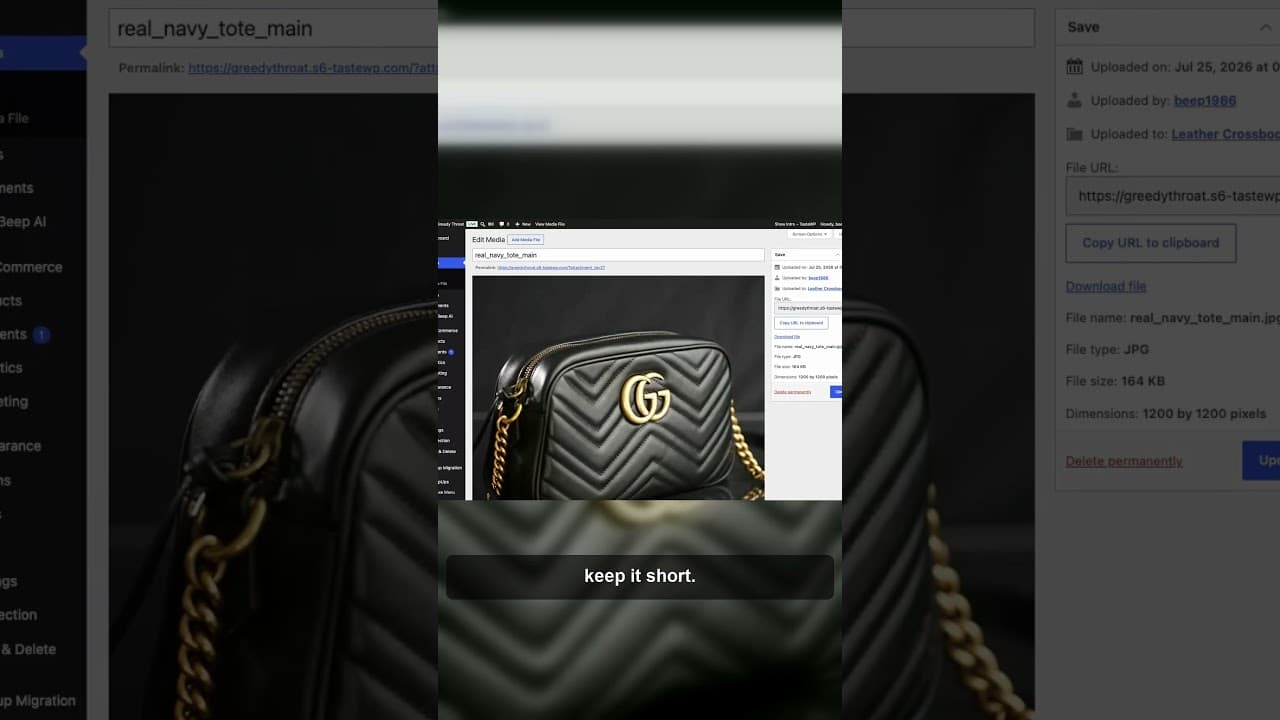
A Review-Edit-Save Workflow for AI Alt Text
AI can draft alt text in seconds, but a good result still needs a process. Here's a review-edit-save workflow that catches mistakes before they publish.
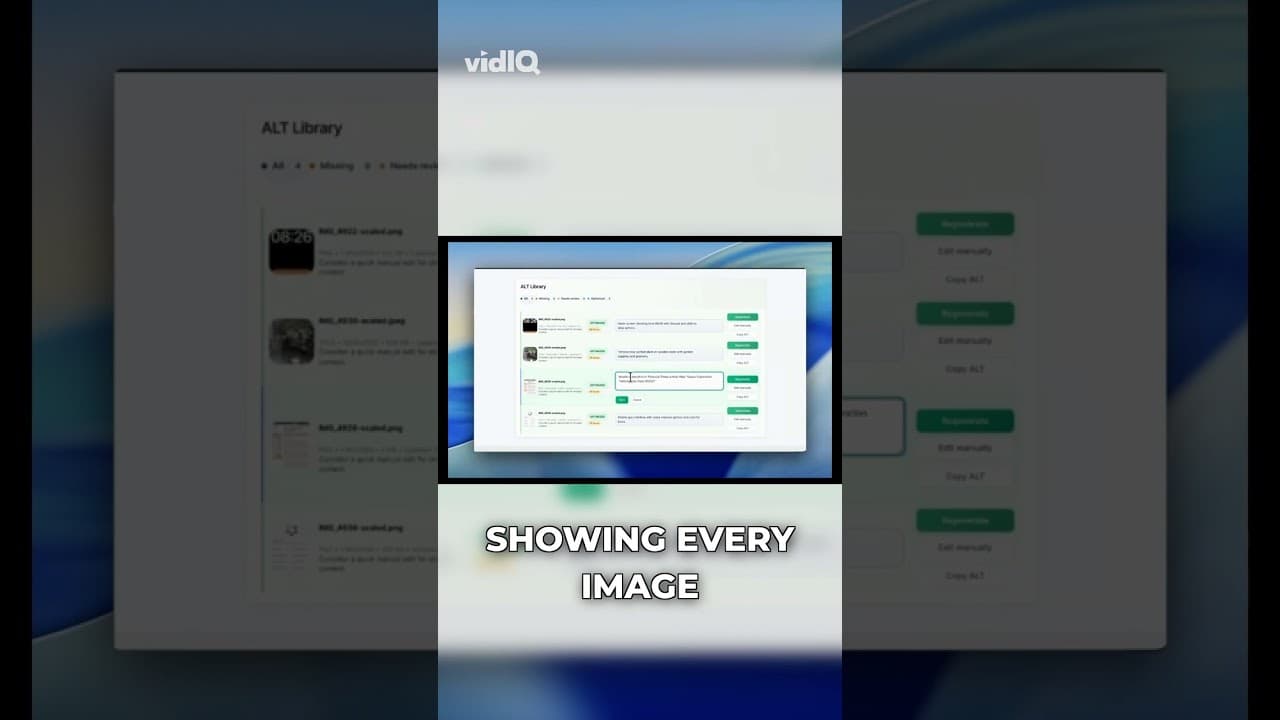
What a WordPress Alt Text Quality Score Actually Measures
A WordPress alt text quality score isn't just present or missing. Here's what factors actually go into scoring alt text, and what a low score really means.
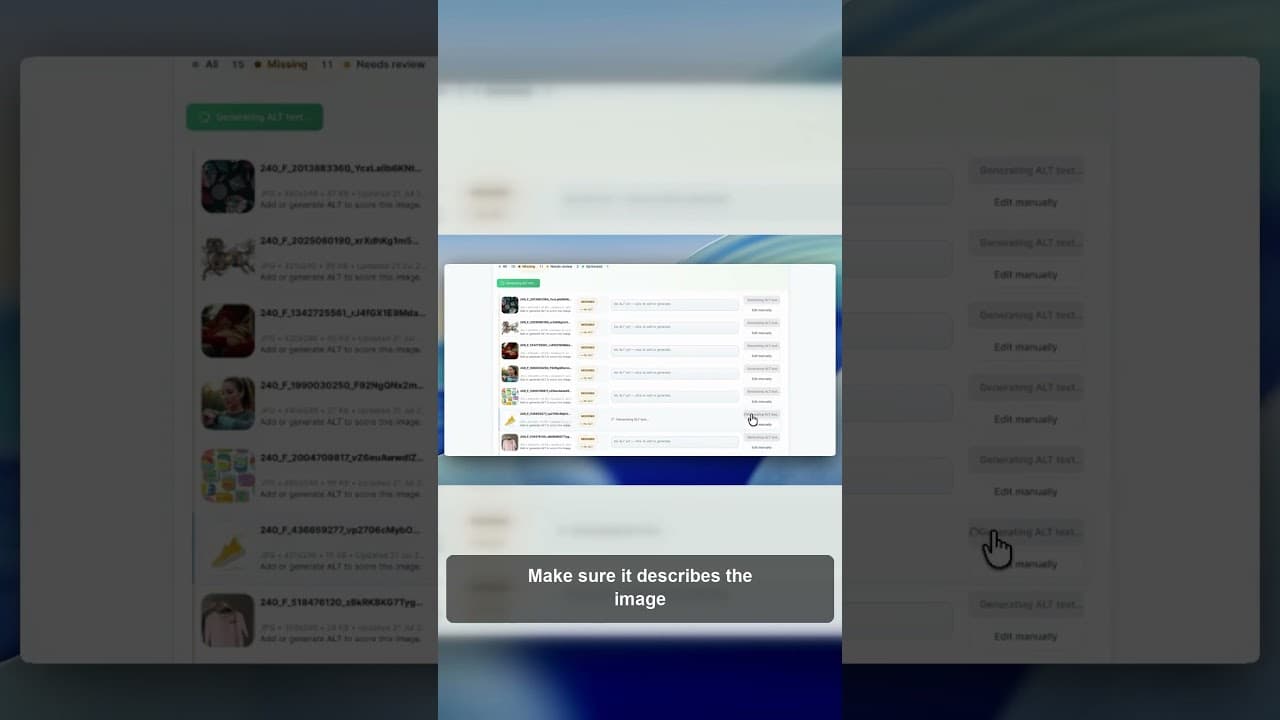
Why You Should Review AI Alt Text Before Publishing It
AI can draft WordPress alt text fast, but saving it unread is a mistake. Here's what to check before AI-generated alt text goes live on your site.