Use Search Console CTR Data to Fix the Right Titles First
Rewriting every title tag wastes effort. Search Console's CTR data shows exactly which ones are losing you clicks, so you fix those first.
A WordPress site with three hundred pages can easily have three hundred imperfect title tags, and no one has time to rewrite all of them this week. Search Console already has the data that tells you which ones are actually worth fixing first: pages with real search visibility and a click-through rate well below what that visibility should produce. Everything else can wait.
Fixing title tags alphabetically is a waste of effort
The instinct when you finally decide to clean up titles sitewide is to start at the top of a spreadsheet and work down, or to fix whatever's easiest first — short titles, duplicate titles, titles missing a keyword. None of that tells you which pages are actually losing you traffic right now. A page ranking position 40 with eleven monthly impressions can have the worst title tag on the site and it won't move your numbers either way. A page ranking position 6 with four thousand impressions a month and a 1.2% click-through rate is quietly costing you hundreds of visits, and its title tag is very likely why.
Search Console's Performance report already has both numbers sitting next to each other for every page on your site. The fix isn't writing better titles in general — it's finding the handful of pages where impressions are high and CTR is low, and starting there.
The two numbers that actually matter: impressions and position
Click-through rate on its own is close to meaningless without context, because expected CTR varies enormously by ranking position. A page sitting at position 1 should expect something in the region of a 25-35% click-through rate; by position 10 that drops to somewhere around 2-3%; by position 20 it's under 1%. A 2% CTR is a disaster at position 2 and completely unremarkable at position 15.
So the pages worth your time are the ones where CTR sits meaningfully below what's typical for that position, combined with impression volume high enough that fixing it moves a real number. A position-4 page getting 1% CTR against an expected 15-20% is a strong candidate. A position-35 page with the same 1% CTR is not, because almost nothing at position 35 gets clicked regardless of the title.
Pulling the list from Search Console
- Open the Performance report in Google Search Console and set the date range to the last three months — long enough to smooth out noise, recent enough to reflect your current titles.
- Add Position as a metric alongside Clicks, Impressions, and CTR, then sort the Pages table by Impressions descending so you're looking at your highest-visibility pages first.
- Scan for pages with position under 15 and a CTR noticeably below the expected range for that position — roughly, anything under half of what the position typically earns is worth a look. You don't need exact benchmark tables; a page at position 5 pulling 2% CTR is obviously underperforming without consulting a chart.
- Click into each candidate page's queries to see what people actually searched to find it. This matters more than it sounds — the query often reveals that your title answers a slightly different question than the one people are asking, which is usually the real problem, not just weak phrasing.
- Export the shortlist — page URL, current title, top query, impressions, CTR — before you start rewriting, so you're working from a fixed list instead of re-checking Search Console after every edit.
- Rewrite, then wait at least two to three weeks before judging the result. Search Console's CTR data lags, and Google needs time to reflect a changed title in how often it's shown and clicked.
What a weak title looks like once you've found it
Once you've isolated the underperforming pages, the title tag problems tend to fall into a short list of patterns: a title that doesn't match the query people are actually using to find the page, even though the content does; a title that's generic enough to be indistinguishable from five competing results ("Best WordPress Plugins for 2026" tells a searcher nothing a dozen other pages don't already say); a title that buries the specific thing the page is about behind a site-wide template prefix; or a title that was accurate when written but describes an older version of the content, which erodes trust once a searcher clicks through and the page doesn't match what the title promised.
Fixing the title alone, without checking whether the page content genuinely answers the query people are searching, treats the symptom rather than the cause — a sharper title on a page that doesn't deliver what it promises will lift CTR briefly and then lose the gain once people notice the mismatch and stop clicking your result for that query.
Frequently asked questions
How much search volume does a page need before I should bother fixing its title?
There's no fixed threshold, but a useful rule of thumb is to prioritise by impressions first, since impressions times the CTR gap tells you roughly how many clicks you're leaving on the table. A page with 5,000 monthly impressions and a 3-point CTR gap against its expected range is worth more of your time than a page with 200 impressions and the same gap, even if the second page's title is objectively worse.
Should I fix low-CTR pages even if their ranking position is already good?
Yes — a good position with a low CTR is exactly the combination to prioritise, because the page already has the visibility; it's only the title failing to convert that visibility into clicks. A page needing both a ranking improvement and a better title is a longer project, while a well-ranked page with a weak title is often a same-day fix with a measurable result in a few weeks.
Can I use Search Console CTR data for pages that don't have a dedicated title tag strategy yet, like WooCommerce product pages?
Yes, and it's often more useful there, since WooCommerce stores frequently auto-generate every product title from the same template with no manual review. Pull the Performance report filtered to your product page URL pattern, sort by impressions, and you'll usually find a handful of products carrying a large share of your search traffic with titles that were never written with search intent in mind — exactly the shortlist worth fixing before touching the long tail of low-traffic products.
Running OpptiAI Titles alongside your existing SEO plugin gives you a sitewide health check for missing and weak titles, with AI-drafted rewrites you review before applying — useful once you've got the Search Console shortlist and want to move through it quickly instead of rewriting each title tag by hand.
Related Posts
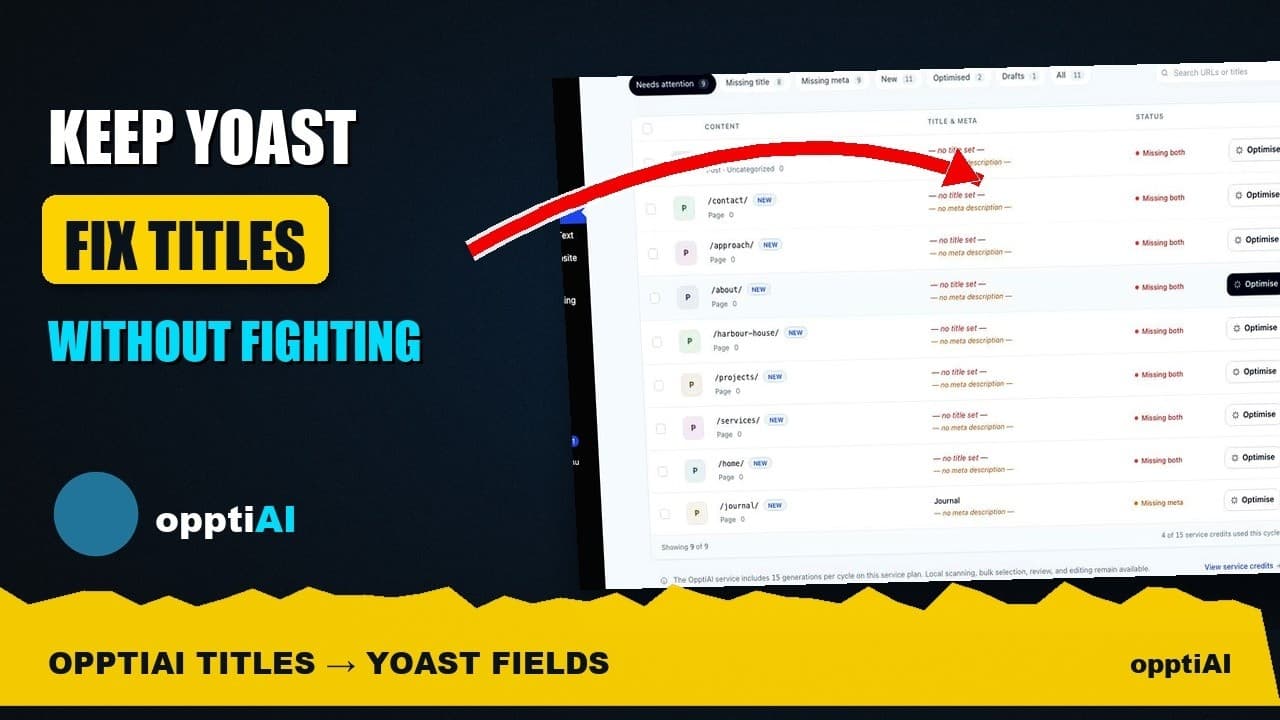
See Your WordPress Title Fixes Show Up Inside Yoast
Fixed a weak title in an audit tool but not sure Yoast picked it up? Here's exactly where to check, and what it means if the two disagree.
How to Write Meta Descriptions That Improve CTR
A meta description under the limit can still fail to earn clicks. What actually moves click-through rate once the length problem is solved.
Auditing Titles and Meta Descriptions Before a Rebrand
A site migration or rebrand touches every title tag and meta description at once. Here's how to audit both before you launch, not after rankings drop.