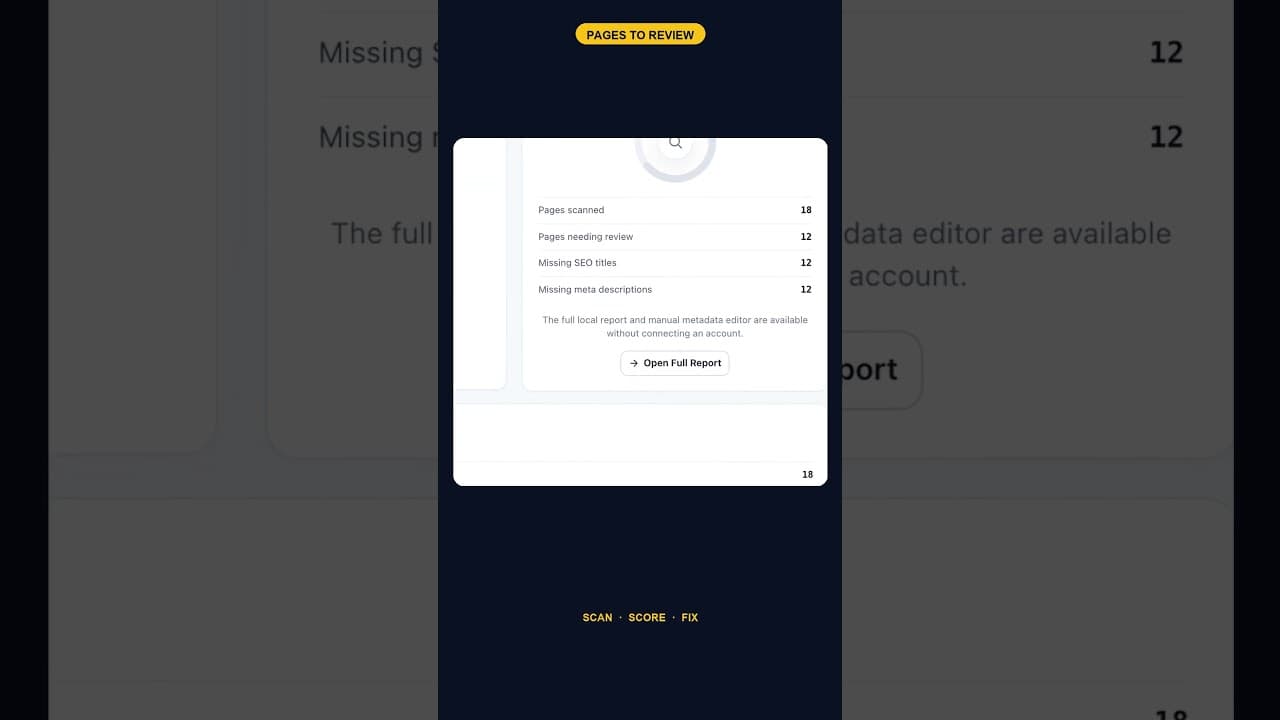
When 12 of 18 WordPress Pages Are Missing Titles and Meta Descriptions
An SEO scan finding 12 of 18 pages missing both a title tag and a meta description is one structural gap, not twelve separate oversights. Here's how to read it.
A scan that comes back with twelve of eighteen pages missing both a title tag and a meta description isn't flagging twelve separate small problems. It's describing one structural gap that happened to show up twelve times, and the fix looks completely different depending on which of those two explanations is true.
Why "missing both" is a different signal than "missing one"
A page with a title tag but no meta description usually means someone wrote the title deliberately and never got to the description — a partial job, easy to finish. A page missing both almost always means the page was never touched by whoever manages SEO on the site at all. It went live, maybe years ago, maybe last month, without anyone opening the SEO fields once. On an eighteen-page site, finding that twelve pages fall into the second category, not the first, tells you the gap isn't scattered oversight. It's that two-thirds of the site was built or published outside of whatever process is supposed to catch this.
Finding the actual cause behind the number
Twelve missing pages out of eighteen is a high enough ratio that it's worth asking why before fixing anything:
- Check when each flagged page was created, relative to when an SEO plugin was first installed and configured. Pages created before that point often never got backfilled.
- Check what kind of pages they are. Utility pages — a thank-you page, a 404, an internal landing page for ads — sometimes don't need the same treatment as a public blog post or product page, and lumping them into the same priority list wastes effort.
- Check for a pattern in who created them. If all twelve came from one past contributor, one theme's default page generator, or one migration, that's a single root cause rather than twelve independent oversights.
- Decide fix order by traffic and intent, not by page age. A twelve-page backlog doesn't need clearing in the order it was discovered — it needs clearing in the order it matters.
Two-thirds missing is common, not unusual
It's tempting to read "twelve of eighteen" as an alarming ratio, but on sites that have never run a dedicated SEO audit, it's closer to typical than exceptional. Most WordPress sites accumulate pages gradually — a landing page here, a campaign page there, a few added during a redesign — and unless every single one goes through the same SEO checklist before publishing, gaps like this build up quietly. The number only looks dramatic because nobody had counted it before; the underlying behaviour, where some pages get full SEO attention and others don't, is nearly universal.
What twelve pages without titles or descriptions actually costs
Each of those twelve pages shows up in search results, when it shows up at all, with whatever WordPress falls back to instead of a deliberate title and description — usually the raw page title as the headline and either nothing or an arbitrarily chosen sentence from the body as the snippet. That's not invisible, but it's a weaker, less persuasive version of what the page could show. Multiply that across twelve pages and however many monthly impressions they collectively get, and the lost click-through adds up to a real number, even though no single page failure is dramatic on its own.
Clearing a backlog this size without it becoming a project
Twelve pages is enough to feel like a project but small enough to clear properly in a single sitting if you approach it in order rather than randomly:
- Start with whichever two or three pages get the most organic traffic — fixing those first captures the bulk of the available upside fastest.
- Write titles and descriptions for the rest in one batch rather than spreading it across weeks, since context-switching back into "SEO mode" repeatedly costs more total time than one focused pass.
- Note which pages were utility pages that genuinely don't need public-facing SEO attention, and exclude them from the count going forward rather than leaving them permanently flagged.
Preventing the same gap from reappearing
Clearing twelve pages today doesn't stop a thirteenth going live next month without a title or description, unless whatever let the first twelve through gets fixed too — usually a publishing checklist that doesn't include an SEO field check, or simply nobody being responsible for catching it. A periodic re-scan, even just monthly, is what actually keeps the number at zero rather than letting it quietly climb back toward twelve again over the next year.
Frequently asked questions
Is it normal for a WordPress site to have this many pages missing both title tags and meta descriptions?
Yes, especially on sites that have never run a dedicated audit. Pages get added gradually over a site's life, and unless every single one passes through the same SEO checklist before publishing, a meaningful fraction — often a third to half, sometimes more — end up missing both fields entirely. Finding twelve out of eighteen is a high ratio but not an unusual one for a site seeing this kind of scan for the first time.
Should I fix all twelve pages in one sitting or spread the work out?
One sitting, where practical. Batching the work avoids the repeated cost of context-switching back into writing titles and descriptions each time, and it means the fix is actually complete rather than perpetually in progress. Prioritise the highest-traffic pages within that batch if time is genuinely limited.
Do utility pages like a thank-you page or a 404 need title tags and meta descriptions too?
Generally no, or at least not with the same urgency as public-facing content. Pages that aren't meant to rank in search or be found independently, such as internal landing pages, confirmation pages, and error pages, can reasonably skip full SEO treatment. Separate them out from your fix list rather than treating every flagged page identically.
Clearing your own backlog
OpptiAI Titles scans every page on your WordPress site, flags exactly which ones are missing titles or meta descriptions, and drafts suggestions you review before anything goes live. See how it works.
Related Posts
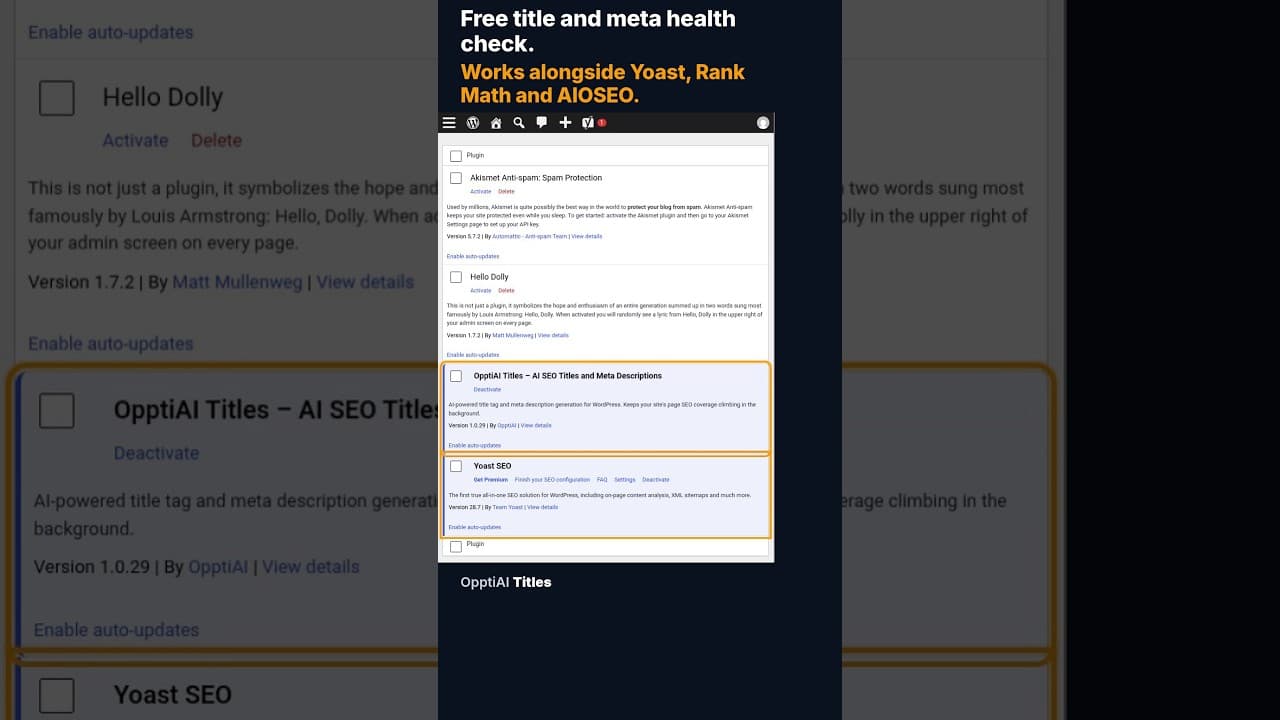
A Free WordPress Title and Meta Description Health Check
A free health check scans every WordPress page for missing or weak titles and meta descriptions and gives you a score. No account needed to see the result.
Does the Titles Plugin Conflict With AIOSEO?
AIOSEO stores titles and meta descriptions in its own fields. Here's exactly how OpptiAI Titles reads and writes around them without creating a conflict.
OpptiAI Internal Linking vs Link Whisper: An Honest Comparison
OpptiAI Internal Linking and Link Whisper both find orphan pages in WordPress. Here is what each one does, where Link Whisper does more, and how to choose.