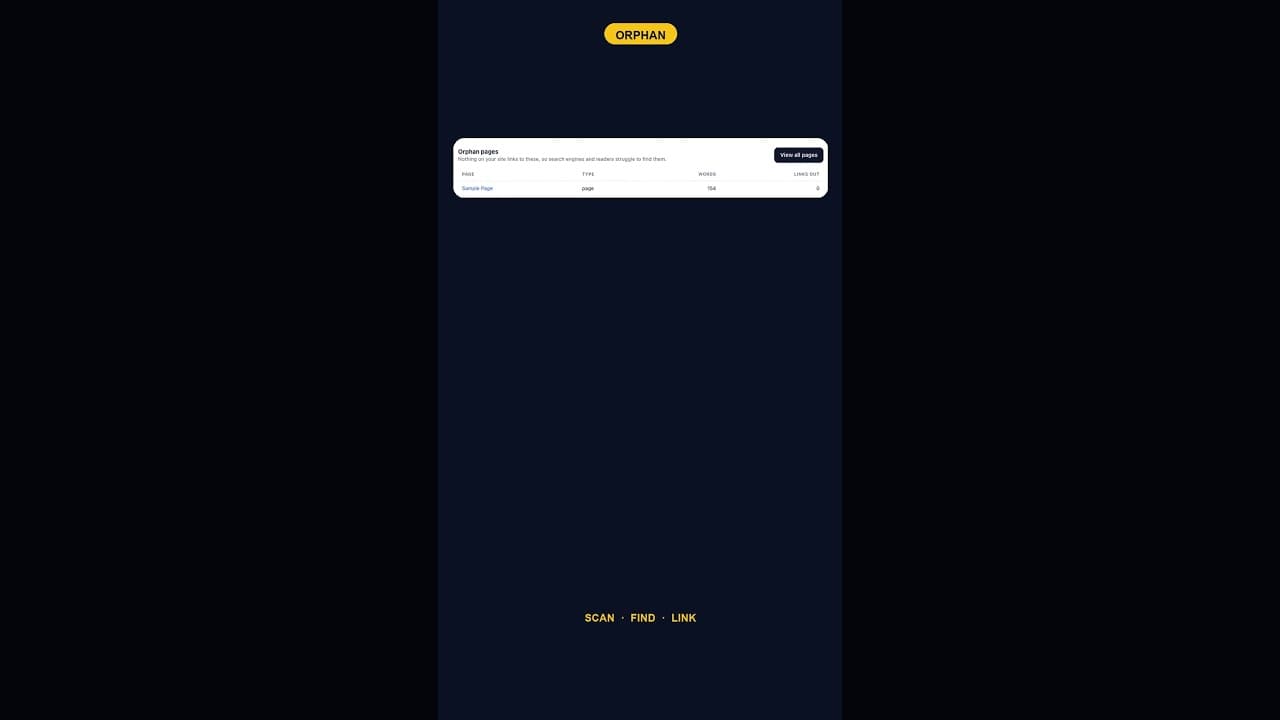
What To Do With WordPress's Default Sample Page Once It's Orphaned
An internal links audit almost always flags WordPress's default Sample Page as an orphan. Here's which of three fixes actually applies.
Every new WordPress install ships with two pages nobody asked for: "Sample Page" and a "Hello World" post. Run an internal links audit on a fresh or lightly built site and Sample Page almost always comes back flagged as an orphan, zero pages link to it, which raises a question most audits don't answer on their own: what are you actually supposed to do about it?
Why Sample Page gets flagged almost every time
Sample Page exists purely as a placeholder, inserted automatically by WordPress core during setup so a brand new site isn't completely empty. Nobody writes a link to it on purpose, because nobody built it on purpose — it's not content anyone planned, it's scaffolding. So when an internal links audit flags it as having zero inbound links, that's not revealing a mistake. It's accurately describing a page that was never meant to be part of the site's actual link structure in the first place.
The same logic applies to the default Hello World post, though it's a post rather than a page and tends to get cleaned up slightly more often, simply because "Hello World" more obviously reads as placeholder text than "Sample Page" does.
The three real options, and when each makes sense
An orphaned Sample Page isn't a problem with one correct fix — it depends on what, if anything, is actually on that page:
- Delete it, if it still contains the default placeholder text and nothing has been added. This is the right call for the overwhelming majority of sites — there's no reason to keep genuinely empty scaffolding live indefinitely, orphaned or not.
- Repurpose it, if you've actually edited it into real content, an About page or a services overview, but never updated the URL slug or title away from the defaults. In that case the fix isn't deletion, it's finishing the job: give it a proper title, a proper slug, and link to it from somewhere relevant so it stops being an orphan for a real reason rather than a default one.
- Redirect it, if the page has existed long enough that it might have picked up external links or search engine indexing even while empty, unlikely for most sites, but worth a quick check before deleting outright on anything that's been live for years. A 301 redirect to your homepage or About page preserves anything that pointed at the old URL.
Why "just leave it" is the wrong default
Leaving an empty Sample Page live, orphaned, indefinitely doesn't actively hurt much on its own, but it's a small, free thing to clean up that costs nothing to fix and slightly improves the signal quality of everything else on the site. A site with a handful of genuinely orphaned default pages sitting around is marginally harder to audit accurately going forward too — each future internal links check will keep flagging the same known non-issue, adding noise that makes it slightly harder to spot a genuinely new orphan page when one appears.
Checking for other leftover default content
Sample Page is the most common leftover, but it's rarely the only one. Worth checking at the same time:
- The default Hello World post, and its default "Uncategorized" category assignment if it's still live.
- Any default comment left on Hello World, WordPress ships one by default on fresh installs.
- Default widget or menu entries pointing at Sample Page, which should be removed alongside the page itself rather than left as broken links.
Clearing all of this in one short pass, rather than finding it piecemeal over months, is the more efficient way to handle it.
Making this part of initial setup, not an afterthought
The cleanest version of this fix happens before a site ever goes live, deleting the default Sample Page and Hello World post as one of the first steps after installing WordPress, before any audit ever has reason to flag them. Sites that skip this step at setup are the ones where an internal links audit, run months or years later, turns up the same default content still sitting there, now also slightly stale-looking alongside whatever real content has been added since.
Frequently asked questions
Is it safe to just delete WordPress's default Sample Page?
Yes, in almost every case, provided it still contains the original placeholder text and hasn't been edited into real content or linked to from anywhere external. It's scaffolding inserted automatically during setup, not content anyone deliberately built, and WordPress doesn't rely on its continued existence for anything to function.
What if I already edited Sample Page into real content, like an About page?
Then the fix isn't deletion, it's finishing what you started. Give it a proper title and URL slug that reflect its actual content rather than the default "Sample Page" naming, and link to it from your navigation or relevant pages so it stops showing up as an orphan for the right reason: because it's genuinely connected to the rest of the site now.
Should I worry if an SEO audit keeps flagging my Sample Page as an issue?
Not seriously, but it's worth a two-minute fix regardless. An orphaned default Sample Page is close to the lowest-stakes issue an audit can surface, but leaving it live indefinitely adds a small amount of recurring noise to every future scan, for no benefit. Deleting or properly repurposing it removes that noise permanently.
Running a full SEO health check on your site
OpptiAI Internal Linking scans your WordPress site for orphan pages, including leftover default content like Sample Page, directly inside WordPress with no account needed for the scan. See how it works.
Related Posts
Block Editor Alt Text vs Media Library: Why They Differ
WordPress stores alt text in more than one place. Here's why block editor and media library alt text can disagree, and where the real value lives.
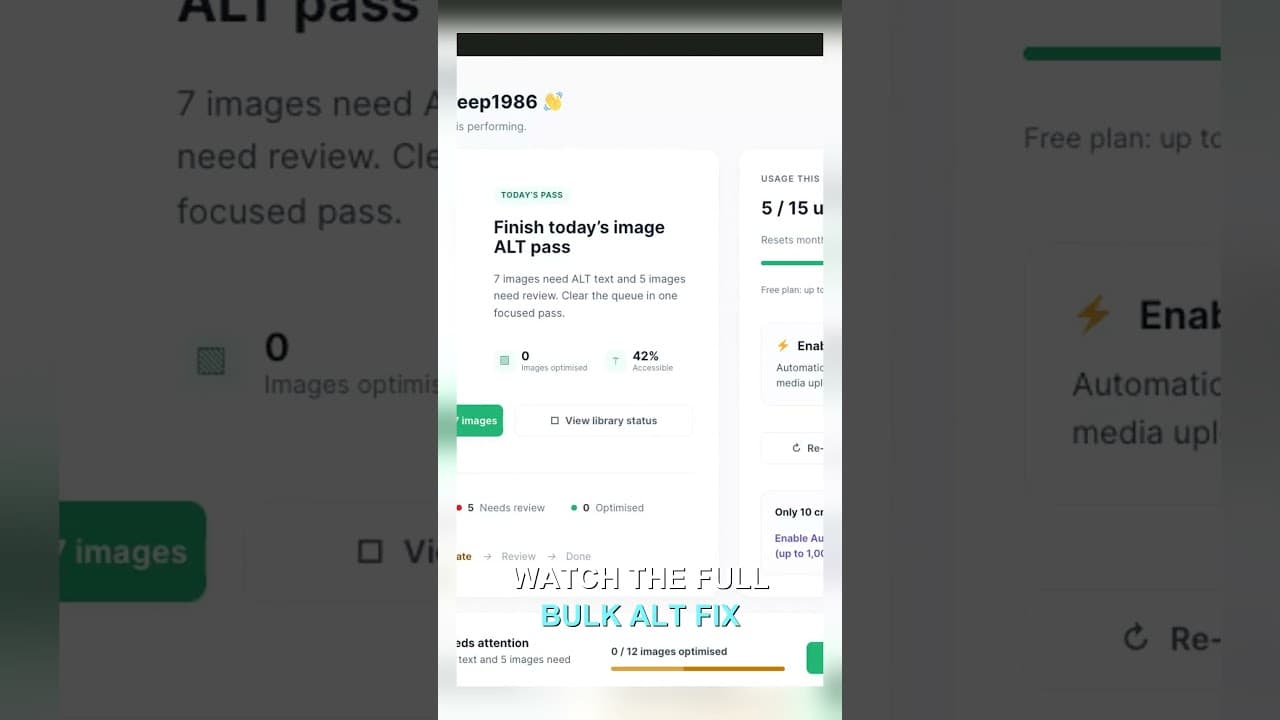
Filter Your Media Library to Missing Alt Text First
Scrolling the whole media library to find missing alt text wastes most of your session. Filter to what's actually missing, then work that list.
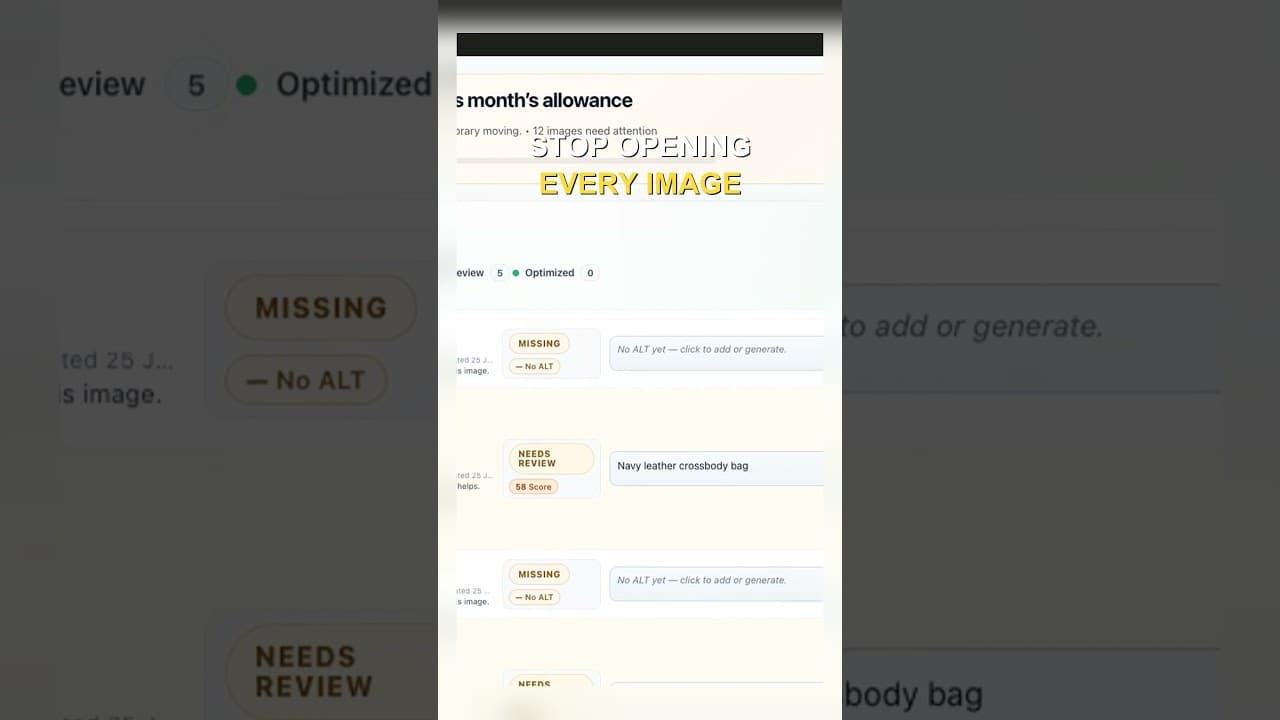
Edit Alt Text Without Opening Every Image
Opening the attachment modal for every image before you can edit alt text is the slowest part of the job. Here's how to edit from the list instead.