How Long Google Takes to Update Changed Title Tags
You changed a title tag and Google still shows the old one. Here's the real timeline for a change to show up, and how to speed it up.
You rewrite a weak title tag, publish the change, search for the page the next day, and Google is still showing the old title. This is normal, and it's one of the more confusing parts of fixing title tags at scale: the change on your site is instant, but the change in search results isn't, and the gap between the two can run from a few hours to several weeks depending on the page.
If you've just gone through a batch of title tag fixes across a WordPress site, it's worth knowing what to actually expect before you assume something's broken.
What actually happens when you change a title tag
Changing a title tag on your site doesn't push anything to Google. It just changes what's there the next time Googlebot crawls that URL. Until that crawl happens, and until Google's indexing system reprocesses the page afterwards, the search result snippet keeps showing whatever title it last recorded — which can be the old one, sometimes by a wide margin if the page hasn't been crawled in a while.
Two separate delays stack on top of each other:
- Crawl delay — the time until Googlebot next visits that specific URL. High-traffic, frequently-updated pages get crawled often, sometimes within hours. A low-traffic page deep in a site's structure might not get crawled again for weeks.
- Indexing and display delay — even after a fresh crawl, Google doesn't always update the visible title tag in search results immediately. Google's systems sometimes also choose to show a different title than the one in your HTML entirely (more on that below), which is a separate issue from the update simply being slow.
The real range: how long it normally takes
For a well-established page on an active site, expect anywhere from a few days to two or three weeks for a title tag change to show up in search results. That's a wide range on purpose — it genuinely depends on the page's existing crawl frequency, which Google doesn't publish or let you control directly.
A few patterns that hold up in practice:
- Homepage and high-traffic pages tend to update fastest, often within a few days, because Google already crawls them frequently regardless of what you do.
- Deep, low-traffic pages — an old blog post, a thin category archive — can take two to four weeks, sometimes longer, simply because nothing is prompting Google to revisit them sooner.
- A site-wide batch of title tag changes (fixing fifty or a hundred pages' title tags at once, say, after installing a title tag plugin) rolls out unevenly: some pages update within days, others lag for weeks, because each URL is on its own crawl schedule, not a shared one.
A walkthrough to check and speed up the update
- Confirm the change actually published correctly first. View the live page's source (not a cached version) and check the
<title>tag directly. If the new title isn't there yet on the page itself, nothing downstream will work — fix that before worrying about Google. - Check Google Search Console's URL Inspection tool for the specific page. It shows the title Google currently has indexed for that URL, separate from what's live on your site, so you can see exactly how stale Google's copy is.
- Request indexing from the same URL Inspection screen. This doesn't guarantee an instant update, but it does queue the page for a fresh crawl sooner than it would otherwise get one — useful for a handful of important pages, not practical for hundreds at once.
- For a large batch of changed pages, submit or resubmit your XML sitemap rather than requesting indexing one URL at a time. An updated sitemap with current lastmod dates is a stronger signal across many URLs than individual requests, which Search Console limits anyway.
- Keep checking the search result itself, not just Search Console, because the two can disagree briefly during the transition — Search Console might show the new title cached while the public result still shows the old one, or vice versa, until both catch up.
- Give it the full range before assuming it's stuck. Two weeks is not unusual for a lower-traffic page. If it's been a month with no change and you've confirmed the live HTML is correct, that's when it's worth investigating further rather than just waiting.
Why some title tags never update even after reindexing
Occasionally a title updates in Google's crawl data but the search result still shows something different — not the old title, but a rewritten one. Google has always reserved the right to generate its own title for a search snippet when it judges the page's actual <title> tag to be unclear, too long, keyword-stuffed, or mismatched with the page's content, pulling instead from the page's H1, prominent on-page text, or even anchor text from other pages linking to it.
If your new title tag still isn't showing up weeks after a confirmed recrawl, check whether Google is substituting its own version rather than simply being slow. A title that's noticeably different in tone from the rest of the page's content, or one that reads like it was optimised purely for keywords rather than written for a reader, is more likely to get overridden this way — the fix there isn't to wait longer, it's to rewrite the title to read like it does on the page.
Frequently asked questions
Does resubmitting my sitemap actually make Google crawl pages faster?
It helps, but it's a signal, not a guarantee or a priority queue. An updated sitemap with accurate lastmod timestamps tells Google which URLs have changed, which can prompt a sooner crawl than the page would otherwise get, especially for pages that haven't changed in a long time and have fallen into an infrequent crawl pattern. It doesn't override Google's own crawl budget and scheduling for your site, which is based on factors like overall site authority and how often your pages tend to actually change.
Why does Search Console show my new title but the live Google search result still shows the old one?
Search Console's URL Inspection tool reflects Google's indexed copy of the page as of its last crawl, but the exact title text shown in a live search result can lag slightly behind that index update, or Google can be using a search-specific generated title rather than your indexed one for that particular query. The two systems don't always update in lockstep, so a short mismatch between what Search Console shows and what you see in results is normal and usually resolves within a few more days.
If I change a hundred title tags at once, should I expect them all to update around the same time?
No, and it's worth setting that expectation before a big batch rollout. Each URL is on its own independent crawl schedule based on its own traffic and history, so a sitewide title tag fix typically rolls out over days to weeks rather than all at once. Your highest-traffic pages will usually show the update first; the long tail of lower-traffic pages will trickle in after, and a handful of the least-visited ones might take a month or more without a manual indexing request.
Waiting weeks to find out whether a title tag change actually helped makes it hard to iterate quickly, which is exactly the lag OpptiAI Titles is built to work around on the input side — it flags missing or weak titles and meta descriptions across your WordPress site and drafts replacements for you to review, so the fixes going out in your next batch are right the first time instead of needing a second round once Google catches up. Take a look at OpptiAI Titles to see where your site's titles stand.
Related Posts
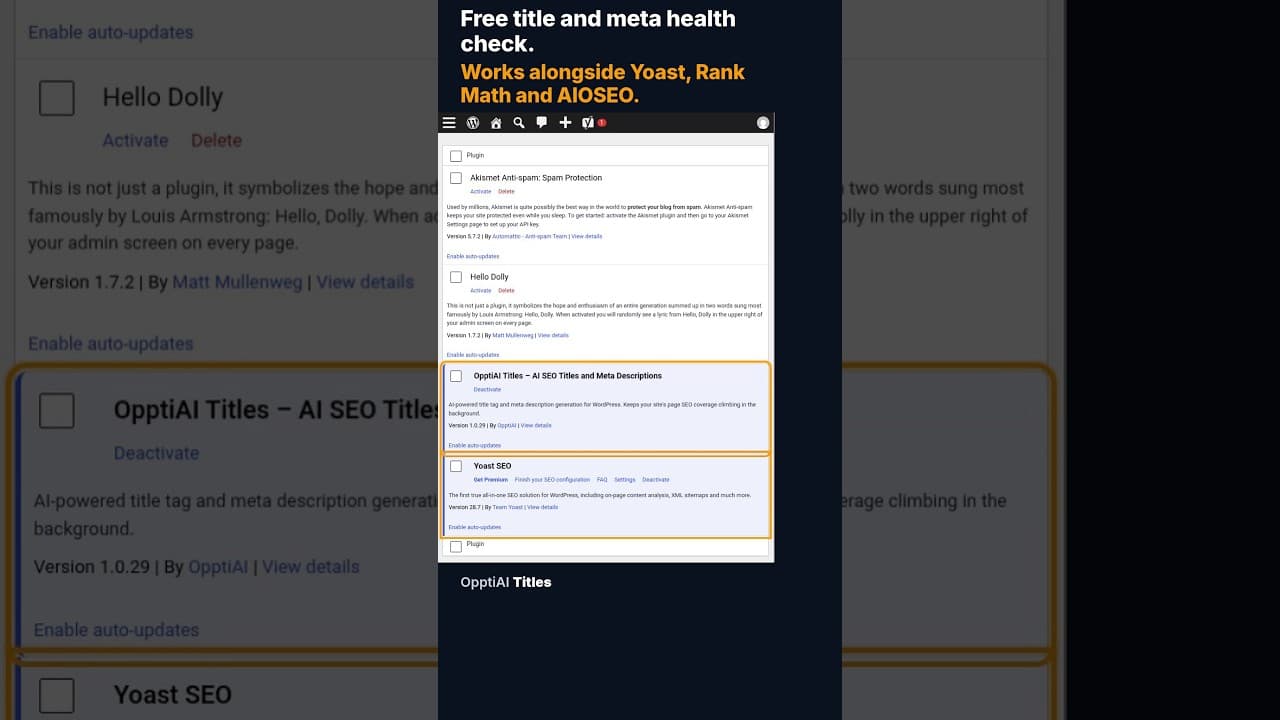
A Free WordPress Title and Meta Description Health Check
A free health check scans every WordPress page for missing or weak titles and meta descriptions and gives you a score. No account needed to see the result.
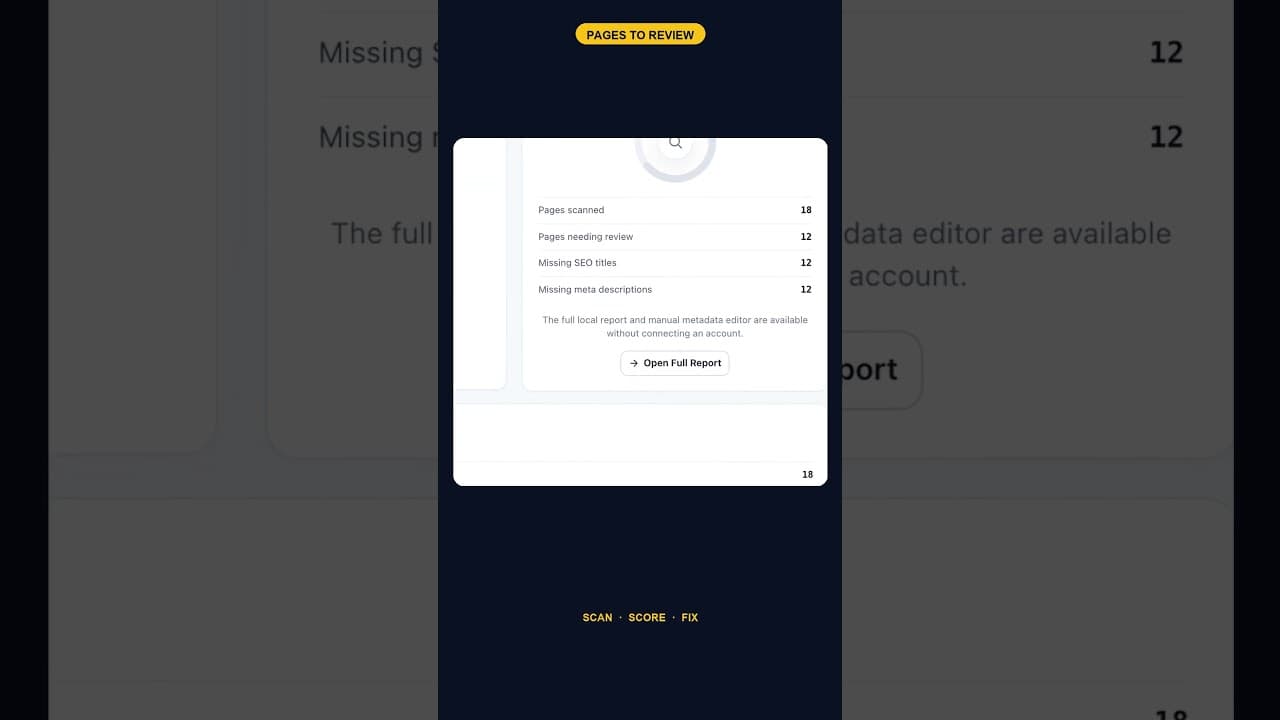
When 12 of 18 WordPress Pages Are Missing Titles and Meta Descriptions
An SEO scan finding 12 of 18 pages missing both a title tag and a meta description is one structural gap, not twelve separate oversights. Here's how to read it.
Does the Titles Plugin Conflict With AIOSEO?
AIOSEO stores titles and meta descriptions in its own fields. Here's exactly how OpptiAI Titles reads and writes around them without creating a conflict.