Why Multilingual WordPress Sites Duplicate Title Tags
WPML and Polylang translate your content but often leave the SEO title tag untouched, so two or three languages end up competing with the same exact title.
Run a WordPress site in two or three languages with WPML or Polylang, and there's a good chance your French or German pages are ranking under the exact same title tag as the English original — same characters, not even translated. The body content got translated properly, the URL got its own language prefix, the hreflang tags are wired up correctly, and yet the one thing Google reads first for every one of those pages is still in English.
This is a different cause of duplicate title tags to the usual template or pagination problems, and it's easy to miss precisely because it doesn't look like a mistake. Everything else about the translation looks right, so the title tag quietly staying untranslated doesn't trip the same alarm a genuinely broken translation would.
How translation plugins end up leaving the title tag behind
WPML and Polylang both work by duplicating a post or page into a new, linked translation, then letting you edit that duplicate's content field by field. The problem is that the rendered <title> tag usually isn't generated from the WordPress "Title" field at all — it's generated by your SEO plugin, from a template like %%title%% or a dedicated "SEO Title" meta field that sits separately from the post title you see in the block editor.
That separate SEO title field gets duplicated along with everything else when the translation is created, but duplicating isn't translating. Unless someone opens the SEO plugin's meta box on the translated page specifically and rewrites that one field, it keeps the original language's exact text indefinitely — even after every visible heading and paragraph on the page has been properly translated. The page looks finished because the content a translator was asked to translate is finished; the SEO title lives in a different tab most translators never open.
Taxonomy and archive pages make this worse, because they often don't have a dedicated editable title at all — the title renders from a template string set once at the theme or SEO-plugin level, with no per-language override unless the template itself was built to pull a translated string.
Why this slips past a normal duplicate-title check
A standard duplicate-title audit groups URLs by exact matching <title> text and flags any group with more than one entry. Run that audit on a multilingual site and the English and French versions of the same page will often show up together — and it's tempting to dismiss the pair as "that's fine, they're just the same page in two languages", which is exactly backwards.
Google treats /en/pricing/ and /fr/pricing/ as two separate, independently indexable URLs competing for two separate sets of queries — English-language searches and French-language searches. A title tag that's identical across both doesn't help the French page rank for French queries; it just means the one signal Google reads first for that page is written in the wrong language for the audience it's trying to reach. hreflang tags tell Google these pages are translations of each other, not that they should share a title — the two are independent decisions, and getting the first right doesn't fix the second.
Checking a multilingual WordPress site for title tag duplication
- List every language version of each URL. WPML and Polylang both expose per-language sitemaps (or a single sitemap with hreflang alternates) — pull the full URL set per language rather than assuming one sitemap covers everything.
- Pull the rendered
<title>for each language's URL, not the admin field. Load each page and check the browser tab orview-source, since the SEO plugin's generated output is what matters, not what's sitting in a meta box. - Group by exact title text across all languages, not within one language. A duplicate-title check that only compares English pages against other English pages will never catch an English title that's been silently copied onto the French and German versions too.
- Open the SEO title field specifically on any flagged translation, separately from the post content. Confirm whether it was ever edited after the translation was created, or whether it's still carrying the original language's text from the moment the duplicate was made.
- Fix the template-level cases once. If an entire archive or taxonomy type is affected because the theme never built a translated title template, that's one fix at the template level rather than one page at a time — check this before manually rewriting dozens of individual SEO title fields that all share the same root cause.
- Confirm the fix with Search Console, filtered by country or language. If the Performance report shows the French version getting impressions almost entirely for English-language queries, that's a sign the title (and possibly other on-page SEO fields) is still working against the translation rather than for it.
OpptiAI Titles scans for duplicate and templated title tags across a whole site, and that check doesn't treat a /fr/ or /de/ URL any differently just because it carries a language prefix — an identical title across two language variants of the same page gets flagged the same way an identical title across two unrelated pages would, rather than being quietly waved through as "expected" the way a manual audit sometimes does.
Frequently asked questions
Does WPML or Polylang translate the SEO title tag automatically?
No, not by default. Both plugins duplicate the post and its custom fields — including whatever meta field your SEO plugin uses for the title tag — but duplicating a field's value isn't the same as translating it. Unless a translator or site owner specifically opens the SEO title field on the translated version and rewrites it, it keeps the original language's text indefinitely, separately from how well the visible page content was translated.
Does an identical title tag across two languages count as duplicate content to Google?
The title tag itself isn't "content" in the sense Google's duplicate-content checks evaluate, but it is one of the clearest per-page ranking signals Google has, and an untranslated title gives Google no language-specific signal to match against a searcher's query in that language. It's less a duplicate-content penalty and more a missed opportunity — the page is competing for French queries with an English headline doing none of the work it could be doing.
Should a translated title tag be a literal translation, or rewritten for that language's search behaviour?
A direct, literal translation is a reasonable starting point and far better than leaving it untranslated, but it's worth checking whether French or German searchers actually phrase the same query differently — keyword research tools usually show this isn't a 1:1 mapping. Treating the translated title as its own piece of copy, aimed at how that language's searchers actually search, tends to outperform a mechanically translated version of the English title.
If your site runs in more than one language, it's worth a direct check on whether the title tag made the trip along with the rest of the translation. OpptiAI Titles scans every page's title for exactly this kind of duplicate or templated pattern, flags it, and drafts a page-specific replacement you review before anything is applied.
Related Posts
Why Google Rewrites Your Meta Description
Google replaces the meta description you wrote more often than not. Here's what actually triggers a rewrite and how to write descriptions it keeps.
Use Search Console CTR Data to Fix the Right Titles First
Rewriting every title tag wastes effort. Search Console's CTR data shows exactly which ones are losing you clicks, so you fix those first.
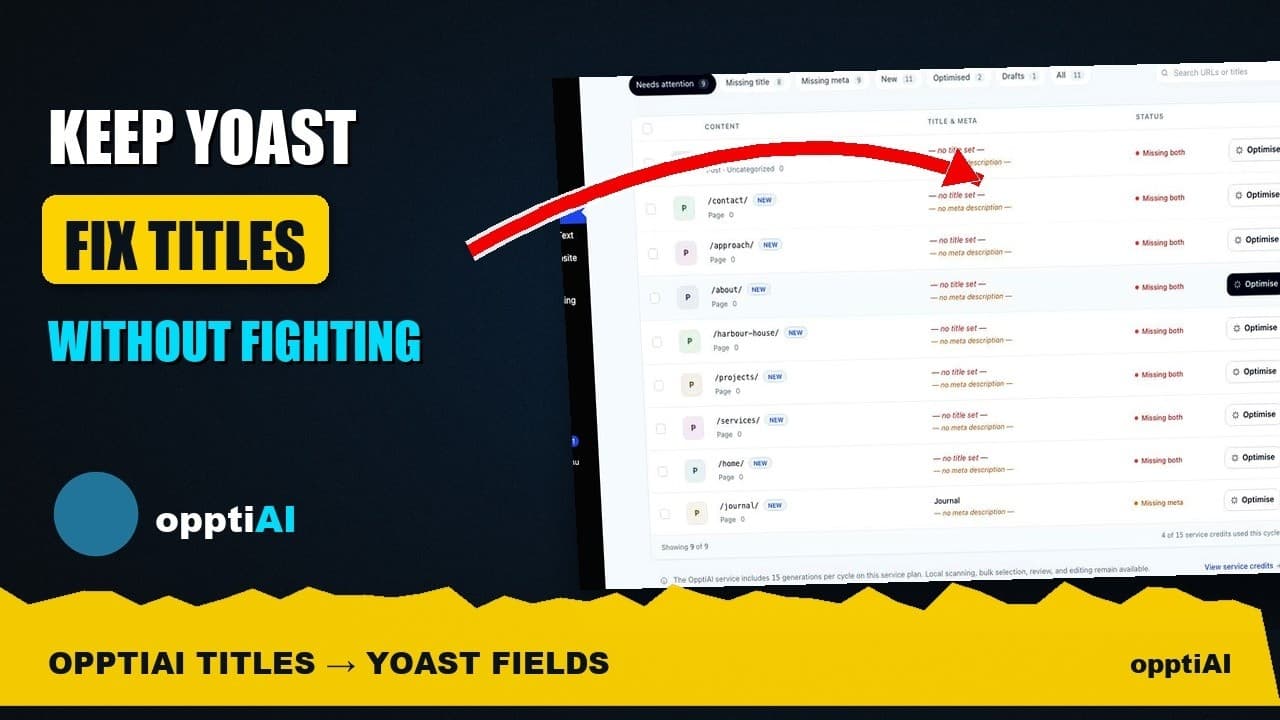
See Your WordPress Title Fixes Show Up Inside Yoast
Fixed a weak title in an audit tool but not sure Yoast picked it up? Here's exactly where to check, and what it means if the two disagree.