
How Many of Your WordPress Pages Have No Meta Description
Most WordPress sites don't know their real meta description count until they run a sitewide scan. Here's how to get that number and what to do with it.
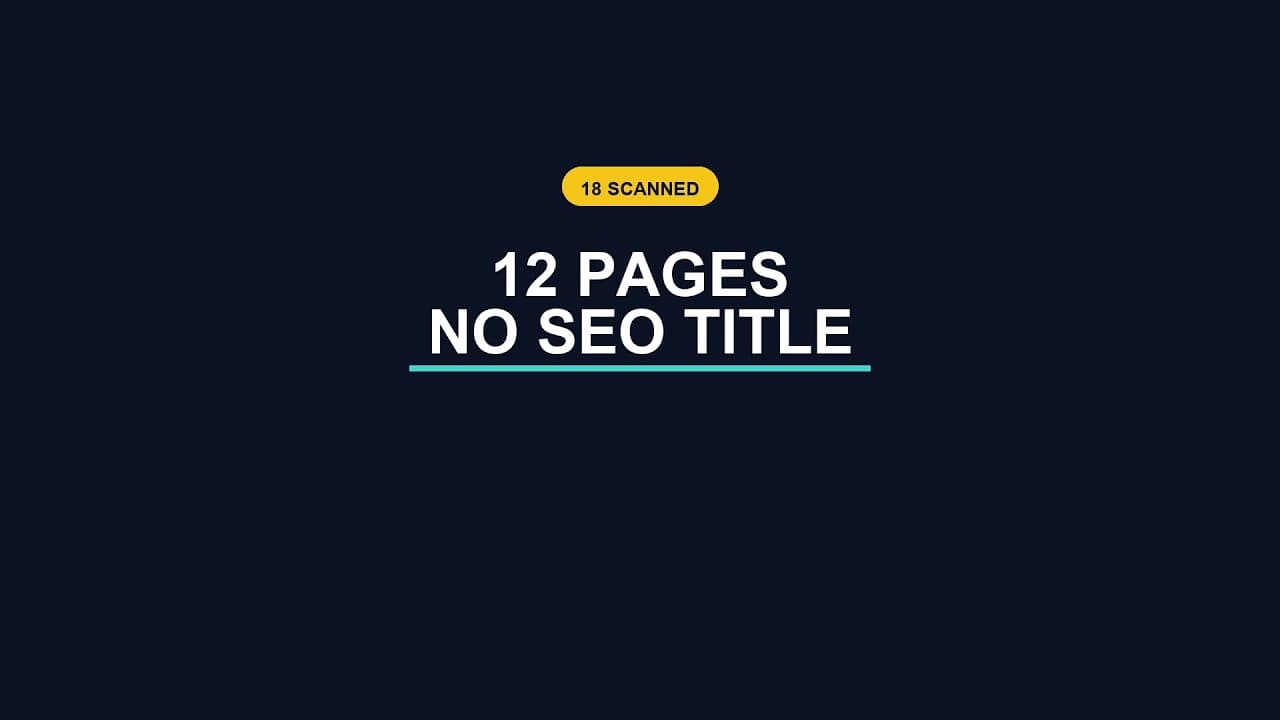
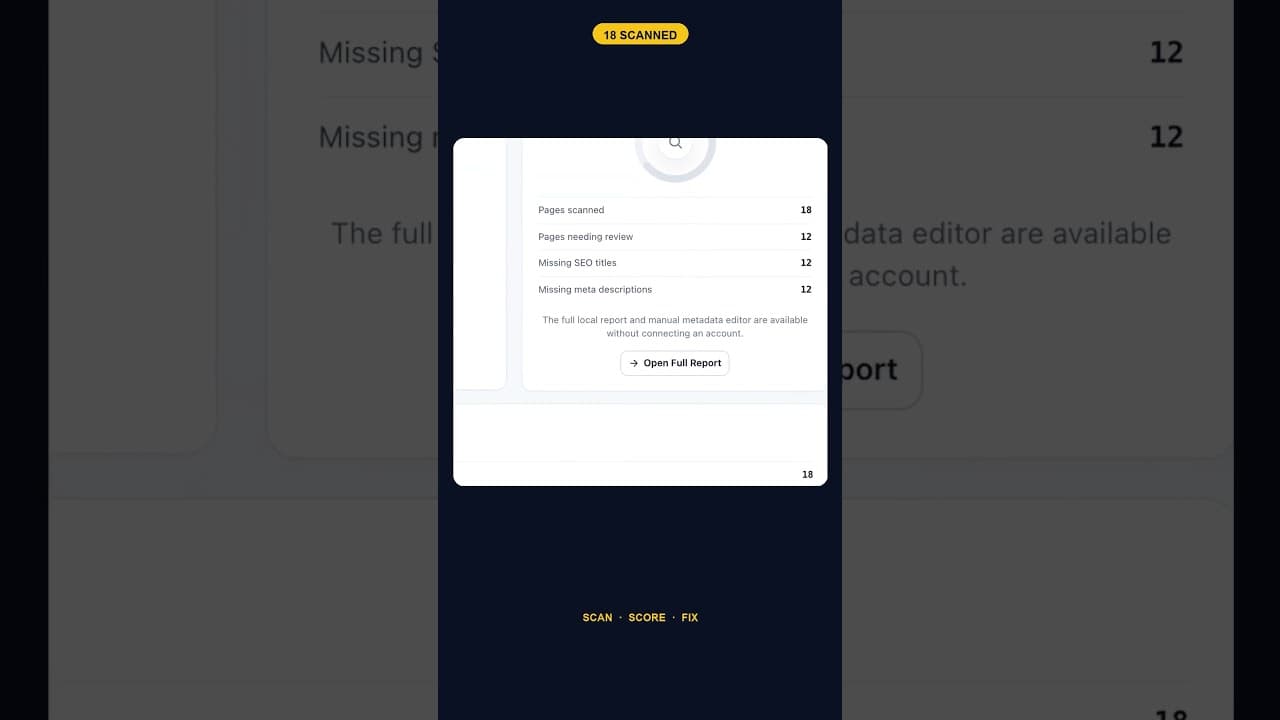
Ask most site owners how many of their pages are missing a meta description and you'll get a guess, not a number. A recent scan of an 18-page WordPress site found 12 with the field completely empty — two-thirds of the site, on a site small enough that you'd think someone would have noticed. They hadn't, because nothing had ever counted.
Why nobody has this number already
Meta descriptions don't break anything when they're missing. The page still loads, still ranks, still gets indexed. Google quietly fills the gap by pulling a snippet from the page content, so there's no error, no broken link, no 404 to notice. The only sign something's wrong is a search result that doesn't quite say what you'd have chosen to say — and most people never look at their own listings in the wild often enough to catch that.
That's the core problem with meta descriptions as a maintenance task: there's no natural trigger that tells you to go check. A missing title tag at least shows up oddly in a browser tab. A missing meta description just disappears into whatever Google decides to show instead.
Getting the actual count
A sitewide scan is the only reliable way to get a real number, and it's a straightforward thing to run: step through every published page and post, read the meta description field each one is supposed to populate, and flag any that are empty, not just any that exist. The output you want isn't a yes/no per page — it's a count and a list, so you can see the scale of the problem before deciding how to tackle it.
Here's the basic workflow:
- Pull a full list of published URLs — pages, posts, and any custom post types that generate indexable pages (products, if you're on WooCommerce).
- Check the actual meta description field, not just whether something renders in search results. Some themes auto-generate a fallback snippet, which can mask a genuinely empty field if you're only looking at rendered output.
- Count empty fields against total pages to get a percentage, not just a raw number. 12 out of 18 reads very differently from 12 out of 400.
- Separate "empty" from "present but weak." A field with text in it still might be too short, duplicated across pages, or auto-filled with the page title — worth tracking as a second list, not folded into the same count.
- Sort the empty list by traffic or priority, so the fix order matches what actually matters, not just the order pages happen to appear in the admin list.
What a two-thirds gap actually costs
A meta description you didn't write isn't a meta description Google ignores — it's a meta description Google writes for you, pulled from whatever text sits near the top of the page. Sometimes that's fine. Often it's a stray sentence, a cookie notice, or the first few words of an unrelated paragraph, none of which were built to sell a click. The page still ranks on the merits of its content, but the listing competing for attention in search results is effectively unedited.
On a small site, 12 empty fields is a single afternoon's work. On a larger one, the same two-thirds ratio can mean hundreds of pages handing their first impression to an algorithm instead of a person. The fix doesn't scale in difficulty nearly as fast as the problem scales in size, which is exactly why getting the count early matters — it tells you whether you're looking at an afternoon or a quarter.
Prioritising which empty fields to fix first
Not every empty meta description deserves the same urgency. A high-traffic landing page with no description is losing click-through rate right now, every day it stays empty. A page that gets three visits a year from a long-tail search isn't nothing, but it's not where an afternoon of writing time should go first.
A reasonable order: start with pages already ranking on page one of search results (they're close enough to a click that a better snippet moves the needle immediately), then move to high-intent pages regardless of current traffic — pricing, product category, and comparison pages routinely under-perform their ranking because the snippet doesn't close the sale. Everything else can follow in a second pass.
Frequently asked questions
How do I check meta descriptions across my whole WordPress site at once?
You need a tool that reads the actual meta description field for every published page and post, not just the ones you remember to check manually. Most SEO plugins (Yoast, Rank Math, AIOSEO) show missing fields on a per-page basis as you edit, but don't give you a single sitewide count without opening a bulk edit screen or running a dedicated audit. A standalone scan that lists every empty field alongside the page title and URL is the fastest way to get the real number without clicking through your entire site one page at a time.
Does an empty meta description actually hurt my SEO ranking?
Not directly — it's not a ranking factor on its own. Google doesn't penalise a page for having no meta description; it simply generates a snippet from the page content instead. The real cost shows up in click-through rate, not ranking position: a self-selected sentence from the body copy is rarely as compelling as a description written to earn the click, so a page can rank well and still underperform its position because the listing doesn't sell the click as hard as it could.
Should I fix all my empty meta descriptions at once or prioritise?
Prioritise, especially on larger sites. Fixing 12 empty fields on an 18-page site is small enough to just do in one sitting. Fixing 300 empty fields on a 1,000-page site is a different kind of task, and tackling it in traffic order — highest-traffic and highest-intent pages first — gets you most of the click-through benefit long before the list is fully cleared. Treat the full list as a backlog, not a single deadline.
Finding your own number
If you've never run a sitewide count, the honest expectation is that the number will be higher than you'd guess — most sites accumulate empty fields through years of pages created without anyone thinking about the search snippet at creation time. OpptiAI Titles scans a WordPress site for exactly this gap, listing every page missing a meta description (or title tag) and drafting a suggested replacement you review before anything goes live. See how it works.
Related Posts
Does the Titles Plugin Conflict With AIOSEO?
AIOSEO stores titles and meta descriptions in its own fields. Here's exactly how OpptiAI Titles reads and writes around them without creating a conflict.
Audit WordPress Titles and Meta Tags Before Connecting an Account
A title and meta description audit doesn't need an account first. Here's why running the scan locally, before any connection, changes what you can trust about the results.
What Google Shows Instead of a Blank WordPress Title Tag
A blank title tag isn't blank in search results. Here's exactly what Google puts there instead, and why it's rarely what you'd have written.