Audit WordPress Titles and Meta Tags Before Connecting an Account
A title and meta description audit doesn't need an account first. Here's why running the scan locally, before any connection, changes what you can trust about the results.
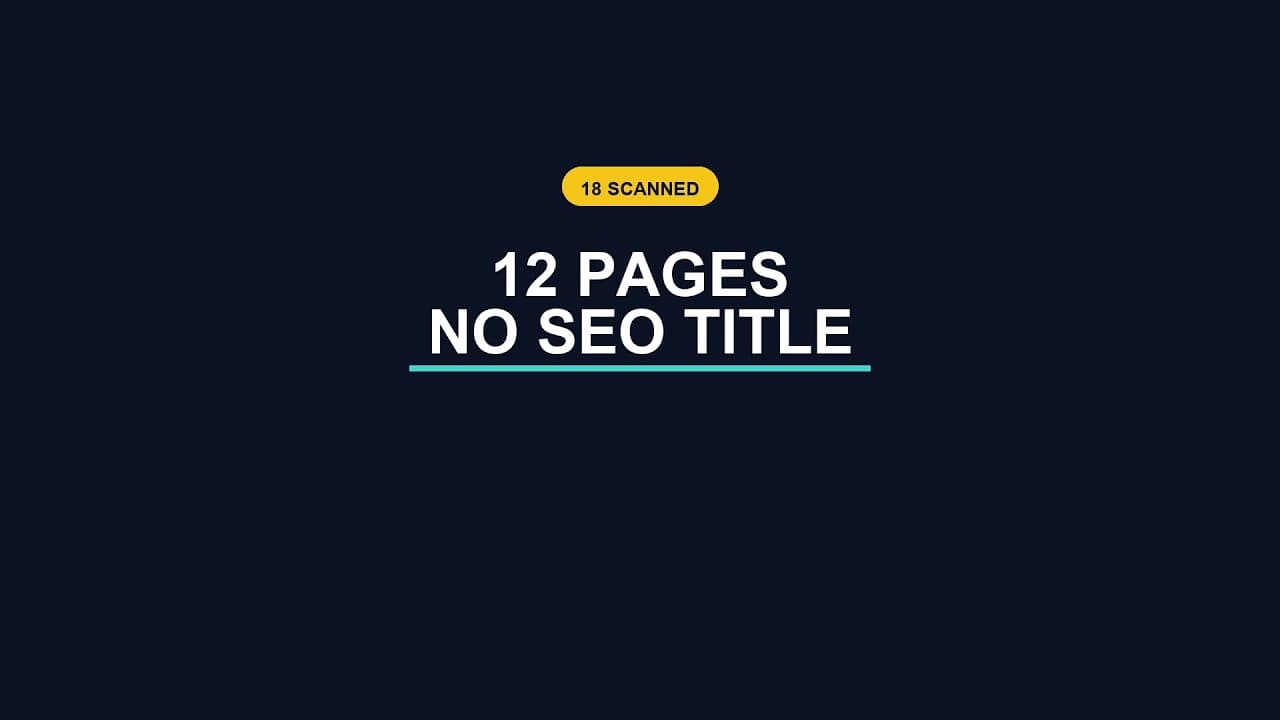
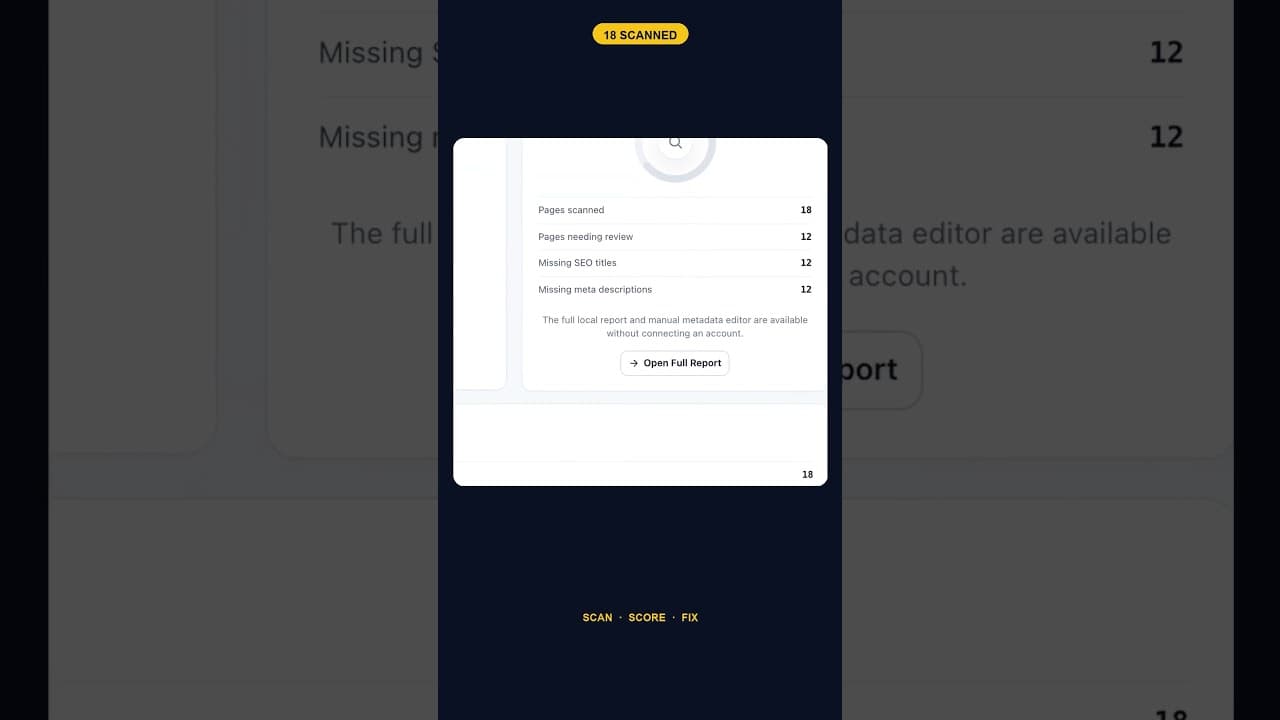
Most SEO tools want an account before they'll show you anything. Sign up, connect, wait for a crawl, then see your first result. A site that scanned itself and found 12 of 18 pages with no title tag did it the other way round — the audit ran, listed the gaps, and only then did the question of connecting anything come up.
Why the order matters
A title and meta description audit doesn't need anything beyond what's already on the site: the published pages, their title tags, and their meta description fields. Nothing about reading that data requires an external account, an API key, or a connection to anything outside the WordPress install itself. So when a tool insists on signup before it'll run the scan, that requirement isn't coming from a technical limitation — it's a product decision, usually one made to capture an email address or a trial signup before delivering any value.
Running the scan first and asking about an account second flips that. You see the real gaps — in this case, 12 pages with no title tag, the same 12 missing a meta description too — before you've handed over anything. Whatever you decide to do next, you're deciding with the actual number in front of you, not a sales page's promise of what the number might be.
What a local-first audit actually checks
The scan itself is simple, which is part of the point — it doesn't need to be complicated to be useful:
- Read every published page and post's title tag. Empty, present, or auto-generated from the page content (a sign something's missing even if it's technically "there").
- Read every meta description field the same way, flagging empty ones separately from weak ones.
- Cross-reference the two. A page missing both is a different priority than a page missing just one — on the 18-page site in question, the 12 pages with no title also had no meta description, which tells you the gap is structural (these pages were probably created without any SEO plugin active yet) rather than scattered.
- List results by page, not just as a total, so you know exactly which URLs need attention before you commit to fixing anything.
None of that needs a live connection to run. It's a read operation against data that already exists in the WordPress database.
Why this matters more than it sounds
The trust question isn't abstract. A site owner evaluating a new plugin has no way to verify what it does with their data until they've already installed it and granted it access — unless the tool lets them see real output first. A scan you can run and read before connecting anything gives you a chance to judge whether the result is even accurate, using a site you already know, before deciding whether the thing offering to fix it deserves write access to that site.
It also changes the emotional weight of finding a problem. "12 pages have no title tag" is a fact you can verify yourself in your own WordPress admin, page by page, if you don't trust the scan. A number delivered only after signup carries an asterisk: is this real, or is this the version of the truth that gets me to convert? Running locally first removes that asterisk.
What happens after the scan
Once you have the list — which pages, how many, what's missing — connecting an account becomes a choice about automation, not about visibility. You already know the shape of the problem. The question left is whether you want help fixing it (AI-drafted titles and descriptions you review before publishing) or whether you'd rather work through the list by hand. Either is a reasonable call, and it's one you're now making with full information instead of a teaser.
Frequently asked questions
Can I really audit my WordPress site's SEO titles without signing up for anything?
Yes, for the read-only part. Checking what's currently in each page's title tag and meta description field is a local operation — it reads data your WordPress install already has. You only need an account or connection for steps that go beyond reading: generating AI-drafted replacements, applying bulk fixes, or syncing results somewhere else. The audit itself shouldn't be gated behind a signup.
Why do 12 pages on the same site have both no title tag and no meta description?
That pattern usually points to a structural cause rather than 12 unrelated oversights — most commonly, those pages were created before an SEO plugin was active, or they're a post type (like certain custom pages or older legacy content) that the active SEO plugin doesn't automatically handle. Checking whether the missing pages share a creation date, template, or post type is a fast way to find the root cause instead of just treating each one as an isolated gap.
Is a local audit as accurate as a scan that requires an account?
It should be, because the underlying data — the title and meta description fields on each page — is identical either way. The account requirement doesn't make the read more accurate; it's a gate on access, not a difference in what's being measured. Where accuracy can genuinely differ is in how thoroughly the tool checks: whether it catches auto-generated fallback titles that look populated but aren't meaningfully set, and whether it covers every post type on the site, not just standard pages and posts.
Try it on your own site
OpptiAI Titles runs this audit directly in your WordPress admin — no account, no signup, before anything else happens. You see the full list of missing titles and meta descriptions on your own site first, then decide what to do with it. See how it works.
Related Posts
Does the Titles Plugin Conflict With AIOSEO?
AIOSEO stores titles and meta descriptions in its own fields. Here's exactly how OpptiAI Titles reads and writes around them without creating a conflict.

How Many of Your WordPress Pages Have No Meta Description
Most WordPress sites don't know their real meta description count until they run a sitewide scan. Here's how to get that number and what to do with it.
What Google Shows Instead of a Blank WordPress Title Tag
A blank title tag isn't blank in search results. Here's exactly what Google puts there instead, and why it's rarely what you'd have written.