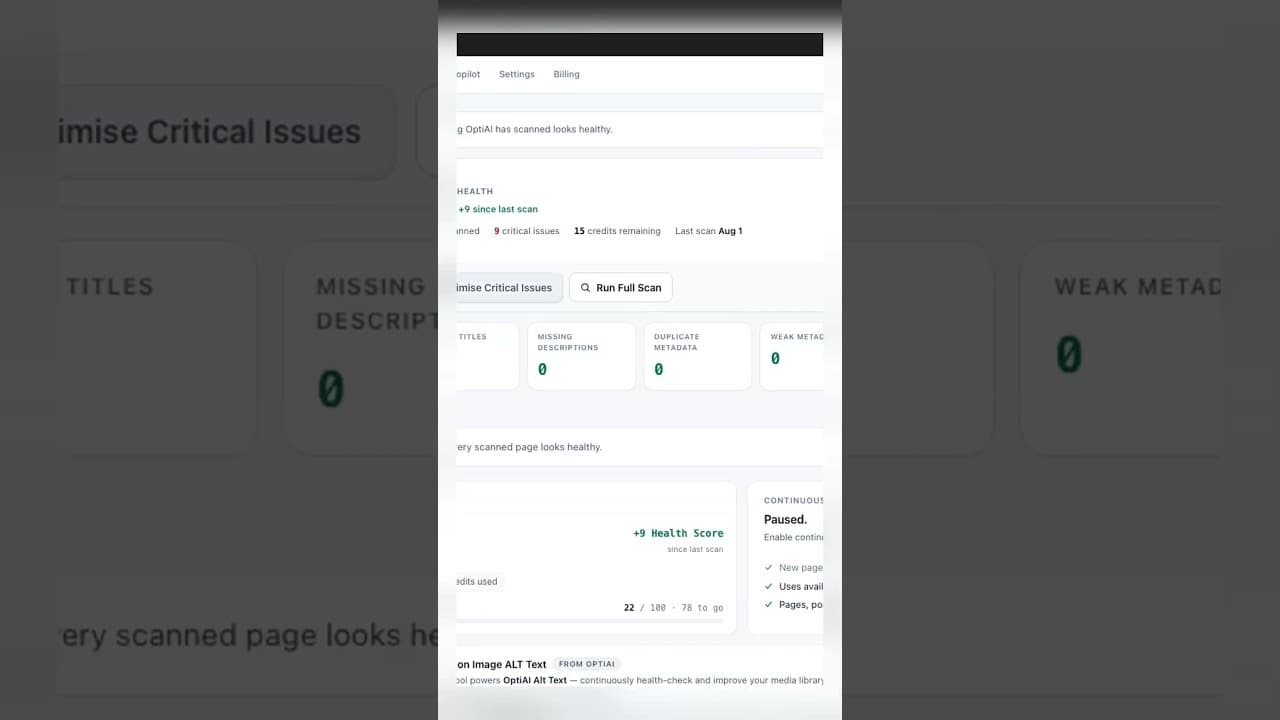
Fix Title Tags at Scale Without Ditching Yoast or Rank Math
You don't need to replace Yoast or Rank Math to fix title tags sitewide. Here's how to run a bulk title fix at scale alongside your current SEO plugin.
Most sites with a title tag problem don't have one bad title, they have two hundred. The site owner already has Yoast or Rank Math installed, already knows how to edit a single title field in the block editor, and still ends up with a backlog because editing two hundred fields one at a time isn't a workflow, it's a queue that never clears. The instinct is to assume fixing this at scale means replacing the SEO plugin. It doesn't.
Why "at scale" and "keep your current plugin" aren't in tension
Yoast and Rank Math are built to manage the title and meta description field on a single post, well — live preview, a snippet editor, a readability check. What they're not built for is finding every page across a two-hundred-post site that's missing a title, then drafting replacements for all of them in one pass. That's a bulk-audit problem, and it's a different job from the per-post editing job Yoast and Rank Math already do well.
Splitting the two jobs apart is what actually makes scale possible. A bulk tool scans the whole site, flags what's wrong, and drafts a fix. Yoast or Rank Math still owns the field where that fix ultimately lands, still renders the live snippet preview, and still runs whatever on-page checks you rely on day to day. Nothing about running a sitewide audit tool requires uninstalling the plugin that already understands your site's SEO settings.
What actually breaks when people try to do this manually
Say a site has 180 posts and 40 product pages with a title tag issue — missing, duplicated, or generic. Fixing that manually means opening each post, scrolling to the Yoast or Rank Math meta box, writing a replacement, and saving. At a realistic pace of two to three minutes per page once you include reading the content for context, that's eight to eleven hours of pure editing time for one pass. Most people start this project on a Monday with good intentions and stop by Wednesday with sixty pages left, because the backlog doesn't get smaller fast enough to feel like progress.
The other common failure is doing it in a rush: batch-editing titles from a spreadsheet export without checking each one against the actual page content, which produces titles that are technically present but generic or slightly wrong for the page. A title that says "Product" isn't better than no title at all if it's the same string on twelve different pages.
A practical walkthrough: bulk-fixing titles without losing your current setup
- Run a full crawl of the site to get every URL's current title tag and meta description into one list — a spreadsheet export from your crawler of choice works, or a plugin that does this natively.
- Flag the failure modes separately: missing, duplicate, over-length, under-length. Don't lump them into one generic "needs work" bucket — a missing title and a slightly-too-long title need different fixes.
- Draft replacements against actual page content, not just the URL slug. This is the step that turns a bulk edit into something worth publishing rather than filler text.
- Review each draft before it goes live. Bulk doesn't mean unattended — spot-check a sample from each failure category, and read every draft for anything customer-facing or high-traffic.
- Save through your existing SEO plugin's field, so Yoast or Rank Math's snippet preview, sitemap, and schema output all stay consistent with what actually publishes.
- Re-crawl after the batch to confirm every flagged page now shows a title, and that nothing introduced a fresh duplicate across the batch.
Frequently asked questions
Will a bulk title tool conflict with Yoast or Rank Math's own title settings?
Not if it writes to the same field Yoast or Rank Math reads from rather than a separate custom field. The plugin still owns its snippet preview, its title-tag templates for archives and taxonomies, and any schema markup tied to the title — a bulk fix tool just handles the drafting and saving for a large batch of individual pages, using the field the SEO plugin already expects.
How long does a sitewide title fix actually take with a bulk workflow?
For a two-hundred-page backlog, a bulk audit and draft pass typically compresses what would be eight-plus hours of manual editing into a review session of an hour or two, since the drafting step is automated and your time goes to approving rather than writing from scratch. The exact time depends on how many drafts need editing versus straight approval.
Should I fix every flagged title in one batch, or spread it out?
Prioritise by traffic first if you can pull Search Console data — pages with real impressions should be first, since that's where a better title actually changes click-through rate. If you don't have traffic data handy, doing it in batches of 20–30 with a re-crawl between batches catches mistakes early rather than compounding them across two hundred pages.
Fixing titles at scale doesn't mean replacing the SEO plugin you already trust. OpptiAI Titles runs the sitewide audit, drafts the replacements against your actual page content, and hands them to you for review — the fix still saves through Yoast, Rank Math, or AIOSEO's own title field.
Related Posts
Why Multilingual WordPress Sites Duplicate Title Tags
WPML and Polylang translate your content but often leave the SEO title tag untouched, so two or three languages end up competing with the same exact title.

Why Google Rewrites Your Meta Description
Google replaces the meta description you wrote more often than not. Here's what actually triggers a rewrite and how to write descriptions it keeps.

Use Search Console CTR Data to Fix the Right Titles First
Rewriting every title tag wastes effort. Search Console's CTR data shows exactly which ones are losing you clicks, so you fix those first.