Does Alt Text Need to Change for Responsive Images?
WordPress serves several file sizes of the same photo through srcset. Here's whether each size needs its own alt text, and where this actually breaks.
On this page
Upload one photo to WordPress and it quietly becomes several files — thumbnail, medium, large, full — served to different visitors through a srcset attribute depending on their screen size. That raises a question most site owners never think to ask until something looks off in dev tools: does each of those sizes need its own alt text, or is one description meant to cover all of them? The short answer is one description covers all of them, and WordPress is built that way on purpose. The longer answer is where that assumption quietly breaks.
How WordPress actually wires up responsive images
When WordPress generates an <img> tag through wp_get_attachment_image or the block editor's image block, it writes a single alt attribute alongside a srcset listing multiple file URLs and a sizes attribute telling the browser which one to pick for the current viewport. The browser does the choosing at render time — a phone might load the 400px version, a desktop monitor might load the 1600px version — but every one of those files traces back to the same attachment ID, and that ID has exactly one alt text field in the database (_wp_attachment_image_alt).
That's not a limitation WordPress is working around. It's the correct model, because srcset exists to solve a bandwidth and layout problem — serving an appropriately sized file — not a content problem. The photo doesn't change meaning depending on which pixel dimensions got picked; a product shot of a red kettle is still a red kettle whether the browser loaded the 300px or the 1200px version. One alt text describing what's actually in the image is correct for every size WordPress generates from it.
Where this assumption starts to break
The one-description model holds as long as every size really is the same image, just scaled. It stops holding in three situations that are easy to miss:
Art-directed images. Some themes and page builders use the <picture> element with multiple <source> tags to serve a genuinely different crop or composition at different breakpoints — not just a smaller file, but a different framing of the shot (a wide hero crop on desktop, a tighter portrait crop on mobile). If the mobile crop cuts out a detail the alt text specifically mentions, the alt text is now describing something that isn't in the image at that breakpoint. This is rare in stock WordPress but common in custom-built heroes and some premium themes.
Decorative background images swapped per breakpoint. A theme that uses CSS media queries to load a different background image file on mobile versus desktop has nothing to do with srcset at all, and background images set in CSS have no alt attribute mechanism in the first place — screen readers never see them regardless of how many breakpoints are involved. If the image carries real information, it needs to be an actual <img> element, not a CSS background, on every breakpoint where that information matters.
Lazy-loaded images that swap source before the user scrolls to them. Some lazy-load implementations delay setting the real src/srcset until the image nears the viewport, and a handful of older or poorly built lazy-load scripts strip or delay the alt attribute along with it. A screen reader or crawler that reads the page before that swap happens can see an empty alt attribute on an image that visually has a perfectly good one once it loads. This is a lazy-load implementation bug, not a srcset problem, but it shows up in the same part of the page source and gets blamed on the wrong thing.
A four-step way to check your own images
- Open a product or post image in your browser's dev tools and inspect the rendered
<img>or<picture>element, not just the block editor preview. - Read the
srcsetlist. If every URL in it is clearly the same photo at different widths (the filenames usually include dimensions like-300x300), one alt text is correct and nothing further to check for that image. - If you see a
<picture>element with multiple<source>tags instead of a singlesrcsetlist, check whether the sources are genuinely different crops. If they are, thealttext should describe whichever version is likely to be seen most often, or avoid describing a detail that's only present in one crop. - For any image loaded by a lazy-load script, view the page source (not the rendered DOM) before scroll-triggered swaps happen, and confirm the
altattribute is present from the start rather than added only once the real image loads in.
What this means for image SEO, not just accessibility
Google's image indexing associates alt text with a specific image URL, and for a standard WordPress srcset set, all those URLs point to crops of the same underlying photo with one consistent description — which is exactly what Google expects and nothing to fix. The actual SEO risk sits in the same two edge cases as the accessibility one: a <picture> element serving a meaningfully different image per breakpoint with alt text written for only one of them, and a lazy-load script that strips the attribute before a crawler's rendering pass picks it up. Checking for genuinely empty or missing alt text across your media library — rather than assuming srcset itself is the risk — catches the problem that's actually there far more often than the one people worry about.
Frequently asked questions
Do I need to write different alt text for the thumbnail and full-size version of the same photo?
No. A standard WordPress srcset set from one upload is the same photo at different file sizes, not different photos, so one alt text describing the actual content is correct for every size in the set. Writing separate alt text per size adds maintenance work for no benefit, since only one of those sizes loads for any given visitor at a time.
Can a lazy-load plugin actually remove my alt text?
A badly implemented one can delay setting it, yes. Some lazy-load scripts swap a placeholder src for the real srcset only once the image nears the viewport, and if that swap logic doesn't also preserve the alt attribute from the start, assistive technology or a crawler reading the page early sees an image with no description. This is a bug in that specific implementation, not something srcset or responsive images cause on their own — checking your page source before the lazy-load swap happens is the way to catch it.
Does a CSS background image need alt text if it's decorative on desktop but shows real content on mobile?
If the image conveys real information at any breakpoint where it's used, it needs to be an actual <img> element with alt text on that breakpoint, not a CSS background — CSS backgrounds have no alt text mechanism at all, so a screen reader never sees them regardless of what the image shows. A background that's purely decorative at every breakpoint can stay as CSS and intentionally skip alt text altogether.
A srcset set rarely needs more than one good alt text — the gaps that matter are lazy-load scripts dropping the attribute and art-directed breakpoints describing the wrong crop. OpptiAI Alt Text scans every image attachment in your media library and flags the ones with missing or empty alt text, including attachments feeding into lazy-loaded and srcset-heavy themes. Run a free image SEO audit to see where your own site stands before deciding what to fix first.
Fix missing alt text in bulk
OpptiAI finds images with no alt text and writes descriptions you can edit at any time.
Free to tryRelated Posts
Elementor image has no alt text: where Elementor reads it from
An Elementor Image widget can render with an empty alt even on a finished page. Where Elementor gets image alt text, the cases that leave it blank, and how to fix them.
How to Check How Many WordPress Images Are Missing Alt Text
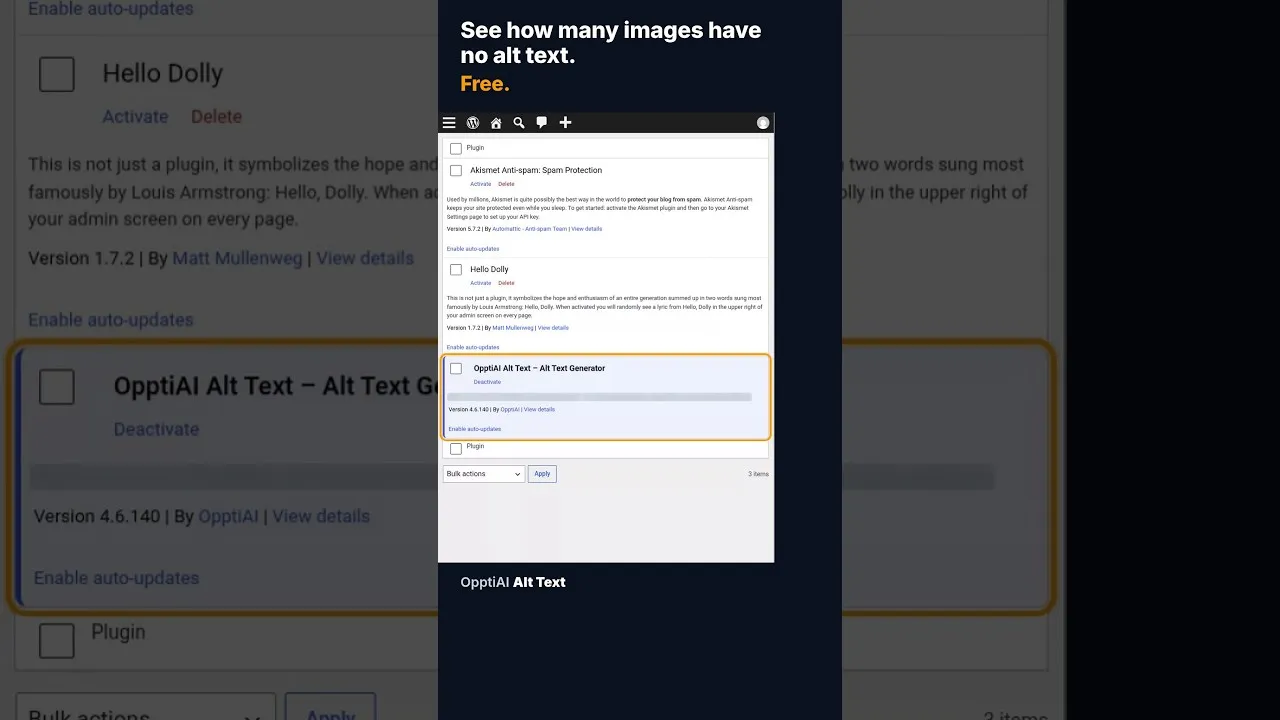
A free alt text audit counts exactly how many WordPress images are missing alt text, no account needed. Here's what the count actually means.
What a 128-Image Alt Text Backlog Looks Like (and How to Clear It)
A 128-image alt text backlog sounds like a project. Split by what's actually wrong with each image, most of it is a much smaller job than the headline number.