Resource Center
The OpptiAI Blog
Expert guides on image SEO, WordPress optimisation, AI tools, and web accessibility.
Categories
Showing 73–81 of 132 articles
Blog · 1 min read · 21 Aug 2026
Find missing alt text on Elementor and GeneratePress sites
Elementor and GeneratePress still store images in the WordPress Media Library. Scan for missing alt text, then generate. You can review and edit the results at any time.
Blog · 1 min read · 21 Aug 2026
Missing WooCommerce alt text? Install, scan, then generate
Product images without alt text miss image search and fail a basic accessibility check. Install OpptiAI Alt Text, scan, then generate.
Blog · 1 min read · 21 Aug 2026
Missing Yoast or Rank Math titles? Install, scan, then generate
Yoast, Rank Math, and AIOSEO leave pages with weak or missing titles. Install OpptiAI Titles, scan coverage, then generate. Results save straight away.
Blog · 6 min read · 20 Aug 2026
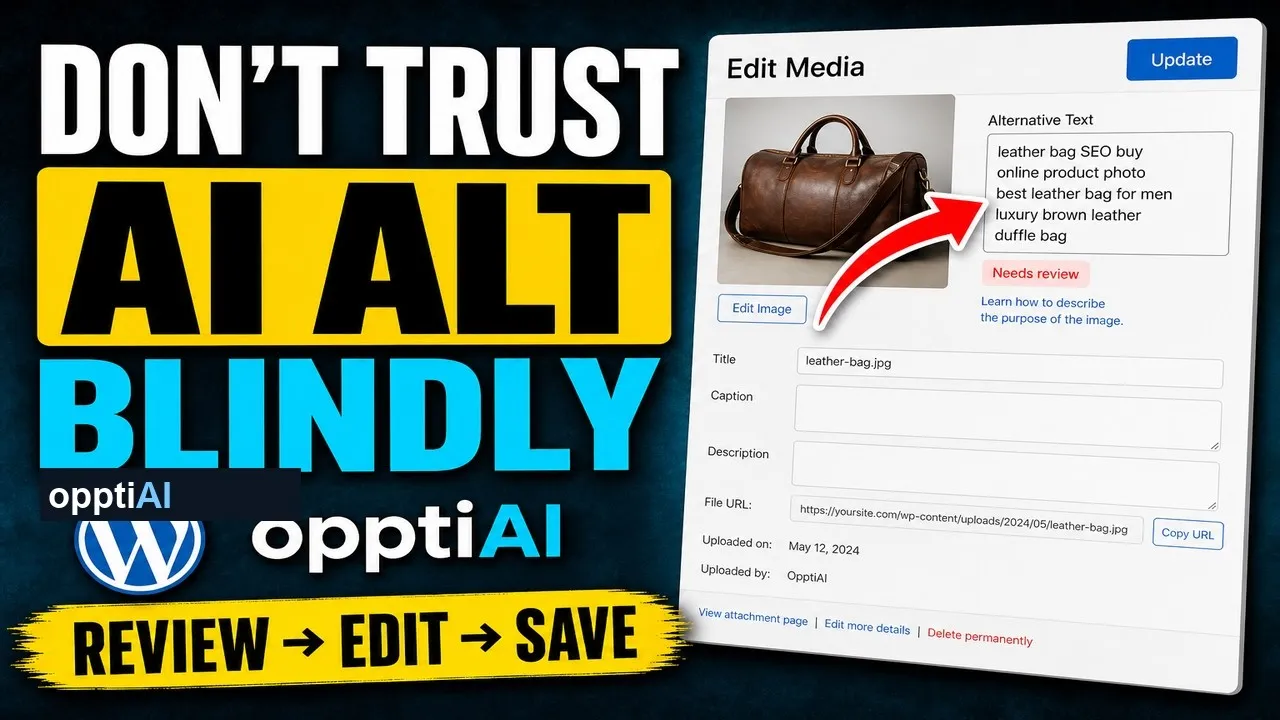
The Four-Point Checklist for Reviewing AI Alt Text
AI alt text fails in a small number of predictable ways. Run this four-point checklist to catch weak, wrong, and keyword-stuffed suggestions. You can review and edit the results at any time.
Blog · 7 min read · 20 Aug 2026
How to Find Duplicate Title Tags on a WordPress Site
Two pages sharing one title tag splits ranking signal between them instead of helping either. Here's how to find every duplicate on a WordPress site.
Blog · 7 min read · 20 Aug 2026
Alt Text Gaps in Multilingual WooCommerce Stores
Translated WooCommerce product pages often keep the original alt text or drop it entirely. Here's how to find and fix the gap across every language.
Blog · 5 min read · 19 Aug 2026
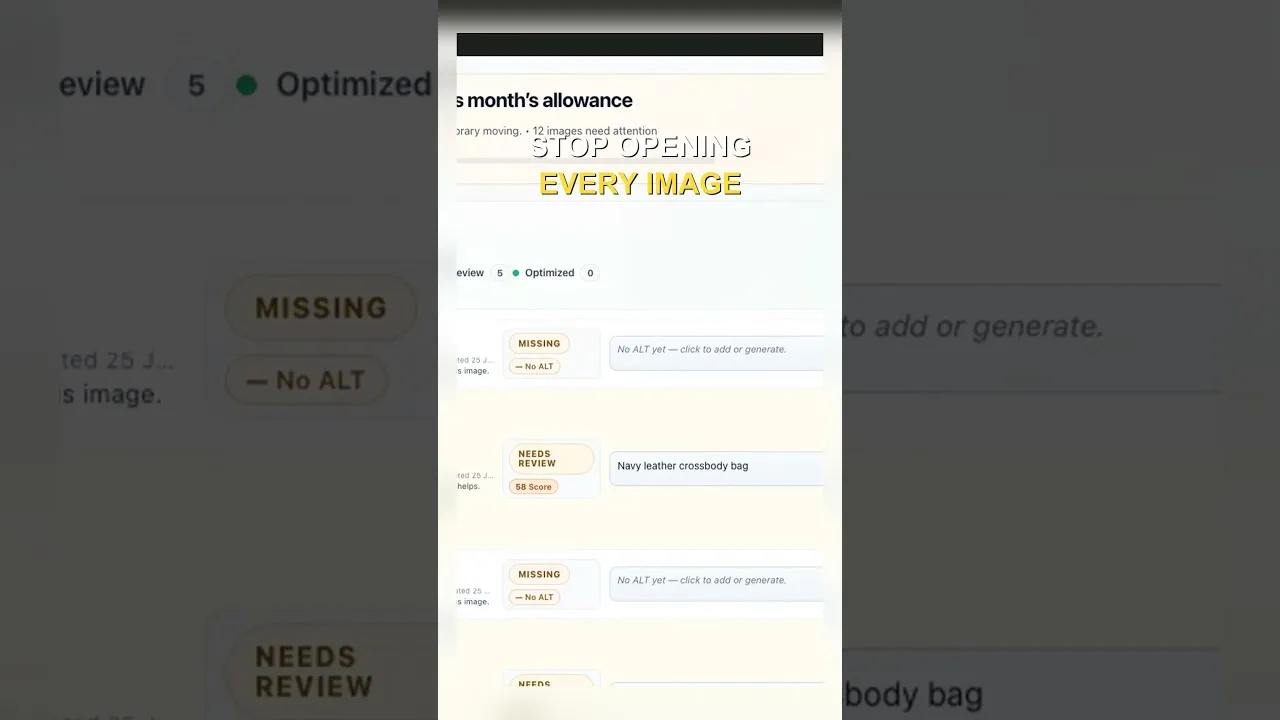
Edit Alt Text Without Opening Every Image
Opening the attachment modal for every image before you can edit alt text is the slowest part of the job. Here's how to edit from the list instead.
Blog · 7 min read · 18 Aug 2026
A Four-Step Workflow for Full-Site Alt Text Cleanup
Scan, prioritise, generate, review — skip the last step and you've just bulk-saved mistakes. Here's the order that actually clears an alt text backlog.
Blog · 6 min read · 17 Aug 2026
Stop Fixing Alt Text One Image at a Time
Opening every image to write alt text one by one never clears the backlog. Here's why a batch workflow finishes what one-by-one fixing doesn't.
Looking for playbooks and tools? Browse the full resource library.
Ready to fix image SEO?
Install the free Alt Text plugin, run a public-page audit, or watch a short Learn walkthrough.
Prefer YouTube? Subscribe on YouTube →