OpptiAI Alt Text vs AltText.ai: A Free WordPress Alternative
Comparing AltText.ai and OpptiAI Alt Text as a WordPress alt text alternative — pricing, bulk workflow, WooCommerce, and the review step that sets them apart.
Meta: Comparing AltText.ai and OpptiAI Alt Text as a WordPress alt text alternative — pricing, bulk workflow, WooCommerce, and the review step that sets them apart.
Quick summary
- A head-to-head look at AltText.ai and OpptiAI Alt Text for generating image alt text in WordPress.
- You'll leave knowing which fits your site: AltText.ai for breadth and scale, OpptiAI for a free tier with a built-in review step and no account to start.
- Most useful for: WordPress and WooCommerce site owners choosing an alt text tool who want an honest comparison, not a sales page.
If you're shopping for an AltText.ai alternative for WordPress, you've probably already worked out that alt text matters — for Google Image search and for anyone using a screen reader — and that writing it by hand across a whole media library isn't going to happen. The real question is which tool to trust with it. I build one of them (OpptiAI Alt Text — disclosing that up front), so treat this as a comparison from someone with a stake in it, backed by facts you can verify on each plugin's own page.
I'll be straight about where AltText.ai is genuinely the stronger choice, because for a lot of sites it is.
Prefer a scannable page version? See the dedicated comparison: OpptiAI Alt Text vs AltText.ai.
Also useful: AltText.ai alternative options in 2026 for a wider shortlist.
What AltText.ai does well
AltText.ai is the established player in this category — they market a large installed base, and that scale shows up in the product. It integrates almost everywhere: WordPress, Shopify, WooCommerce, Magento, BigCommerce, Contentful, plus Chrome and Firefox extensions and a developer API. It supports 130+ languages, and its pricing is transparent and cheap to start — plans open around $5/month, with credit packs common for volume.
If you manage images across several platforms, or you need one alt text engine that works the same way in Shopify and WordPress and a headless CMS, AltText.ai is hard to beat. That breadth is its real advantage, and no honest comparison should pretend otherwise.
Two things are worth knowing before you commit, though. First, the free allowance is commonly described as about 25 credits, one time — not an ongoing monthly free tier. Once those are gone, every image is metered. Second, check the WordPress.org support forum for the latest stability reports before you roll out on a client site. Neither is a dealbreaker, but both are the kind of thing you'd want to know going in. Verify current details on alttext.ai.
Where OpptiAI Alt Text takes a different approach
OpptiAI Alt Text is a much younger, independently-built plugin. It doesn't have AltText.ai's integration surface or its track record. What it has is a different design philosophy, built around three deliberate choices.
A review step before anything goes live
This is the core difference. Most alt text tools generate a description and write it straight to the image. OpptiAI's workflow is scan → generate → review and score → approve → save. Nothing is written to your live site until you've looked at it. For agency work and accessibility-serious sites, that matters: AI alt text is usually good, but "usually" isn't good enough when a wrong or off-brand description is now public on a client's product page. A human approval gate turns "trust the AI" into "check, then trust."
A genuine free tier you can trial
OpptiAI gives you 10 guest generations, then 25/month free. You can judge the output on your own images before committing to anything. Compared with 25 one-time credits, that's a lower-risk way to find out whether a tool actually works for your content.
WooCommerce included, and it stays inside WordPress
Product-image optimisation — featured images and gallery images — is part of the free workflow, not a paid add-on. And the whole thing runs inside wp-admin, so there's no separate web console to learn. You scan, review, and approve from the same dashboard where you manage everything else. More on that in the WooCommerce image SEO hub.
The honest scorecard
Here's the comparison without spin:
- Breadth of integrations: AltText.ai, clearly. WordPress, Shopify, Magento, browser extensions, API. OpptiAI is WordPress-only.
- Track record and social proof: AltText.ai. A large installed base and years of reviews versus a plugin that's just getting started.
- Format coverage: AltText.ai (AVIF/SVG stated). Confirm current format support on OpptiAI's plugin page before relying on it for anything beyond standard JPG/PNG/WebP.
- Free tier: OpptiAI — 25/month ongoing versus ~25 one-time.
- Try-before-signup: OpptiAI — 10 guest generations, then 25/month.
- Review-before-publish: OpptiAI — it's the built-in default, not an afterthought.
- WooCommerce in the free plan: OpptiAI.
- Price transparency and scale: AltText.ai — clear published pricing and enterprise tiers today.
If you need scale, cross-platform coverage, and a proven tool, AltText.ai is the safer pick right now. If you want a free WordPress-native option with a built-in quality check and a no-commitment trial, that's the gap OpptiAI is built for.
A quick way to test either one fairly
Don't decide on features — decide on output, using your own worst images. Here's a five-minute test that works for any alt text tool:
- Pick 10 images that represent your real content — a couple of product shots, a chart or infographic, a decorative background, a photo with text in it. The awkward ones, not the easy ones.
- Run each tool's free allowance over those 10 images.
- Read the descriptions as if you were a screen-reader user: is each one specific and useful, or generic filler like "a group of people"? Does it correctly handle the image with text in it? Does it mark the decorative one as decorative (empty
alt="") rather than describing wallpaper? - Check how much editing each result needs before you'd put it live. That edit time, multiplied across your whole library, is the real cost — not the sticker price.
- Note whether the tool made you approve changes or just wrote them. If it wrote them straight to your site, go confirm nothing weird landed on a live page.
Whichever tool needs the least correction on your hardest images is the one that'll actually save you time. For more on getting a whole library done once you've chosen, see bulk alt text for WordPress.
Frequently Asked Questions
Is there a free alternative to AltText.ai for WordPress?
Yes. Several WordPress plugins offer free tiers, including OpptiAI Alt Text (10 guest generations, then 25/month). AltText.ai itself gives around 25 one-time free credits. The free allowances differ in an important way: some are one-off, others refresh monthly, so check whether the free credits renew before you judge value. For an ongoing free workflow, a monthly-refreshing tier will serve you better than a one-time grant.
What's the difference between AltText.ai and OpptiAI Alt Text?
AltText.ai is an established, cross-platform alt text service with wide integrations (WordPress, Shopify, Magento, API), 130+ languages, and paid plans from about $5/month. OpptiAI Alt Text is a newer WordPress-only plugin with a free monthly tier and a built-in review-and-approve step, so no AI-generated description goes live until you've checked it. Pick AltText.ai for breadth and scale; pick OpptiAI if you want a free, WordPress-native tool with a human quality gate.
Do I need an API key to generate alt text in WordPress?
It depends on the tool. Some plugins ask you to bring your own OpenAI or Anthropic API key and pay the provider directly; others (including AltText.ai and OpptiAI Alt Text) manage the AI for you, so there's no key to configure. Bring-your-own-key can be cheaper at very high volume but adds setup. Managed tools are simpler to start with — you install, activate, and generate without touching an API dashboard.
Try it on your own images
The only comparison that counts is the one you run on your own media library.
- Run a free image SEO audit on your live site — see missing and weak alt text before you install anything.
- Or install OpptiAI Alt Text on WordPress.org — 10 guest generations, then 25/month, with a review step before anything is saved.
If AltText.ai turns out to be the better fit for your setup, that's a fine outcome too — the images getting proper alt text is what actually matters.
Disclosure: I'm Benjamin, the developer of OpptiAI Alt Text. I've tried to keep this comparison fair, including where AltText.ai is the stronger choice. Verify current pricing and features on each plugin's own page, since both change over time.
Related Posts
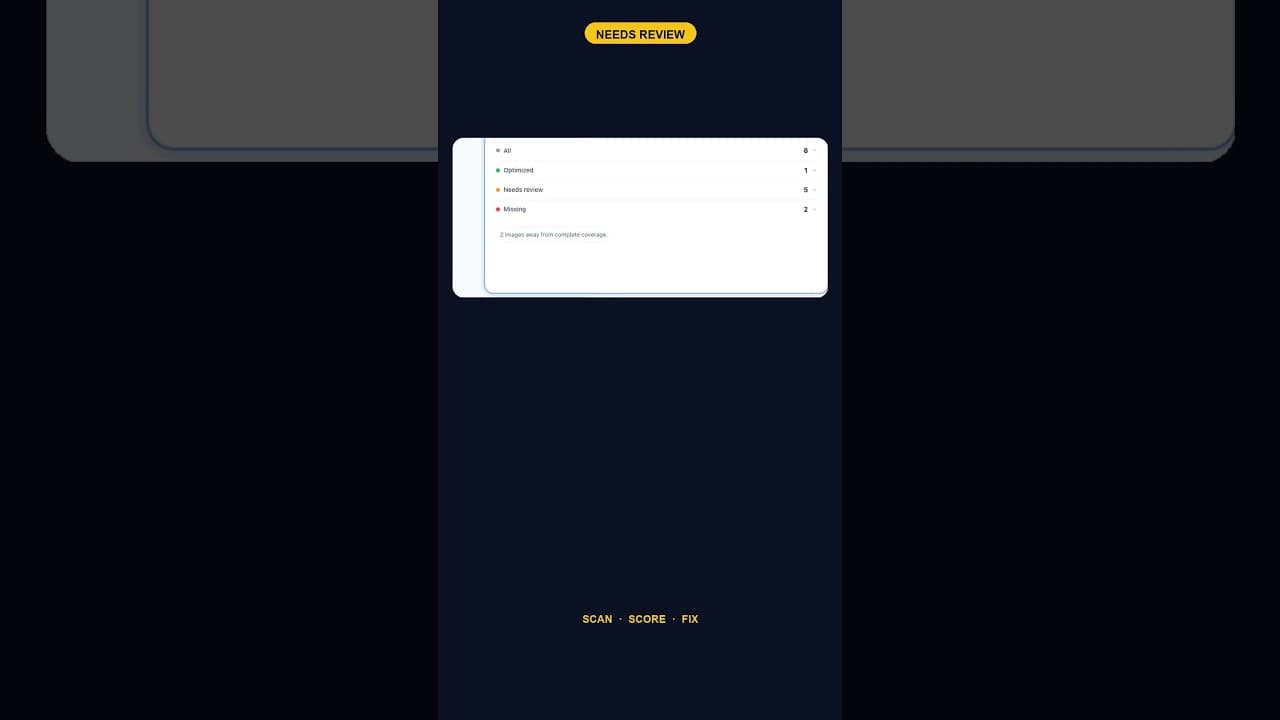
When Alt Text 'Needs Review' Outnumbers 'Missing' Entirely
A scan that finds five images flagged for alt text review and none outright missing is telling you something different than a scan full of blanks.
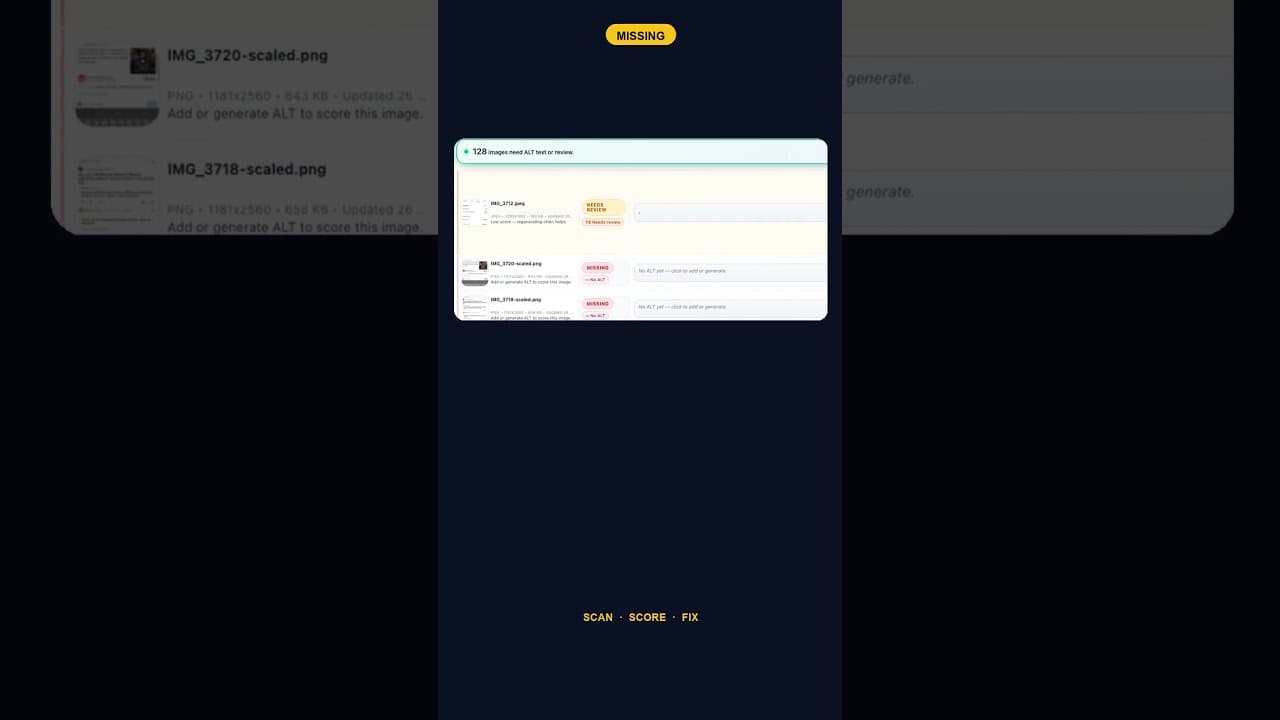
Only 2 Images Missing Alt Text? Fix Them Anyway — Here's Why
A WordPress site with just two images missing alt text is easy to deprioritise. Here's why that small a gap is still worth closing the same day you find it.
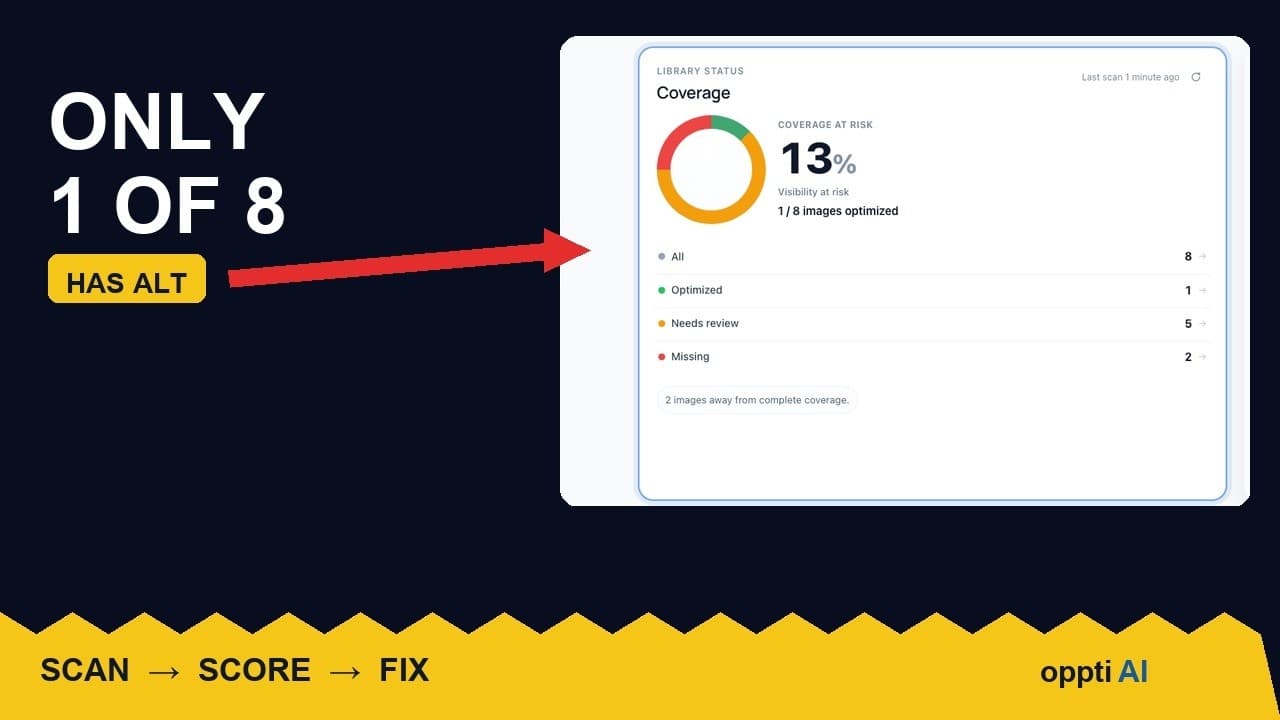
How to Run an ALT Text Coverage Audit on WordPress
An ALT text coverage audit shows exactly how many WordPress images are missing alt attributes, and which ones genuinely need fixing first.