Why Manual Title Tag Fixes Don't Stay Fixed
You fixed the title tag last month. It's broken again. Here's why manual title tag fixes regress on WordPress sites, and what actually stops it.
You rewrote a batch of weak title tags last quarter. Checked them a few weeks later and they looked fine. Check again now and a chunk of them are back to generic auto-generated text, or duplicated across pages that used to have unique titles. Nobody went in and undid your work on purpose — the site did it to itself, and the reason is that a manually fixed title tag is a static edit sitting on top of a system that keeps regenerating content around it.
The four ways a fixed title tag regresses
Theme and template changes. Many WordPress themes generate titles from a pattern — post title plus site name, or category plus post title — rather than reading a stored field. Switch themes, update one that changes its title template, or edit a template part, and pages that had a manually overridden title can silently fall back to the pattern-generated version.
SEO plugin conflicts. Running two plugins that both try to manage titles (or a title plugin alongside a theme that also generates its own) creates a race condition. Whichever one writes last, or whichever one the current page template reads from, wins — and it isn't always the one with your manual edit in it.
Bulk imports and migrations. A CSV product import, a content migration between environments, or a restore from an older backup can overwrite the title and meta description fields with whatever was in the import file or the backup snapshot, silently reverting weeks or months of manual fixes in one operation.
New content copied from old templates. This one isn't a bug, it's a habit. An editor duplicates an existing product or page as a starting point for a new one, and the title field comes along with it. Multiply that across a growing catalogue and you get duplicate titles nobody wrote on purpose — they were copied.
Why this is a monitoring problem, not a one-time fix problem
The instinct after finding a reverted title is to fix it again, and again it holds for a while and then drifts. That loop repeats because a single fix event doesn't address any of the four causes above — it just resets the symptom until the next theme update, import, or duplicated page triggers the same regression. The pages themselves aren't the problem; the absence of anything watching for the regression is.
This is the same shape as the alt text backlog problem on WordPress sites: a single cleanup pass clears what's wrong today, but new content and system events keep producing new instances of the same problem tomorrow. The difference with titles is that regression is often invisible until someone notices in Google Search Console that click-through rate on a page has quietly dropped, by which point the title's been wrong for weeks.
A practical walkthrough: catching regressions before they cost clicks
- Export a baseline of every title tag and meta description on the site, with the date, right after you finish a manual fix pass.
- Re-export on a fixed cadence — monthly is reasonable for most sites, weekly if you publish or import content often — using the exact same export method each time.
- Diff the two exports by URL. Anything that changed since the baseline without a corresponding intentional edit is a regression candidate.
- Check the cause before refixing. A theme update in the changelog around the same date, a recent import, or a page that was clearly duplicated from another template each point to a different fix — patching the title again without addressing the cause just resets the same clock.
- Re-baseline after each check, so the next diff only surfaces what's changed since the most recent confirmed-good state, not noise from your own last edit.
- Flag any plugin or theme combination that regresses repeatedly as a structural issue worth fixing properly — a template change or plugin priority setting — rather than something to keep patching by hand.
Frequently asked questions
How do I tell if a title reverted because of a theme update or because someone edited it on purpose?
Check the page's revision history first if your CMS tracks it — a deliberate edit shows up as a logged change with a timestamp and often an author. If there's no matching revision around when the title changed, cross-reference the date against your theme or plugin update log; a title reverting across many pages on the same day almost always lines up with an update, not individual edits.
Can running two SEO plugins at once cause title tags to keep resetting?
Yes, this is one of the more common causes. If two plugins (or a plugin and a theme) both write to the title tag, whichever one runs last on page load, or whichever one the active template reads from, determines what actually shows up — and that can flip after an update to either plugin. If you're seeing intermittent reverts with no import or content change to explain them, auditing which plugins touch title output is the first thing to check.
Is there a way to lock a title tag so it can't be overwritten again?
Most title plugins, including WordPress core's own title tag handling, will respect a manually entered value as long as nothing else in the stack overwrites it afterwards — there isn't usually a hard "lock" separate from that. The more reliable protection is catching the overwrite quickly through regular re-checks, since the underlying causes (theme updates, imports, plugin conflicts) are events you can monitor for rather than edits you can permanently block.
Manually re-fixing titles every time they drift back is a losing race against theme updates, imports, and copied templates. OpptiAI Titles runs an ongoing check across your site's titles and meta descriptions, flags regressions as they appear, and drafts a fix you review — running alongside whichever SEO plugin you're already using, not replacing it.
Related Posts

Why Google Rewrites Your Meta Description
Google replaces the meta description you wrote more often than not. Here's what actually triggers a rewrite and how to write descriptions it keeps.

Use Search Console CTR Data to Fix the Right Titles First
Rewriting every title tag wastes effort. Search Console's CTR data shows exactly which ones are losing you clicks, so you fix those first.
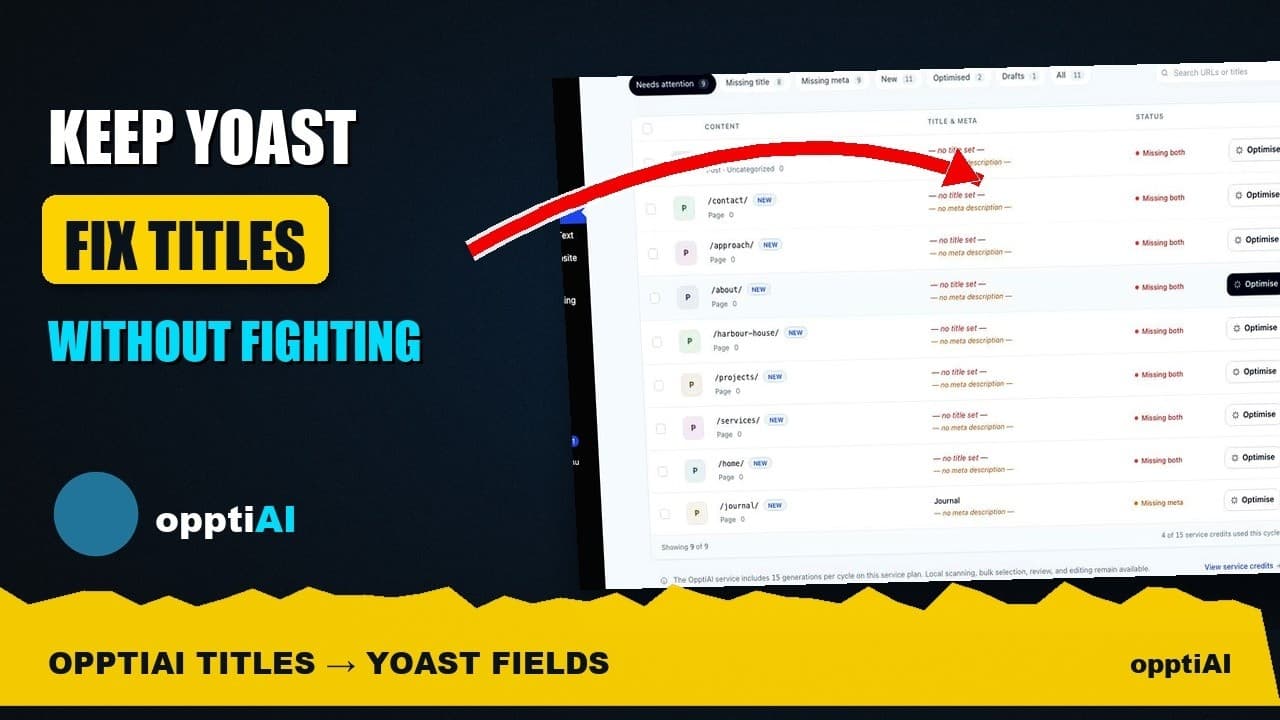
See Your WordPress Title Fixes Show Up Inside Yoast
Fixed a weak title in an audit tool but not sure Yoast picked it up? Here's exactly where to check, and what it means if the two disagree.