Why a Brand New WordPress Site Starts With Zero Internal Links
A scan showing zero internal links on a brand new WordPress site isn't a problem — it's the default state. Here's when that number actually starts to matter.
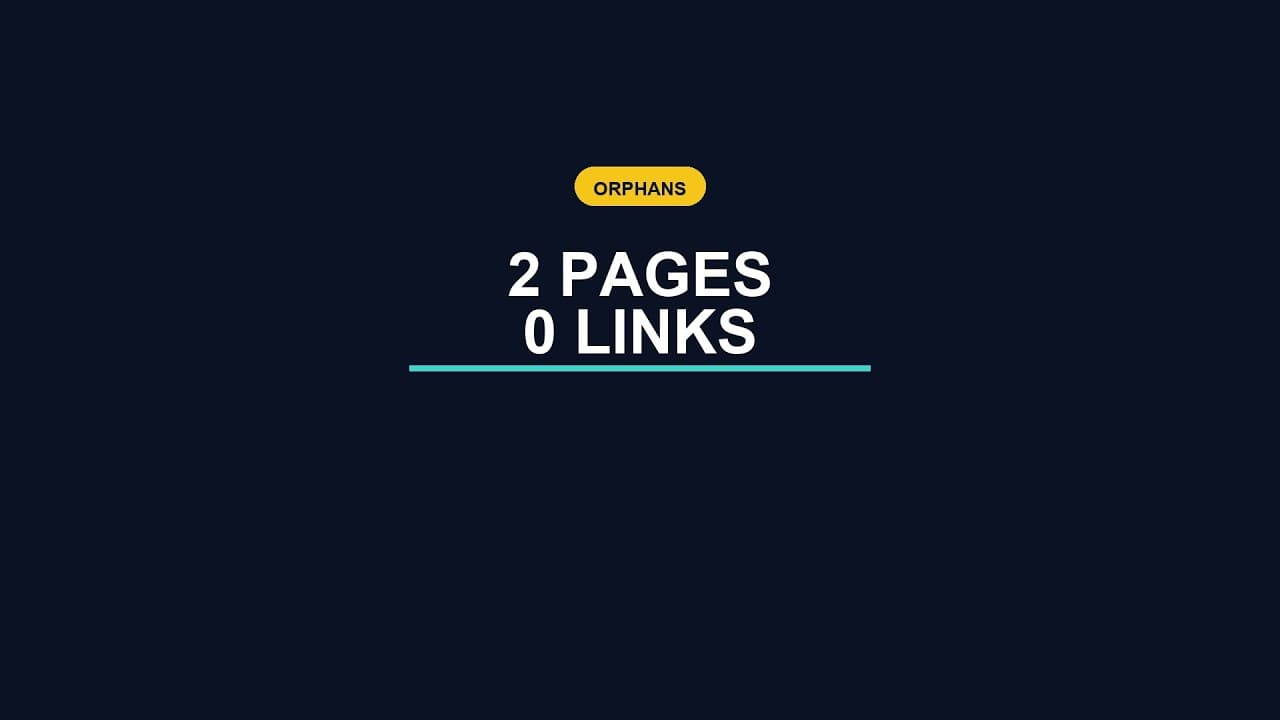
A scan on a fresh WordPress install, just the two default pages, Sample Page and Hello World, finding zero internal links isn't a sign of a broken site. It's the default state of every WordPress site that has ever existed, for exactly as long as it takes someone to start adding content and linking between it.
Why zero is the expected starting number
Internal links don't exist until someone writes them, deliberately, inside the content of one page pointing at another. WordPress doesn't generate them automatically between pages just because they're on the same site — navigation menus are a separate mechanism, and even those have to be configured by hand. A fresh install with two default pages and nothing else has zero internal links for the same reason it has zero blog posts: nothing has been written yet that would create either.
That makes "zero internal links" a meaningless finding on its own, divorced from context. The number only becomes informative once you know how much content exists and how long it's been live. Two pages with zero internal links on day one is normal. Two hundred pages with zero internal links after three years of regular publishing is a real problem, and it's a completely different situation producing the identical raw number.
What actually changes that number
Internal links accumulate as a byproduct of normal publishing, specifically whenever a new piece of content references something that already exists — a blog post linking back to a relevant product page, a new page linking to an older one covering a related topic, a resource page pointing readers toward several other pages on the site. None of this requires a dedicated internal linking project. It happens naturally if whoever's writing content makes a habit of linking to related existing pages as they go, rather than publishing each new page in isolation.
Sites that end up with a persistent internal linking problem, even after years of content, usually got there by skipping that habit consistently rather than through any single mistake. Each new post went live without a backward glance at what already existed on the site, so the link graph never formed even as the page count grew.
When zero internal links stops being fine
Two unlinked default pages isn't a problem. The same zero-link state becomes one once a site has enough content that search engines and visitors genuinely need links to find their way between related pages. A site with fifty blog posts and zero internal connections between any of them has pages that are each individually fine but collectively weaker than they should be — search engines have a harder time understanding which pages relate to which, and readers who'd naturally want to go from one article to a related one have no path to follow.
The threshold isn't a specific page count; it's the point where a reasonable visitor would expect to be able to navigate between related content and can't. For most sites, that point arrives well before a hundred pages.
Building the habit from page one
The cheapest time to start linking pages together is before there's a backlog to retrofit — while there are still only a handful of pages, adding internal links as you publish each new one is nearly free. Three habits make the difference later:
- Link backward whenever it's genuinely relevant. Every new post or page should ask, briefly, whether it relates to anything already published, and link to it if so — not forced, just honest.
- Use descriptive anchor text, not "click here" — the words in the link itself tell both readers and search engines what the linked page is about.
- Revisit old pages occasionally to add links to newer, relevant content that didn't exist when the old page was written — the connection works both directions.
Frequently asked questions
Is it a problem that my brand new WordPress site shows zero internal links?
No, not at this stage. A new site with only the default pages or a handful of early content has zero internal links simply because nothing has been written yet that would create any — there's no backlog to fix and nothing actionable to do about the number yet. It only becomes worth addressing once you have enough content that visitors would reasonably expect to navigate between related pages.
At what point should I start worrying about internal links?
Roughly once a site has enough related content, often somewhere between ten and fifty pages depending on how closely related the topics are, that a visitor landing on one page would reasonably expect a path to others covering similar ground. Before that point, focus on publishing; internal linking matters more once there's something substantial to link between.
Do navigation menus count as internal links for SEO purposes?
They help, but they're a different mechanism from links placed inside page content, and they don't fully substitute for them. A menu link is identical on every page and tells search engines less about the specific relationship between two pieces of content than a contextual link placed inside the body text, where the surrounding words and anchor text carry real topical signal.
Checking your own site's internal link structure
OpptiAI Internal Linking scans your WordPress site for orphan pages in one pass, right inside WordPress, no account needed for the scan itself. See how it works.
Related Posts
A Free WordPress Title and Meta Description Health Check
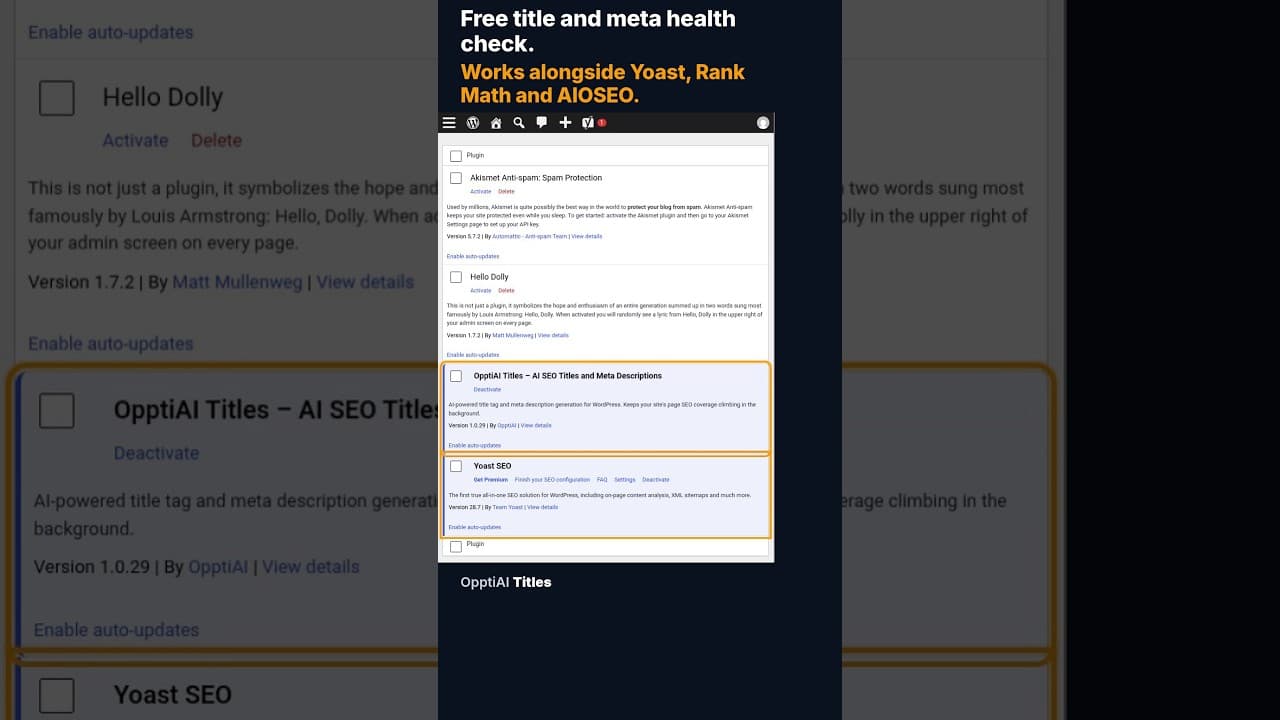
A free health check scans every WordPress page for missing or weak titles and meta descriptions and gives you a score. No account needed to see the result.
When 12 of 18 WordPress Pages Are Missing Titles and Meta Descriptions
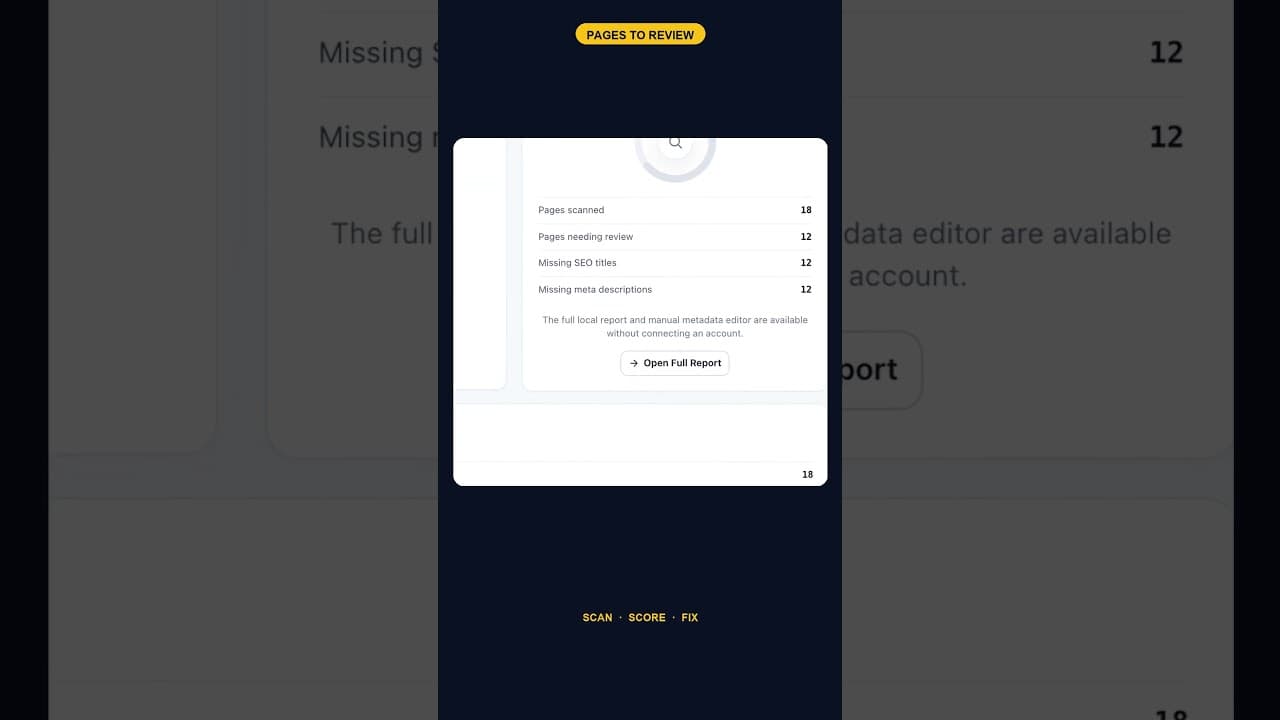
An SEO scan finding 12 of 18 pages missing both a title tag and a meta description is one structural gap, not twelve separate oversights. Here's how to read it.
Does the Titles Plugin Conflict With AIOSEO?
AIOSEO stores titles and meta descriptions in its own fields. Here's exactly how OpptiAI Titles reads and writes around them without creating a conflict.