Title Tag Pixel Width vs Character Count: What Truncates
Character-count limits for title tags are a rough guide. Google truncates by pixel width, so two 60-character titles can get cut at very different points.
Write two title tags, both exactly 60 characters, and Google can display one in full and chop the other off mid-word. That's not a bug or an inconsistency in Google's rendering — it's the predictable result of measuring the wrong thing. Google truncates titles based on the pixel width they take up on screen, not the number of characters in the string, and every popular "keep it under 60 characters" rule is a rough approximation of that, not the actual rule.
The gap between the two measurements is wide enough to matter. A title full of narrow letters — i, l, t, f — fits comfortably in a space that would truncate the same character count written with wide letters like m, w, and capital letters throughout.
Why character count was never the real limit
The 50–60 character guideline that's repeated across nearly every SEO guide is a proxy, built by measuring average title lengths that happened to display fully in search results some years back. It's useful as a starting heuristic precisely because most titles use a fairly average mix of letter widths — but "most" isn't "all," and the moment your title skews toward wide characters, the character-count rule quietly stops matching reality.
Google's search results container has a fixed pixel width — it's changed over the years and varies slightly between desktop and mobile, but the current practical desktop budget sits around 580–600 pixels for the title line. Google renders your title in its search font at that width and truncates with an ellipsis wherever the cutoff lands, regardless of whether that's mid-word or how many characters came before it.
Narrow characters (i, l, j, f, t, and most lowercase letters) take up less horizontal space per character. A title built mostly from short, narrow words can run past 60 characters and still display in full.
Wide characters (m, w, capital letters generally, and numerals) eat more of the pixel budget per character. A title with a brand name in all caps, or a string of capitalised proper nouns, can truncate at 45–50 characters — well under the "safe" limit most guides quote.
Where this actually bites WordPress sites
Product and category titles are the most common casualties, because they're often assembled from a template: {Product Name} | {Brand} | {Category} — {Site Name}. Each piece might be reasonable alone, but pipe-separated templates concatenate capitalised words and punctuation — exactly the wide-character-heavy pattern that eats pixel budget fastest. A WooCommerce store with a template like that can find every product title in a category truncating at the brand name, even though the character count sits safely at 58.
Yoast, Rank Math, and AIOSEO all show a character counter in their title-editing UI, and some show a rough SERP preview, but a preview rendered in your admin's font at your screen's zoom level isn't the same measurement Google performs against its own search results font. It's a helpful sanity check, not a guarantee.
A practical walkthrough: checking real truncation, not the character count
- Pull the actual rendered title from Google, not your editor's preview — search your own URL (
site:yoursite.com/your-page) and read exactly what displays, including where the ellipsis falls if there is one. - Compare against your written title tag (view source, or your SEO plugin's title field) to see precisely which words got cut, not just whether truncation happened.
- Check both desktop and mobile results separately — the pixel budget differs between them, and a title that survives on one device can still truncate on the other.
- If truncated, identify the wide-character culprit — capitalised brand names, numerals, punctuation-heavy templates — rather than assuming the fix is simply "make it shorter." Sometimes swapping a capitalised word for its lowercase equivalent recovers enough width without cutting content.
- Rewrite so the most important keyword and value proposition sit before the likely cutoff point, since anything after the truncation point isn't seen regardless of how good it is.
- Re-check the live search result after publishing, not just the plugin's preview, to confirm the rewrite actually resolved the truncation rather than just changing where it happens.
Frequently asked questions
What character count is actually safe for a title tag?
There isn't one fixed safe number, because it depends on which characters you use. A title built from short, narrow words can run to 65-70 characters and still display fully; a title packed with capitals and wide letters can truncate before 50. If you need a single starting number for planning purposes, 55 characters is a reasonably conservative default for typical mixed-case English text, but the only way to know for certain is checking the actual rendered pixel width or the live search result, not counting characters.
Does title tag truncation hurt my SEO ranking?
Truncation itself isn't a ranking factor — Google still reads and indexes your full title tag for matching against queries, it just displays a shortened version in the visible search snippet. The cost is entirely on the click-through side: a truncated title can cut off the specific detail, price, or keyword that would have convinced someone to click, or it can end mid-word in a way that looks unpolished next to a competitor's clean, complete title in the same results page.
Why does my meta title look fine in my SEO plugin's preview but truncate on Google?
Most SEO plugin previews render in the plugin's own approximation of Google's search font and container width, which is close but not pixel-identical to the real thing — font rendering, kerning, and even browser zoom can shift where the actual cutoff lands. Treat the plugin's preview as a helpful early warning, and confirm anything borderline by checking the live Google result for that URL directly, especially for titles you know use a lot of wide characters or capitalisation.
Character counters are a reasonable first pass, but the only reliable check is what actually renders in a real search result. OpptiAI Titles scans your WordPress site for titles and meta descriptions that are missing, weak, or likely to truncate, and drafts replacements you review before anything goes live — running alongside whichever SEO plugin, Yoast, Rank Math, or AIOSEO, you're already using.
Related Posts
Why Google Rewrites Your Meta Description
Google replaces the meta description you wrote more often than not. Here's what actually triggers a rewrite and how to write descriptions it keeps.
Use Search Console CTR Data to Fix the Right Titles First
Rewriting every title tag wastes effort. Search Console's CTR data shows exactly which ones are losing you clicks, so you fix those first.
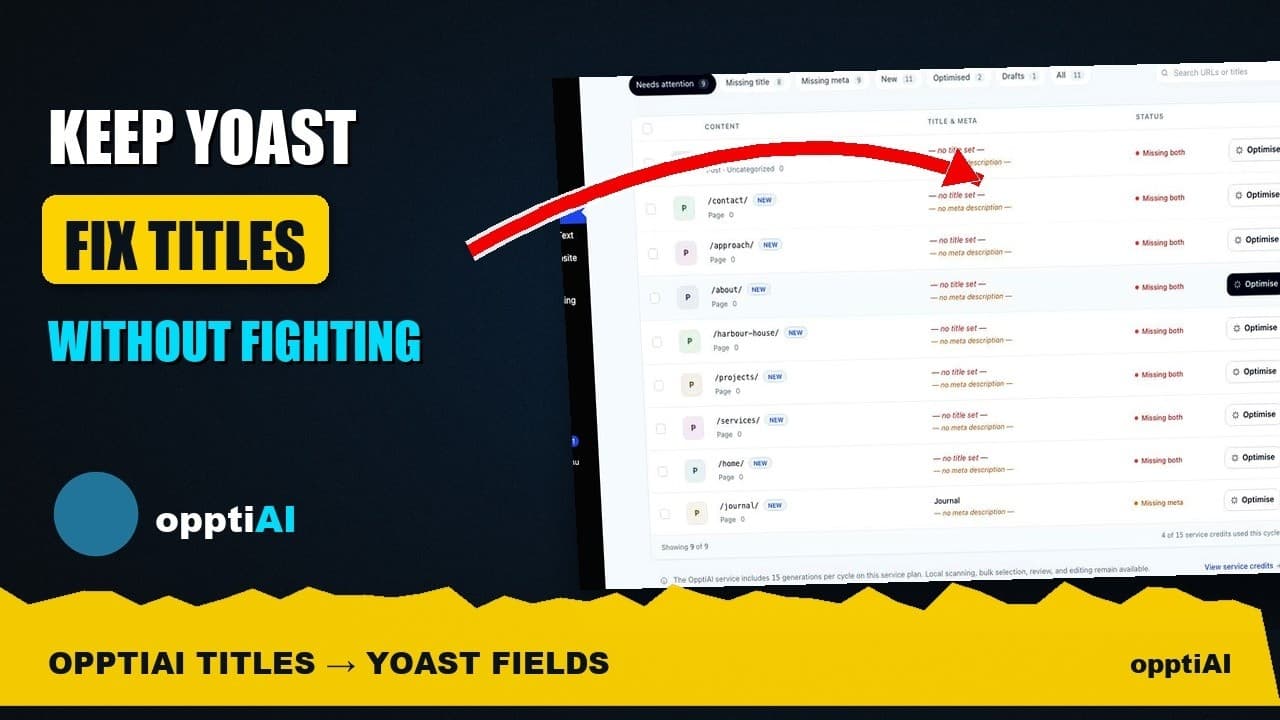
See Your WordPress Title Fixes Show Up Inside Yoast
Fixed a weak title in an audit tool but not sure Yoast picked it up? Here's exactly where to check, and what it means if the two disagree.