What an Internal Links Audit Actually Checks on a WordPress Site
Zero internal links sounds like one finding, but an audit reporting it is really running three separate checks. Here's what each one looks for.
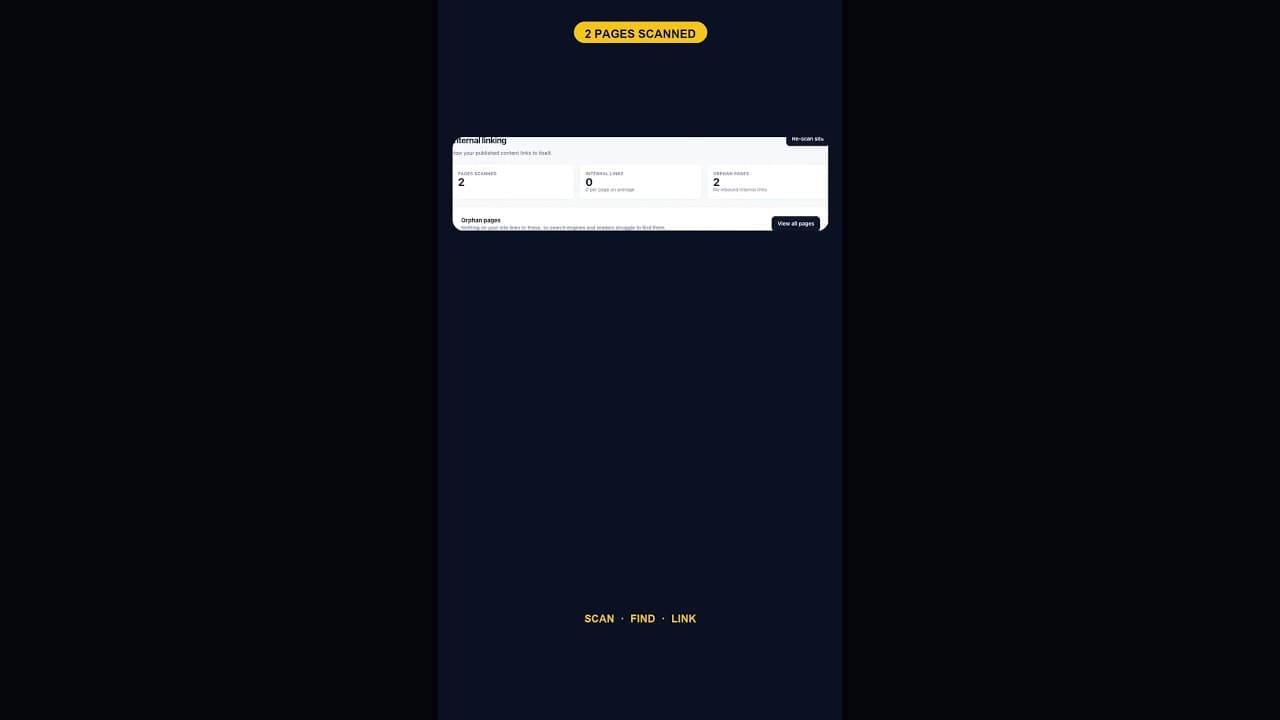
"Zero internal links" sounds like a single finding, but an internal links audit that reports it is actually running several distinct checks at once, and understanding what each one looks for is what turns the number into something you can act on rather than just a statistic.
The three things an internal links audit is actually counting
A proper internal links scan isn't just counting hyperlinks. It's answering three separate questions about every page on the site:
- Does this page link out to any other page on the site? A page with zero outbound internal links is contributing nothing to the site's internal link graph, regardless of how good its content is.
- Does any other page link in to this one? This is the orphan check specifically — a page nobody links to is one that visitors and search engines can only reach through a direct URL, a sitemap, or a search result, never by browsing.
- Is the anchor text used for each link descriptive? A link reading "click here" passes the first two checks but fails this one, because it tells a reader and a search engine almost nothing about what they'll find.
A result like "zero internal links" on a small site is really saying all three checks came back empty simultaneously — there are no outbound links, which means there are also necessarily no inbound ones to any page from elsewhere on the site, since the only pages that exist aren't linking to each other at all.
Why a scan runs locally rather than crawling live
Audits built to check internal linking usually work by reading the site's actual content directly, the published post and page bodies as stored, rather than crawling the live site the way an external tool would. That matters for accuracy in a specific way: a local scan sees exactly what's in the database right now, including links inside content that hasn't been reindexed by a search engine yet, whereas a live crawl is only as current as its last pass and can miss very recent changes entirely.
What the audit output should actually tell you
A useful internal links audit doesn't stop at a single sitewide number. It should give you, per page:
- Whether that page has zero, few, or many outbound internal links.
- Whether any other page links to it, the orphan status.
- Which pages on the site are the most linked to, useful for understanding which pages the current structure already treats as important, intentionally or not.
That level of detail is what separates an actionable audit from a vanity statistic. "Zero internal links sitewide" tells you something is wrong; the per-page breakdown tells you where to start fixing it.
Running the audit as a site grows
On a two-page site, an internal links audit returning zero is not a finding worth acting on — there's nothing to link between yet. The same audit becomes genuinely useful once a site has produced enough content that pages should realistically reference each other. Running it periodically, rather than once, is what catches the gap at the point it starts to matter rather than either too early, when it's a non-issue, or too late, after years of unlinked content have piled up.
Fixing what the audit finds
Once an audit surfaces genuine orphan pages or missing links on a site with real content, the fix is straightforward but has to be done by a person familiar with the content — no automated tool should be inserting links into your copy without review:
- Pull the list of orphan pages and, for each, identify one or two existing pages where a natural reference belongs.
- Add the link with descriptive anchor text, not a bare "here" or "this page".
- Check the reverse direction too — a page that links out to nothing is worth reviewing for whether it should reference related content it currently ignores.
- Re-run the audit after the fix pass to confirm the orphan count actually dropped, rather than assuming it did.
Frequently asked questions
How is an internal links audit different from just clicking through my own site to check links?
Manually clicking through checks whether links work, but it's a poor way to find pages with zero inbound or outbound links, because you're testing links you already know exist — you won't discover a page nobody links to by starting from pages that do have links. An audit scans every page's content directly and can surface pages that never come up in normal browsing.
What counts as a good number of internal links per page?
There's no fixed target, but a page with genuinely zero internal links, in either direction, on a site with enough related content to justify some, is a reasonable trigger for review. The right number depends on how much relevant content actually exists to link to — forcing links where none are genuinely relevant does more harm than leaving a page with fewer than some arbitrary target.
Should I worry about internal links before my site has much content?
No. Internal linking matters once there's enough related content that a reasonable visitor would expect to navigate between pages. A two- or three-page site showing zero internal links in an audit isn't a problem to fix — it's just an accurate description of a site that hasn't published enough yet for linking to be relevant.
Running your own internal links audit
OpptiAI Internal Linking runs exactly this kind of scan inside WordPress: every page gets an inbound and outbound link count, orphan pages are listed, and nothing needs an account to see the results. See how it works.
Related Posts
A Free WordPress Title and Meta Description Health Check
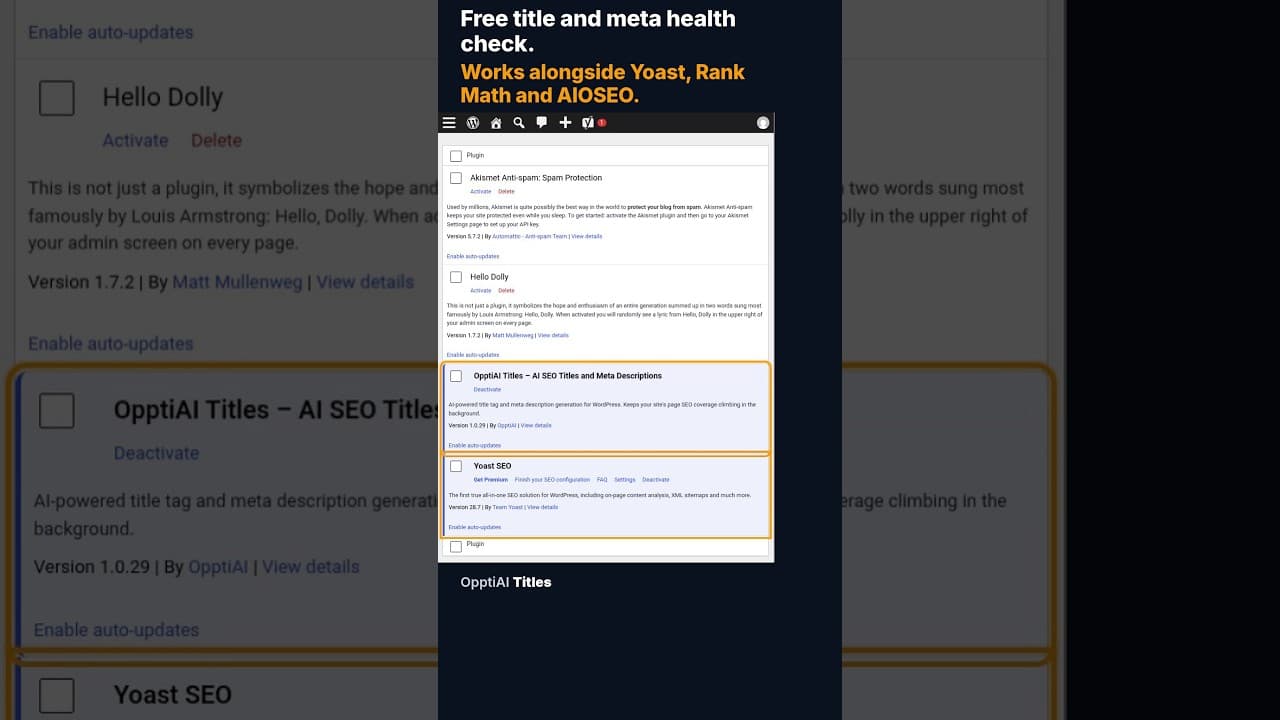
A free health check scans every WordPress page for missing or weak titles and meta descriptions and gives you a score. No account needed to see the result.
When 12 of 18 WordPress Pages Are Missing Titles and Meta Descriptions
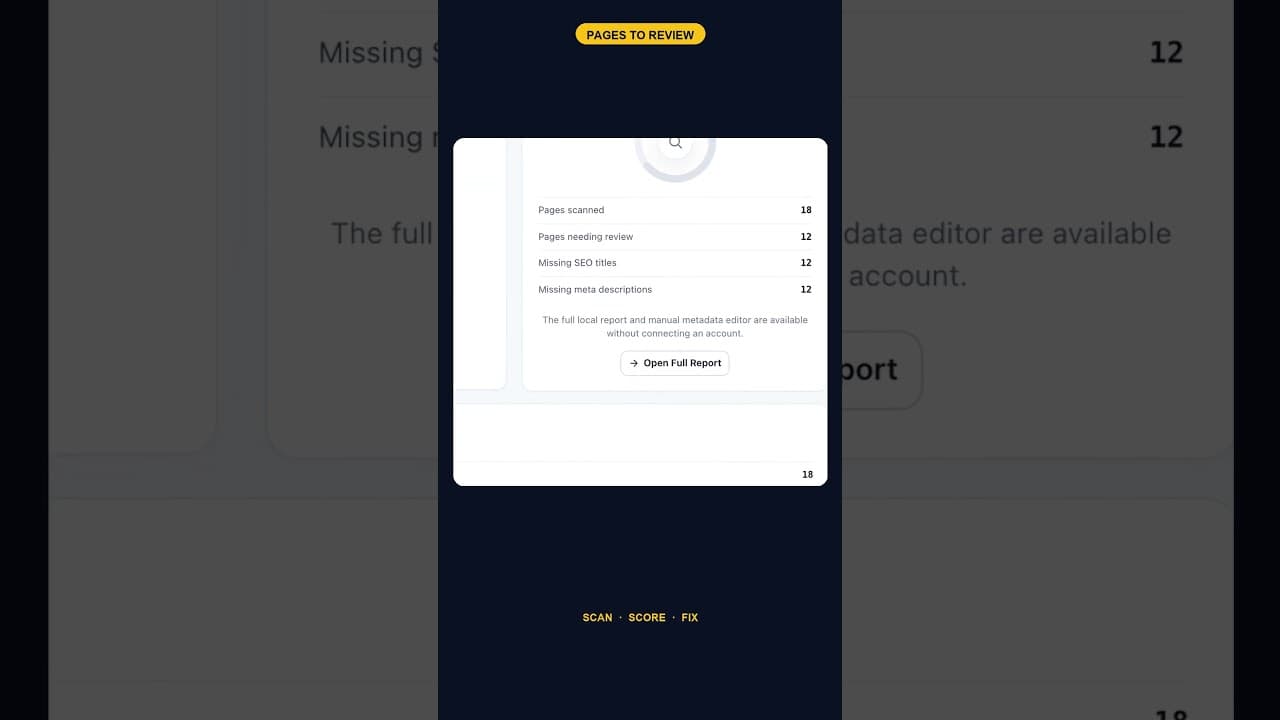
An SEO scan finding 12 of 18 pages missing both a title tag and a meta description is one structural gap, not twelve separate oversights. Here's how to read it.
Does the Titles Plugin Conflict With AIOSEO?
AIOSEO stores titles and meta descriptions in its own fields. Here's exactly how OpptiAI Titles reads and writes around them without creating a conflict.