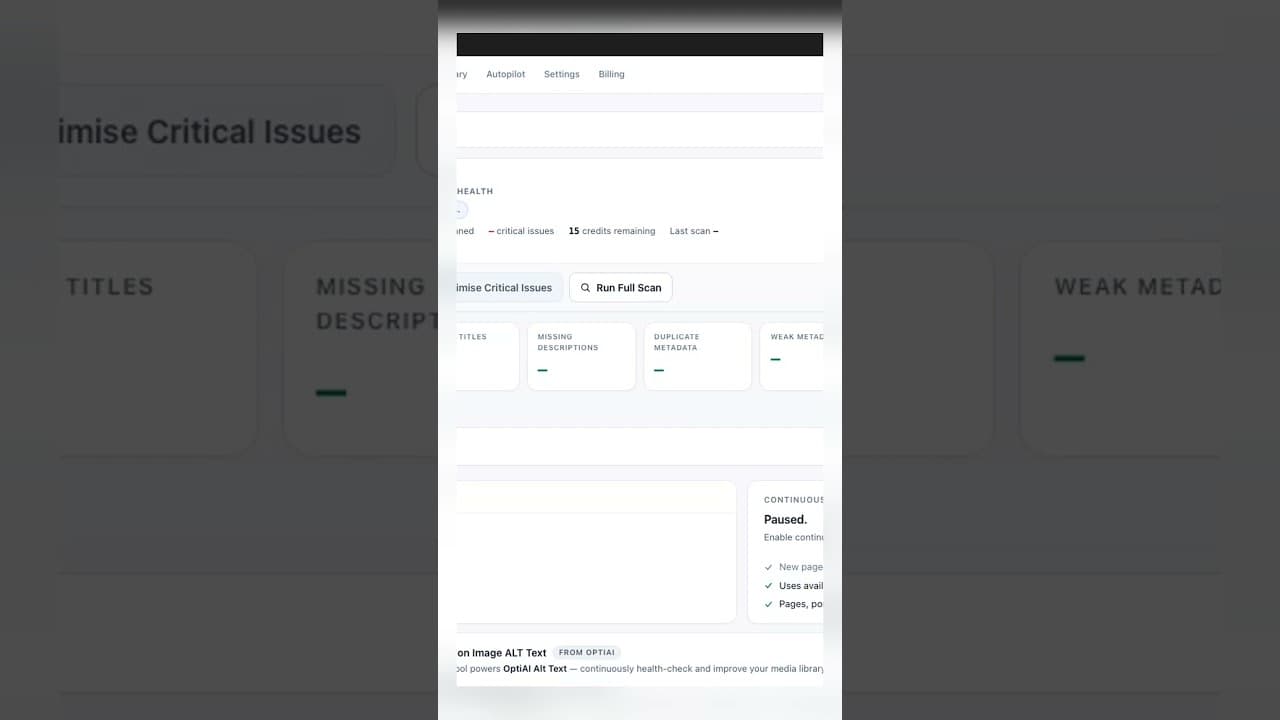
Missing SEO Titles Are Quietly Costing You Search Clicks
A blank title tag doesn't break your page, but it does hand Google control of your search snippet. Here's why that costs clicks and how to catch it.
A page without a title tag still ranks. It still gets indexed, still shows up for relevant queries, still has a URL people can click. The part that goes wrong is quieter than a ranking drop: Google writes the blue headline in the search result for you, usually pulling from the H1 or the first readable chunk of content, and what it picks rarely reads like something designed to earn a click. That gap between "still ranks" and "still gets clicked" is where missing titles do their damage, and it's easy to miss because nothing on the page itself looks broken.
Why a missing title costs clicks, not rankings
Ranking and click-through rate are two separate outcomes, and a blank title tag mostly hits the second one. Google's algorithm can still work out what a page is about from its content, headings, and links pointing to it, so a missing title doesn't necessarily tank where the page lands in results. What it does affect is the headline text a searcher actually reads before deciding whether to click.
Search Console's own guidance is direct about this: Google will sometimes rewrite even a well-written title tag if it judges the existing one to be a poor match for a specific query, and it always substitutes something when the tag is blank. Its replacement is generated algorithmically from on-page content, which means it's optimised for describing the page accurately, not for persuading someone scanning ten blue links to pick yours. A deliberately written title can lead with the specific benefit, use language that matches how people actually search, and stand out next to competitors' results — none of which an auto-generated substitute is built to do.
What Google's substitute titles actually look like
A few patterns show up repeatedly on pages with no title tag set:
The H1, verbatim. If your H1 is written for readers already on the page ("Getting Started"), it makes a weak, context-free search result headline for someone who hasn't clicked yet and has no idea what site they're looking at.
A sentence fragment from the first paragraph. Google sometimes pulls the opening line of body content, which can read as an incomplete thought when it's truncated at the search result's character limit — cut mid-sentence rather than at a natural break.
The site name alone, repeated. On archive pages or thin custom-post-type entries with no other clear heading to pull from, some templates fall back to just the site name, which tells a searcher nothing about what the specific page contains.
None of these are wrong, exactly — they're accurate descriptions generated without any attempt at persuasion, because persuasion isn't the algorithm's job.
A practical walkthrough: finding your missing-title pages and estimating the click cost
- Crawl the site and export every URL alongside its title tag column, same as any title audit.
- Filter for blank cells to build your missing-title list.
- Cross-reference with Search Console's Pages report (Performance > Pages, last 90 days) to find which of those URLs actually have impressions — a blank title on a page nobody searches for isn't costing you anything yet.
- Check the average CTR for each blank-title page against similar pages on your site that do have a written title, in a comparable position range. A meaningful gap is a rough signal of how much a written title could recover.
- Search the exact URL (
site:yourdomain.com/page-url) for your highest-impression blank-title pages to see exactly what Google is currently showing as the headline — this is usually the moment the problem becomes obvious. - Write and publish titles for the top tier first, then monitor CTR for those specific URLs over the following few weeks rather than the whole site's average, since sitewide CTR moves too slowly to show the effect of a handful of page-level fixes.
Frequently asked questions
How long does it take to see a CTR improvement after fixing a missing title?
Typically a few weeks, not days. Google needs to re-crawl the page, pick up the new title tag, and start displaying it consistently in results, and CTR itself is measured against enough impressions to be statistically meaningful — a low-traffic page might take a month or more to accumulate enough search appearances to tell whether the fix worked. Checking Search Console's Pages report filtered to that specific URL, comparing the weeks before and after the fix, is more reliable than watching daily numbers.
Does a missing title tag actually hurt rankings, or only the click-through rate?
Primarily click-through rate. Google can generally still determine relevance from page content, internal linking, and other signals even without an explicit title tag, so a blank title isn't typically a direct ranking penalty the way, say, a noindex tag would be. The damage is indirect: a weak or generic auto-generated headline in the search result gets fewer clicks than a deliberately written one at the same position, and click-through rate is itself one of many signals that can influence rankings over time — so the effects aren't entirely unrelated, just not immediate or guaranteed.
Should every page have a manually written title, even low-traffic ones?
Not urgently. For pages with negligible search impressions, a sensible template-level default (via your SEO plugin's title pattern settings) is enough — the return on hand-writing a bespoke title for a page almost nobody searches for is low. Reserve manual, individually crafted titles for pages that already get meaningful impressions or that you specifically want to rank better, and let template defaults handle the long tail.
Finding every blank title on a growing WordPress site by hand means repeating this crawl-and-cross-reference process every time you publish. OpptiAI Titles scans your site for missing and weak titles automatically, drafts replacements for you to review, and runs alongside whichever SEO plugin — Yoast, Rank Math, or AIOSEO — you're already using.
Related Posts
Why Google Rewrites Your Meta Description
Google replaces the meta description you wrote more often than not. Here's what actually triggers a rewrite and how to write descriptions it keeps.
Use Search Console CTR Data to Fix the Right Titles First
Rewriting every title tag wastes effort. Search Console's CTR data shows exactly which ones are losing you clicks, so you fix those first.
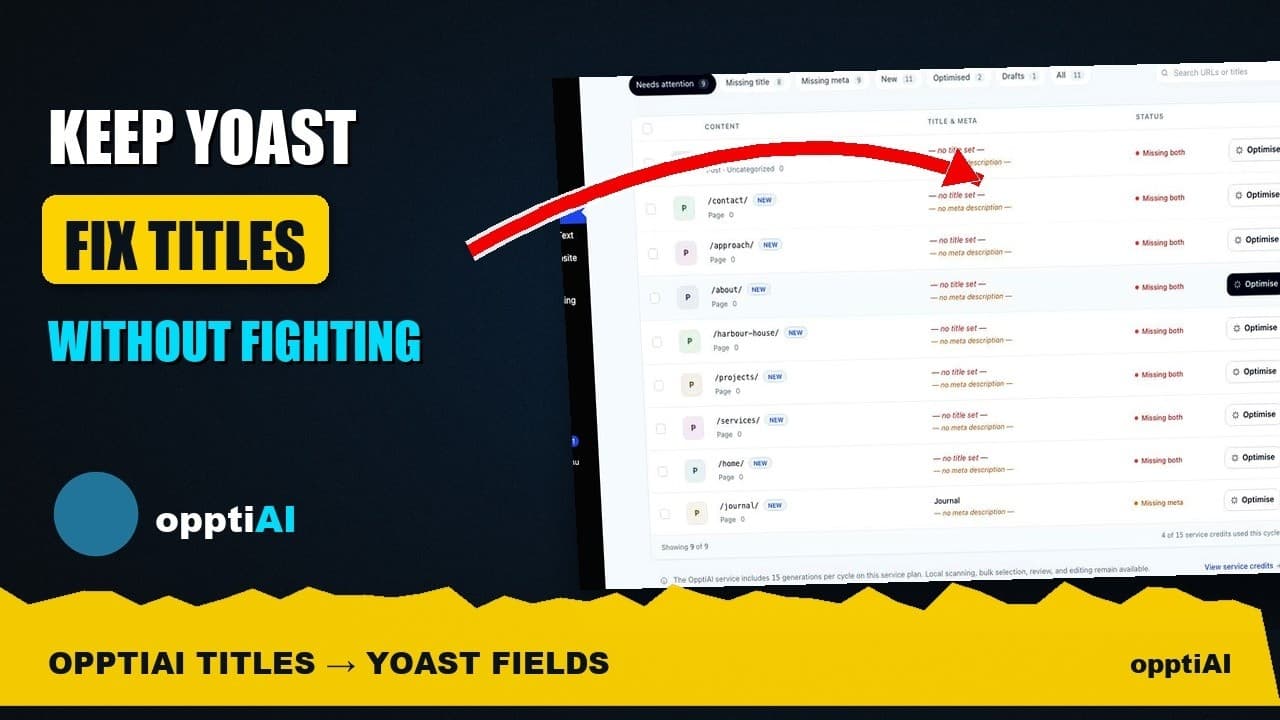
See Your WordPress Title Fixes Show Up Inside Yoast
Fixed a weak title in an audit tool but not sure Yoast picked it up? Here's exactly where to check, and what it means if the two disagree.