What Google Shows Instead of a Blank WordPress Title Tag
A blank title tag isn't blank in search results. Here's exactly what Google puts there instead, and why it's rarely what you'd have written.
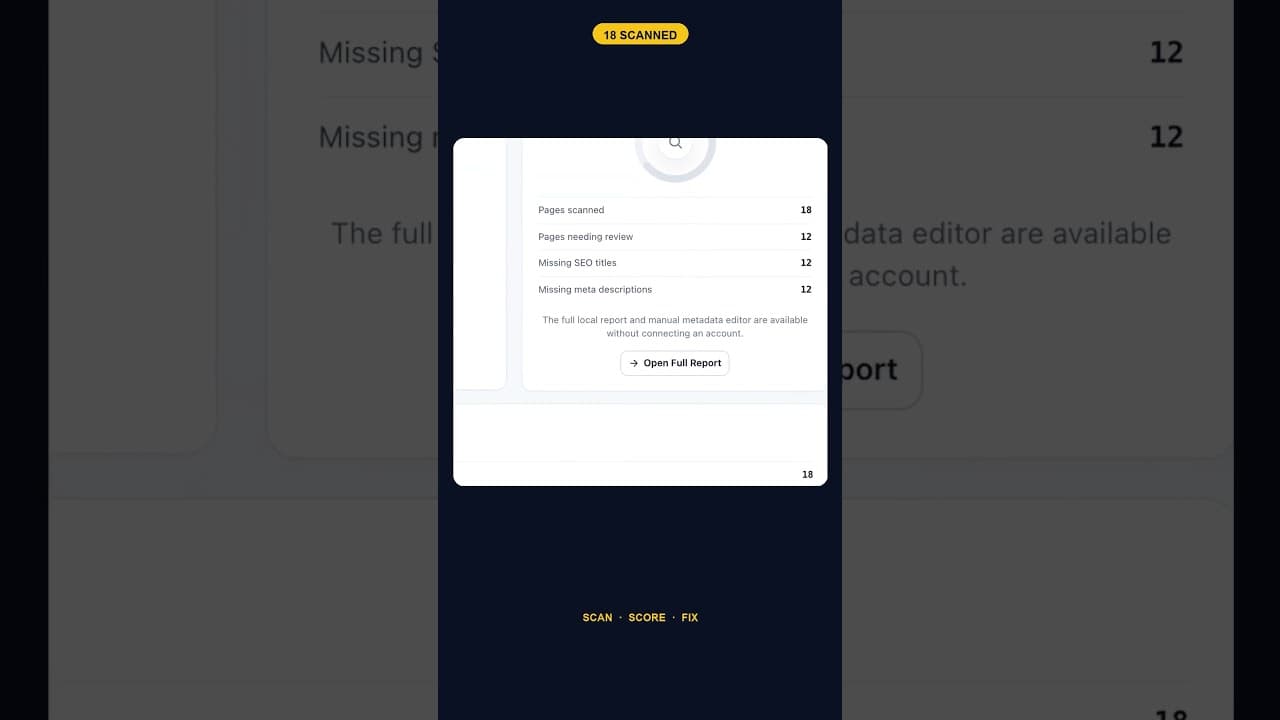
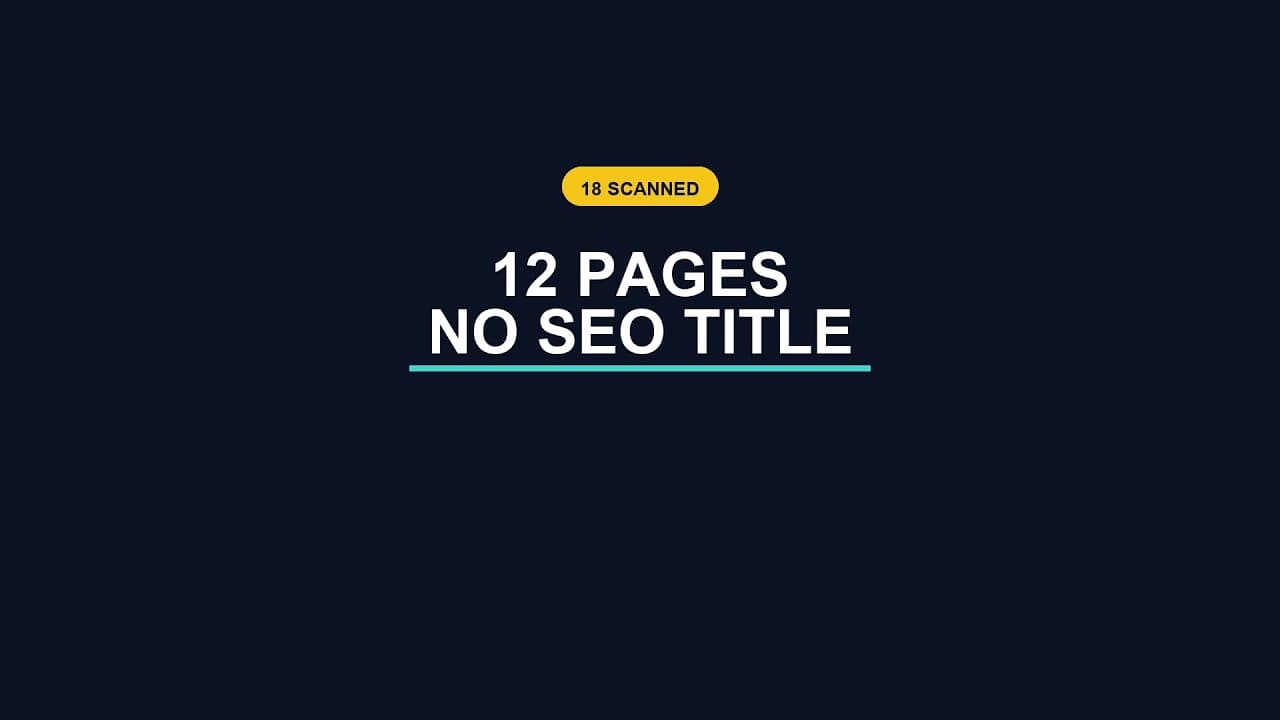
A scan across an 18-page WordPress site found 12 pages with no SEO title set. None of those 12 pages show up in search results with a blank headline, though — a title tag left empty doesn't stay empty by the time it reaches a search results page. Something fills it in. The question worth asking is what, exactly, and whether that something is doing the page any favours.
The fallback chain, in order
When a page has no explicit title tag set, browsers and search engines don't leave a gap — they fall back through a chain of substitutes, roughly in this order:
- The page's H1 heading, if one exists and the theme or SEO plugin is configured to use it as a fallback.
- The WordPress post title field — the title you typed when creating the page in the admin, which is a separate thing from the SEO title tag even though they're often set to match.
- The site name, appended or used alone, on pages where neither of the above is available.
- Google's own rewrite, which can override any of the above at the point of display in search results, regardless of what's actually in the HTML
<title>tag.
That last point is the one people underestimate. Google has said plainly that it rewrites title tags it judges unhelpful, and it does this often — generating something from the page's heading structure, its content, or even linking anchor text pointing to the page from elsewhere on the web.
Why the substitute is usually worse
A fallback title isn't written to earn a click. The WordPress post title field is written to label a page for the person editing it in the admin — "Pricing," "Contact," "About Us" — not to compete for attention in a page of ten search results, several of which are probably using the exact same generic word. An H1 heading is written for someone already on the page, where context does half the work; strip that context away and a heading like "How It Works" or "Our Approach" tells a searcher almost nothing about what they'd be clicking into.
None of these are bad for the job they were written to do. They're just being pressed into a job — earning a click from a stranger scanning a results page — they were never built for.
What this looks like in practice
Take a typical pattern on a small site: a handful of pages built early, before an SEO plugin was fully configured, sitting alongside newer pages that do have titles set. The older pages don't look broken in the WordPress admin — the post title field is filled in, the page renders fine, nothing throws an error. The gap only becomes visible in two places: a sitewide scan that checks the actual title tag field specifically, or a careful look at how those URLs actually appear in Google's results compared to the pages that do have titles set.
That second check is worth doing even without a scan tool. Search site:yourdomain.com and read through the listings. Pages with deliberate, well-written titles tend to look distinct and specific. Pages running on fallback tend to look generic, repetitive, or oddly phrased — a tell that something upstream was never actually set.
Fixing it properly, not just filling the field
The fix isn't complicated once you've found the gap: write an actual title tag for each affected page. But it's worth doing deliberately rather than just copying the post title field into the title tag field to make the audit pass. A good title tag names what the page is about in language a searcher would actually type, stays within a reasonable length so it doesn't get cut off, and differs from every other title on the site — three things a fallback, by definition, doesn't reliably do.
Frequently asked questions
If my title tag is missing, does my page still rank in Google?
Yes — a missing title tag has no direct effect on whether a page is indexed or how it ranks. Ranking depends on content relevance, links, and dozens of other signals that have nothing to do with the title tag's presence. What a missing title tag affects is the listing's performance once it's already ranking: a generic, auto-generated headline competing in search results tends to earn a lower click-through rate than one written specifically to earn the click, even at the same ranking position.
How can I tell if Google is using my actual title tag or rewriting it?
Search for the exact page using site:yourdomain.com/page-url and compare what shows in the results to the title tag in your page's HTML source (view source, or check your SEO plugin's preview). If they don't match, Google has rewritten it — commonly because the original was judged too long, too generic, keyword-stuffed, or inconsistent with the page's actual heading and content. Matching the title tag more closely to the page's H1 and overall content often resolves a persistent rewrite.
Should I just copy my WordPress post title into the SEO title tag field to fix this?
It'll stop a scan from flagging the page as missing a title, but it's a partial fix at best. Post titles are often written for internal clarity rather than search intent — short, generic, or assuming context a stranger in search results wouldn't have. Treat the gap as a prompt to write a dedicated title tag, not just an excuse to duplicate a field that was never meant to do this job.
Closing the gap sitewide
OpptiAI Titles scans every page on a WordPress site for missing title tags — and meta descriptions — and drafts a specific suggestion for each one you review before it goes live. See how it works.
Related Posts
Does the Titles Plugin Conflict With AIOSEO?
AIOSEO stores titles and meta descriptions in its own fields. Here's exactly how OpptiAI Titles reads and writes around them without creating a conflict.

How Many of Your WordPress Pages Have No Meta Description
Most WordPress sites don't know their real meta description count until they run a sitewide scan. Here's how to get that number and what to do with it.
Audit WordPress Titles and Meta Tags Before Connecting an Account
A title and meta description audit doesn't need an account first. Here's why running the scan locally, before any connection, changes what you can trust about the results.