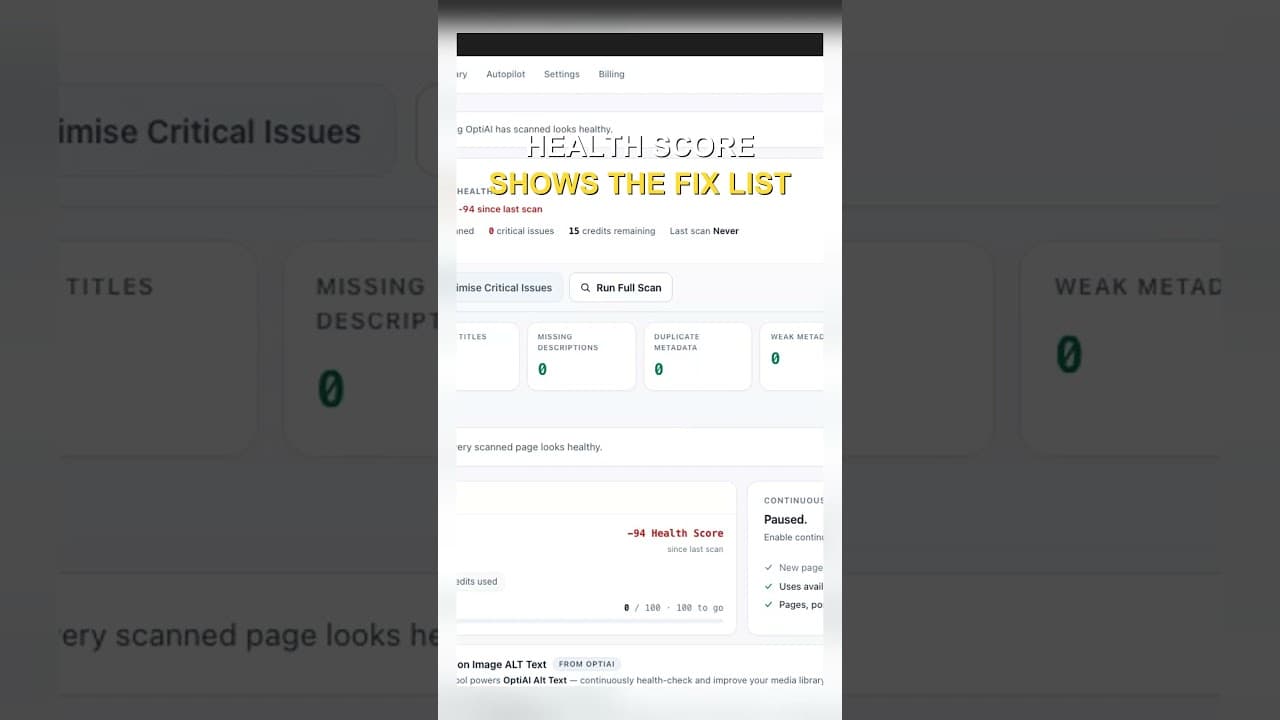
Use a Health Score to Decide Which Titles to Fix First
A sitewide title tag audit gives you a long list, not a plan. Here's how to use a health score to decide which titles and meta descriptions to fix first.
Run a full crawl of a mid-sized WordPress site and you'll usually get back a list of fifty, a hundred, sometimes several hundred pages with a title tag problem — missing, duplicated, too long, too short, or just weak. Knowing the list exists doesn't tell you where to start. Without some way to rank the entries, the natural instinct is to start at the top of the spreadsheet and work down, which means you spend the first hour on whatever page happened to sort first, not the page that's actually costing you the most.
A health score fixes that by turning a flat list into a ranked one. Instead of "here are 140 problems," you get "here are the 12 that matter most, and here's roughly why."
What a title health score actually measures
A useful score isn't a single yes/no check — it's a blend of several signals that each catch a different failure mode:
Presence. Is there a title tag and meta description at all, or is the field genuinely blank? This is the most severe issue, since a blank title means Google is writing your search snippet for you.
Length. Titles that are too long get truncated in search results with a trailing ellipsis, cutting off whatever came after the cut point — often the part that would have made someone click. Titles that are too short waste the available space and give Google's algorithm less to match against a query. Meta descriptions have the same problem in reverse proportion: too short and you're leaving persuasive space unused, too long and it gets cut mid-sentence.
Duplication. Two or more pages sharing an identical title tag split whatever ranking signal that title carries, and confuse Google about which page should rank for the phrase both titles contain. A duplicate is worse than a mediocre unique title in most cases.
Traffic and indexing status. This is the signal that turns a static severity score into a prioritised list. A blank title on a page with real organic impressions is a live problem costing you clicks right now. The identical blank title on a noindexed staging page or a post with zero impressions in the last 90 days isn't urgent by comparison, even though the on-page issue looks the same.
That last factor is why a plain crawl export undersells its own usefulness — it tells you what's wrong but not what's worth fixing today.
Why "fix everything eventually" doesn't work in practice
Most site owners who run a full title audit start strong and stop somewhere around item 15. That's not a discipline problem, it's a design problem with treating every issue as equally important. Working a flat list top to bottom means the first hour of effort goes wherever the crawler happened to output first — often alphabetical by URL, which has nothing to do with which pages matter.
A health score reorders the same list by expected impact, so the first hour goes to the dozen pages where fixing the title is most likely to move a needle you can actually see in Search Console a few weeks later. That's a different kind of motivation than working through a long list out of obligation — you can point at a specific page, explain why it's first, and check back on it.
A practical walkthrough: building a rough health score by hand
If you don't have a tool that scores this automatically, you can approximate it with a spreadsheet in about twenty minutes for a small-to-mid site:
- Export your crawl with URL, title tag, title length, meta description, and meta description length as columns.
- Add an indexing/impressions column by pulling in Search Console's Pages report (Performance > Pages, filtered to the last 90 days) and matching it to your URL list.
- Score each row with a simple weighted formula: 3 points for a missing title, 2 for a duplicate, 1 for out-of-range length, then multiply the total by a traffic tier (3x if the page has meaningful impressions, 1x if it doesn't, 0x if it's noindexed).
- Sort by the resulting score, descending. The top of the sorted list is your actual priority order, not the crawl's default sort.
- Work the top 10–15 first, rewrite, republish, and re-crawl just that batch to confirm the fix landed before moving to the next tier.
- Re-run the whole scoring pass monthly or after any bulk content change (migration, rebrand, large import), since new pages and new traffic patterns shift what's actually most urgent.
Frequently asked questions
Isn't a title issue on a low-traffic page still worth fixing eventually?
Yes, just not first. A health score isn't saying low-traffic pages don't matter, it's saying they're not where the next hour of your time returns the most. Once the high-impact tier is cleared, working down through lower-traffic pages is reasonable maintenance — the point of scoring is sequencing effort, not deciding some pages are permanently exempt from getting fixed.
How often should title health actually be re-scored?
Monthly is a reasonable default for a site that publishes regularly, since new pages arrive with their own title gaps and Search Console traffic shifts month to month. Sites with heavier publishing cadences — several posts a week, frequent product launches — benefit from a lighter weekly pass focused only on newly published content, with the full sitewide re-score staying monthly. Any one-off event that touches a lot of URLs at once (a URL structure change, a CMS migration, a rebrand) warrants an immediate re-score regardless of your regular schedule.
Can a health score replace manual judgement on which titles to rewrite?
No, and it isn't meant to. A score is good at surfacing which dozen pages deserve attention this week; it's not good at judging whether a specific rewritten title is actually better, since that depends on matching search intent and brand voice in ways a formula can't fully capture. Treat the score as triage — it tells you where to look — and keep a human reviewing the actual proposed title before it goes live, the same way you'd review any AI-drafted copy.
Sorting a title audit by hand works for a one-off cleanup, but sites that add pages and products regularly need this re-scored on an ongoing basis. OpptiAI Titles runs this health check automatically across your WordPress site, ranks missing and weak titles by likely impact, and drafts suggestions you review before anything goes live — alongside whichever SEO plugin you're already running.
Related Posts
Why Google Rewrites Your Meta Description
Google replaces the meta description you wrote more often than not. Here's what actually triggers a rewrite and how to write descriptions it keeps.
Use Search Console CTR Data to Fix the Right Titles First
Rewriting every title tag wastes effort. Search Console's CTR data shows exactly which ones are losing you clicks, so you fix those first.
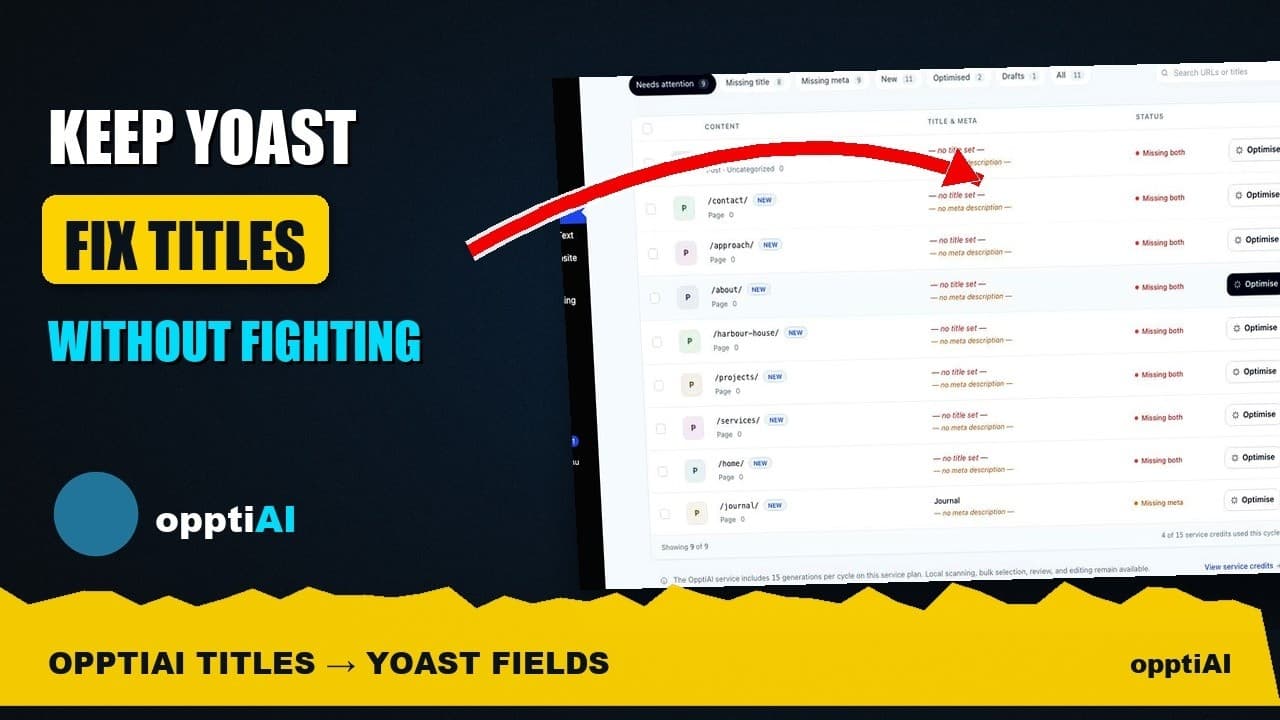
See Your WordPress Title Fixes Show Up Inside Yoast
Fixed a weak title in an audit tool but not sure Yoast picked it up? Here's exactly where to check, and what it means if the two disagree.