WooCommerce6 min read
Why WooCommerce Brand Logos Still Need Alt Text
WooCommerce's native Brand archives have their own logo and thumbnail image — and most alt text scanners never check them. Here's why, and how to fix it.
O
Benjamin Graham Oats24 articles
WooCommerce's native Brand archives have their own logo and thumbnail image — and most alt text scanners never check them. Here's why, and how to fix it.
Replace a WooCommerce product photo and the old alt text often stays behind, now describing a picture that is no longer there. Here's how to catch it.
WooCommerce gallery images are separate Media Library attachments, so they often have no alt text. How to check them, what to write, and how to fix a whole catalogue.
WooCommerce cross-sell and upsell thumbnails often ship with no alt text, because a separate template or widget renders them, not the product gallery.
WooCommerce Product Bundles and Mix and Match products ship their own container images that most alt text tools never scan, leaving bundle thumbnails blank.
WooCommerce quick-view and lightbox images often load without the alt text on your product page, because most scanners never see them render.
Multi-vendor WooCommerce marketplaces lose alt text coverage because vendors upload outside your admin workflow. Here's how to close the gap.
A WooCommerce catalogue with hundreds of products means hundreds of title tags. Here's a workflow for fixing them without opening every product page.
WooCommerce alt text doesn't feed your Google Shopping listings directly, but it shapes image signals Merchant Center checks before approving products.
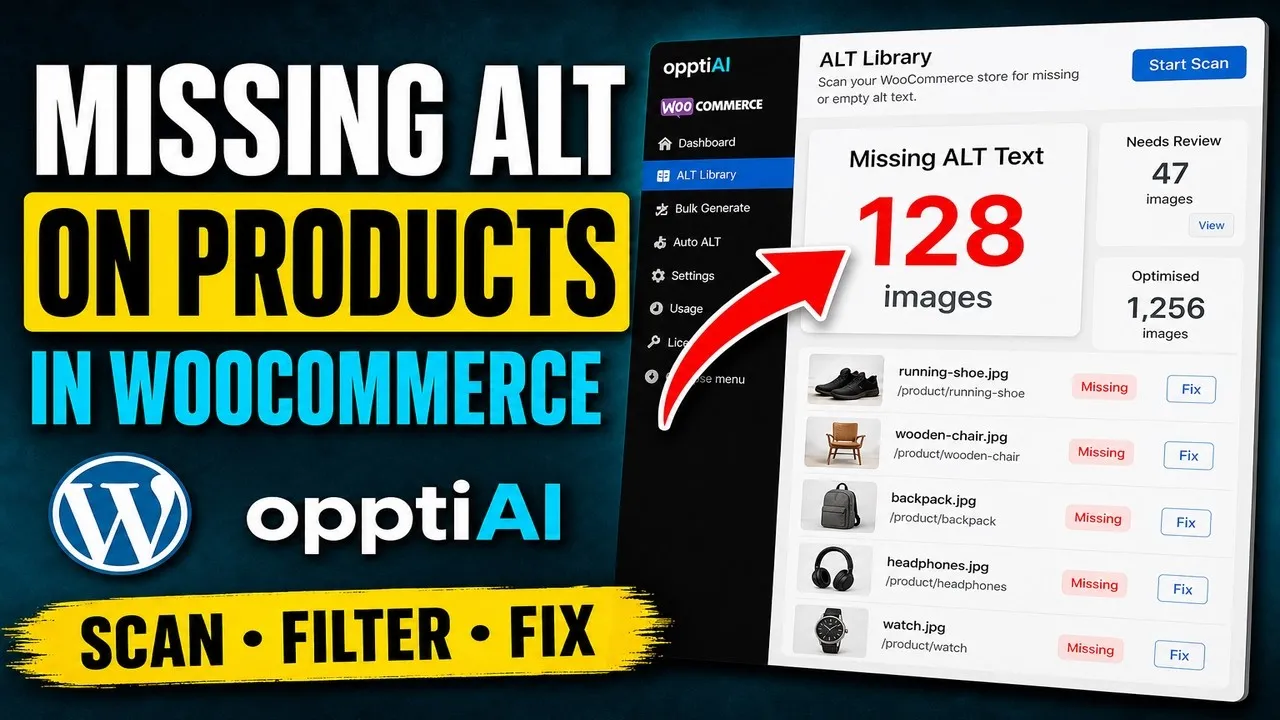
Product images without alt text miss image search and fail a basic accessibility check. Install OpptiAI Alt Text, scan, then generate.
Translated WooCommerce product pages often keep the original alt text or drop it entirely. Here's how to find and fix the gap across every language.
WooCommerce product images often ship with empty alt text or filenames like IMG_4821. Here's a fast way to find and fix the gaps across your catalogue.
Fixing the featured image alt text isn't enough. WooCommerce variation images are stored separately and need their own descriptions to be found.
Opening every WooCommerce product to check alt text doesn't scale past a handful of items. Here's a scan-filter-fix workflow that does.
WooCommerce product images look fine to shoppers and still have empty or filename alt text. Here's where the gaps usually hide and how to find them.
WooCommerce category and archive thumbnails almost never get alt text. Here's why they're skipped and how to fix them without touching every product.
WooCommerce's product CSV importer has no alt text column, so bulk-imported product photos go live with none. Here's how to find and fix the gap.
WooCommerce variation images often ship with no alt text. Here's why they slip through and how to write alt text that helps search and shoppers.
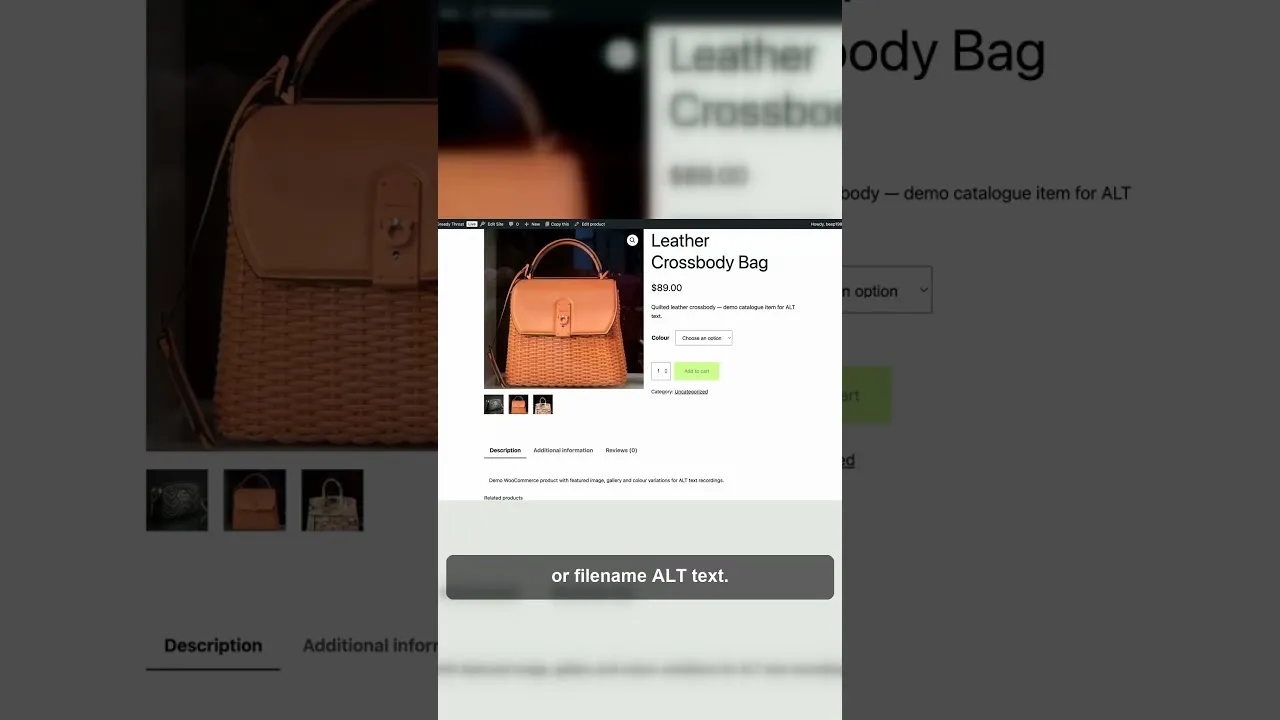
A full walkthrough of OpptiAI Alt Text's WooCommerce alt text workflow: featured images, gallery images, and auto-generation on upload.
Your WooCommerce products aren't appearing in Google Image Search. Here are the five most common reasons — and how to fix each one.
Most WooCommerce stores fix featured image alt text and call it done. Gallery images are different — here's why they matter and how to fix them.
A 300-product WooCommerce store can have 1,200+ images with no alt text. Here's a bulk workflow that handles all three image types — without coding.
If your WooCommerce product images don't have alt text, Google Image search has no idea what they show. Product photos stay invisible in image results when someone searches for what you sell.
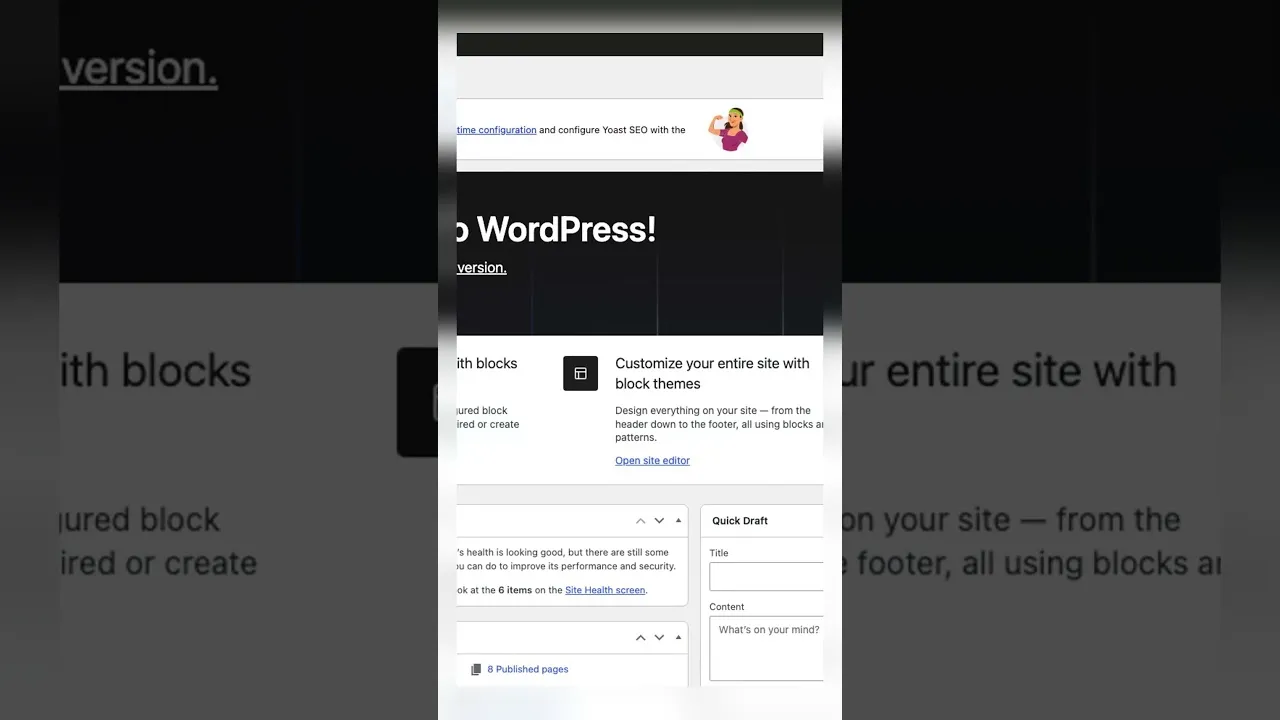
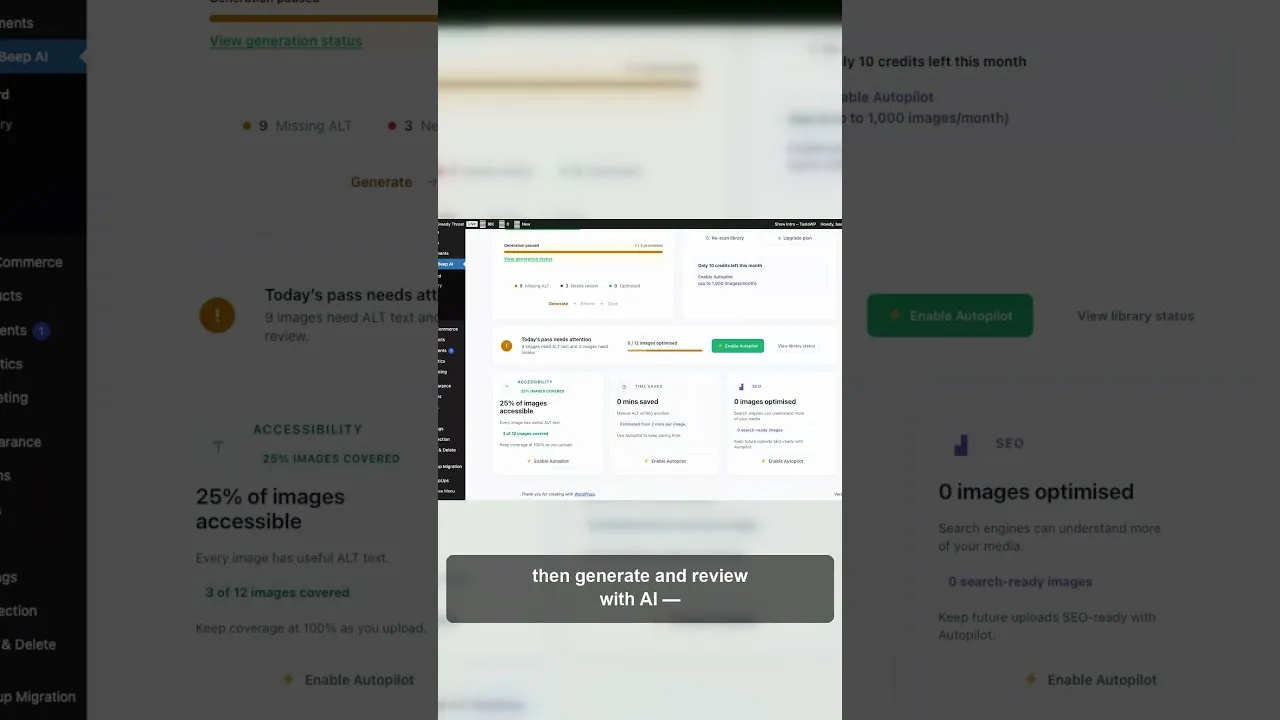
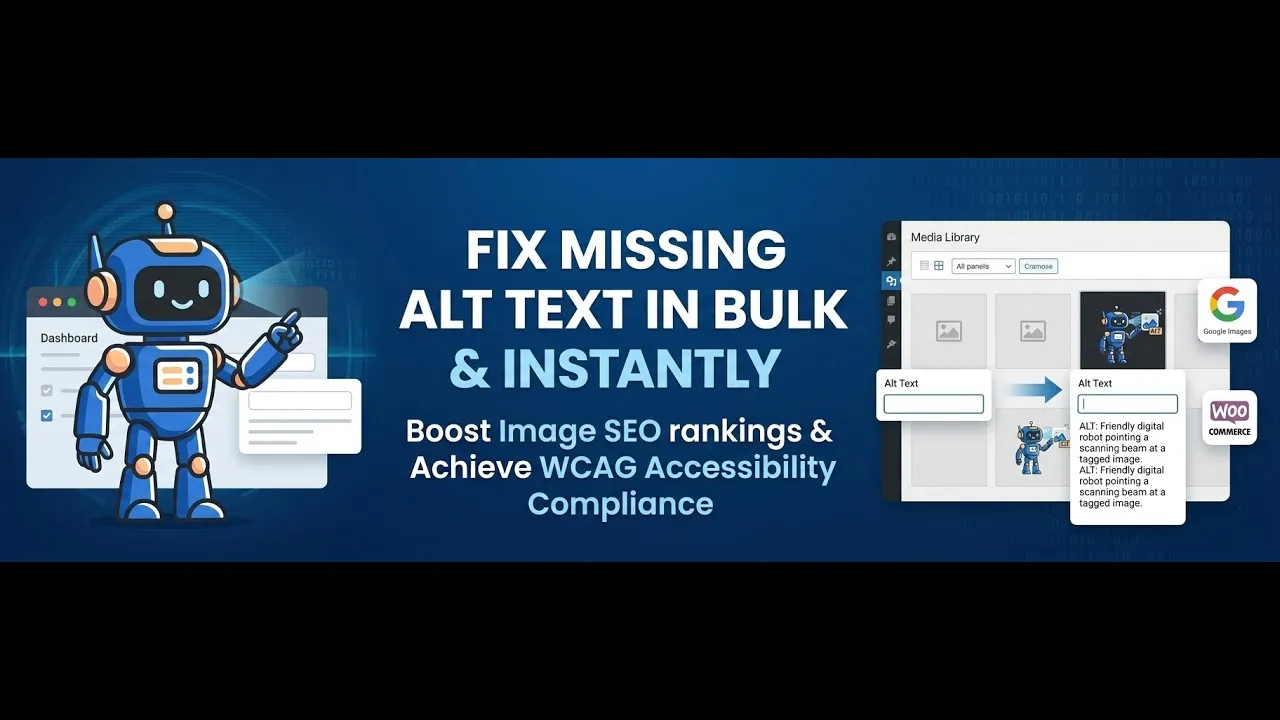
Watch a full demo of generating SEO alt text in bulk for WordPress and WooCommerce product images — scan the media library, review, and apply.