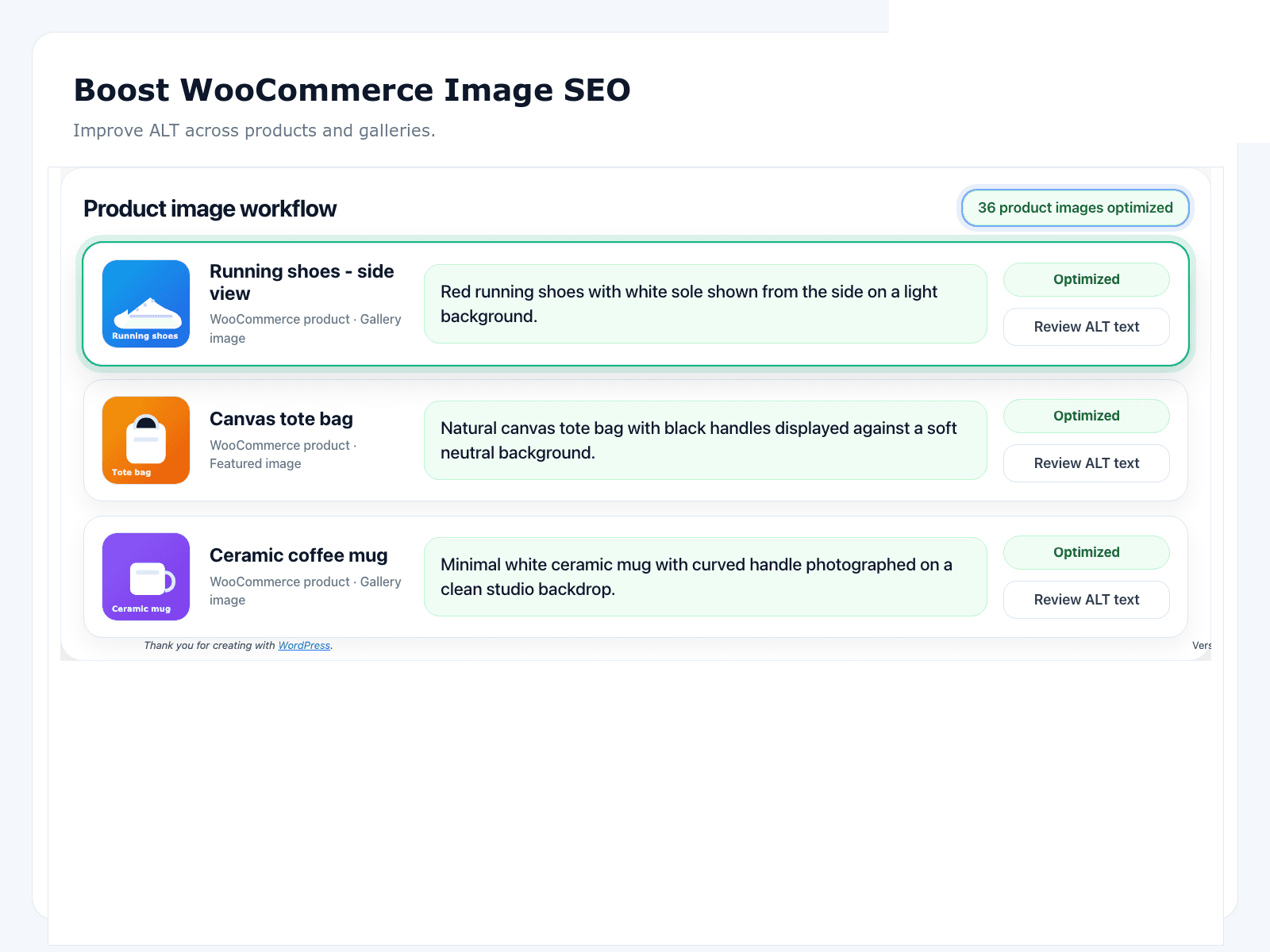
Why WooCommerce galleries fail image SEO
WooCommerce catalogues grow through CSV imports, supplier packs, and seasonal photoshoots. Featured images often inherit IMG_4821.jpg as alt — or nothing at all. Gallery images are worse: shoppers swipe through five angles while screen readers and crawlers get silence.
SEO suites help with product titles and schema. They rarely give you a Media Library queue for thousands of SKUs. That is why “WooCommerce image SEO” keeps showing up as a separate problem after the suite is already installed.
Image types that matter on a product page
- Featured image — primary product shot; almost always informative.
- Gallery images — angles, details, lifestyle; usually informative too.
- Variation images — colourways and packs; need specific alt, not the parent SKU pasted six times.
- Decorative badges — sale bursts and trust icons; usually empty alt on purpose.
Mixing those jobs is how stores end up with “red SALE badge” stuffed into every thumbnail. Write a one-line decorative policy before you generate anything.
Prioritise SKUs like inventory, not like a to-do guilt list
Do not start with the oldest attachment in the Media Library. Start with money: bestsellers, category heroes, and high-margin lines. Then mid-tail. Then the long archive — or leave discontinued SKUs out of scope.
A free public-page audit on two category URLs and five bestsellers gives you the stakeholder screenshot you need before anyone argues about tooling.
Bulk AI with review-before-save
OpptiAI Alt Text is built for catalogue remediation: scan missing and weak alt, generate drafts in batches, edit materials and colourways, then save. The human gate is the difference between “AI wrote something” and “we trust what customers hear.”
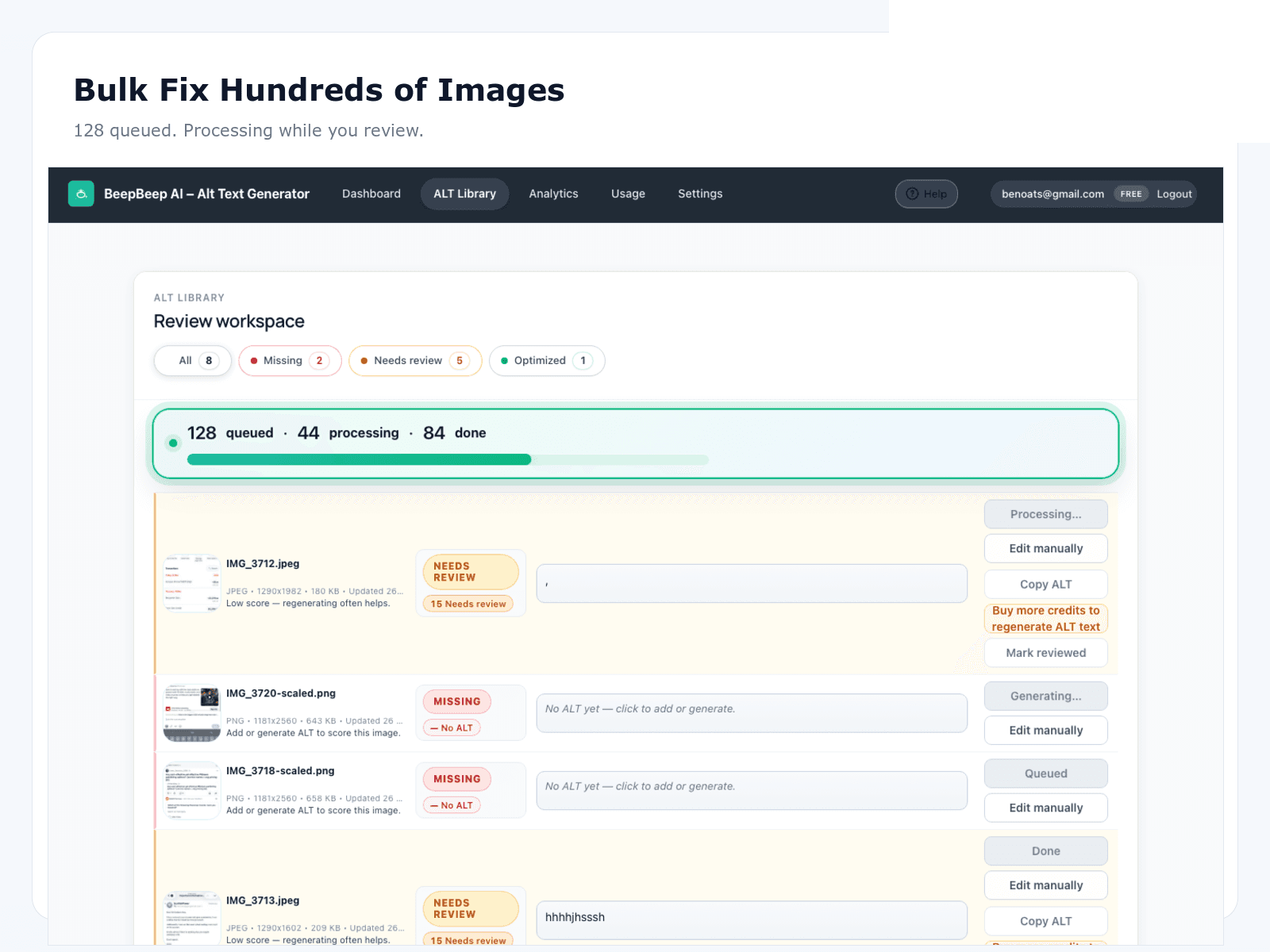
- Scope active SKUs first; skip decorative theme chrome
- Generate in batches small enough to review
- Fix brand, material, and pack-size hallucinations before save
- Keep new uploads on the same loop so the backlog does not reopen
How to measure WooCommerce image SEO without lying to yourself
Leading indicator: useful alt coverage on in-scope product and gallery images. Lagging indicator: Google Search Console Images clicks over a defined window after Tier A/B SKUs are remediated. Impressions move noisily; clicks are cleaner for a short comparison.
Our composite ecommerce case study shows roughly a 20% Images click uptake after coverage moved from ~18% to ~91% — illustrative, anonymised, not a guarantee for every niche.
Recommended store stack
Keep your SEO suite (Yoast, Rank Math, AIOSEO, or SEOPress) for titles, meta, and schema. Add OpptiAI for alt text. Keep your image optimiser for file weight. Three jobs, three tools — not one bloated checkbox.
Deep comparisons live in the alternatives library.
Start here
WooCommerce Image SEO Playbook
90-day operating plan: audit → prioritise → bulk-fix → measure.
WooCommerce image SEO overview
Deeper landing on product and gallery SEO.
Ecommerce +20% Images case study
Composite before/after on coverage and Google Images clicks.
Best WooCommerce alt text plugins
Comparison criteria for stores — no invented ratings.
Bulk alt text workflow
Scan → generate → approve → save for large libraries.
Free image SEO audit
Sample public product URLs before you open wp-admin.
FAQ
Does OpptiAI work with WooCommerce product galleries?
Yes. Featured images, gallery images, and many variation images can be remediated from the same media-library workflow with review before save.
Should I start with an audit or install the plugin first?
Run the free public-page audit on a few product and category URLs to size the gap, then install OpptiAI Alt Text to fix the media library and keep new uploads covered.
Will fixing alt text guarantee more sales?
No honest tool can promise that. Better alt text helps accessibility and can support Google Images discovery. Treat Images clicks as a secondary metric after coverage.
How is this different from the WooCommerce Image SEO Playbook?
This hub is the store-owner overview and starting map. The playbook is the longer operating plan (audit → prioritise → bulk-fix → measure for 90 days).
Do CSV product imports wipe alt text?
They can, depending on how columns are mapped. After remediation, lock alt fields into your import checklist so seasonal drops do not reopen the gap.